
Introduction
This manual provides comprehensive instructions for the proper use and maintenance of the FROG @Ease SmartChlor Replacement Cartridge. This cartridge is designed for use with the FROG @Ease Floating Sanitizing System in swim spas up to 3000 gallons, offering a self-regulating solution for water treatment and reduced chlorine usage.
Product Overview
The FROG @Ease SmartChlor Cartridge is a patented chlorine formula that works in conjunction with the FROG @Ease Floating Sanitizing System. It is engineered to maintain a consistent, low level of chlorine, ensuring continuous clear water and reducing the overall need for chlorine by up to 75% compared to minimum ANSI recommended levels. The system also incorporates mineral technology to sanitize water and help balance pH.

Image: Packaging of the FROG @Ease SmartChlor Replacement Cartridge, showing the cartridge and its outer packaging.
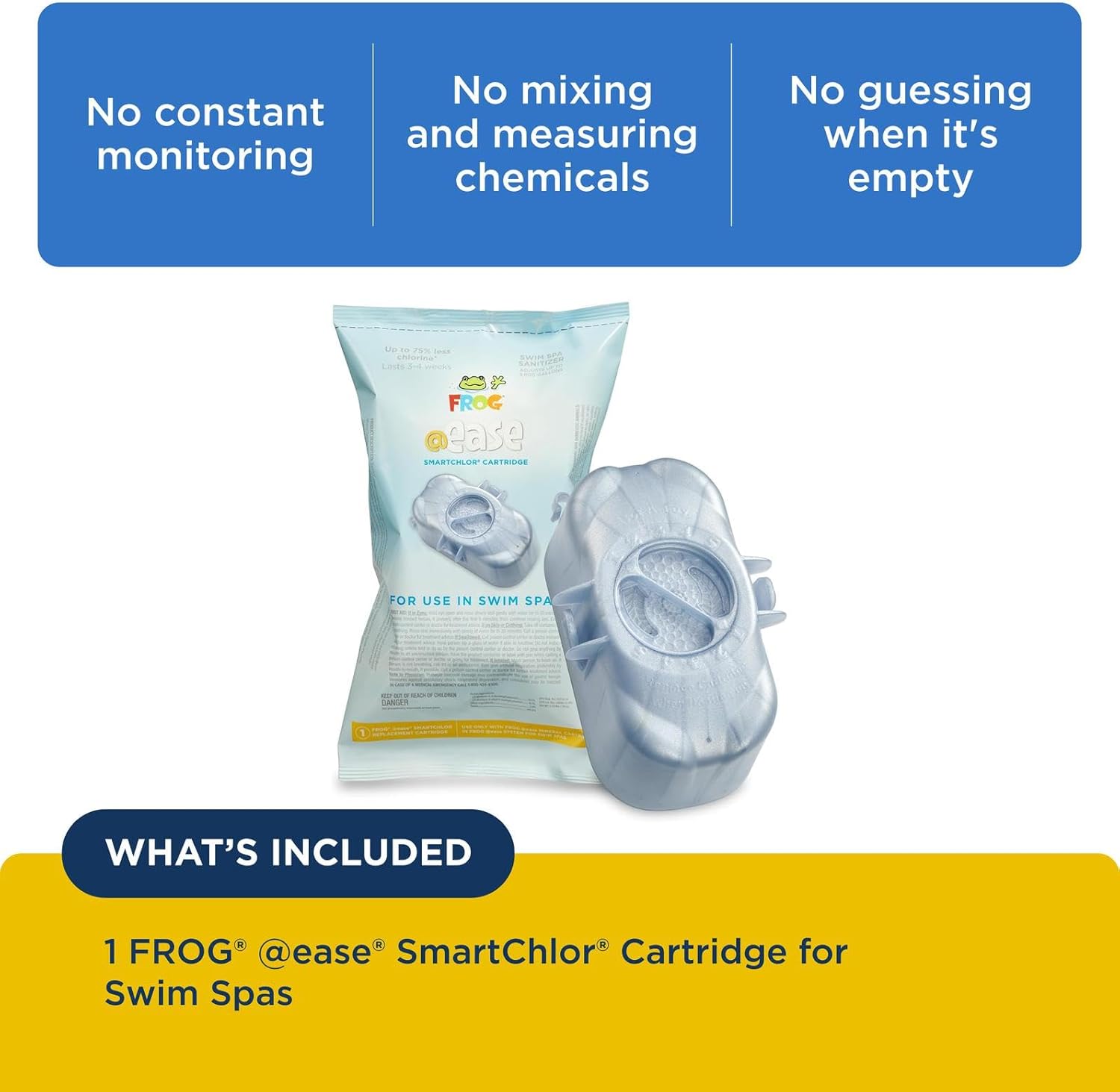
Image: The FROG @Ease SmartChlor Cartridge (silver) and the blue Mineral Cartridge, indicating what is included in the system.
Setup and Installation
The SmartChlor Cartridge is designed to be used with the FROG @Ease Floating Sanitizing System. Ensure your swim spa is properly balanced before installing the system.
- Connect the Cartridges: If you are setting up a new FROG @Ease Floating System, connect the SmartChlor Cartridge to the blue Mineral Cartridge as per the system's instructions.
- Set Chlorine Level: Adjust the setting on the SmartChlor Cartridge according to your swim spa's volume and usage. Refer to the main FROG @Ease Floating System manual for specific guidance on setting the dial.
- Place in Swim Spa: Once assembled and set, place the FROG @Ease Floating System into your swim spa. It will float freely and begin sanitizing the water.

Image: A visual guide illustrating the five steps for setting up and maintaining the FROG @Ease Sanitizing System, including connecting cartridges, setting chlorine levels, using FROG Maintain, and replacing cartridges.
Operating Instructions
The FROG @Ease SmartChlor Cartridge is self-regulating, meaning it automatically adds chlorine only when needed, maintaining consistent levels. No constant monitoring or mixing of chemicals is required.
- The cartridge will last approximately 3 to 4 weeks, depending on the size of your swim spa and how often it is used.
- The system is designed to flip over when the SmartChlor Cartridge is empty and ready for replacement.
- Regularly test your swim spa water using FROG @Ease Test Strips to ensure optimal water balance.
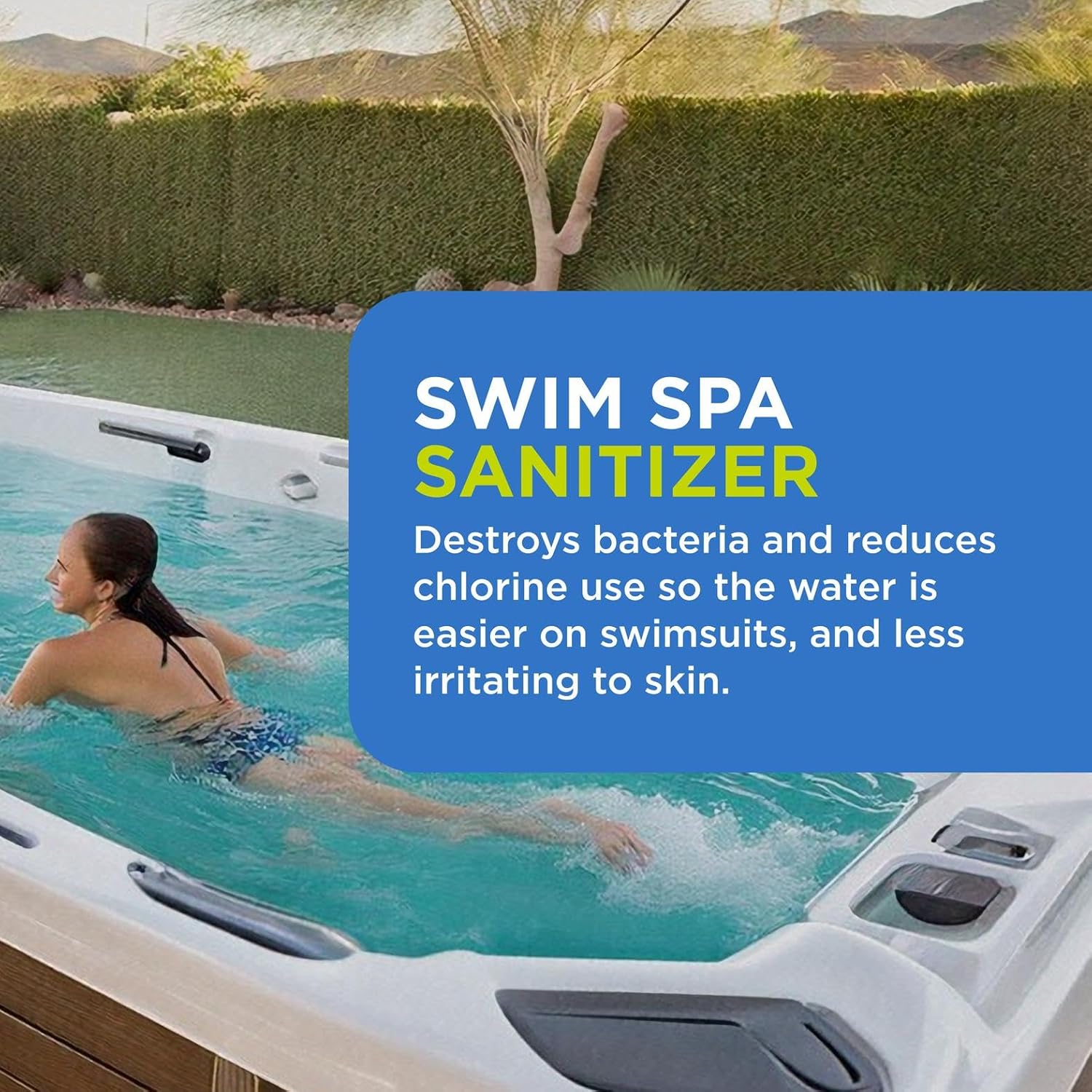
Image: The FROG @Ease Floating System submerged in a swim spa, demonstrating its operational state.
Maintenance
Maintaining your swim spa with the FROG @Ease system involves simple steps:
- Cartridge Replacement: When the SmartChlor Cartridge is empty (indicated by the system flipping over), remove the FROG @Ease System from the swim spa. Snap off the used SmartChlor Cartridge and snap on a new one.
- Mineral Cartridge Replacement: The blue Mineral Cartridge typically lasts for 4 months. Replace the entire FROG @Ease System (both cartridges) after 4 months of use.
- Shock Treatment: Shock your swim spa once a month using FROG Maintain for Swim Spas or when the system tilts at 3/4.
- Water Testing: Use FROG @Ease Test Strips regularly to check water balance and chlorine levels.

Image: A visual representation of the FROG @Ease system indicating when the SmartChlor Cartridge needs replacement (when it flips over).

Image: A step-by-step diagram illustrating how to replace the SmartChlor cartridge when the system flips over, including shocking the spa with FROG Maintain.
Troubleshooting
If you encounter issues with your swim spa water quality while using the FROG @Ease SmartChlor Cartridge, consider the following:
| Problem | Possible Cause | Solution |
|---|---|---|
| Cloudy Water | Insufficient sanitization, high bather load, poor filtration. | Ensure SmartChlor Cartridge is not empty. Shock the spa with FROG Maintain. Check and clean filter. Test water balance. |
| Low Chlorine Reading | Cartridge empty, high demand, incorrect setting. | Replace SmartChlor Cartridge if flipped. Adjust cartridge setting to a higher number. Shock the spa. |
| Algae Growth | Low sanitizer levels, high phosphates. | Shock the spa. Ensure proper chlorine levels. Consider using an algaecide if necessary. |
For further assistance, refer to the FROG Water Care App or contact customer support.
Specifications
- Product Name: FROG @Ease SmartChlor Replacement Cartridge
- Brand: FROG
- Model: B0CQPJG7CM (1 Pack)
- Item Form: Cartridge
- Item Weight: 1.5 Pounds
- Compatibility: Designed for use with FROG @Ease Floating Sanitizing System for Swim Spas up to 3000 gallons.
- Lifespan: Approximately 3-4 weeks per cartridge (varies by usage).
- Benefits: Controls algae, maintains clean sanitized water, protects against skin irritation, reduces chlorine use up to 75%.
Warranty and Support
For warranty information and customer support, please refer to the official FROG website or contact King Technology, the manufacturer. You can also download the FROG Water Care App for additional resources and dealer locations.
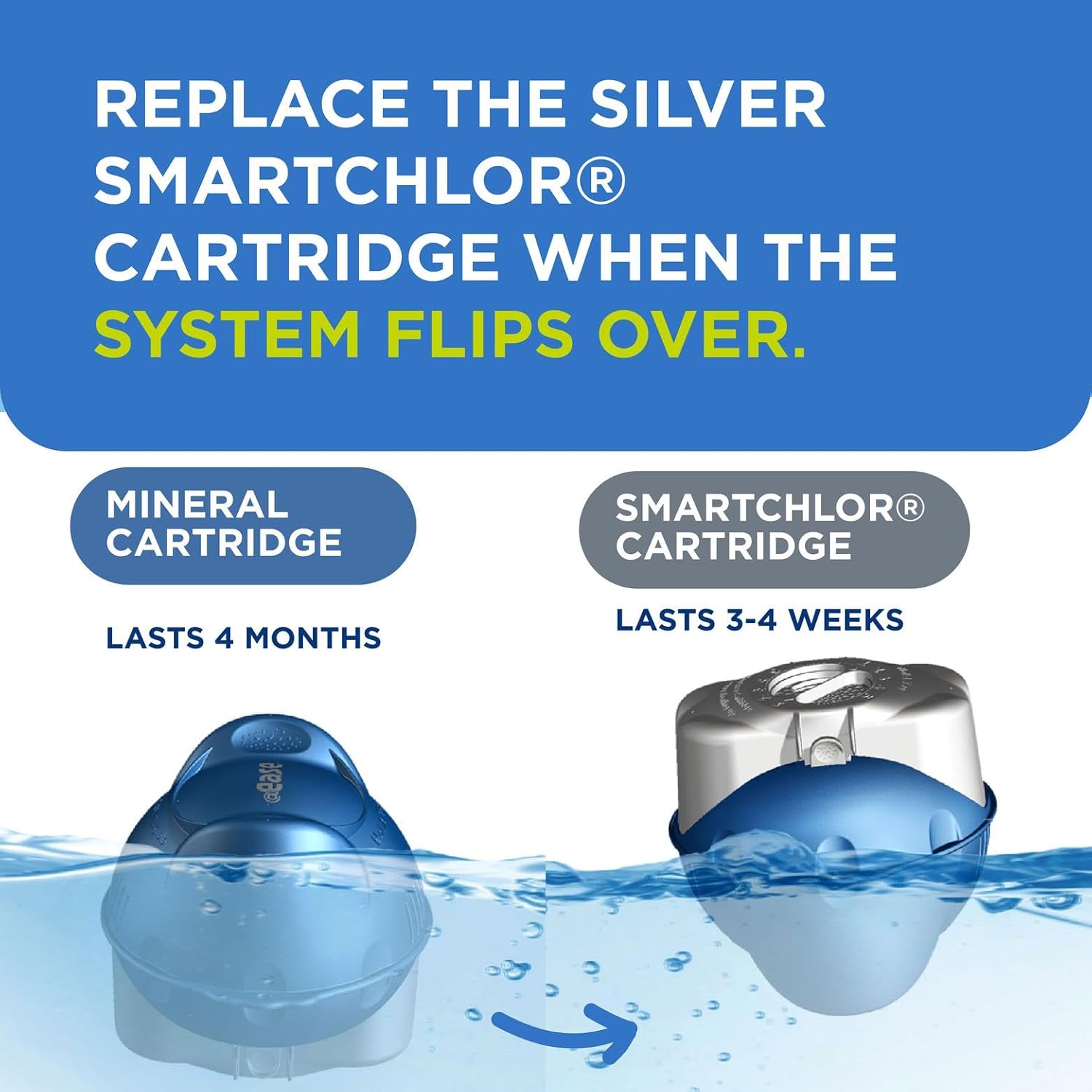
Image: Promotional image for the FROG Water Care App, showing download options for App Store and Google Play.


