
1. Introduction
Thank you for choosing the Yunbaoit Visual Timer. This 60-minute countdown timer is designed to help both children and adults develop a better sense of time and improve time management skills. Its intuitive visual display and silent operation make it suitable for various environments and tasks.
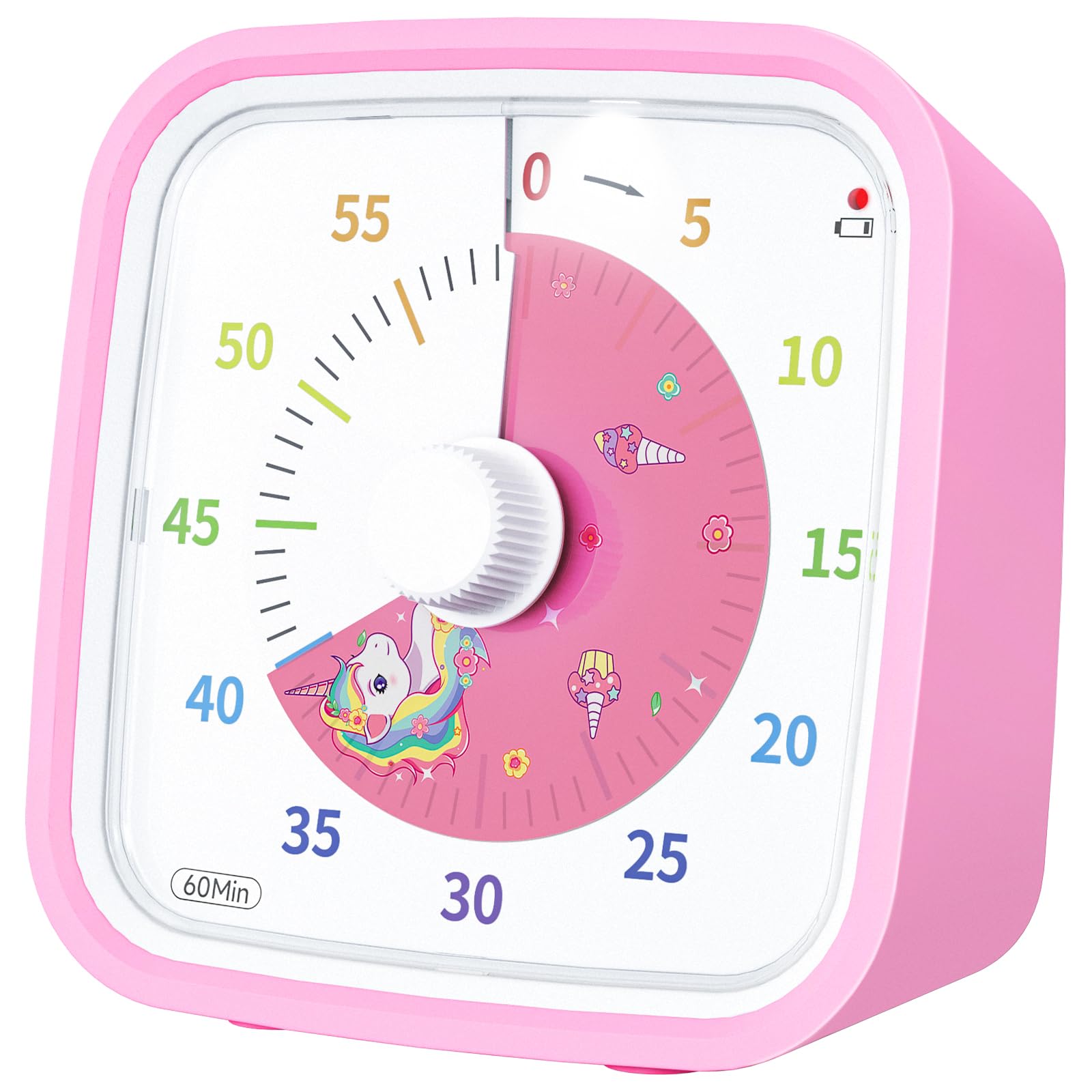
Figure 1: Yunbaoit Visual Timer (Pink Unicorn)
2. Product Features
- Simple Visual Concept: The unicorn disk disappears counterclockwise as time passes, providing an easy-to-understand visual representation of remaining time.
- Protective Case: Comes with a durable protective cover made of healthy materials, designed to safeguard the timer from accidental drops and enhance longevity.
- Silent Operation: Operates without ticking noise, making it ideal for quiet environments such as classrooms, libraries, or study areas.
- Adjustable Alert Volumes: Offers three alert volume options: mute, weak, and loud.
- Adjustable Alarm Duration: Alarm duration can be set to either 3 seconds or 30 seconds.
- Easy Alarm Stop: A convenient top button allows for quick stopping of the alarm.
- Low Battery Reminder: An indicator light flashes every 5 seconds to notify you when the battery power is low.
- Versatile Use: Suitable for various applications including kitchen timing, study sessions, classroom activities, and meeting management.
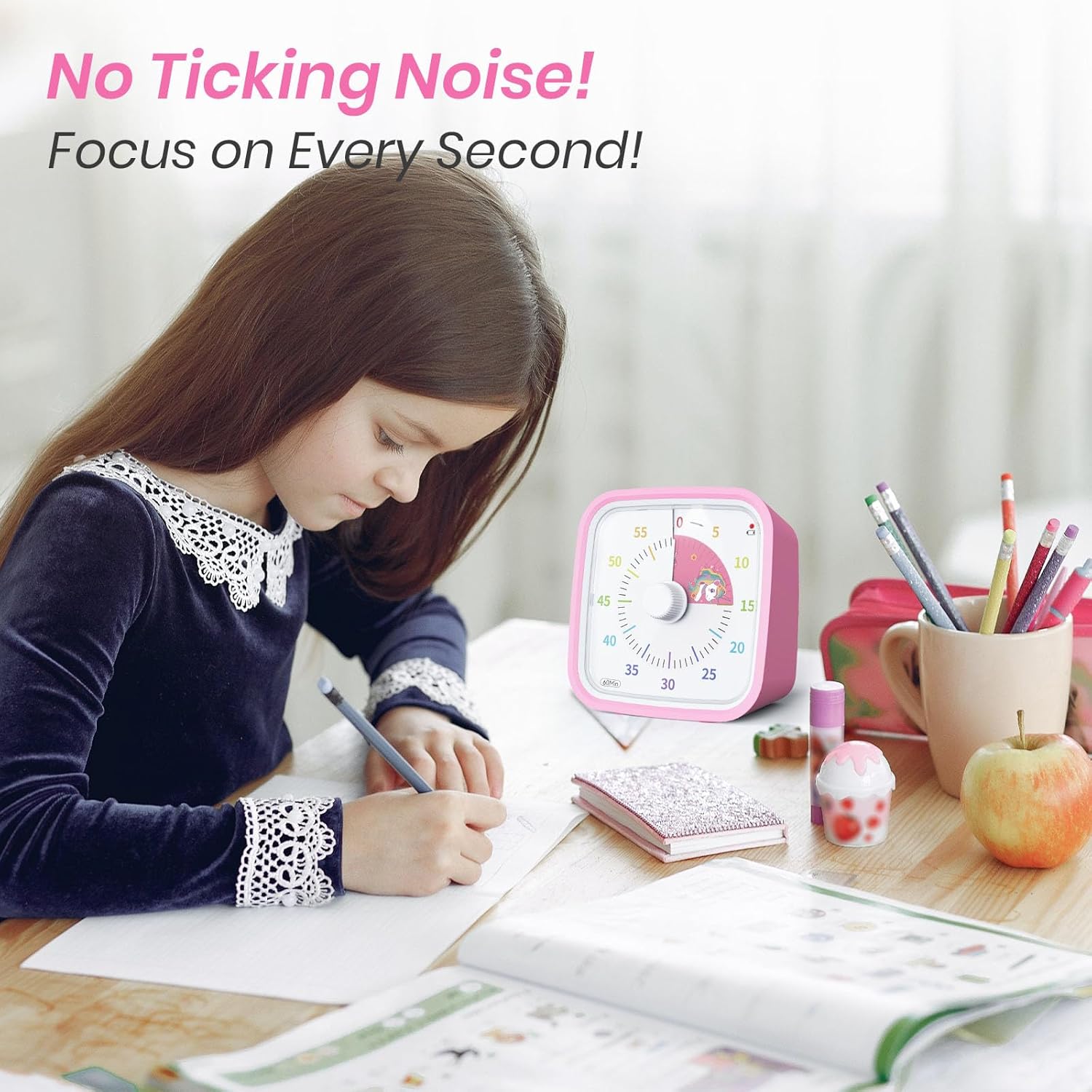
Figure 2: Silent operation for focused work.
3. Setup
3.1 Battery Installation
- Locate the battery compartment on the back of the timer.
- Use the provided small screwdriver to unscrew the battery compartment cover.
- Insert two (2) AAA batteries (not included) into the compartment, ensuring correct polarity (+/-).
- Replace the cover and secure it with the screw.

Figure 3: Battery compartment requiring a screwdriver.
3.2 Protective Case
The timer comes with a silicone protective case. Ensure the case is properly fitted around the timer for optimal protection against impacts.

Figure 4: Protective case for enhanced durability.
4. Operating Instructions
4.1 Setting the Timer
To set the timer, turn the center knob clockwise to the desired time duration (up to 60 minutes). The red unicorn disk will appear, indicating the set time. The timer will begin counting down immediately.
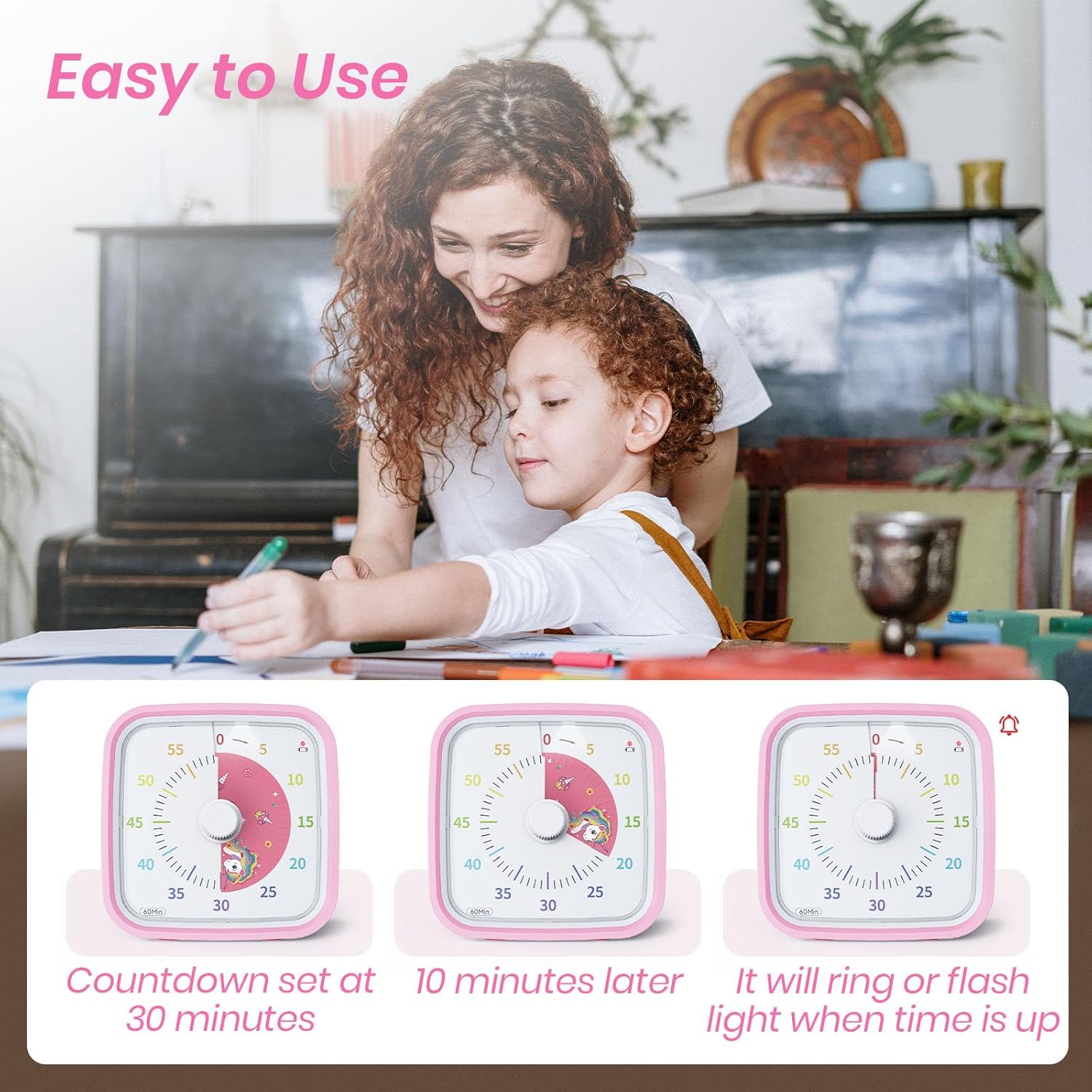
Figure 5: Setting the timer and visual countdown.
4.2 Adjusting Alarm Settings
On the back of the timer, you will find two switches to customize the alarm:
- Alarm Duration: Use the switch labeled "3s 30s" to select either a 3-second or 30-second alarm duration.
- Volume Control: Use the switch labeled with speaker icons to choose between mute (light flash only), weak volume, or loud volume.

Figure 6: Alarm duration and volume settings.
4.3 Stopping the Alarm
When the set time expires, the alarm will sound (or flash if muted). To stop the alarm, simply press the button located on the top of the timer.

Figure 7: Top button for stopping the alarm.
4.4 Low Battery Reminder
The indicator light on the timer will flash every 5 seconds when the battery power is low, signaling that it's time to replace the batteries.

Figure 8: Low battery indicator.
5. Maintenance
- Cleaning: Wipe the timer with a soft, dry cloth. Avoid using abrasive cleaners or solvents.
- Battery Replacement: Replace batteries promptly when the low battery indicator flashes to ensure continuous and accurate operation. Refer to Section 3.1 for battery installation instructions.
- Storage: Store the timer in a cool, dry place when not in use for extended periods.
6. Troubleshooting
| Problem | Possible Cause | Solution |
|---|---|---|
| Timer not starting/moving | No batteries or low batteries. | Install new AAA batteries (refer to Section 3.1). |
| Alarm not sounding | Alarm set to mute or low volume. | Check the volume switch on the back and adjust to 'weak' or 'loud' (refer to Section 4.2). |
| Alarm sounds too short/long | Incorrect alarm duration setting. | Adjust the alarm duration switch on the back to '3s' or '30s' as desired (refer to Section 4.2). |
| Timer disk is stuck | Internal mechanism obstruction or damage. | Gently try turning the knob back and forth. If the issue persists, contact customer support. |
7. Specifications
| Feature | Detail |
|---|---|
| Brand | Yunbaoit |
| Model Number | VT01 |
| Color | Pink Unicorn |
| Material | Plastic |
| Product Dimensions (D x W x H) | 2.08" x 3.66" x 3.66" |
| Item Weight | 4.8 ounces |
| Time Range | 60 minutes or less |
| Batteries Required | 2*AAA batteries (not included) |
8. Official Product Videos
9. Support
For any problems or concerns regarding your Yunbaoit Visual Timer, please contact the seller directly via the Amazon Platform. The seller is committed to addressing your issues and providing satisfying solutions, even if the standard 30-day return window has passed.
