
1. Introduction and Overview
This manual provides essential instructions for the safe and proper use, assembly, operation, and maintenance of your Ingenuity Swing n Go Portable Swing, Model 16925. Please read all instructions carefully before assembly and use, and retain this manual for future reference.
The Ingenuity Swing n Go Portable Swing is designed to provide a soothing and entertaining environment for infants. It features multiple swing speeds, melodies, nature sounds, and a removable toy bar.
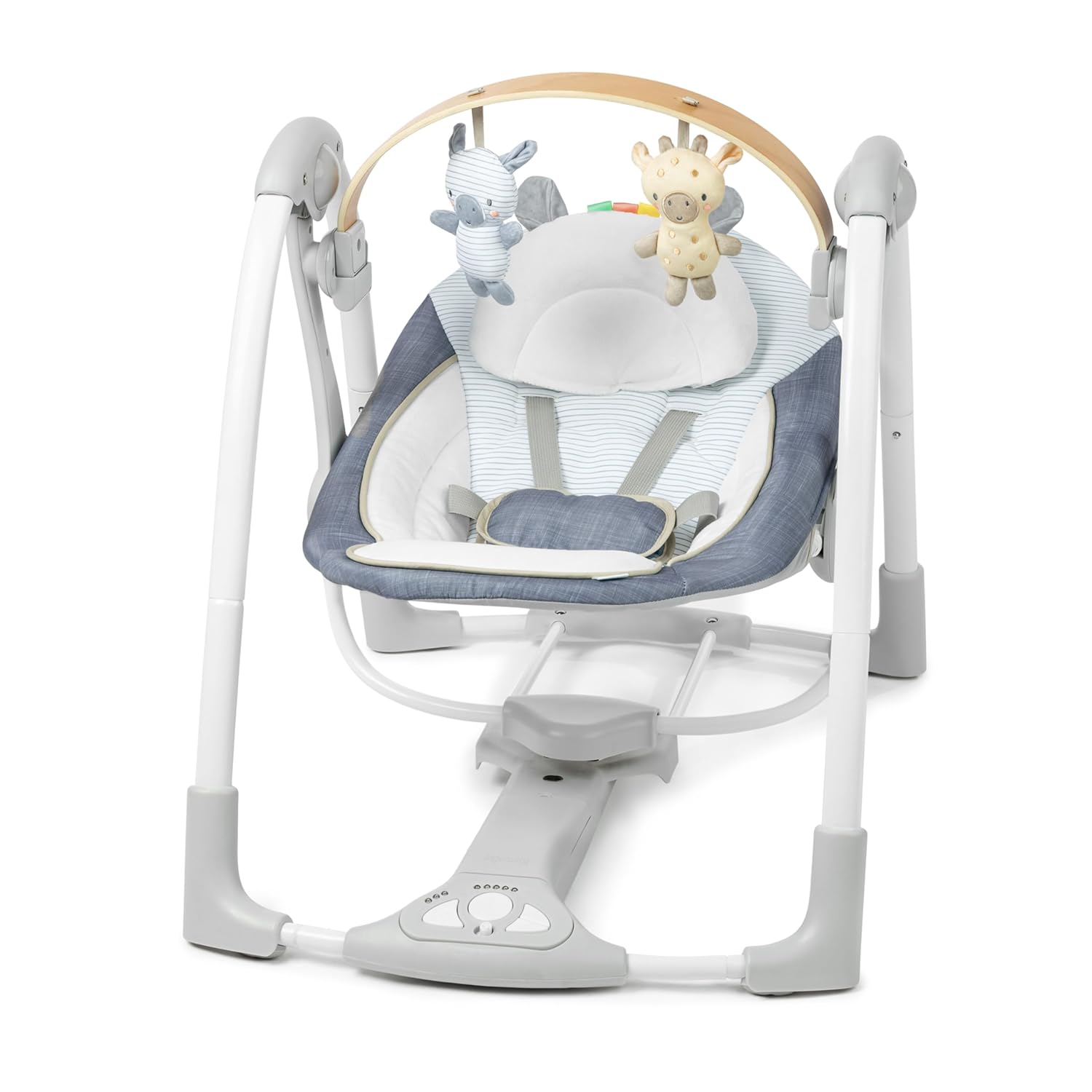
Image 1.1: The Ingenuity Swing n Go Portable Swing, showcasing its design and integrated toy bar with plush characters.
2. Safety Information
WARNING: Failure to follow these warnings and instructions could result in serious injury or death.
- This product is intended for infants from 0 to 9 months of age, or up to a maximum weight of 20 pounds (9 kg), whichever comes first.
- Always use the 5-point safety harness to secure your child in the swing. Adjust the harness snugly.
- Never leave your child unattended in the swing. Constant supervision is required.
- Do not use the swing if any components are damaged, broken, or missing. Contact customer service for replacement parts.
- Ensure the swing is placed on a flat, level, and stable surface. Do not use near stairs, steps, or uneven terrain.
- Keep children and pets away from the swing during operation.
- Do not lift or move the swing with the child in it.

Image 2.1: Detail of the 5-point safety harness, designed to securely hold the infant in the swing.
3. Package Contents
Verify that all components are present before beginning assembly:
- Swing Frame Assembly
- Seat Pad
- Headrest
- Toy Bar with 2 Interactive Toys (Rafi the Giraffe, Casi the Zebra)
- USB Power Cord
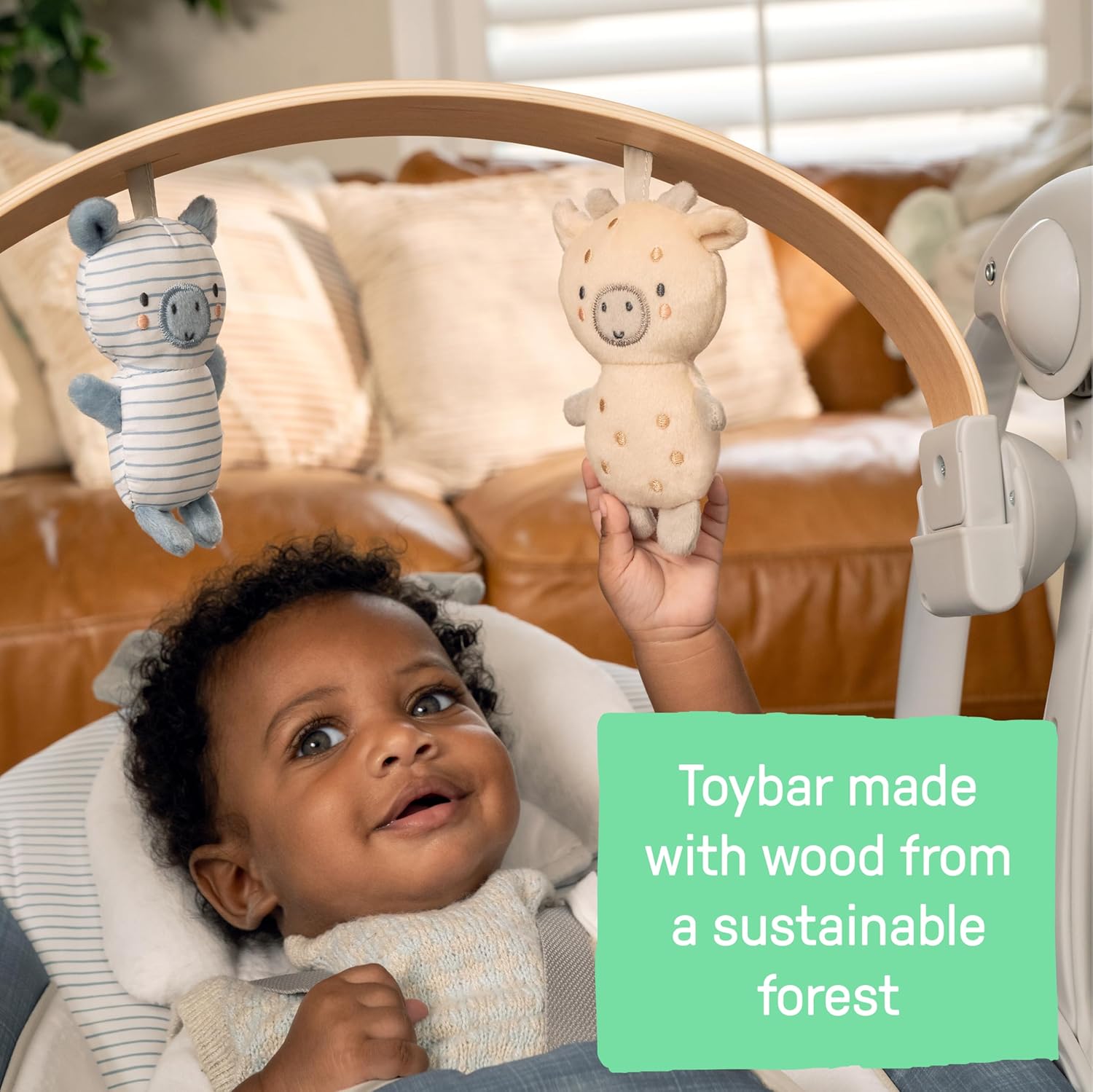
Image 3.1: The two interactive plush toys, Rafi the Giraffe and Casi the Zebra, which attach to the toy bar.
4. Setup and Assembly
Follow these steps to assemble your Ingenuity Swing n Go Portable Swing:
- Carefully unpack all components from the packaging.
- Assemble the swing frame by connecting the designated parts. Ensure all connections click into place securely. Refer to the diagrams provided in the separate assembly guide for detailed steps.
- Attach the seat pad to the swing frame, ensuring it is properly aligned and secured.
- Place the headrest into position on the seat pad.
- Install the wooden toy bar by inserting its ends into the designated slots on the swing frame. The toy bar is rotatable for easy access to your child.
- Connect the USB power cord to the swing's power input port.

Image 4.1: The sustainably sourced wooden toy bar, featuring two plush toys.

Image 4.2: The soft, removable headrest designed for infant comfort.
5. Operating Instructions
To operate your Ingenuity Swing n Go Portable Swing:
- Powering the Swing: Connect the included USB power cord to the swing and to a compatible 5V USB wall adapter (not included). Ensure a stable power connection.
- Placing Your Child: Gently place your child in the seat and secure them with the 5-point safety harness. Adjust the harness straps for a snug fit.
- Swing Speed: Use the control panel to select one of the 5 TrueSpeed™ swing settings. The swing will maintain consistent speed as your child grows.
- Timer Function: Activate the timer feature on the control panel to set a desired duration for the swing motion.
- Music and Sounds: Select from 8 melodies or 3 nature sounds using the control panel. Adjust the volume to a comfortable level.
- Toy Bar: The toy bar can be rotated or removed to easily place or remove your child from the swing. The interactive toys provide visual stimulation.
- Folding for Storage: When not in use, the swing can be folded for compact storage. Refer to the assembly guide for specific folding instructions.

Image 5.1: The control panel, featuring buttons for swing speed, timer, melodies, nature sounds, and volume control.
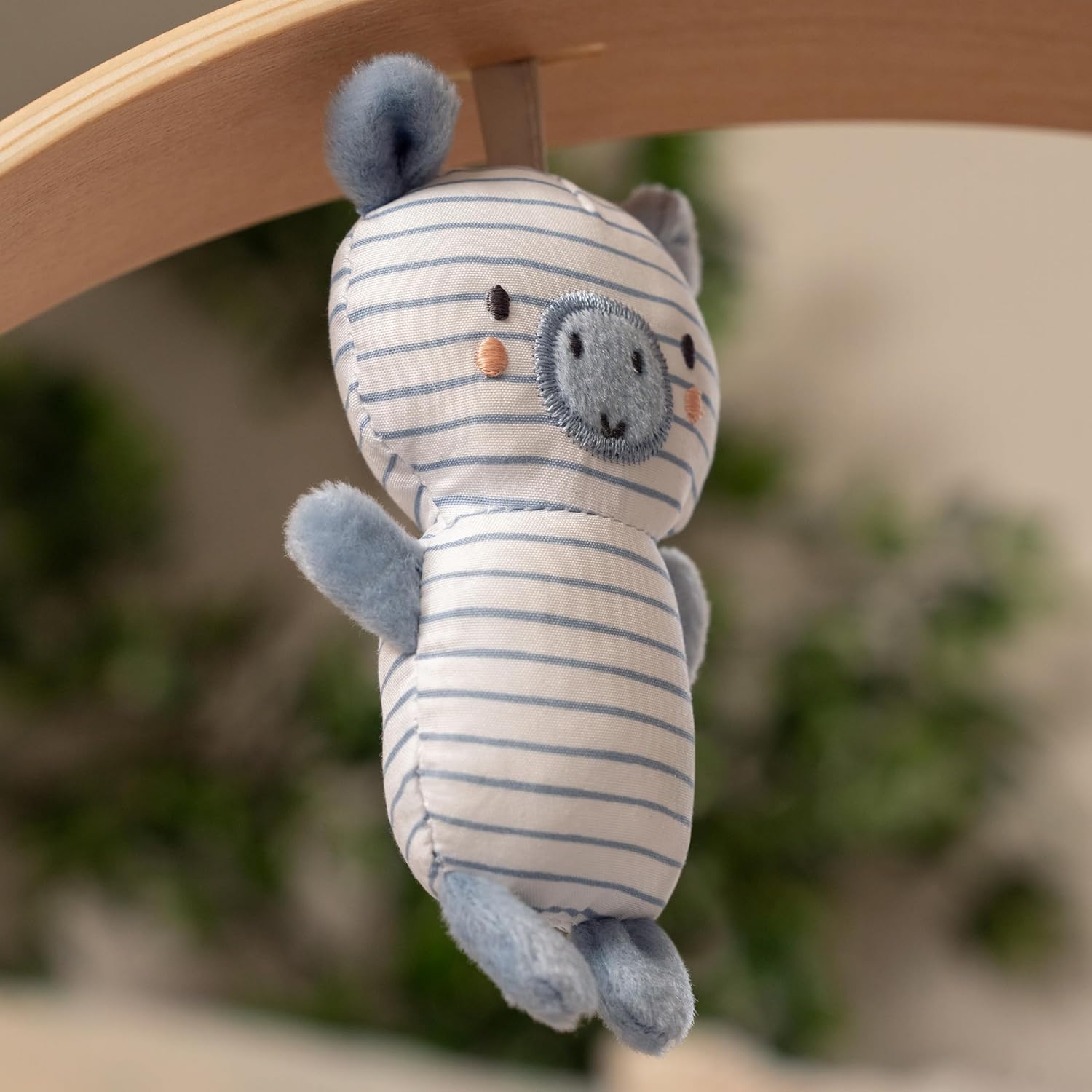
Image 5.2: Connecting the USB power cord to the swing's base for operation.

Image 5.3: An infant enjoying the swing, demonstrating interaction with the toy bar.
6. Maintenance and Cleaning
Regular maintenance ensures the longevity and hygiene of your swing:
- Removable Toys and Toy Bar: These components can be easily wiped clean with a damp cloth and mild soap. Allow to air dry completely before reattaching.
- Headrest and Seat Pad: The headrest and seat pad are machine-washable. For best results, wash in cold water on a gentle cycle. Do not bleach. Tumble dry on low heat or air dry. Refer to the care labels on the fabric for specific instructions.
- Frame: Wipe the swing frame with a soft, damp cloth. Do not use abrasive cleaners or solvents.
- Storage: Store the swing in a clean, dry place away from direct sunlight when not in use for extended periods.
7. Troubleshooting
If you encounter issues with your swing, refer to the following common solutions:
- Swing not operating or not powering on:
- Ensure the USB power cord is securely connected to both the swing's input port and a functional 5V USB wall adapter.
- Verify that the wall adapter is plugged into a live electrical outlet.
- Swing motion is inconsistent or stops:
- Confirm that the child's weight does not exceed the maximum limit of 20 pounds (9 kg).
- Ensure the swing is placed on a completely level and stable surface. Uneven surfaces can affect swing performance.
- Check for any obstructions around or beneath the swing mechanism that might be impeding its movement.
- Music or sounds are not playing:
- Check the volume settings on the control panel and increase if necessary.
- Ensure the swing is powered on and receiving electricity via the USB connection.
If these steps do not resolve the issue, please contact Ingenuity customer service for further assistance.
8. Specifications
| Feature | Detail |
|---|---|
| Product Dimensions (D x W x H) | 23.5" x 22" x 23" (59.69 cm x 55.88 cm x 58.42 cm) |
| Item Model Number | 16925 |
| Maximum Weight Recommendation | 20 Pounds (9 kg) |
| Age Recommendation | 0-9 Months |
| Material Composition | 60% Metal, 32% Plastic, 8% Fabric |
| Toy Bar Material | Sustainably Sourced Wood |
| Power Source | USB cord (included), requires 5V USB wall adapter (not included) |
| Swing Speeds | 5 TrueSpeed™ settings |
| Audio Features | 8 Melodies, 3 Nature Sounds, Volume Control |
| Safety Harness | 5-point harness |
| Portability | Foldable design for easy storage and transport |
| Item Weight | 11.09 pounds (5.04 kg) |

Image 8.1: Key dimensions of the Ingenuity Swing n Go Portable Swing.

Image 8.2: The Ingenuity Swing n Go Portable Swing in a typical home environment, illustrating its compact footprint.
9. Warranty and Support
For detailed warranty information, product registration, or technical support, please visit the official Ingenuity website or contact their customer service department. Contact details can typically be found on the product packaging or on the manufacturer's website.
Please have your model number (16925) and purchase date available when contacting support.


