
1. Introduction
This manual provides essential information for the proper use and maintenance of your Freewell Mist Filter Duo, specifically designed for the DJI Osmo Pocket 3. This kit includes two distinct filters: the Snow Mist 1/8 and the Glow Mist 1/8, each offering unique cinematic enhancement capabilities.
2. Product Features
- Snow Mist 1/8: Designed for ethereal, dream-like shots. This filter amplifies light highlights, creating a soft haze effect for a surreal ambiance.
- Glow Mist 1/8: Ideal for portrait photography, this filter softens sharpness in darker tones and reduces harsh highlights, resulting in a more subtle and flattering light effect.
- Gimbal-Compatible: The lightweight design ensures seamless compatibility with the Osmo Pocket 3 gimbal, allowing for steady and smooth footage without affecting gimbal performance.
3. Package Contents
The Freewell Mist Filter Duo kit includes the following items:
- 1x Snow Mist 1/8 Filter
- 1x Glow Mist 1/8 Filter
- 1x Protective Case
- 1x Cleaning Cloth

Image: The Freewell Mist Filter Duo, including the Snow Mist 1/8 and Glow Mist 1/8 filters, neatly stored in their protective case alongside a cleaning cloth.
4. Setup & Installation
- Attaching the Filter: Ensure your DJI Osmo Pocket 3 is powered on and the gimbal is active. Gently align the desired Freewell Mist Filter (Snow Mist 1/8 or Glow Mist 1/8) with the camera lens. The filter features a magnetic attachment system, allowing it to snap securely into place.
- Verifying Attachment: Lightly tap the filter to ensure it is firmly seated and does not wobble.
- Important Note for Gimbal Protection: These filters are designed to be thin enough for gimbal compatibility during operation. However, it is crucial to remove the filter before powering off the DJI Osmo Pocket 3. Leaving the filter attached when the gimbal attempts to fold into its protective position may cause interference, potentially triggering a gimbal protection error or causing damage.
- Storage: Always store the filters in the provided protective case when not in use to prevent scratches and damage. The case is designed to securely hold both filters.
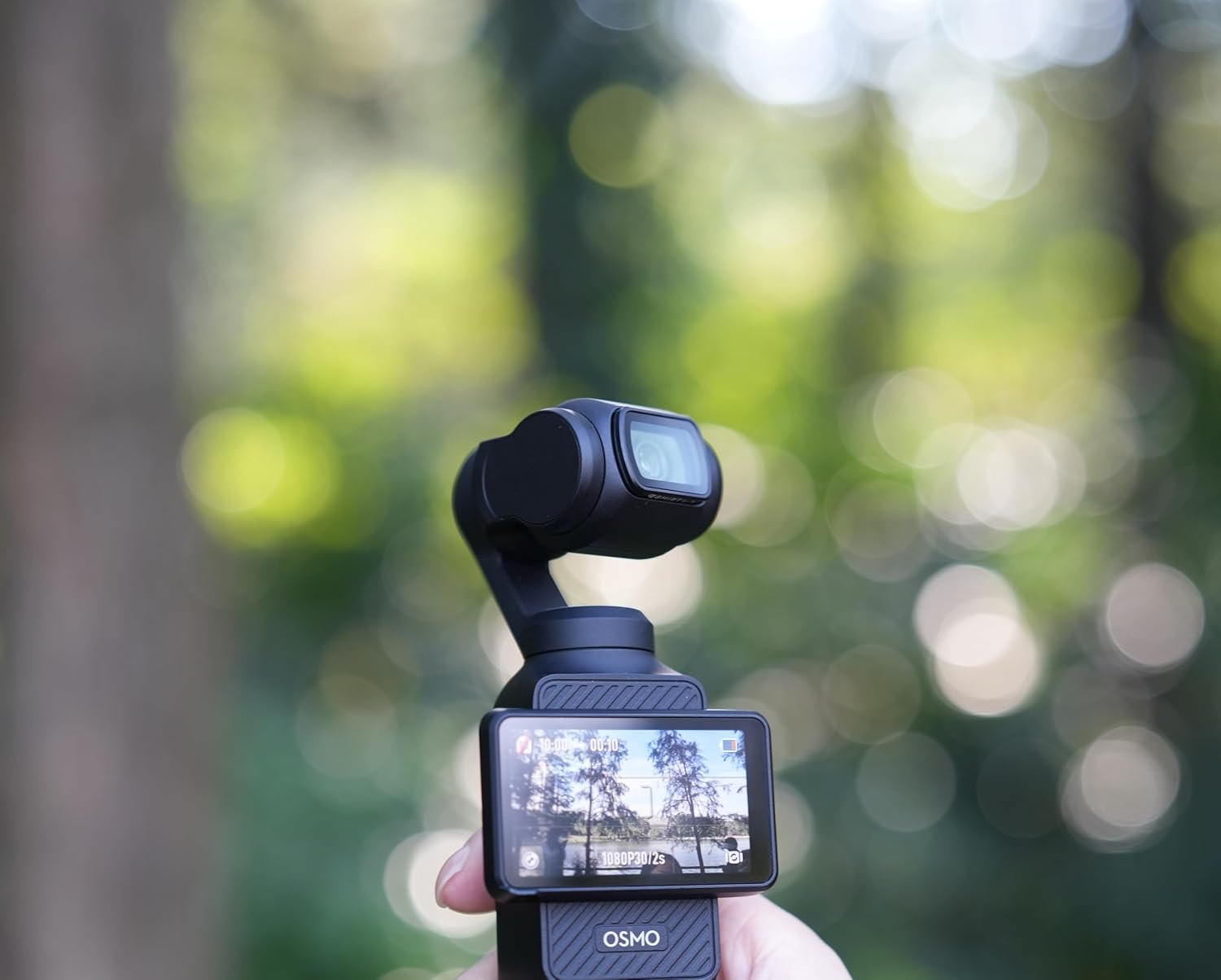
Image: The DJI Osmo Pocket 3 with a Freewell filter magnetically attached to its lens, ready for capturing footage in an outdoor setting.
5. Operating Instructions
Once the filter is securely attached, you can begin capturing footage with enhanced cinematic effects. No additional camera settings are typically required for the filter to function, as its effect is optical.
- Snow Mist 1/8 Usage: Use this filter to create a soft, dreamy atmosphere. It is particularly effective in scenes with strong light sources or highlights, where it will gently diffuse the light, adding an ethereal glow.
- Glow Mist 1/8 Usage: Apply this filter for a subtle softening effect, especially beneficial for portraits. It helps to reduce harshness in highlights and dark tones, providing a smoother, more flattering image.
6. Maintenance
- Cleaning: Use the provided microfiber cleaning cloth to gently wipe away dust, fingerprints, or smudges from the filter surface. For stubborn marks, a specialized lens cleaning solution can be applied to the cloth (not directly to the filter).
- Storage: Always store the filters in their protective case when not in use to prevent scratches and exposure to dust or debris.
- Handling: Avoid touching the glass surface of the filters directly with your fingers to minimize smudges. Handle filters by their edges.
7. Troubleshooting
- Gimbal Protection Error: If your DJI Osmo Pocket 3 displays a