
1. Introduction
This instruction manual provides guidance for the installation and maintenance of the GRASKY Side Brush and Filter Set, designed as replacement parts for Medion MD 19500, MD 19510, MD 19511, and MD 19900 robot vacuum cleaners. These components are essential for maintaining the optimal cleaning performance of your robot vacuum.
The set includes high-quality filters and side brushes, engineered for durability and easy replacement. Regular replacement of these parts ensures efficient dust collection and thorough cleaning of various floor surfaces.
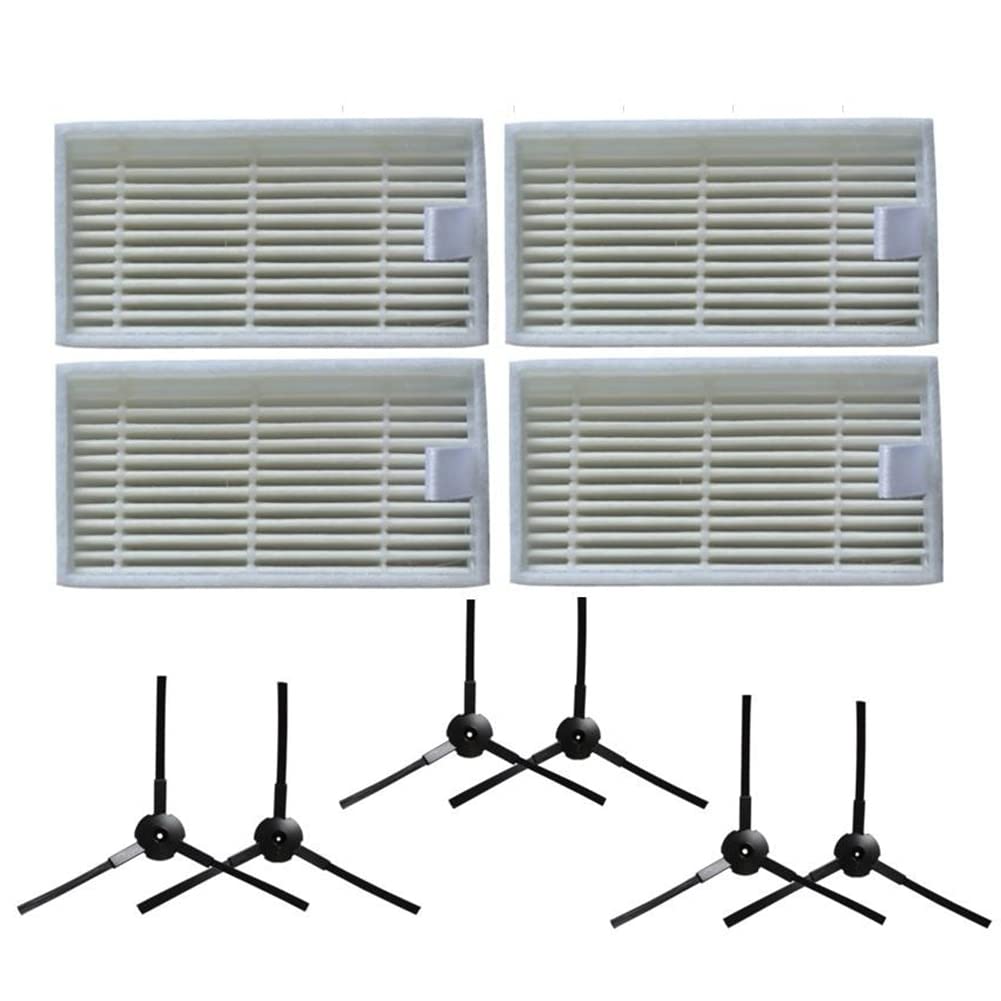
Image 1.1: Overview of the GRASKY Side Brush and Filter Set components.
2. Installation Instructions
Before beginning any installation, ensure your robot vacuum cleaner is powered off and disconnected from its charging base. It is recommended to perform this procedure on a clean, flat surface.
2.1 Filter Replacement
- Locate the Dust Bin: Open the top cover of your Medion robot vacuum cleaner and remove the dust bin.
- Remove Old Filters: The filters are typically located within the dust bin. Carefully pull out the old filters using the small tab provided on the filter frame.
- Insert New Filters: Place the new GRASKY filters into the designated slot within the dust bin. Ensure they are seated firmly and correctly to maintain proper air filtration.
- Reinstall Dust Bin: Return the dust bin to its position in the robot vacuum cleaner and close the top cover.

Image 2.1: Two new replacement filters, ready for installation into the dust bin.
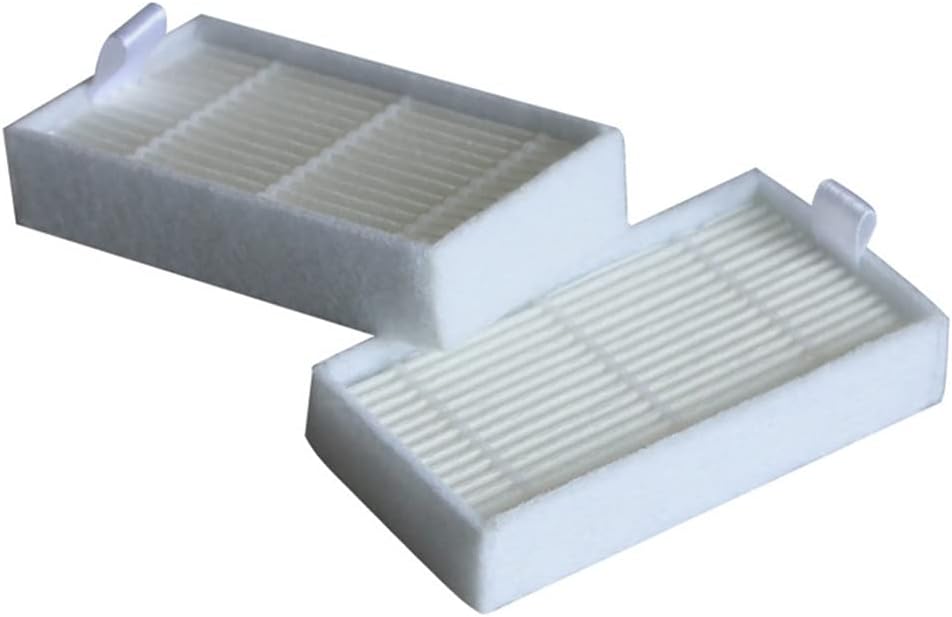
Image 2.2: Another view of the replacement filters, showing their pleated design.

Image 2.3: Dimensions of a single filter, measuring approximately 81mm x 42mm x 15mm.
2.2 Side Brush Replacement
- Flip the Robot Vacuum: Carefully turn the robot vacuum cleaner upside down to access the underside.
- Remove Old Side Brushes: Each side brush is typically held in place by a screw. Use a screwdriver to remove the screw, then gently pull off the old side brush.
- Install New Side Brushes: Align the new GRASKY side brush with the corresponding post on the vacuum cleaner. Push it down firmly and secure it with the screw. Ensure the brush rotates freely. Repeat for the other side brush if applicable.
- Return to Upright Position: Carefully turn the robot vacuum cleaner back to its upright position.
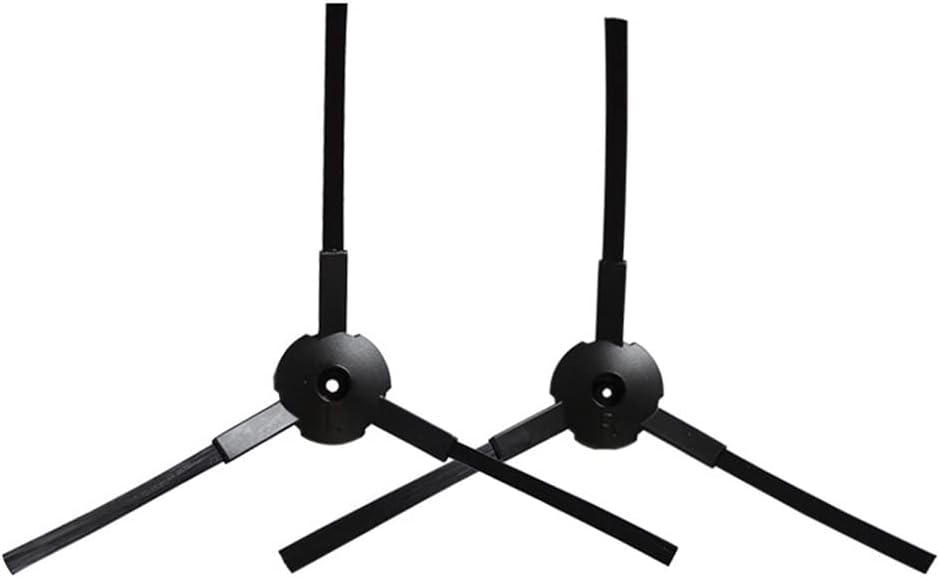
Image 2.4: Two new replacement side brushes with three arms each.
Important Note: Please verify the compatibility of these parts with your specific Medion robot vacuum model (MD 19500, MD 19510, MD 19511, MD 19900) before installation.
3. Operating with New Parts
Once the new filters and side brushes are installed, your Medion robot vacuum cleaner is ready for operation. The new side brushes will effectively sweep debris from edges and corners into the main cleaning path, while the new filters will maintain optimal air filtration, trapping dust and allergens.
No special operating procedures are required after replacing these parts; simply resume normal use of your robot vacuum cleaner as per its original instruction manual.
4. Maintenance and Care
Regular maintenance of your robot vacuum's filters and side brushes is crucial for sustained performance.
- Filters: It is recommended to clean the filters regularly (e.g., weekly) by gently tapping them to remove loose dust or using a small brush. Replace filters every 2-3 months, or more frequently depending on usage and household environment (e.g., presence of pets).
- Side Brushes: Inspect side brushes weekly for tangled hair or debris. Carefully remove any obstructions. If the bristles become bent or worn, replace the side brushes to ensure effective edge cleaning. Replacement is typically recommended every 3-6 months.
Note: Do not wash the filters with water, as this can damage the filter material and reduce its effectiveness.
5. Troubleshooting
If you encounter issues after replacing the parts, consider the following:
- Parts do not fit: Double-check that you have purchased the correct replacement parts for your specific Medion robot vacuum model (MD 19500, MD 19510, MD 19511, MD 19900). Refer to the product specifications.
- Reduced suction: Ensure the new filters are installed correctly and seated firmly. Check for any blockages in the dust bin or air ducts.
- Side brushes not rotating: Verify that the side brushes are securely screwed in and free from any hair or debris entanglement. Ensure the screw is not overtightened, which could impede rotation.
If problems persist, consult the original instruction manual for your Medion robot vacuum cleaner or contact customer support.
6. Product Specifications
| Feature | Detail |
|---|---|
| Brand | GRASKY |
| Model Number | GDX-B12-15 |
| Compatibility | Medion MD 19500, MD 19510, MD 19511, MD 19900 Robot Vacuum Cleaners |
| Package Contents | 4 Filters, 6 Side Brushes |
| Item Weight | 1.76 ounces (approx. 50 grams) |
| Package Dimensions | 1.18 x 0.79 x 0.39 inches (approx. 3 x 2 x 1 cm) |
| Assembly Required | No (parts are pre-assembled, only installation into vacuum required) |
7. Warranty and Support
No specific warranty information is provided for this GRASKY replacement parts set. For any issues or inquiries regarding the product, please contact the seller or retailer from whom the purchase was made.
Ensure to retain your proof of purchase for any potential support claims.