
Introduction
This manual provides detailed instructions for the operation and maintenance of your KK-82MS-D Scientific Calculator with an integrated 4.4-inch LCD Writing Tablet. This device combines a professional-grade scientific calculator with a convenient digital notepad, designed to enhance efficiency in academic, professional, and personal use.
Key Features
- Scientific Calculator: Features 240 scientific functions, a two-line display, and supports 1 and 2 variable statistical calculations, three angle modes (degrees, radians, grads), and scientific/engineering notation.
- Integrated LCD Writing Tablet: A 4.4-inch eye-protection colorful screen for writing and drawing, designed to be blue light-free and glare-free.
- Ergonomic Magnetic Stylus: Included for precise writing and drawing on the LCD tablet.
- One-Touch Erase: Clear the writing tablet screen with a single press of a button.
- Lock Function: A slide button on the back of the writing tablet prevents accidental clearing of notes.
- Portability: Compact design for easy transport in bags, pockets, or purses.

Image: The KK-82MS-D calculator and writing tablet, highlighting its compact size (8.6cm/3.4in width, 11.6cm/4.5in height for the tablet) and features like stylus/finger writing, one-click erase, eco-friendliness, and portability.
Setup
- Battery Installation: The calculator requires 1 Lithium Ion battery, which is included. Ensure the battery is correctly inserted according to the polarity markings in the battery compartment.
- Power On: Press the ON button on the calculator to power it on.
- Stylus Retrieval: The ergonomic magnetic stylus is typically stored within the device. Gently pull it out for use with the writing tablet.
Operating Instructions
Calculator Functions
- Basic Calculations: Use the number keys and arithmetic operators (+, -, ×, ÷) for standard calculations.
- Scientific Functions: Access advanced functions (e.g., sin, cos, tan, log, powers, roots) using the dedicated function keys. Refer to the key labels for specific operations.
- Mode Selection: Use the MODE button to switch between different calculation modes (e.g., COMP, STAT, EQN).
- Angle Units: Change angle units (degrees, radians, grads) via the SHIFT + MODE (SETUP) menu.
- Two-Line Display: The upper line displays the input expression, and the lower line displays the result.
Writing Tablet Functions
- Writing/Drawing: Use the provided stylus to write or draw directly on the 4.4-inch LCD screen.
- Erasing Content: Press the erase button located below the writing area to clear the entire screen.
- Lock Function: To prevent accidental erasure, locate the slide lock button on the back of the writing tablet and slide it to the "Lock" position. Slide it back to "Unlock" to enable the erase function.

Image: Demonstrates the one-touch erase button and the lock screen switch on the writing tablet, preventing accidental clearing of notes.

Image: Illustrates the combined use of the calculator and writing tablet, allowing users to take notes while performing calculations, improving study and work efficiency.
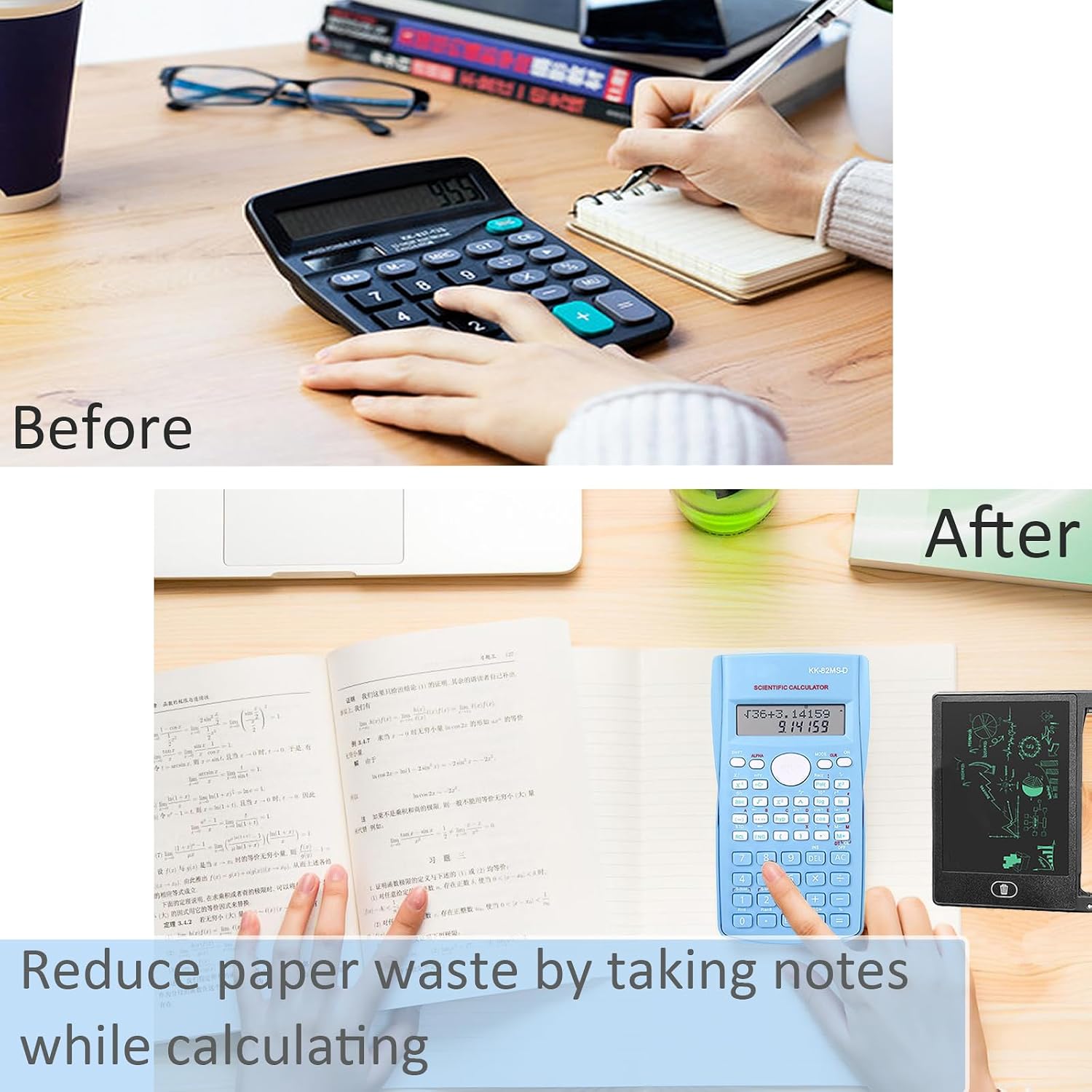
Image: A visual comparison demonstrating how the integrated writing tablet helps reduce paper waste by providing a reusable surface for notes during calculations.
Maintenance
- Cleaning: Use a soft, dry cloth to clean the calculator and writing tablet surfaces. Avoid abrasive cleaners or solvents.
- Storage: Store the device in a cool, dry place away from direct sunlight and extreme temperatures.
- Battery Replacement: If the calculator display becomes dim or unresponsive, replace the Lithium Ion battery.
- Stylus Care: Keep the stylus clean and store it securely in its designated slot to prevent loss.
Troubleshooting
| Problem | Possible Cause | Solution |
|---|---|---|
| Calculator does not turn on. | Low or depleted battery. | Replace the Lithium Ion battery. |
| Writing tablet does not erase. | Lock function is engaged. | Slide the lock button on the back of the tablet to the "Unlock" position. |
| Display is dim or unclear. | Low battery or environmental conditions. | Replace battery. Ensure adequate lighting for the display. |
Specifications
| Feature | Detail |
|---|---|
| Model Name | KK 82MS D |
| Calculator Type | Engineering/Scientific |
| Number of Functions | 240 |
| Display Type | LCD, Two-Line |
| Writing Tablet Screen Size | 4.4 Inches |
| Power Source | Battery Powered (1 Lithium Ion battery included) |
| Product Dimensions | 3 x 1 x 0.1 cm; 150 g |
| Enclosure Material | Plastic |
| Manufacturer | Generic |
| Country of Origin | China |
Product Videos
KK-82MS-D Scientific Calculator Overview
Video: An overview demonstrating the features and operation of the KK-82MS-D scientific calculator, including its writing tablet functionality.
Smart Folding Scientific Calculator with Writing Tablet Demonstration
Video: A demonstration of a smart folding scientific calculator with an integrated writing tablet, showcasing its compact design and dual functionality.
Warranty and Support
For any inquiries or support regarding your KK-82MS-D Scientific Calculator with LCD Writing Tablet, please contact the manufacturer directly.
Manufacturer Contact: zhuangruipin633@hotmail.com
Please refer to your purchase documentation for specific warranty details.