
AJELU JP-ET-801
AJELU Sonic Electric Toothbrush User Manual
Model: JP-ET-801
Introduction
This manual provides instructions for the safe and effective use of your AJELU Sonic Electric Toothbrush, Model JP-ET-801. Please read this manual thoroughly before first use and retain it for future reference.

Image: The AJELU Sonic Electric Toothbrush in pink, accompanied by its charging cable and eight replacement brush heads.
Safety Information
Please observe the following safety precautions:
- When using the electric toothbrush for the first time, some individuals may experience temporary irritation or numbness. This typically subsides with continued use.
- Do not use this product if you have an allergic oral cavity, have recently undergone oral or periodontal surgery, are currently receiving oral treatment, or have other existing oral symptoms. Consult your dentist if you have concerns.
- If the electric toothbrush has not been used for an extended period, the charging indicator may not illuminate immediately upon plugging it in. Allow a short moment for the indicator to appear.
- Unauthorized disassembly of the product by non-professionals is prohibited.
Package Contents
Verify that all items are present in your package:
- AJELU Sonic Electric Toothbrush Handle
- Dupont Brush Heads (Quantity: 8)
- USB Charging Cable (Type-C)
- User Manual
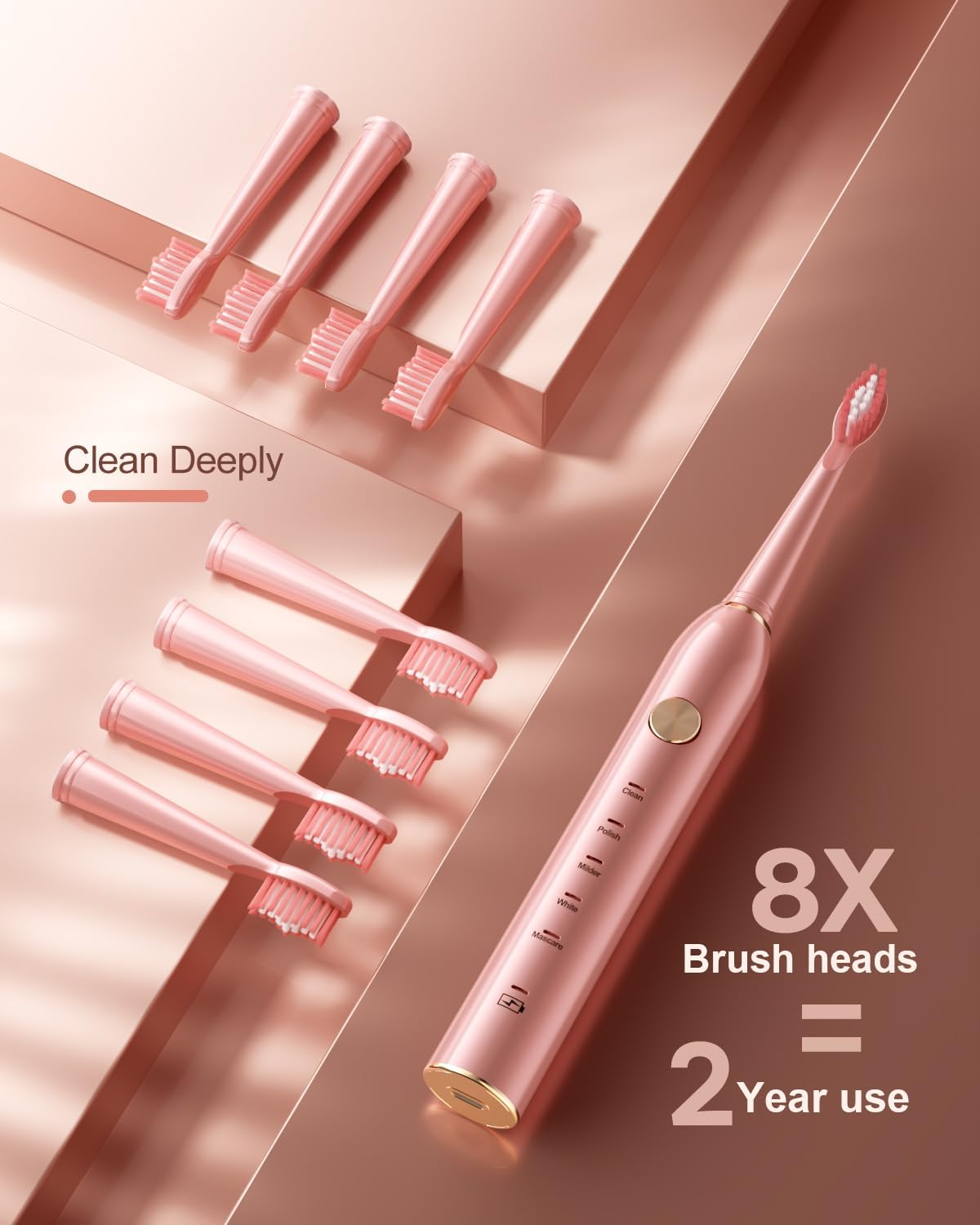
Image: A close-up view of the eight Dupont brush heads, designed for two years of use.
Setup
- Initial Charge: Before first use, fully charge the toothbrush. Refer to the "Charging" section for detailed instructions.
- Attach Brush Head: Align the brush head with the metal shaft on the toothbrush handle and push it down firmly until it clicks into place.
Operating Instructions
Follow these steps for effective brushing:
- Wet Brush Head: Wet the bristles of the brush head and apply a small amount of toothpaste.
- Power On and Select Mode: Press the power button to turn on the toothbrush. Press the power button repeatedly to cycle through the 5 available modes.
- Brushing Technique: Place the brush head against your teeth at a slight angle towards the gum line. Gently move the brush head slowly across each tooth surface. Do not scrub aggressively.
- Intelligent Timer: The toothbrush features a 2-minute intelligent timer. It will pause briefly every 30 seconds to remind you to move to a different quadrant of your mouth, ensuring a balanced cleaning.
- Power Off: After the 2-minute cycle, or when finished, press and hold the power button to turn off the toothbrush.
Brushing Modes:
The AJELU Sonic Electric Toothbrush offers 5 distinct modes to suit various oral care needs:
- Clean Mode: Standard mode for daily plaque removal and general cleaning.
- Polish Mode: Designed for polishing tooth surfaces to enhance brightness.
- Milder Mode: Gentle cleaning for sensitive teeth and gums.
- White Mode: Combines cleaning and polishing for stain removal and whitening.
- Massage Mode: Provides a gentle massage to stimulate gums.
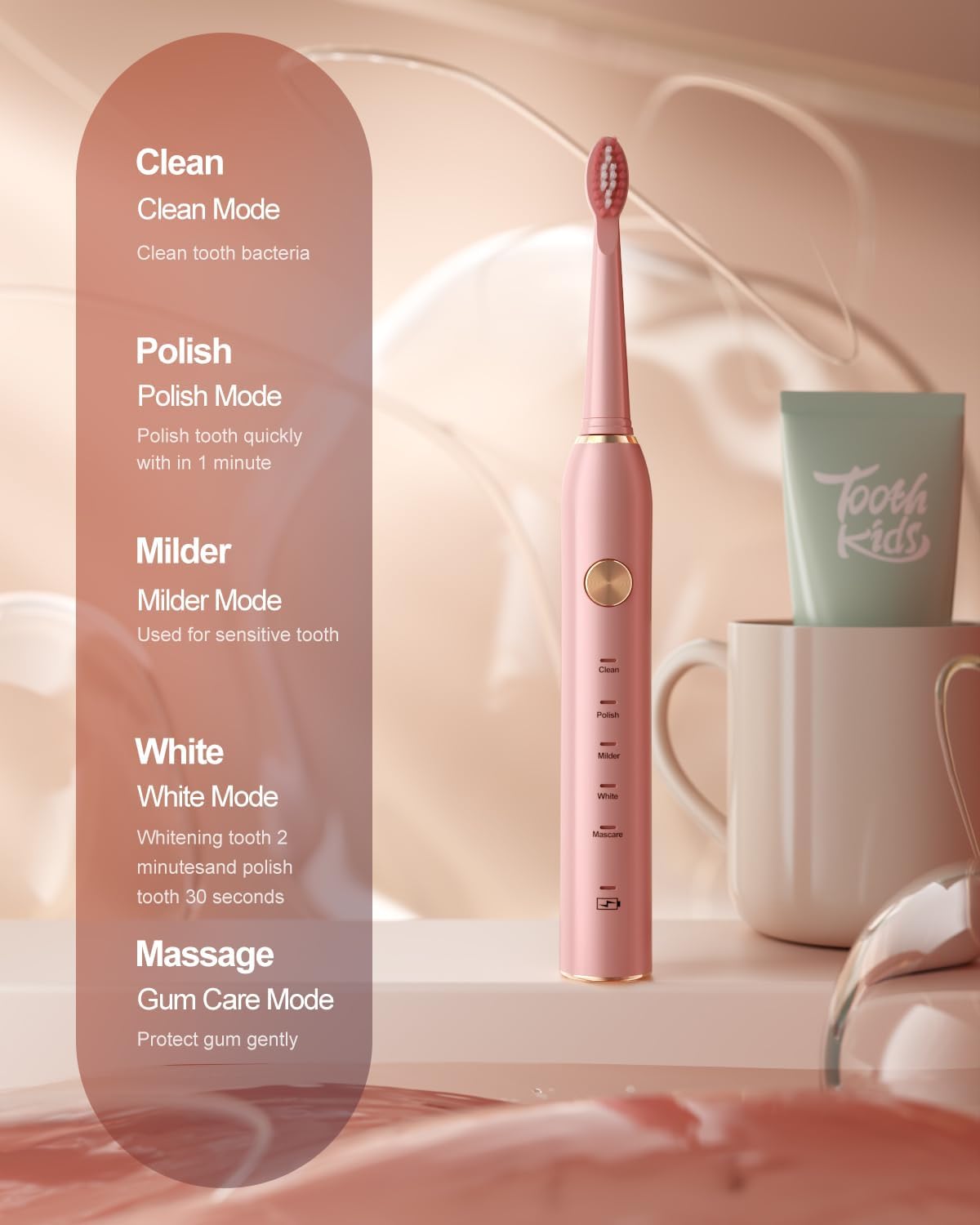
Image: The toothbrush handle illustrating the five distinct brushing modes: Clean, Polish, Milder, White, and Massage.
Charging
Your AJELU Sonic Electric Toothbrush is equipped with a rechargeable Lithium-Ion battery.
- Charging Indicator: The charging indicator light will flash to signal that the toothbrush requires charging.
- Charging Process: Connect the USB Type-C charging cable to the port at the bottom of the toothbrush handle and plug the other end into a compatible USB power source (e.g., wall adapter, computer USB port).
- Charging Time: A full charge takes approximately 2 hours.
- Battery Life: A fully charged toothbrush provides approximately 30 days of use (based on brushing twice a day for 2 minutes each time).
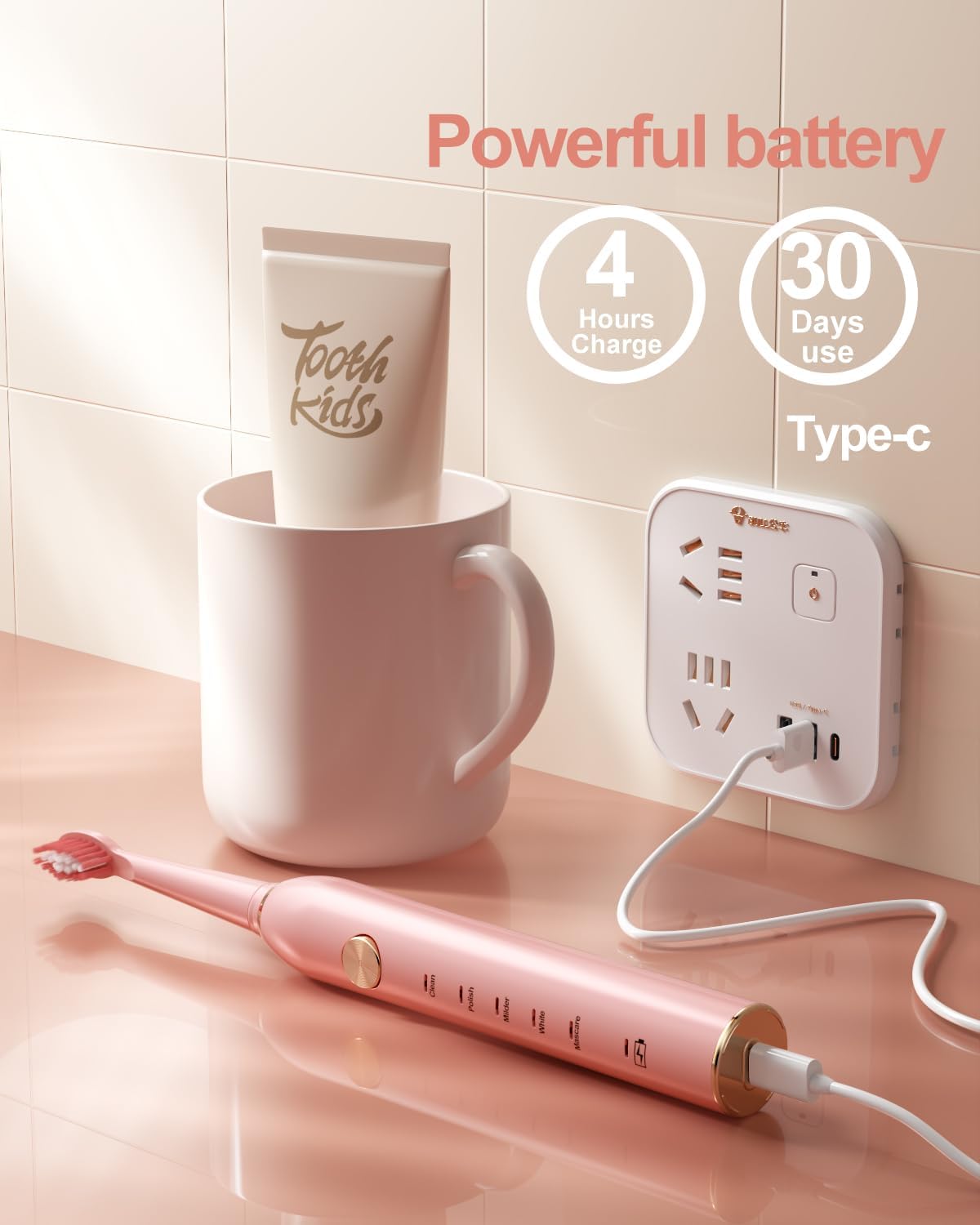
Image: The AJELU electric toothbrush being charged via its Type-C USB cable, highlighting its long battery life.
Maintenance
Cleaning the Toothbrush:
- After each use, rinse the brush head and the handle under running water.
- The toothbrush is IPX7 waterproof, allowing for easy rinsing. Do not submerge the charging port for extended periods.
- Wipe the handle with a soft cloth to remove any residue.

Image: The AJELU electric toothbrush partially submerged in water, illustrating its IPX7 waterproof capability for easy cleaning.
Brush Head Replacement:
Dentists recommend replacing brush heads every 3 months, or sooner if the bristles become frayed. To replace:
- Grip the brush head firmly and pull it straight off the handle.
- Align a new brush head with the metal shaft and push it down until it clicks into place.
Troubleshooting
| Problem | Possible Cause | Solution |
|---|---|---|
| Toothbrush does not turn on. | Battery is depleted. | Charge the toothbrush for at least 2 hours. |
| Charging indicator does not light up immediately. | Toothbrush has been unused for a long time. | Allow a few minutes for the indicator to appear after plugging in. |
| Reduced vibration intensity. | Low battery. | Recharge the toothbrush. |
| Brush head feels loose. | Brush head not properly attached. | Remove and re-attach the brush head, ensuring it clicks into place. |
Specifications
- Model Number: JP-ET-801
- Vibrations: 38,000 strokes per minute
- Power Source: Battery Powered (1 Lithium Ion battery, included)
- Charging Time: Approximately 2 hours
- Battery Life: Up to 30 days (based on 2 minutes, twice daily)
- Waterproof Rating: IPX7
- Brush Head Material: Dupont Nylon
- Dimensions: 8.9 x 3.11 x 1.65 inches
- Weight: 4.66 ounces
- Manufacturer: AJELU

Image: A visual representation of the toothbrush's ultrasonic technology, demonstrating its high vibration frequency for effective plaque removal.
Warranty and Support
Information regarding specific warranty terms and customer support contact details is not provided in the product data. Please refer to the product packaging or the seller's information on the purchase platform for warranty claims or technical assistance.
For general inquiries, you may contact the manufacturer, AJELU, through their official channels if available.
Ask a question about this manual
Ask about setup, troubleshooting, compatibility, parts, safety, or missing instructions. Manuals+ will review the question and use this page’s manual context to help answer it.