
1. Introduction
This manual provides detailed instructions for the installation, operation, and maintenance of the Longer 20W Laser Engraver Module. This module is designed to enhance the capabilities of compatible laser engravers, specifically the Longer RAY5 Series and B1 Series, by offering increased cutting power and engraving precision. Please read this manual thoroughly before use to ensure safe and optimal performance.
2. Safety Information
WARNING: Laser radiation can cause eye damage and skin burns. Always follow safety precautions.
- The laser head is equipped with a panoramic filter glass protective cover designed to filter 97% of ultraviolet rays. This provides a degree of eye protection during operation.
- Despite the integrated eye protection, it is highly recommended to wear additional laser-isolating goggles for maximum safety.
- Never look directly into the laser beam or at its reflection.
- Ensure the work area is well-ventilated to dissipate fumes produced during engraving or cutting.
- Keep flammable materials away from the laser's path.
- Do not leave the laser engraver unattended during operation.
- Familiarize yourself with emergency shutdown procedures for your specific engraver model.

Image: The laser module features an eye protection design with a protective shield and includes laser-isolating glasses for user safety.
3. Package Contents
Verify that all items listed below are present in your package:
- Longer 20W Laser Engraver Module
- Power Adapter
- Connection Cables
- Mounting Hardware (screws, nuts, brackets)
- Hex Wrenches (various sizes)
- Open-end Wrench
- User Manual (this document)

Image: The complete set of components included with the Longer 20W Laser Engraver Module.
4. Setup and Installation
This 20W laser module is compatible with Longer RAY5 Series and B1 Series laser engravers. Installation typically involves replacing the existing laser module with the new 20W module.
- Power Off: Ensure your laser engraver is powered off and unplugged from the power source before beginning installation.
- Remove Old Module: Carefully detach and remove the previously installed laser module from your engraver according to your engraver's specific instructions.
- Mount New Module: Using the provided mounting hardware, securely attach the Longer 20W Laser Engraver Module to the engraver's gantry. Ensure it is firmly seated and aligned.
- Connect Cables: Connect the provided cables from the new laser module to the appropriate ports on your engraver. Refer to your engraver's manual for specific connection points.
- Power Supply: Connect the power adapter to the laser module and then to a power outlet.
- Adjust Roller Tension (if applicable): Due to the potentially heavier weight of the 20W module compared to lower-wattage modules, you may need to adjust the roller tension on your engraver's gantry to ensure proper leveling and smooth movement. Consult your engraver's manual for instructions on adjusting roller tension.
- Software Configuration: After physical installation, you may need to update or configure your laser engraving software (e.g., LightBurn, LaserGRBL) to recognize the new 20W module and its power settings.
For detailed visual guidance, refer to the installation section of your specific Longer RAY5 or B1 Series engraver manual.
5. Operating Instructions
5.1 General Operation
- Always wear appropriate eye protection during operation.
- Ensure the material to be processed is securely placed on the work surface.
- Use an air assist system to maintain lens cleanliness and improve cut quality, especially at higher power levels.
- Start with lower power and speed settings when working with new materials and gradually increase as needed.
5.2 Cutting Capabilities
The 20W laser module offers significant cutting power:
- Cuts 0.59" (15mm) pine wood in a single pass.
- Cuts 0.31" (8mm) acrylic in a single pass.
- Capable of cutting up to 25mm wood and 35mm acrylic with multiple passes.
- Precisely cuts 0.002" (0.05mm) stainless steel.

Image: The 20W laser module demonstrates its ability to cut various materials with high accuracy.
5.3 Engraving Capabilities
The module provides high precision for detailed engraving:
- Achieves an engraving accuracy of 0.01mm.
- Supports rare color engraving performance with a self-developed 256-bit color scale for detailed color representation.

Image: The laser module's precise engraving capabilities are demonstrated by a detailed cat image.

Image: Examples of rare color engraving performance on different materials.
5.4 Applicable Materials
The Longer 20W Laser Engraver Module supports a wide range of materials:
Engraving Materials:
- All types of wood (e.g., basswood, bamboo)
- Paper (e.g., kraft paper)
- Plastic
- Leather
- PCB board
- Aluminum oxide
- Non-reflective plating and lacquered metal
- Rubber
- Glass
- Ceramics
- Stainless Steel
Cutting Materials:
- Cardboard
- Non-woven fabric
- Light wood
- Acrylic material
- Thin plastic board
Note: The module is unable to engrave blue, purple, white, or transparent materials, or aluminum without an oxide layer.

Image: Examples of diverse materials compatible with the laser engraver module.
6. Maintenance
- Lens Cleaning: Regularly inspect and clean the laser lens to ensure optimal performance and prevent debris buildup. Use a soft, lint-free cloth and appropriate lens cleaning solution.
- Heat Dissipation System: The module features a built-in heat dissipation system to cool the engraving machine quickly and extend its service life. Ensure the cooling vents are not obstructed.
- Laser Life: The estimated service life of the laser is approximately 20,000 hours.
- Cable Inspection: Periodically check all connection cables for wear or damage. Replace any damaged cables immediately.
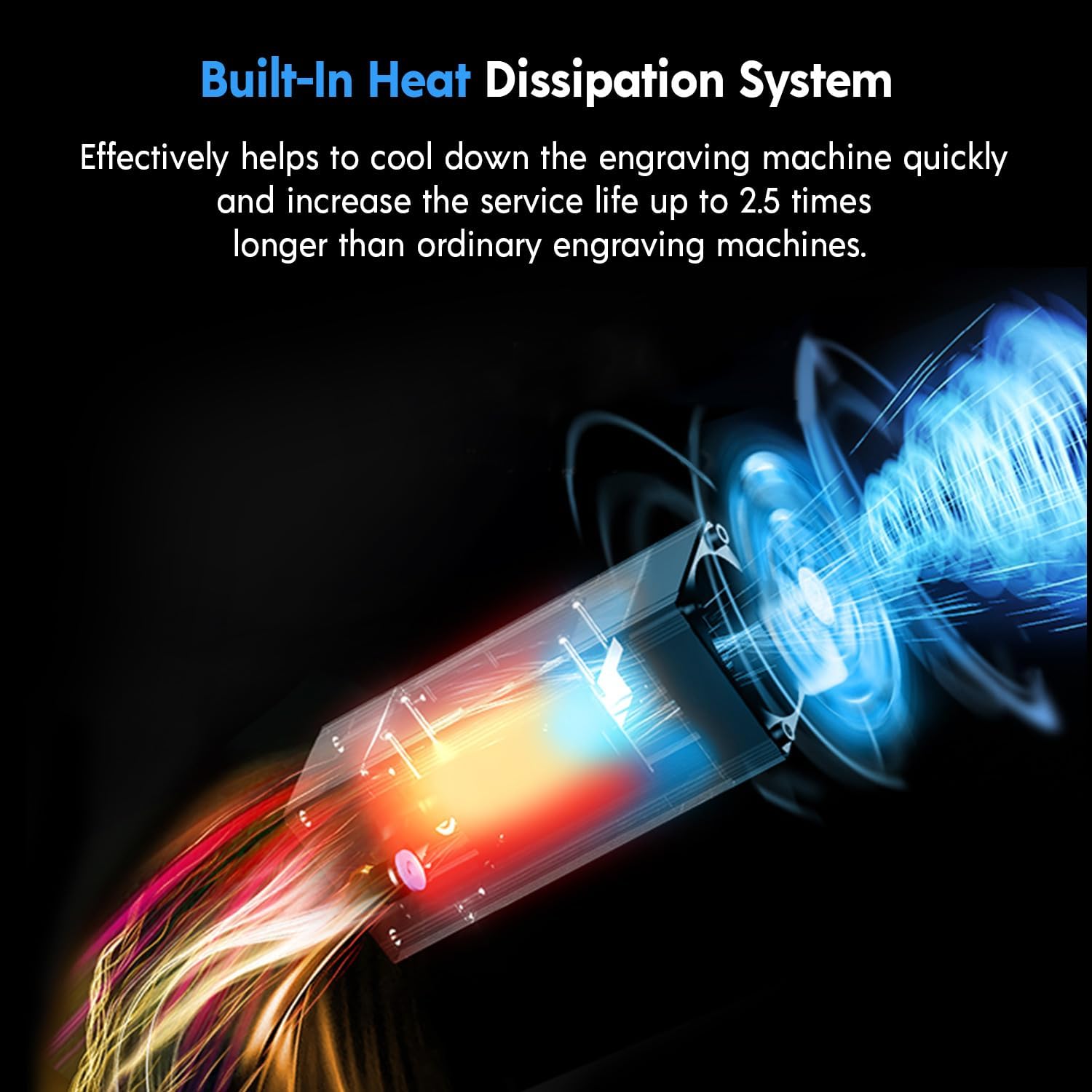
Image: The module's internal heat dissipation system for extended lifespan.
7. Troubleshooting
- Module Leaning/Unstable: If the module appears to lean forward or is unstable after installation, it may be heavier than your previous module. Adjust the roller tension on your engraver's gantry to level it out. Refer to your engraver's manual for specific adjustment procedures.
- Poor Focus/Engraving Quality:
- Ensure the laser focus is correctly set for the material thickness.
- Clean the laser lens for any dust or debris.
- Verify that the material is flat and securely positioned.
- Laser Not Firing or Weak Output:
- Check all cable connections to ensure they are secure and correctly inserted.
- Verify the power supply is connected and functioning.
- Confirm software settings are correct for the 20W module.
- If the issue persists, contact Longer customer support.
- Incorrect Cable Provided: In rare cases, an incorrect cable might be included. If you suspect this, contact Longer customer support for a replacement.
8. Specifications
| Feature | Specification |
|---|---|
| Brand | Longer |
| Model Number | 20W Laser Engraver Module |
| Optical Output Power | 20W |
| Laser Spot Size | 0.08 x 0.1mm |
| Engraving Accuracy | 0.01mm |
| Eye Protection | Panoramic filter glass protective cover (filters 97% UV) |
| Laser Service Life | Approx. 20,000 hours |
| Package Dimensions | 10.63 x 10.24 x 5.59 inches |
| Item Weight | 3.76 pounds |
| Manufacturer | Longer |

Image: Overview of the module's advanced engraving capabilities.
9. Warranty and Support
Longer is committed to providing quality products and customer service. For any inquiries, technical assistance, or warranty claims, please contact Longer customer support.
- Customer Service: Longer offers multi-channel support including email, live chat, and phone.
- Technical Service Team: A dedicated technical service team is available to assist with product-related issues.
- Warranty: Products are subject to warranty terms. Refer to your purchase documentation or contact customer service for specific warranty details.

Image: Longer's multi-channel customer support options.
For more information, visit the official Longer website: www.longer3d.com

