1. Product Overview
The Hot Wheels Monster Trucks Mega-Wrex comes alive in an oversized 1:15 scale remote-control vehicle, featuring interactive lights and sounds. This RC truck offers three distinct modes of play for dynamic interaction and imaginative storytelling.

Figure 1: Hot Wheels Monster Trucks Mega-Wrex Alive RC Vehicle in action with a child.
2. Setup
2.1 Unboxing
Carefully remove the Mega-Wrex RC vehicle and its remote control from the packaging. Ensure all ties and protective materials are removed before use.

Figure 2: The Mega-Wrex Alive RC Vehicle as packaged.
2.2 Remote Control Battery Installation
The remote control requires 2 AAA batteries (not included). Use a small screwdriver to open the battery compartment on the back of the remote. Insert the batteries, ensuring correct polarity, then close the compartment securely.
2.3 Charging the Vehicle
The Mega-Wrex vehicle features a built-in rechargeable battery. Locate the charging port on the underside of the vehicle. Connect the provided USB charging cable to the port and plug the other end into a standard USB power adapter (not included). The charging indicator light will show the charging status. Allow sufficient time for a full charge before first use.
Video 1: Hot Wheels RC Monster Trucks 1:6 Scale Mega-Wrex - Demo. This video demonstrates the vehicle's features and charging process.
3. Operating Instructions
3.1 Powering On/Off
Locate the ON/OFF switch on the underside of the Mega-Wrex vehicle. Slide the switch to the 'ON' position to power on. To power off, slide the switch to the 'OFF' position.
3.2 Remote Control Functions
- Forward/Backward: Use the joystick on the remote to move the truck forward or backward.
- Turning: Use the joystick to steer the truck left or right.
- Impact Sensor: Tap the impact sensor on the truck to activate lights and sounds, initiating Hunt Mode.
3.3 Play Modes
- Hunt Mode: Activated by tapping the impact sensor. Mega-Wrex powers up with growling sounds and increasing intensity.
- Smasher Mode: Engage in aggressive play. Mega-Wrex dominates with massive tires and fierce sound effects. The truck can perform stunts on its back two wheels.
- Guard Mode: When idle, Mega-Wrex recharges with a soft ambient glow, ready for action.
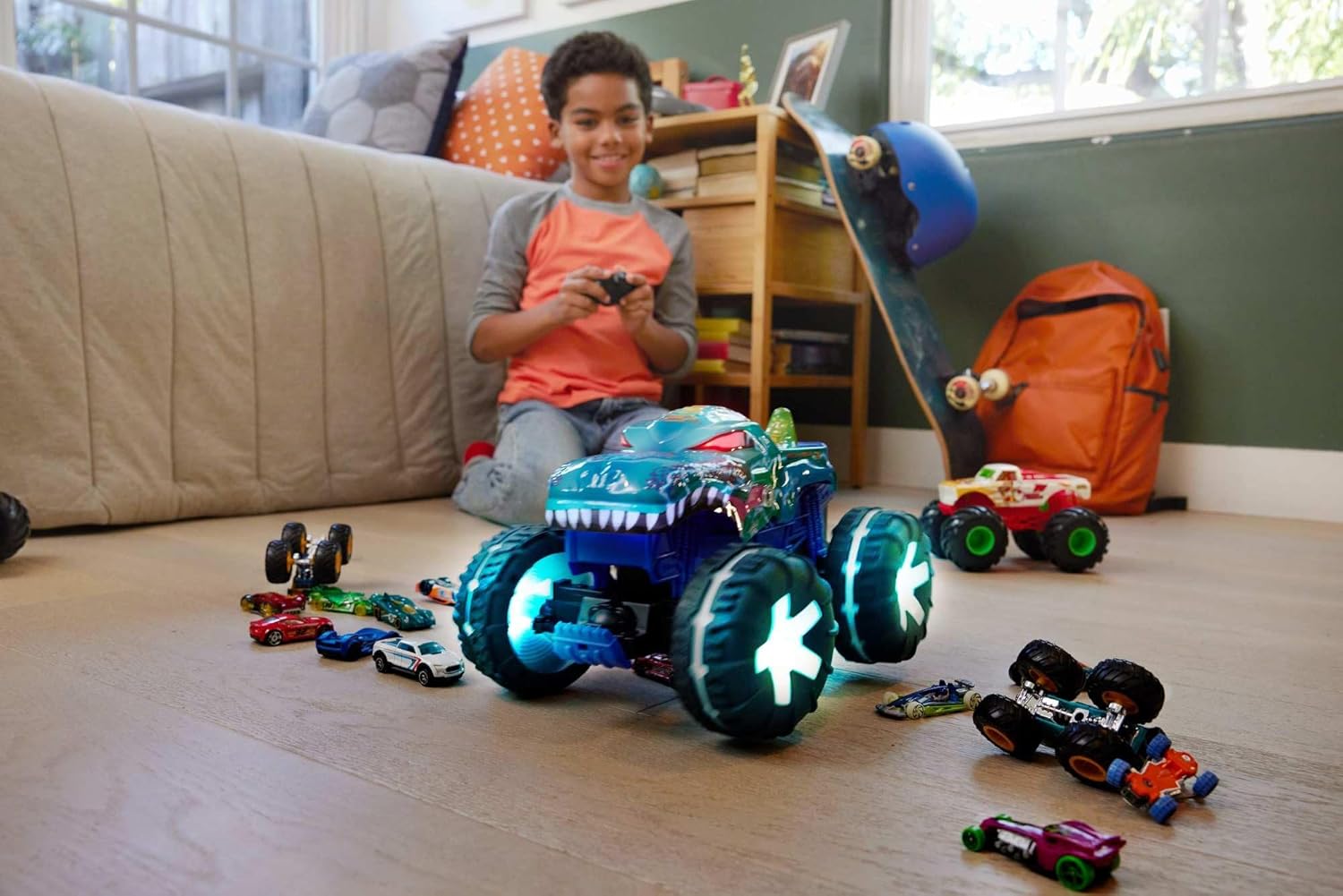
Figure 3: A child operating the Mega-Wrex RC vehicle.
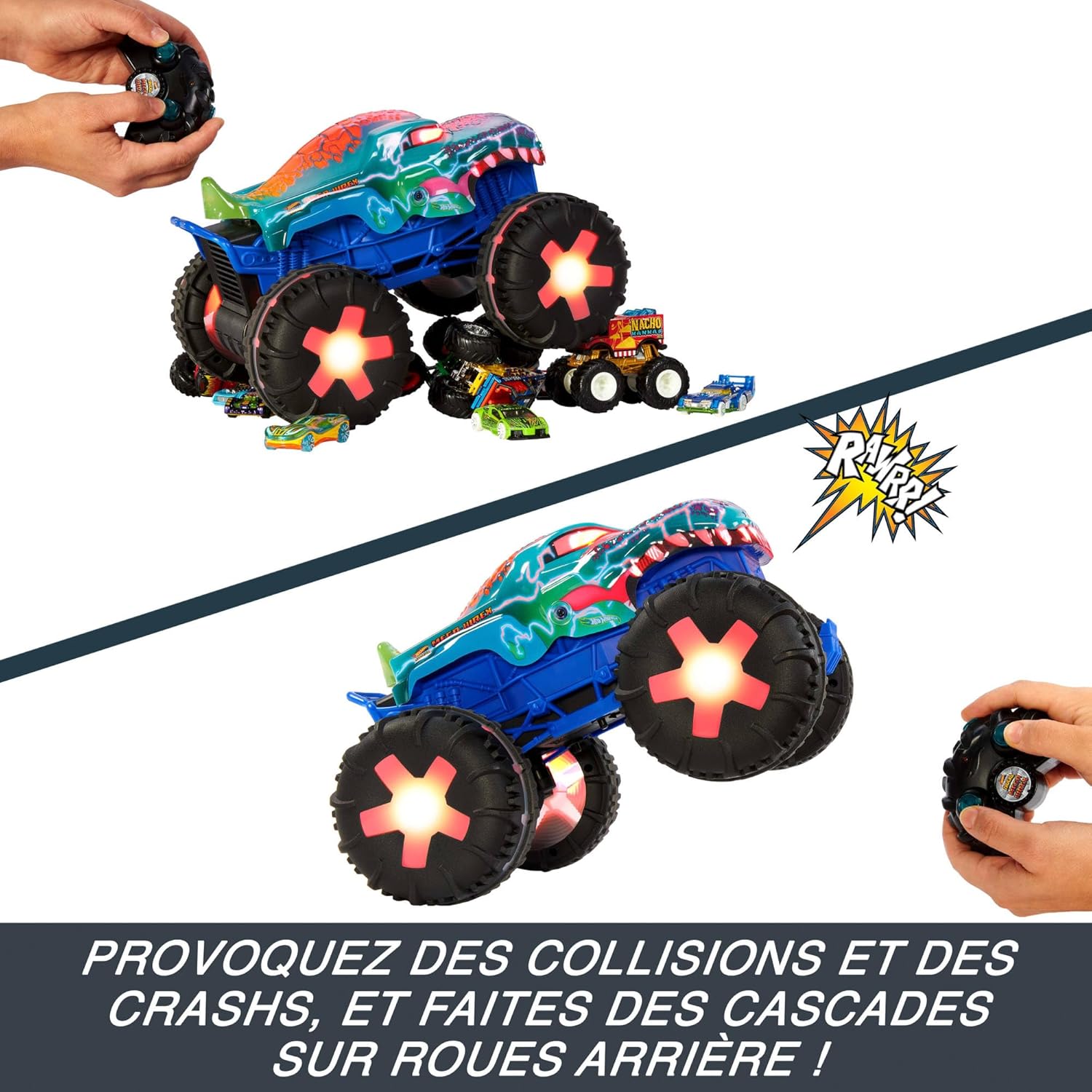
Figure 4: The Mega-Wrex RC vehicle demonstrating its stunt capabilities.
4. Maintenance
4.1 Cleaning
Wipe the vehicle and remote control with a damp cloth to remove dirt and dust. Do not immerse the vehicle or remote control in water. Avoid using harsh chemicals or abrasive cleaners.
4.2 Battery Care
To prolong battery life, fully charge the vehicle's battery before storage. If the vehicle will not be used for an extended period, remove the AAA batteries from the remote control.
5. Troubleshooting
- Vehicle not responding: Ensure both the vehicle and remote control are powered on. Check remote control batteries and replace if necessary. Ensure the vehicle's battery is charged.
- Poor performance: Fully charge the vehicle's battery. Ensure the play surface is suitable for RC operation.
- Lights/Sounds not working: Check battery levels. If issues persist, contact customer support.
6. Specifications
| Feature | Detail |
|---|---|
| Model Number | JBD90 |
| Scale | 1:15 Scale |
| Product Dimensions | 33 x 20 x 23 cm; 1.39 kg |
| Material Type | Plastic |
| Vehicle Batteries | Rechargeable (Included) |
| Remote Batteries | 2 AAA (Not Included) |
| Manufacturer Recommended Age | 5 years and up |
| Release Date | June 1, 2024 |
| Manufacturer | Mattel, Inc. |
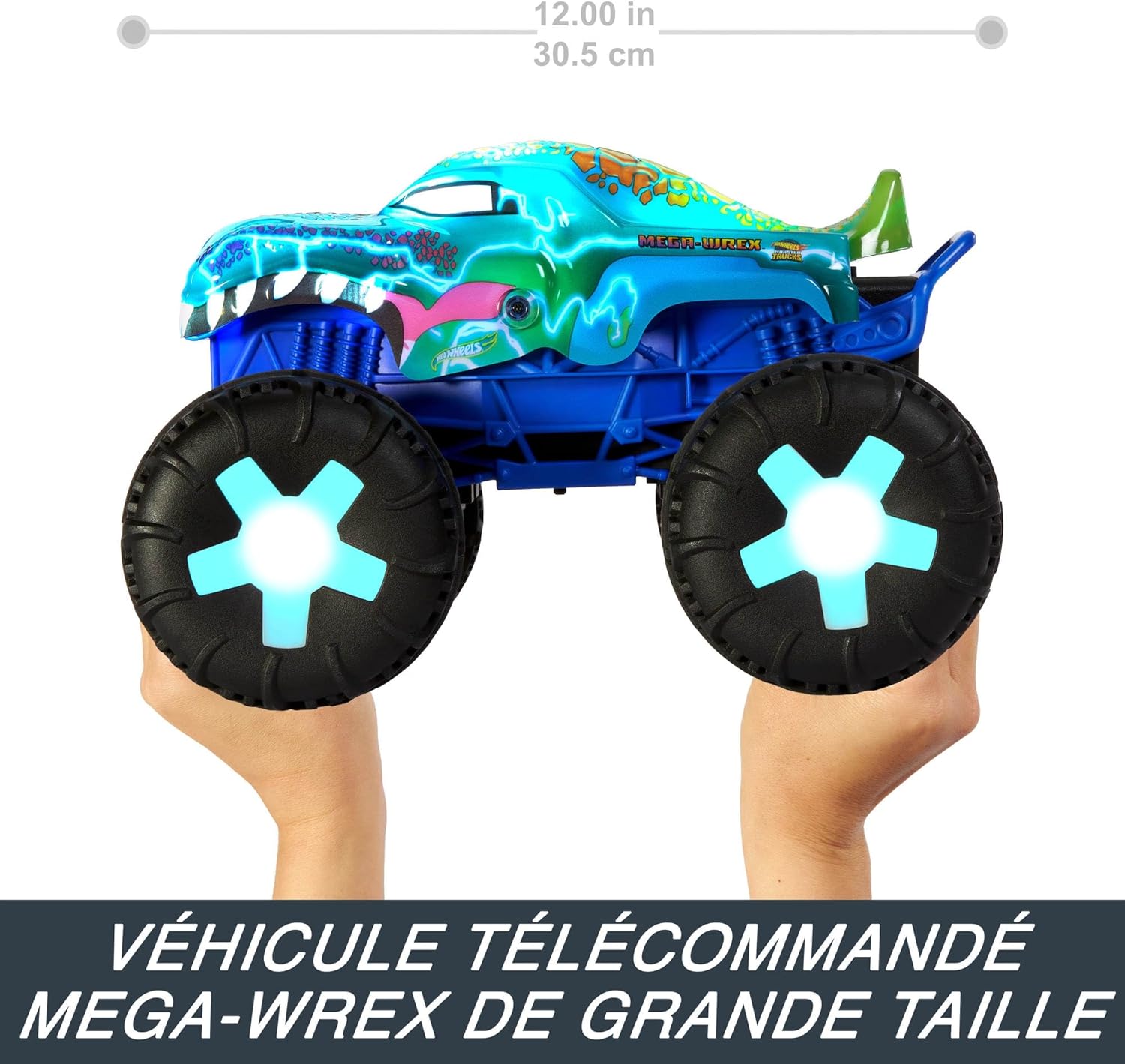
Figure 5: Product dimensions of the Mega-Wrex RC vehicle.
7. Warranty and Support
Specific warranty information is not provided in the available product data. For details regarding warranty coverage, returns, or technical support, please refer to the product packaging or contact the manufacturer, Mattel, Inc., directly. You may also reach out to your retailer for assistance.
Manufacturer Contact: Please check the official Mattel website or product packaging for the most current contact information.


