Introduction
The BlessReach Steerable Knee Walker Deluxe Medical Scooter, Model WB-2202, is designed to provide a comfortable and stable mobility solution for individuals recovering from foot, ankle, calf, or knee injuries, or those undergoing post-surgical rehabilitation. This manual provides essential information for the proper assembly, operation, maintenance, and care of your knee walker.
Important Safety Information
- Weight Capacity: Do not exceed the maximum weight capacity of 300 lbs (136 kg).
- Speed: For your safety, do not operate the knee walker at high speeds. A recommended speed is 1m/s.
- Surface Use: While designed for indoor and outdoor use, exercise caution on uneven surfaces, gravel, dirt roads, and sidewalk cracks to prevent tipping or loss of control.
- Brakes: Always engage the brakes when stationary to prevent unintended movement. Regularly check brake functionality.
- Adjustments: Ensure all adjustable components (handlebar, kneepad) are securely locked in place before use.
Setup and Assembly
Your BlessReach Knee Walker comes partially assembled. Follow these steps to complete the setup:
1. Unfolding the Frame
Carefully unfold the main frame of the knee walker. When opening the frame, rotate the handle to open it smoothly and avoid getting stuck. It is important to lift the shock absorber in advance to prevent it from blocking the unfolding of the seat tube.
Video: Demonstrates the correct procedure for unfolding the knee walker frame, emphasizing lifting the shock absorber to prevent obstruction.
2. Installing the Front Wheels
Attach the front wheels to the crossbar. Ensure the gasket is placed correctly between the crossbar and the wheel. Tighten the screws using the provided Allen wrench. Note that the buckle needs to be fastened tightly. You must first tighten the screws below before moving the wrench.
Video: Shows the step-by-step process of installing the front wheels and securing the buckle, highlighting the importance of tightening screws first.
3. Installing the Shock Absorber
Position the shock absorber and secure it to the designated points on the frame using the provided fasteners.

Image: A detailed view of the customized shock absorber, highlighting its high-efficiency vibration damping and noise reduction capabilities, and its support for up to 300 lbs.
4. Installing the Handle
Insert the handle into the main stem and secure it. Adjust the height to your comfort level and tighten the locking mechanism.
5. Installing the Cushion
Place the knee cushion onto its support post and secure it with the provided screws. Ensure it is firmly attached.
Video: A comprehensive assembly video for the BlessReach Knee Walker Model 2202, showing all major steps including frame, wheels, handle, and cushion installation.
6. Attaching the Storage Bag
Attach the removable storage bag to the handlebar stem using the integrated straps. This bag is perfect for keeping your essentials close at hand.

Image: The BlessReach Steerable Knee Walker in black, featuring its comfortable knee pad, adjustable handlebars, and a convenient front-mounted storage bag.
Operating Instructions
Adjusting Height
The knee walker features adjustable handlebars and a kneepad to accommodate users with heights from 4' 9" to 6' 4". Use the quick-release mechanisms to adjust the height of the handlebars and the kneepad post to ensure a comfortable and ergonomic fit.
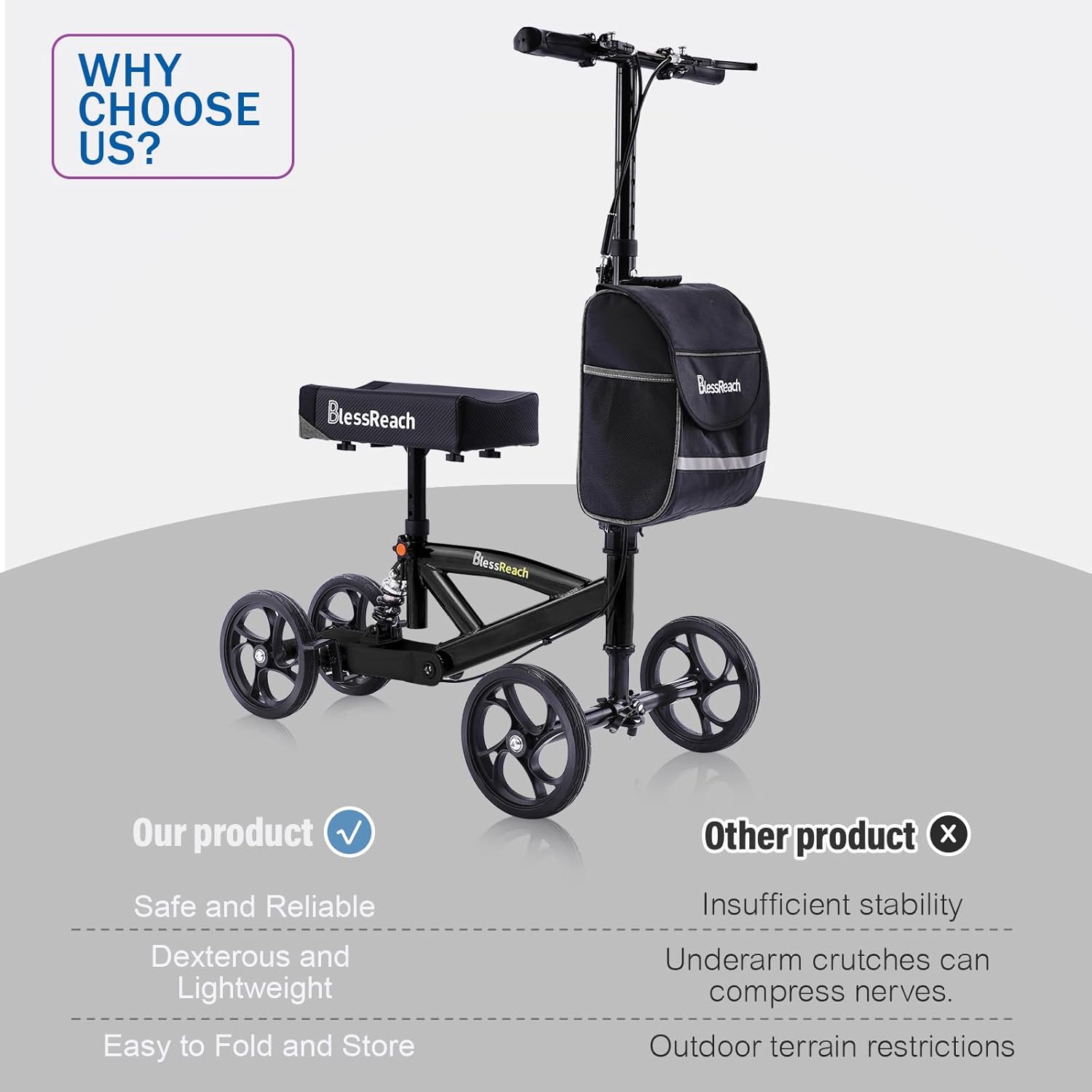
Image: Illustrates the multi-position adjustable design of the BlessReach Knee Walker, showing five-position seat adjustment and six-position handlebar adjustment with dimensions.
Braking System
The knee walker is equipped with an efficient dual braking system. Squeeze the brake levers on the handlebars to slow down or stop. For parking, engage the parking brake by pressing the button on the brake lever while holding it down.

Image: Details the ergonomic design of the handle with a non-slip grip and a one-touch parking function, alongside the high-resilience breathable memory foam kneepad.
Steering
The steerable design allows for easy maneuverability. Use the handlebars to guide the front wheels in your desired direction.
Folding for Transport and Storage
The knee walker features a quick-release folding mechanism on the handlebars for easy transport and storage. Loosen the clasp to fold the frame, allowing it to fit easily into a car trunk.
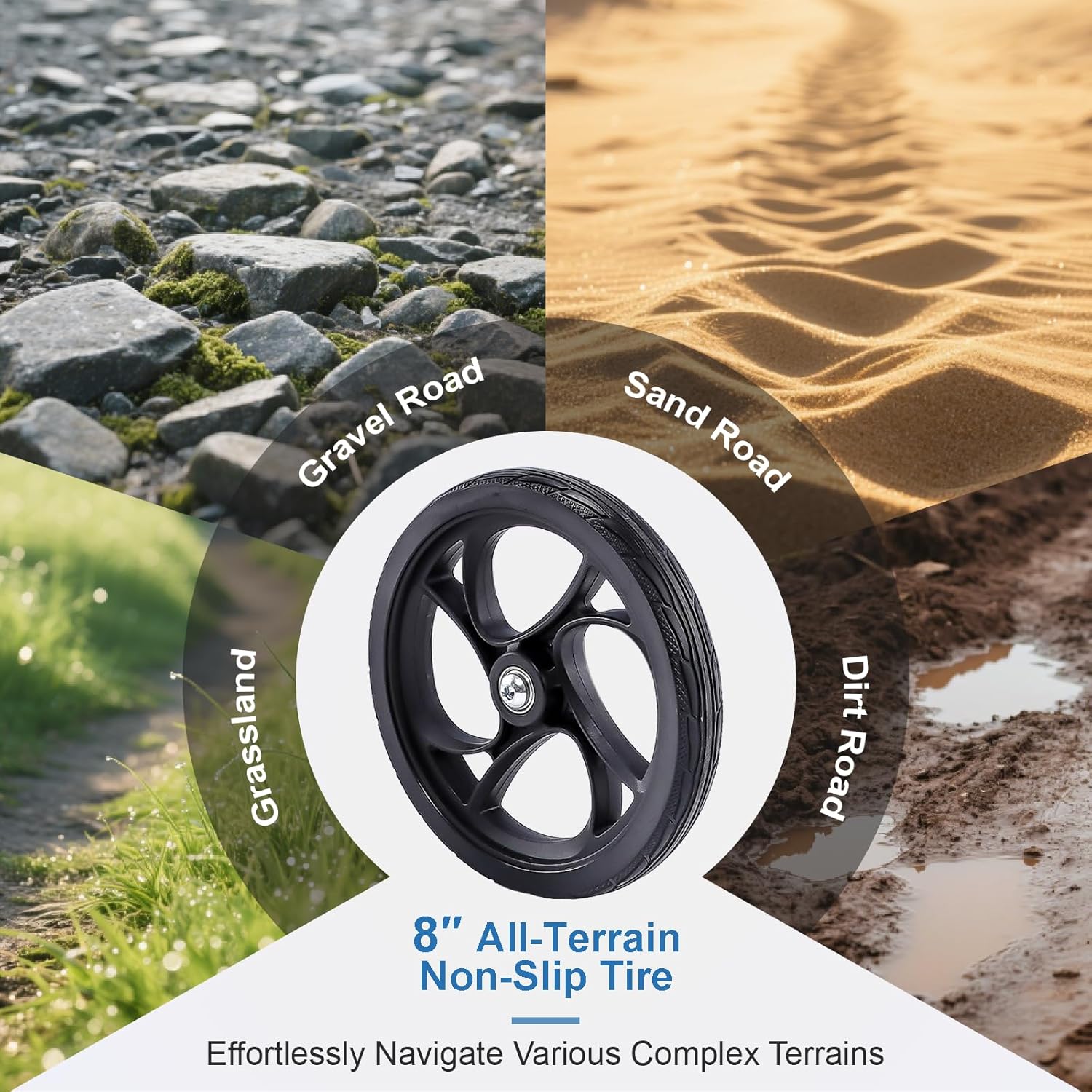
Image: Demonstrates the foldable design of the knee walker, showing how loosening a clasp allows it to be folded for easy carrying and transportation, fitting into a car trunk.
Maintenance
- Cleaning: Wipe down the frame and kneepad with a damp cloth and mild soap. Avoid abrasive cleaners.
- Brake Check: Regularly inspect the brake cables and pads for wear and tear. Ensure brakes engage smoothly and effectively.
- Wheel Inspection: Check the wheels periodically for any damage or excessive wear. Ensure they roll smoothly.
- Fasteners: Periodically check all screws and fasteners to ensure they are tight and secure.
Troubleshooting
Brake Adjustment
If the brakes feel loose or are not engaging properly, you can adjust the braking method using the adjusters near the brake levers. Turn the barrel adjuster to increase or decrease cable tension.
Steering Loosening Adjustment
If the T-handle steering feels loose, locate the adjustment mechanism on the steering column. Use an Allen wrench to tighten the bolt, ensuring the steering is firm but still allows for smooth turning.
General Instability
If the knee walker feels unstable, re-check all assembly points, especially the front wheel axle buckle and the kneepad post, to ensure they are securely fastened. Verify that the shock absorber is correctly installed.
Specifications
- Product Dimensions: 17"D x 40.5"W x 31"H
- Item Weight: 24 Pounds
- Material: Aluminum, Rubber
- Color: Black
- Manufacturer: BlessReach
- Recommended User Height: 4' 9" to 6' 4"
- Weight Capacity: 300 lbs
Warranty and Support
Information regarding product warranty and customer support was not provided in the available product data. Please refer to the product packaging or contact the manufacturer directly for details.


