
Introduction
Thank you for choosing the JOYWISE U18C Bluetooth Earbuds. These wireless headphones are designed to provide a high-quality audio experience with features tailored for active lifestyles, including IPX7 waterproofing, secure earhooks, and long battery life. Please read this manual carefully before using the product to ensure proper operation and to maximize its lifespan.

Image: JOYWISE U18C Bluetooth Earbuds with their compact charging case, showcasing the earhook design.
Safety Information
- Do not expose the earbuds to extreme temperatures or direct sunlight for prolonged periods.
- Avoid dropping or subjecting the earbuds to strong impacts.
- Keep out of reach of children and pets.
- Do not attempt to disassemble or modify the earbuds. This will void the warranty.
- Clean the earbuds with a soft, dry cloth. Do not use harsh chemicals or abrasive materials.
- While IPX7 waterproof, these earbuds are not recommended for swimming or prolonged submersion.
What's in the Box
- JOYWISE U18C Bluetooth Earbuds
- Charging Case
- User Manual (this document)
- USB-C Charging Cable
- Multiple sizes of ear tips
Product Features Overview
The JOYWISE U18C earbuds are packed with features to enhance your listening experience, especially during sports and active use.
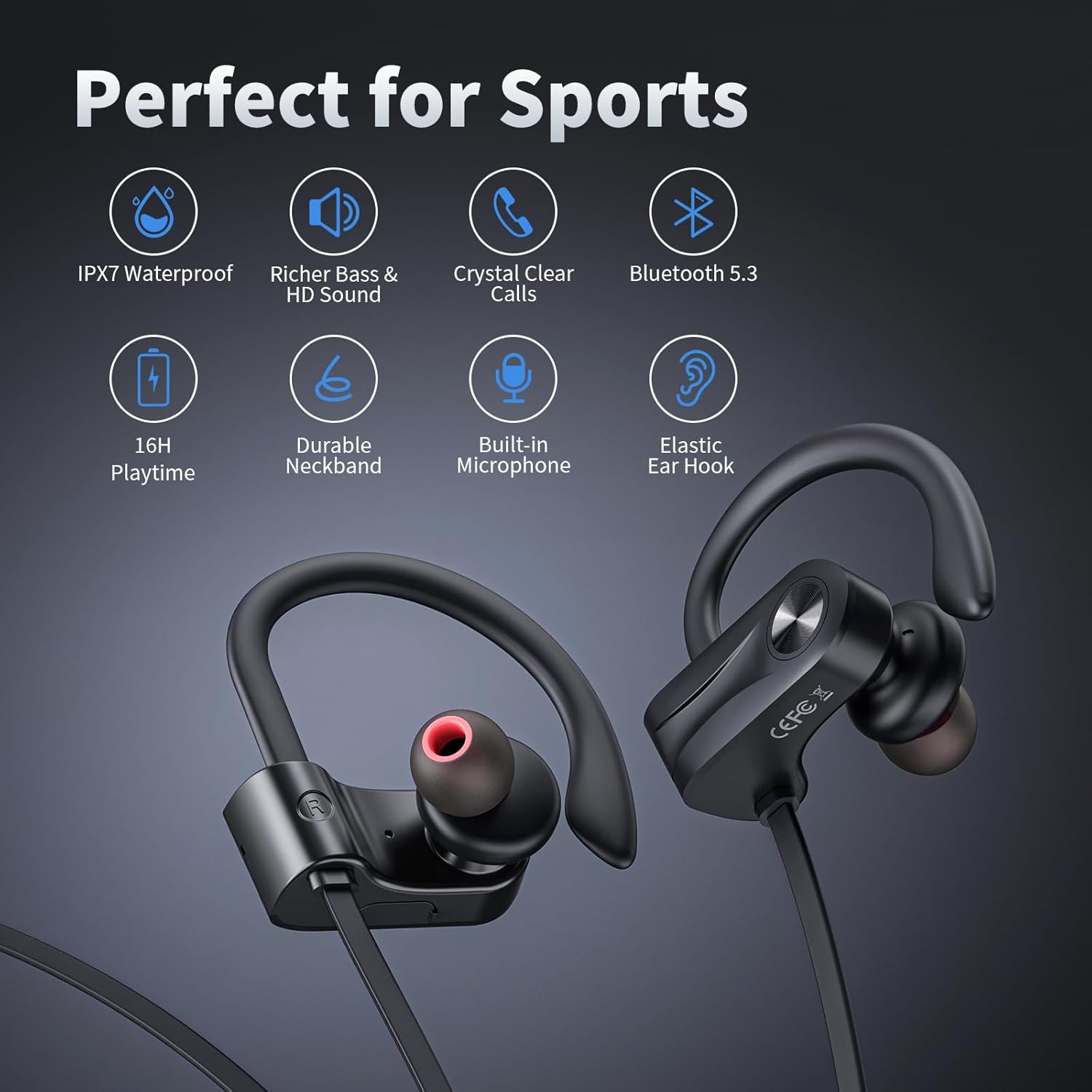
Image: Overview of key features including IPX7 Waterproof, Richer Bass & HD Sound, Crystal Clear Calls, Bluetooth 5.3, 16H Playtime, Durable Neckband, Built-in Microphone, and Elastic Ear Hook.
Official Product Video
Video: A comprehensive overview of the JOYWISE U18C Bluetooth Earbuds, highlighting features such as different ear tips, elastic ear hooks for comfortable wear, adjustable length, one-button control, Bluetooth 5.3 connectivity, deep rich bass, superior sound quality, IPX7 waterproofing, Type-C fast charging, and 16 hours of playtime. It also showcases the available multi-color options.
Setup
1. Charging the Earbuds
Before first use, fully charge your JOYWISE U18C earbuds. The earbuds come with a USB-C charging port for fast charging.
- Connect the USB-C charging cable to the charging port on the earbuds.
- Connect the other end of the cable to a compatible USB power source (e.g., wall adapter, computer USB port).
- The indicator light will show charging status and turn off when fully charged.
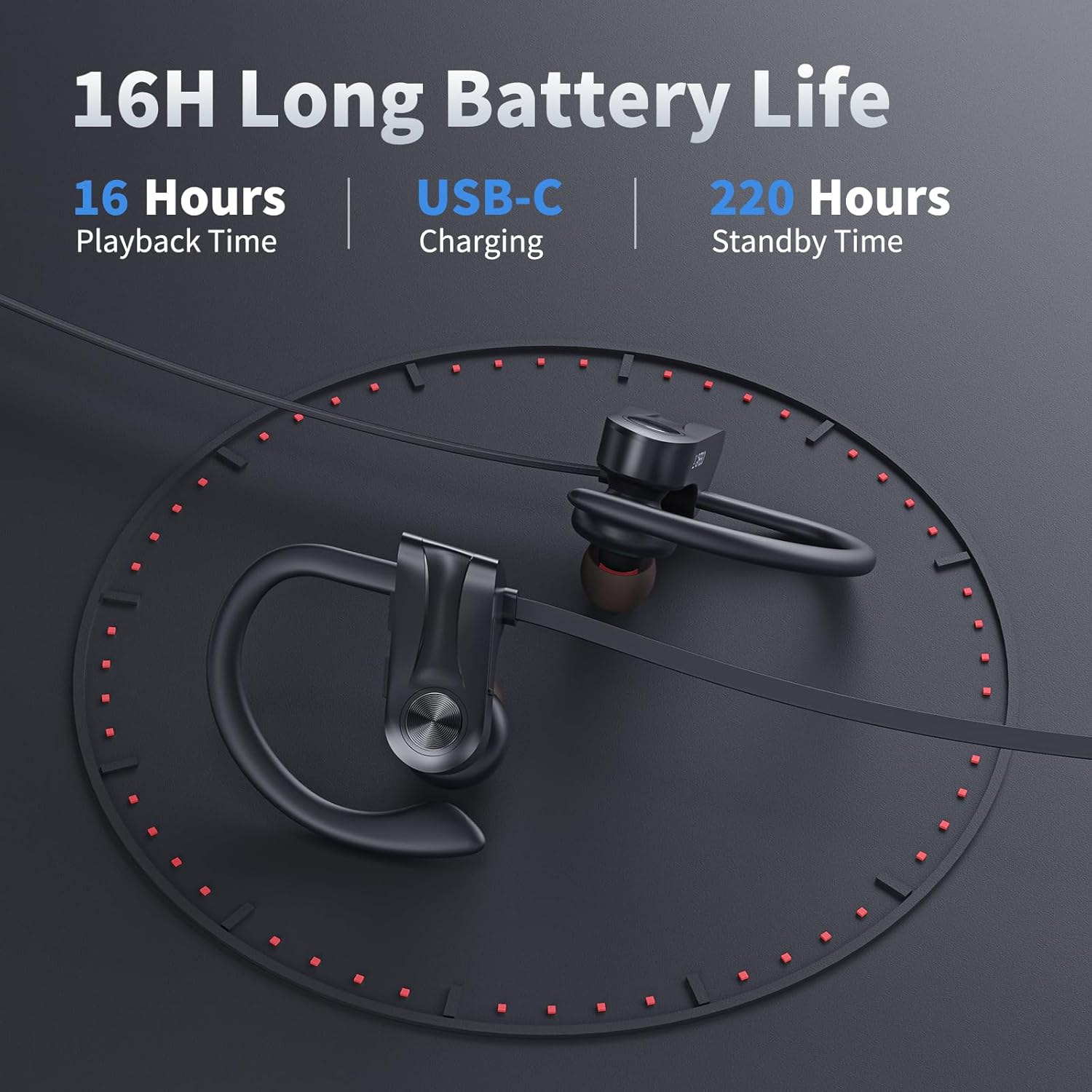
Image: Illustration showing the 16-hour playback time and USB-C charging capability of the earbuds.
2. Powering On/Off
- Power On: Press and hold the multi-function button (power button) for approximately 3 seconds until you hear a voice prompt and the indicator light flashes.
- Power Off: Press and hold the multi-function button for approximately 5 seconds until you hear a voice prompt and the indicator light turns off.
3. Bluetooth Pairing
The JOYWISE U18C earbuds utilize Bluetooth 5.3 for stable and seamless connectivity.
- Ensure the earbuds are fully charged and powered off.
- Press and hold the multi-function button for about 5-7 seconds until the indicator light flashes red and blue alternately, indicating pairing mode.
- On your device (smartphone, tablet, laptop), enable Bluetooth.
- Search for "U18C" or "JOYWISE U18C" in the list of available Bluetooth devices.
- Select "U18C" to connect. Once connected, the indicator light will flash blue slowly, and you will hear a confirmation tone.
- The earbuds will automatically reconnect to the last paired device when powered on, if within range.
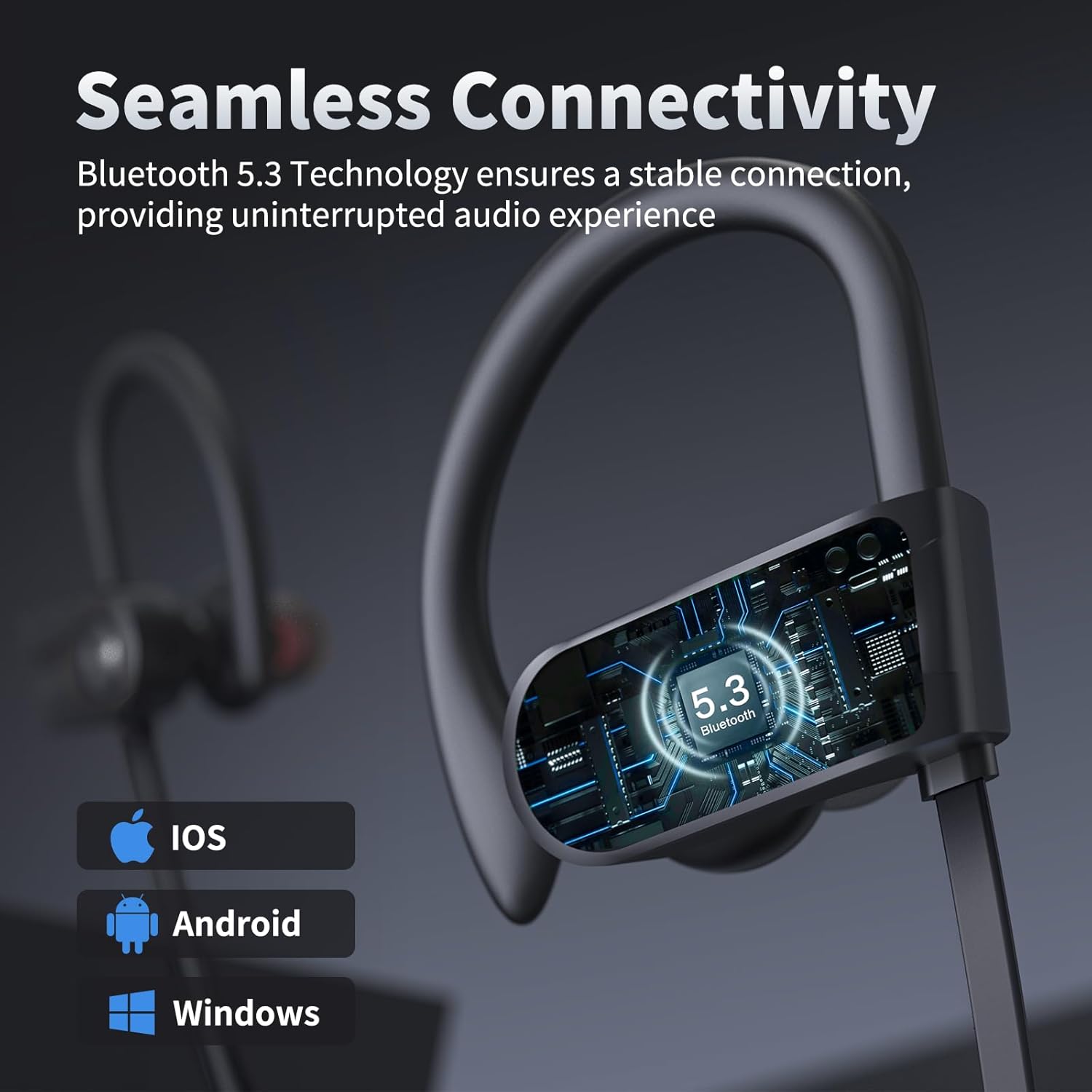
Image: Visual representation of the earbuds' seamless connectivity via Bluetooth 5.3, compatible with iOS, Android, and Windows devices.
4. Wearing the Earbuds
The U18C earbuds feature elastic ear hooks and come with different ear tip sizes to ensure a comfortable and secure fit, especially during physical activity.
- Choose the ear tips that best fit your ear canal for optimal sound and comfort.
- Place the earbud into your ear, then gently loop the ear hook over the top of your ear.
- Adjust the earbud and ear hook until it feels secure and comfortable. The neckband length can also be adjusted for a snug fit.
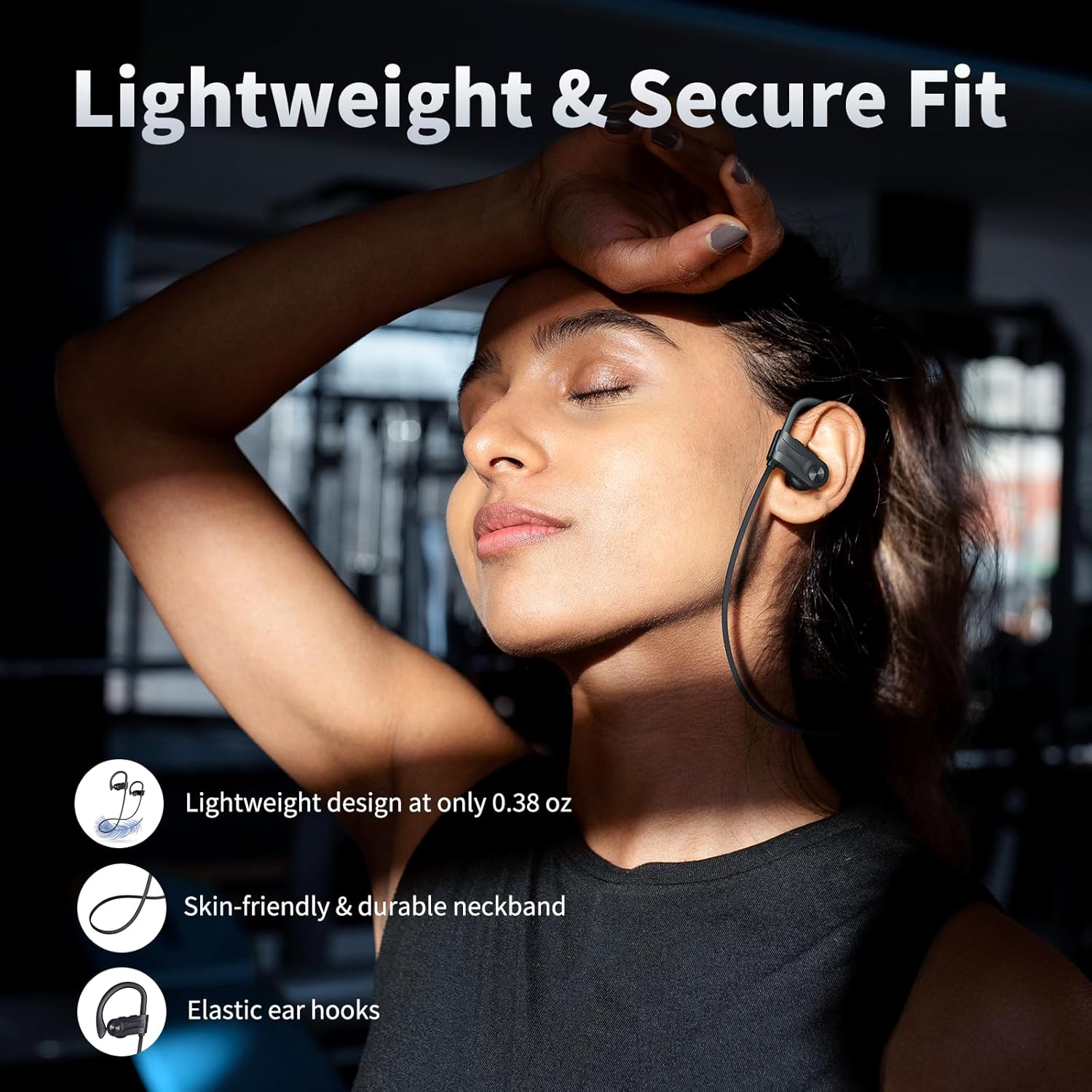
Image: A person wearing the earbuds, demonstrating their lightweight design (0.38 oz), skin-friendly and durable neckband, and elastic ear hooks for a secure fit.
Operating Instructions
The JOYWISE U18C earbuds feature intuitive one-button control for various functions.
Music Playback
- Play/Pause: Short press the multi-function button once.
- Next Track: Long press the "+" (volume up) button.
- Previous Track: Long press the "-" (volume down) button.
- Volume Up: Short press the "+" button.
- Volume Down: Short press the "-" button.
Call Management
- Answer/End Call: Short press the multi-function button once.
- Reject Call: Long press the multi-function button for 2 seconds.
- Redial Last Number: Double-press the multi-function button.
Voice Assistant
- Activate Voice Assistant (Siri, Google Assistant, etc.): Triple-press the multi-function button.
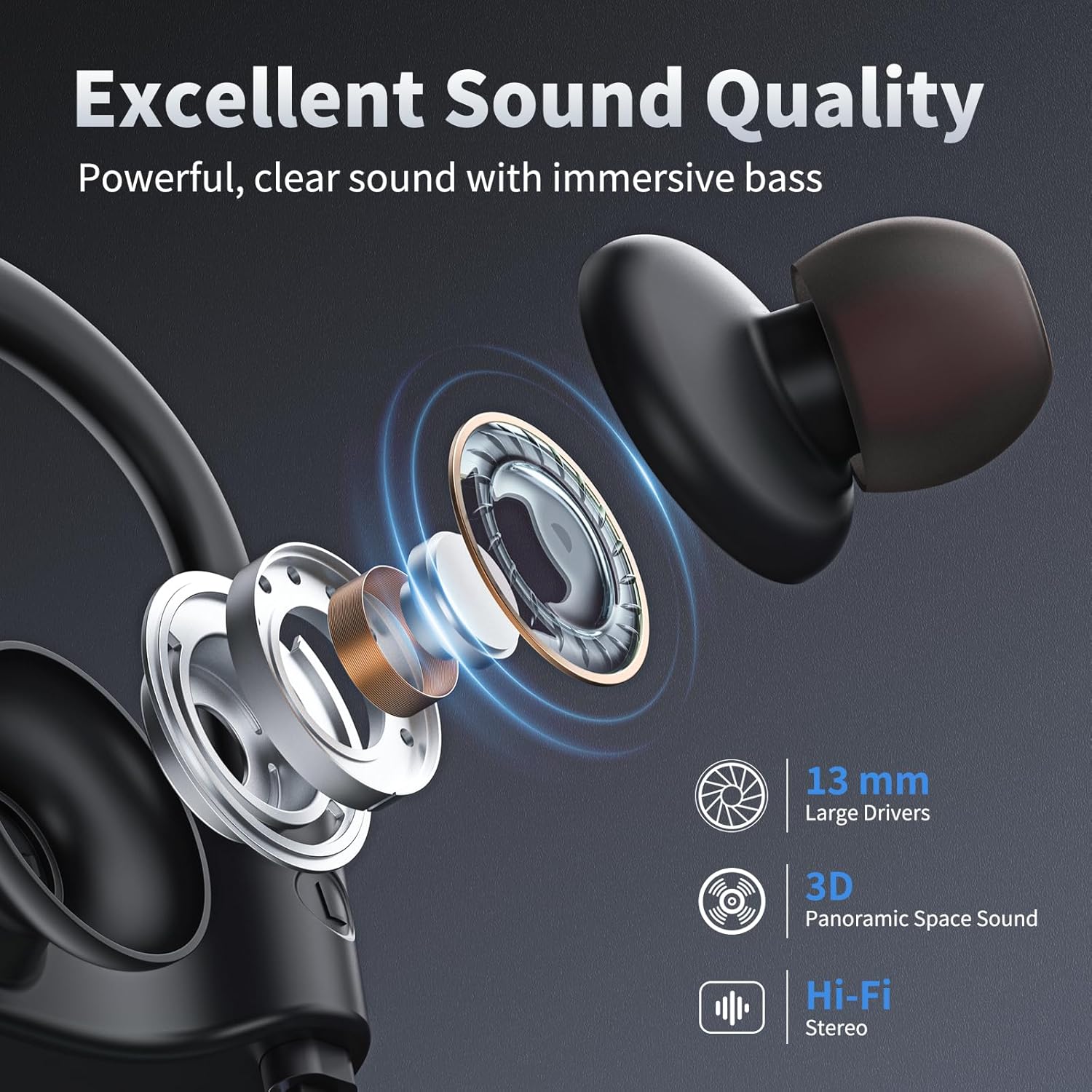
Image: An exploded view illustrating the internal components of the earbud, highlighting the 13mm large drivers responsible for powerful, clear sound with immersive bass and 3D Panoramic Space Sound.
Maintenance
- Cleaning: Regularly clean the ear tips and the surface of the earbuds with a soft, dry, lint-free cloth. For earwax buildup, gently remove ear tips and clean with a cotton swab. Ensure earbuds are completely dry before charging or storing.
- Storage: When not in use, store the earbuds in their charging case to protect them from dust, dirt, and damage. Store in a cool, dry place away from direct sunlight.
- Battery Care: To preserve battery life, avoid fully discharging the earbuds frequently. Charge them regularly, even if not in constant use.
- Water Resistance (IPX7): The earbuds are IPX7 waterproof, meaning they can withstand splashes, rain, and sweat. However, they are not designed for swimming or prolonged submersion. After exposure to water, wipe them dry before placing them back in the charging case or charging.

Image: A person exercising with the earbuds, emphasizing the IPX7 waterproof rating, suitable for workouts and outdoor activities (not recommended for swimming).
Troubleshooting
| Problem | Possible Cause | Solution |
|---|---|---|
| Earbuds won't power on. | Low battery. | Charge the earbuds fully. |
| Cannot pair with device. | Earbuds not in pairing mode; Bluetooth off on device; too far from device. | Ensure earbuds are in pairing mode (flashing red/blue). Turn on Bluetooth on your device. Move earbuds closer to the device (within 10 meters). Forget "U18C" on your device and try pairing again. |
| No sound from earbuds. | Volume too low; not connected; incorrect audio output selected. | Increase volume on both earbuds and device. Ensure earbuds are connected. Check your device's audio output settings. |
| Intermittent connection/sound. | Interference; too far from device; low battery. | Move closer to your device. Avoid strong Wi-Fi or other Bluetooth signals. Charge the earbuds. |
| Microphone not working. | Incorrect input device selected on computer/app. | Check microphone input settings on your device or communication application. |
Specifications
| Feature | Detail |
|---|---|
| Model Name | U18C |
| Brand | JOYWISE |
| Connectivity Technology | Wireless (Bluetooth) |
| Bluetooth Version | 5.3 |
| Battery Life (Playback) | Up to 16 Hours |
| Water Resistance Level | IPX7 |
| Control Type | Media Control (Touch/Button) |
| Form Factor | In Ear with Earhooks |
| Material | Silicone, Thermoplastic Elastomer (TPE) |
| Item Weight | 3.52 ounces |
| Compatible Devices | Cellphones, Tablets, Laptops, Desktops |
Warranty and Support
JOYWISE products are manufactured to the highest quality standards. For warranty information, technical support, or any product-related inquiries, please refer to the contact information provided on the product packaging or visit the official JOYWISE website. Please retain your proof of purchase for warranty claims.
For further assistance, you may also contact the seller directly through the platform where you purchased the product.
