
1. Introduction
The pTron PlayBuds 1 Pro are in-ear True Wireless Stereo (TWS) earbuds designed for a versatile audio experience. They feature Quad Mic Hybrid Environmental Noise Cancellation (ENC) for clear calls, 35ms low latency for gaming, and up to 50 hours of total playtime with the charging case. These earbuds utilize Bluetooth 5.3 for stable connectivity and are IPX5 water-resistant, making them suitable for various activities.
2. What's in the Box
Upon opening the package, you will find the following items:
- pTron PlayBuds 1 Pro TWS Earbuds
- Charging Case
- USB Type-C Charging Cable
- User Manual
- S/M/L Size Silicone Eartips
3. Product Features
- AptSense 35ms Ultra-Low Latency: Activate the game mode for improved wireless performance in competitive games, allowing faster reaction to audio and video for better synchronization.
- Quad Mic with TruTalk Hybrid ENC: Four dedicated microphones and a noise-isolating AI algorithm ensure clear voice calls by precisely picking up your voice and reducing environmental noise.
- Bluetooth 5.3 Connectivity: Advanced Bluetooth 5.3 technology provides stable and seamless connection with a 10-meter range, 1-step pairing, and auto-reconnect functionality.
- 13mm Dynamic Audio Drivers: Equipped with 13mm dynamic drivers, these earbuds deliver punchy bass and Hi-Fi sound quality. Supports AAC and SBC codecs for high-quality audio streaming.
- Long Playtime: Enjoy up to 50 hours of total playtime with the charging case. The earbuds charge quickly, with the case fully charging in approximately 1.5 hours via Type-C.
- Dual EQ Modes (Game & Music): Switch between Game mode for low latency and Music mode for in-depth sound quality analysis and Hi-Fi audio.
- Sensitive Touch Controls: Manage basic functions such as play/pause music, answer/end/reject calls, power on/off, and access voice assistant with simple taps.
- IPX5 Water-Resistant: Designed to withstand sweat and raindrops, ensuring durability during workouts or light outdoor activities.
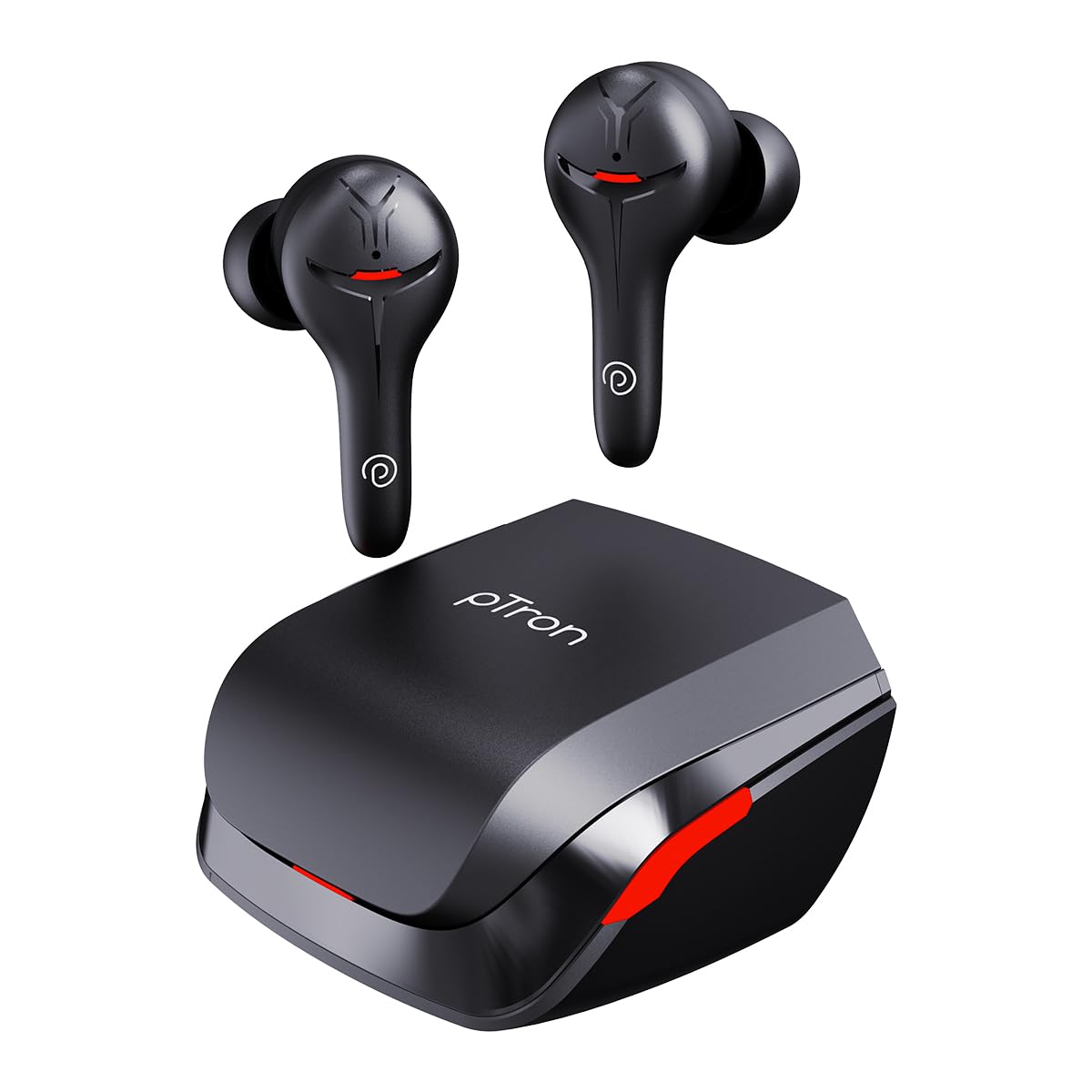
Image showing pTron PlayBuds 1 Pro earbuds with a smartphone displaying a game, highlighting the 35ms low latency AptSense game mode for responsive gaming.
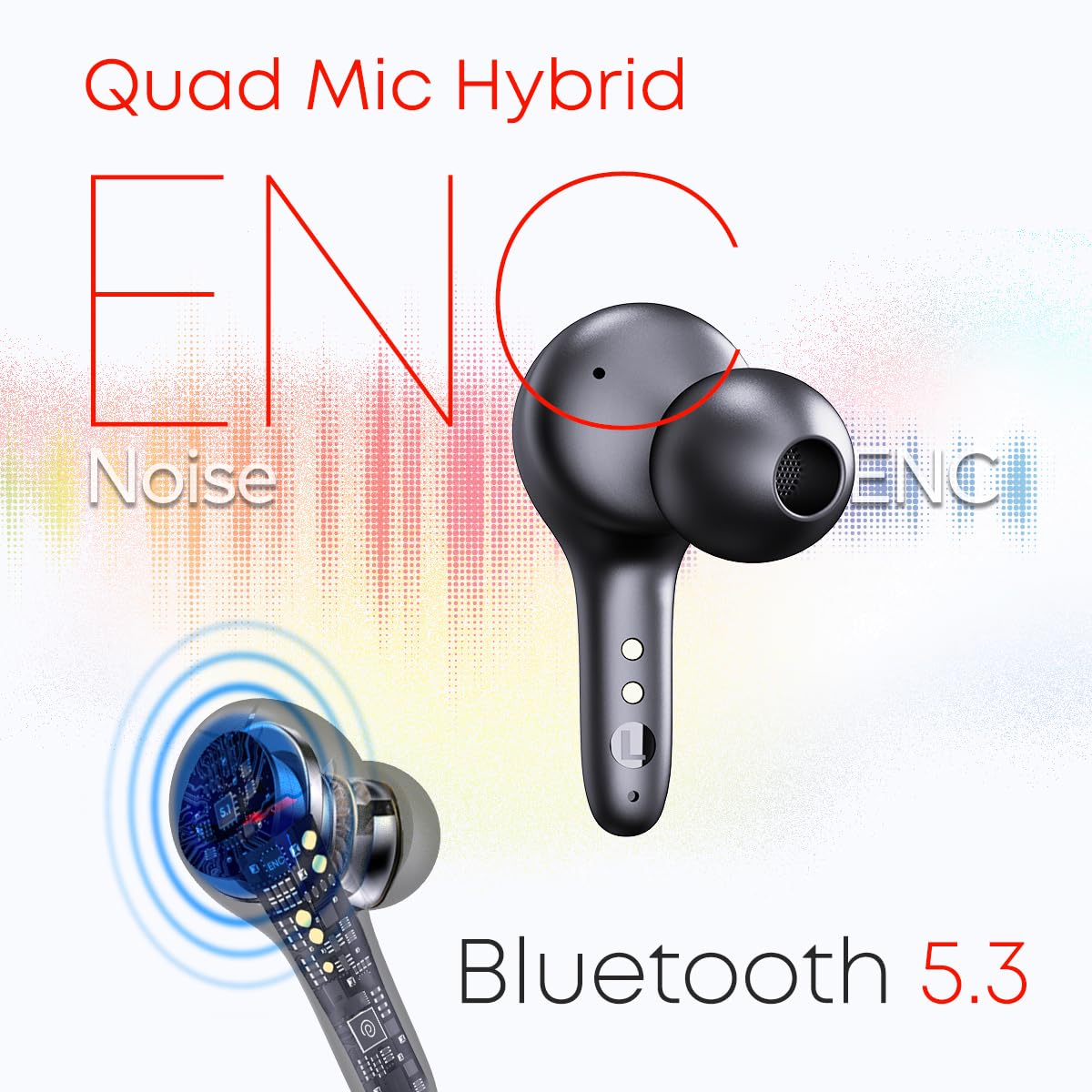
Image illustrating the pTron PlayBuds 1 Pro earbud's Quad Mic Hybrid ENC technology for clear calls and Bluetooth 5.3 for stable wireless connectivity.

Diagram of a 13mm dynamic audio driver from the pTron PlayBuds 1 Pro, emphasizing AAC and SBC codec support for high-quality sound with rich details.

Image depicting the pTron PlayBuds 1 Pro earbuds and their charging case, indicating up to 50 hours of total playtime.

Image demonstrating the dual EQ Game and Music modes of the pTron PlayBuds 1 Pro, offering 35ms ultra-low latency for gaming and HiFi sound for music.

Visual summary of key features of the pTron PlayBuds 1 Pro, including 13mm drivers, 35ms low latency, Quad Mic Calling, Hybrid ENC, Game & Music mode, IPX5 water resistance, 50 hours battery, Bluetooth 5.3, and touch control.
4. Setup Instructions
4.1. Initial Charging
- Place both earbuds into the charging case.
- Connect the USB Type-C charging cable to the charging port on the case and to a power source.
- Allow approximately 1.5 hours for the charging case to fully charge. The earbuds will charge simultaneously.
4.2. Pairing with a Device
- Ensure the earbuds are charged and inside the charging case.
- Open the charging case lid. The earbuds will automatically enter pairing mode.
- On your device (smartphone, tablet, laptop), enable Bluetooth.
- Search for available Bluetooth devices and select "pTron PlayBuds 1 Pro" from the list.
- Once connected, the earbuds will automatically re-connect to the last paired device when removed from the case.
5. Operating Instructions
5.1. Touch Controls
The pTron PlayBuds 1 Pro feature sensitive touch controls on each earbud:
- Play/Pause Music: Single tap on either earbud.
- Next Track: Double tap on the right earbud.
- Previous Track: Double tap on the left earbud.
- Answer/End Call: Single tap on either earbud during an incoming call.
- Reject Call: Long press on either earbud during an incoming call.
- Activate Voice Assistant: Triple tap on either earbud.
- Switch Game/Music Mode: (Specific gesture, refer to quick start guide for exact details if not listed here).
5.2. Switching EQ Modes
The earbuds offer dual EQ modes for optimized audio:
- Game Mode: Provides 35ms ultra-low latency for gaming.
- Music Mode: Delivers Hi-Fi sound quality for general audio listening.
Refer to the quick start guide or product packaging for the specific touch gesture to switch between these modes.
6. Maintenance
6.1. Cleaning
- Gently wipe the earbuds and charging case with a soft, dry, lint-free cloth.
- Do not use harsh chemicals, cleaning solvents, or strong detergents.
- Clean the eartips regularly with water and mild soap, ensuring they are completely dry before reattaching.
6.2. Water Resistance
The earbuds are IPX5 water-resistant, meaning they can withstand splashes of water and sweat. They are not designed for submersion in water or exposure to heavy rain.
7. Troubleshooting
7.1. Earbuds Not Pairing Together or with Device
- Ensure both earbuds are fully charged.
- Place both earbuds back into the charging case, close the lid, and then open it again to reset the connection.
- On your device, forget or unpair "pTron PlayBuds 1 Pro" from the Bluetooth settings and attempt to pair again.
- Some users have reported success by ensuring the eartips are firmly seated in the charging case, pressing down slightly on the earbuds while in the case to ensure proper contact.
7.2. Low Volume or Poor Sound Quality
- Check the volume levels on both your device and the earbuds.
- Ensure the eartips are correctly sized and provide a good seal in your ear canal.
- Clean any debris from the earbud speakers.
7.3. Call Quality Issues
- Ensure the earbuds are properly positioned in your ears.
- Minimize background noise in your environment.
- Check for any obstructions covering the microphones on the earbuds.
8. Specifications
| Feature | Detail |
|---|---|
| Brand | pTron |
| Model Number | PlayBuds |
| Color | Black Matt |
| Ear Placement | In Ear |
| Form Factor | In Ear |
| Impedance | 32 Ohms |
| Bluetooth Version | 5.3 |
| Bluetooth Range | 10 Metres |
| Battery Average Life | 50 Hours (with charging case) |
| Battery Charge Time | 1.5 Hours (charging case) |
| Control Type | Call Control |
| Control Method | Touch, Voice |
| Noise Control | Sound Isolation (Passive) |
| Audio Driver Size | 13 Millimetres |
| Water Resistance Level | Water Resistant (IPX5) |
| Item Weight | 52 Grams |
| Compatible Devices | Cellphones, Laptops, Tablets |
9. Official Product Video
Official product overview video for pTron PlayBuds 1 Pro TWS Earbuds, demonstrating key features and usage.
10. Warranty and Support
10.1. Warranty Information
The pTron PlayBuds 1 Pro comes with a 1-year manufacturer warranty from the date of purchase, covering manufacturing defects only.
10.2. Customer Support
For any support or queries regarding your pTron PlayBuds 1 Pro, please contact:
- Email: Support@ptron.in
- Phone: 040-67138888
Importer Contact Information: Palred Electronics Pvt. Ltd., Sy.No.1240, Kurnool Nandyal Road, Nannur Village, Kurnool, Andhra Pradesh, 518002, India.


