
1. Introduction
Thank you for purchasing the SBONNI 4 Inch Two-Way Exhaust Fan. This fan is designed to provide efficient ventilation for various indoor spaces such as bathrooms, kitchens, and garages. Featuring a two-way airflow system and remote control, it offers both fresh air intake and stale air exhaust capabilities. Please read this manual thoroughly before installation and operation to ensure proper use and safety.
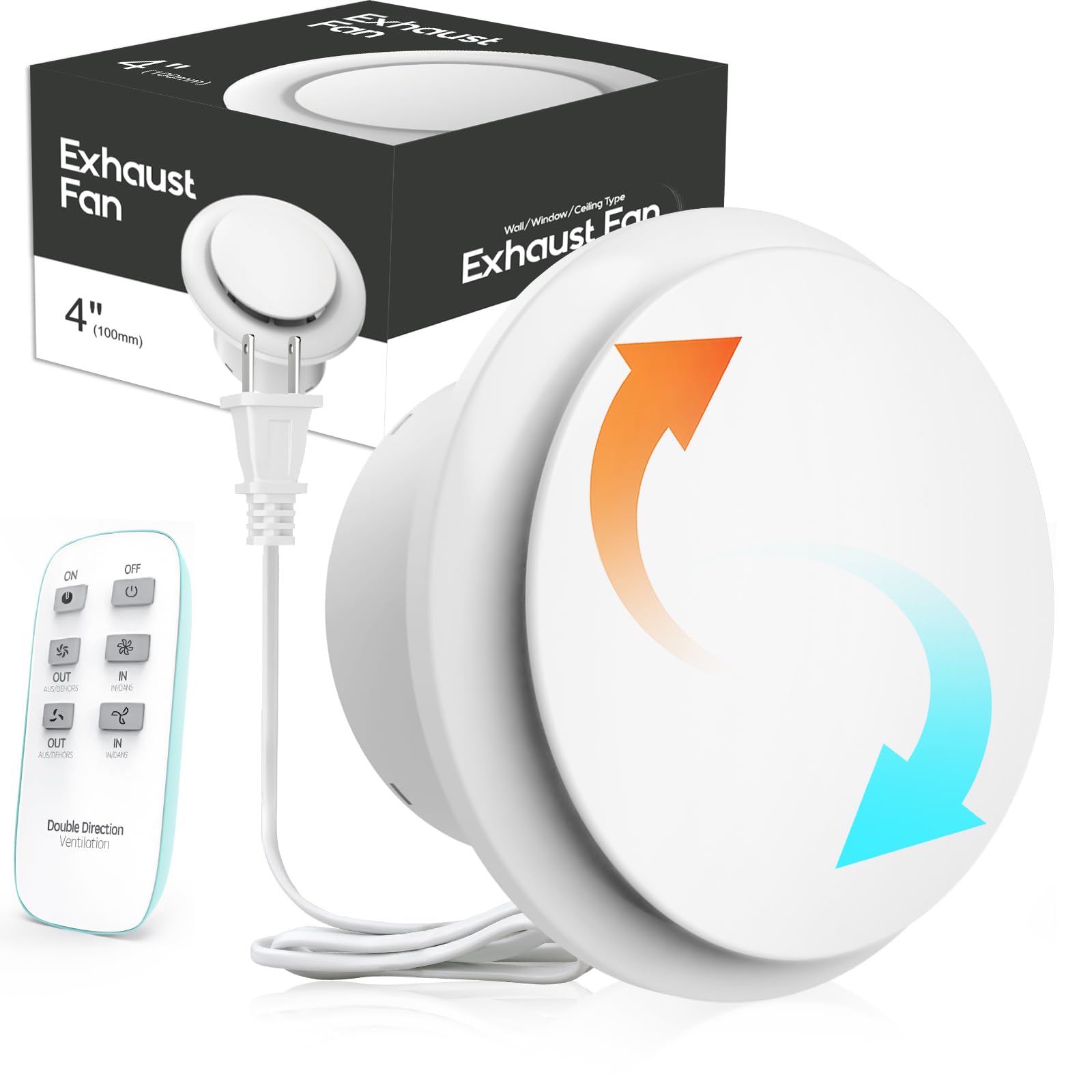
Image 1.1: SBONNI 4 Inch Two-Way Exhaust Fan
2. Safety Information
Please observe the following safety precautions to prevent injury or damage to the product:
- Always disconnect power before installing, servicing, or cleaning the fan.
- Ensure all electrical connections comply with local codes and ordinances.
- Do not operate the fan with a damaged cord or plug.
- Keep fingers and other objects away from the fan blades during operation.
- This appliance is not intended for use by persons (including children) with reduced physical, sensory or mental capabilities, or lack of experience and knowledge, unless they have been given supervision or instruction concerning use of the appliance by a person responsible for their safety.
CAUTION: Electrical Hazard

Image 2.1: Electrical Hazard Warning. Do not touch the motherboard while the machine is powered on. After installing the machine according to the manual, cover the front panel before powering on.
3. Product Overview
3.1 Key Features
- Two-Way Ventilation: Allows for both fresh air intake and stale air exhaust.
- Remote Control: Wireless control for convenient operation up to 100 meters.
- Brushless DC Motor: Durable, efficient, and quiet operation.
- Two Speed Settings: Silent (1350 RPM, <28dB) and Powerful (2200 RPM, <32dB).
- Durable Construction: Made with PC+ABS materials for longevity and heat resistance.
3.2 Components and Design

Image 3.1: Internal components of the fan, highlighting the pure copper motor, PC+ABS materials, and dynamic balance fan blades for efficient and durable performance.

Image 3.2: Illustration of the two-way airflow system, showing fresh air intake and stale air exhaust, facilitated by balanced fan blades.
3.3 Package Contents
Verify that all items are included in your package:

Image 3.3: The package includes the exhaust fan unit, remote control, power adapter, mounting hardware (screws, anchors), and user manual.
4. Specifications
| Feature | Detail |
|---|---|
| Brand | SBONNI |
| Model Number | P106AV04 |
| Fan Diameter | 4 inches |
| Room Type | Bathroom, Kitchen, Garage, Indoor |
| Special Feature | Remote Controlled, Two-Way Ventilation |
| Mounting Type | Wall Mount, Window Mount, Ceiling Mount |
| Controller Type | Remote Control, Touch |
| Number of Speeds | 2 (Silent: 1350 RPM, Powerful: 2200 RPM) |
| Airflow (Outflow) | >130m³/h |
| Airflow (Inflow) | >95m³/h |
| Noise Level | <28dB (Silent), <32dB (Powerful) |
| Blade Material | Plastic |
| Material | PC+ABS |
4.1 Product Dimensions

Image 4.1: Detailed dimensions of the exhaust fan, including overall size and recommended ceiling opening size (4.05 inches).
5. Installation
Before beginning installation, ensure the power supply is disconnected. The fan can be installed in windows, ceilings, or walls. Choose the appropriate method for your application.
5.1 Window Installation
- Make a 4-inch (103mm) hole in the glass.
- Place the gasket around the edge of the glass hole.
- Insert the unit into the glass window opening. For secure installation, we recommend using glass adhesive.

Image 5.1: Step-by-step guide for installing the exhaust fan in a window.
5.2 Ceiling Installation
- If your ceiling is made of thin aluminum panels or plasterboard and cannot support the unit's weight, we recommend adding wooden reinforcement.
- Make a 4-inch (103mm) installation hole in the ceiling.
- Use screws to securely attach the unit to the ceiling.
- Connect the flexible duct with a clamp at the bottom and cover the panel to complete the installation.

Image 5.2: Step-by-step guide for installing the exhaust fan in a ceiling.
5.3 Wall Installation
There are two methods for wall installation: Silicone Adhesive or Screw Mounting.
A. Silicone Adhesive Installation
- Make a 4-inch (103mm) hole in the wall.
- Insert the unit into the hole and secure it in place with silicone adhesive.
B. Screw Mounting Installation
- Gently loosen the screws on the exhaust fan panel to remove it.
- Mark the screw positions on the base within the installation hole.
- Drill screw holes at the marked spots and insert plastic anchors.
- Slide the base into the installation hole, tighten the screws, and reattach the panel to complete the installation.

Image 5.3: Detailed steps for both silicone adhesive and screw mounting wall installations.
6. Operating Instructions
The SBONNI exhaust fan is controlled by a wireless remote. Ensure the remote has working batteries.
6.1 Remote Control Functions
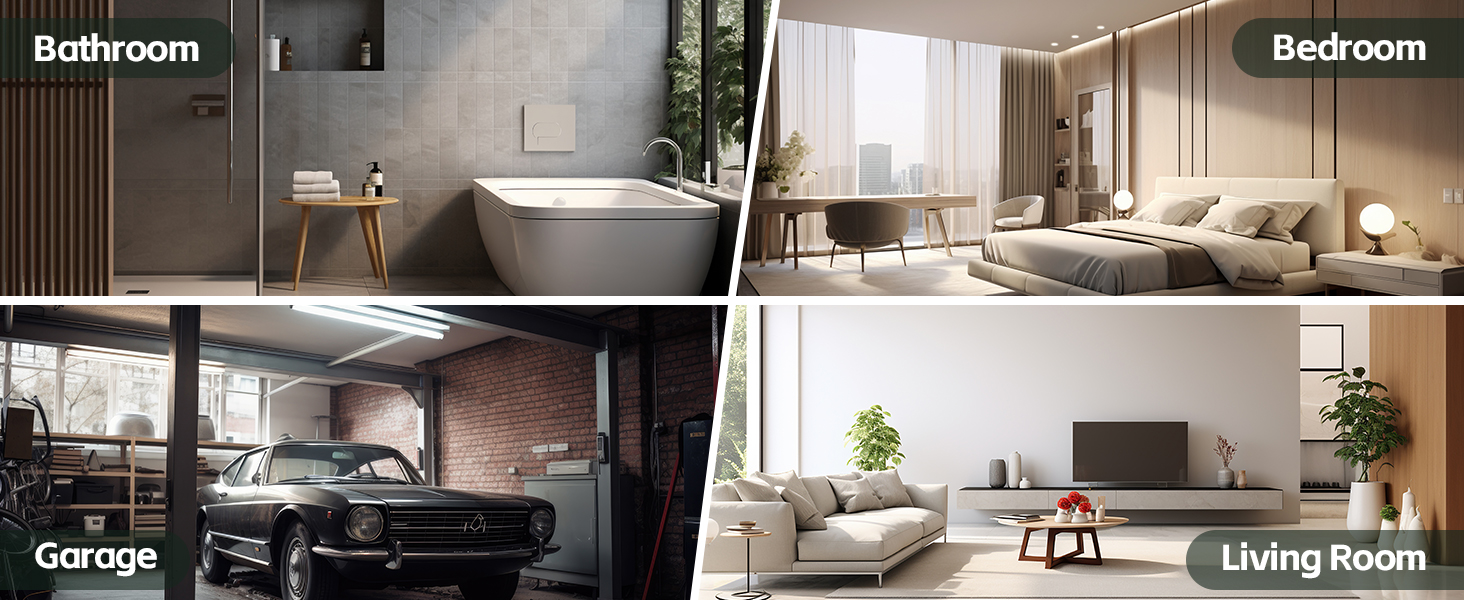
Image 6.1: Layout of the remote control with button functions for power, speed, and airflow direction.
- ON/OFF Button: Press to turn the fan on or off.
- Outflow Control:
- 1st Gear (Powerful): 2200 RPM for maximum air extraction.
- 2nd Gear (Silent Type): 1350 RPM for quieter operation.
- Inflow Control:
- 1st Gear (Powerful): 2200 RPM for maximum fresh air intake.
- 2nd Gear (Silent Type): 1350 RPM for quieter fresh air intake.
The remote control features a 433MHz wireless signal, offering broad coverage and responsiveness. It is also IPX4 waterproof and includes a memory function to recall your last settings.
7. Maintenance
Regular maintenance ensures optimal performance and extends the lifespan of your exhaust fan.
- Cleaning: Periodically clean the fan blades and grille to prevent dust buildup. Disconnect power before cleaning. Use a soft, damp cloth and mild detergent. Do not use abrasive cleaners or solvents.
- Inspection: Check for any loose connections or unusual noises during operation. If any issues are detected, refer to the troubleshooting section or contact customer support.
8. Troubleshooting
If you encounter problems with your exhaust fan, refer to the following common issues and solutions:
| Problem | Possible Cause | Solution |
|---|---|---|
| Fan does not turn on | No power, remote control batteries dead, fan unplugged | Check power supply, replace remote batteries, ensure fan is plugged in securely. |
| Weak airflow | Fan blades dirty, obstruction in duct, fan set to lower speed | Clean fan blades, check for and remove obstructions, switch to powerful speed setting. |
| Unusual noise | Loose components, foreign object in fan, improper installation | Inspect for loose parts, remove any foreign objects (after disconnecting power), re-check installation. |
If the problem persists after attempting these solutions, please contact SBONNI customer support.
9. Warranty and Support
SBONNI products are manufactured to high-quality standards. For warranty information or technical support, please refer to the contact details provided with your purchase or visit the official SBONNI website. Please have your model number (P106AV04) and purchase date ready when contacting support.

Image 9.1: The SBONNI exhaust fan is suitable for various indoor environments including bathrooms, bedrooms, garages, and living rooms.