
Darkant K1
Darkant K1 Portable Karaoke Machine User Manual
Model: K1-1MIC-BLUE
1. Introduction
This manual provides essential instructions for the safe and effective operation of your Darkant K1 Portable Karaoke Machine. Please read this manual thoroughly before using the product and retain it for future reference.
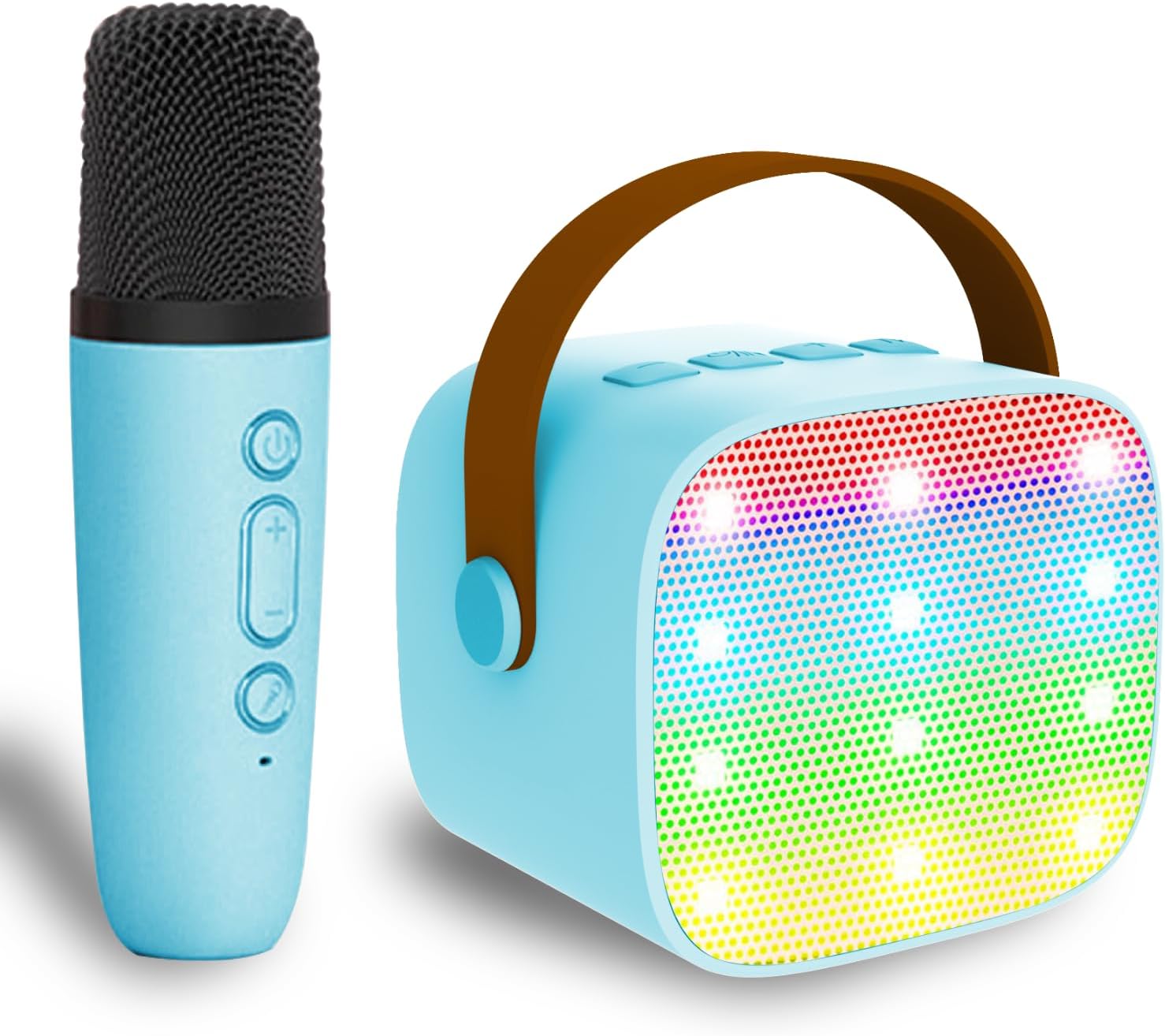
Image 1.1: The Darkant K1 Portable Karaoke Machine (blue) with its matching wireless microphone.
2. Package Contents
Please verify that all items listed below are included in your package:
- Darkant K1 Karaoke Machine (Speaker) x 1
- Wireless Microphone x 1
- USB Charging Cable x 1
- User Manual x 1
3. Product Overview
The Darkant K1 is a compact and portable karaoke machine designed for ease of use and enjoyment. It features a speaker unit with integrated controls and a wireless microphone.
3.1 Speaker Unit
The speaker unit houses the main audio components, control buttons, and various input/output ports.

Image 3.1: Rear view of the karaoke machine speaker, highlighting the Type-C charging port, TF card slot, and audio output port.
3.2 Wireless Microphone
The wireless microphone connects automatically to the speaker and features controls for power, volume, and voice effects.
4. Setup
4.1 Charging the Device
Before first use, fully charge both the karaoke machine speaker and the wireless microphone. Use the provided USB charging cable to connect the devices to a compatible USB power source (e.g., wall adapter, computer USB port).
- Speaker: Connect the USB-C end of the charging cable to the Type-C charging port on the speaker.
- Microphone: Connect the USB-C end of the charging cable to the charging port on the microphone.
The charging indicator light will typically show red during charging and turn off or change color when fully charged.
4.2 Powering On/Off
- Speaker: Press and hold the power button on the speaker until you hear an audible prompt or see the LED lights activate. To power off, press and hold the power button again.
- Microphone: Press and hold the power button on the microphone until it powers on. To power off, press and hold the power button again.
4.3 Automatic Microphone Pairing
The wireless microphone is designed to automatically pair with the speaker when both devices are powered on. Ensure both are sufficiently charged and within close proximity for successful pairing.
5. Operating Instructions
5.1 Bluetooth Connection
To play music from an external device:
- Ensure the karaoke machine speaker is powered on.
- Activate Bluetooth on your smartphone, iPad, PC, or other compatible device.
- Search for Bluetooth devices and select "Darkant K1" (or similar name) from the list.
- Once connected, you can play audio from your device through the karaoke machine speaker.

Image 5.1: The karaoke machine supports Bluetooth, TF card, and headphone connections for versatile music playback.
5.2 Microphone Usage
After the microphone is paired with the speaker:
- Volume Control: Use the volume buttons on the microphone to adjust your vocal volume.
- Voice Effects: Short press the dedicated voice effect button on the microphone to cycle through various voice changing effects (e.g., Male Voice, Female Voice, Baby Voice, Monster Voice, Original Voice).
- Vocal Removal: Press the vocal removal button on the speaker to reduce or eliminate vocals from playing music, allowing you to sing along to instrumental tracks.
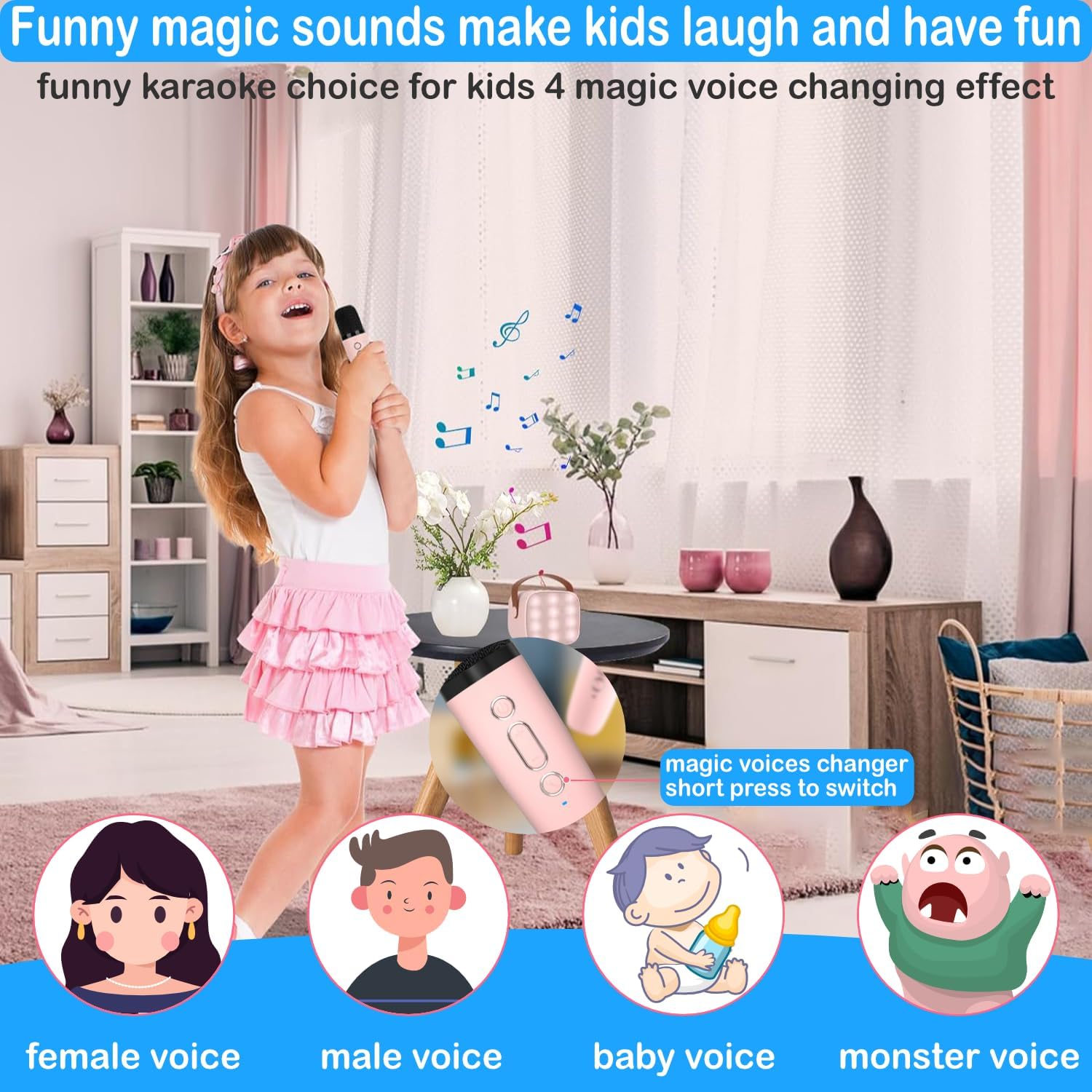
Image 5.2: Illustration of the voice changing effects available on the microphone, including female, male, baby, and monster voices.
5.3 Music Playback Options
In addition to Bluetooth, the karaoke machine supports:
- TF Card: Insert a TF (MicroSD) card loaded with MP3 music files into the designated slot on the speaker for direct playback.
- Headphone Output: Connect headphones to the 3.5mm audio output port on the speaker for private listening.
5.4 LED Light Control
The speaker features dynamic LED lights. Refer to the speaker's control buttons for specific functions to turn the lights on or off, or to change light modes.
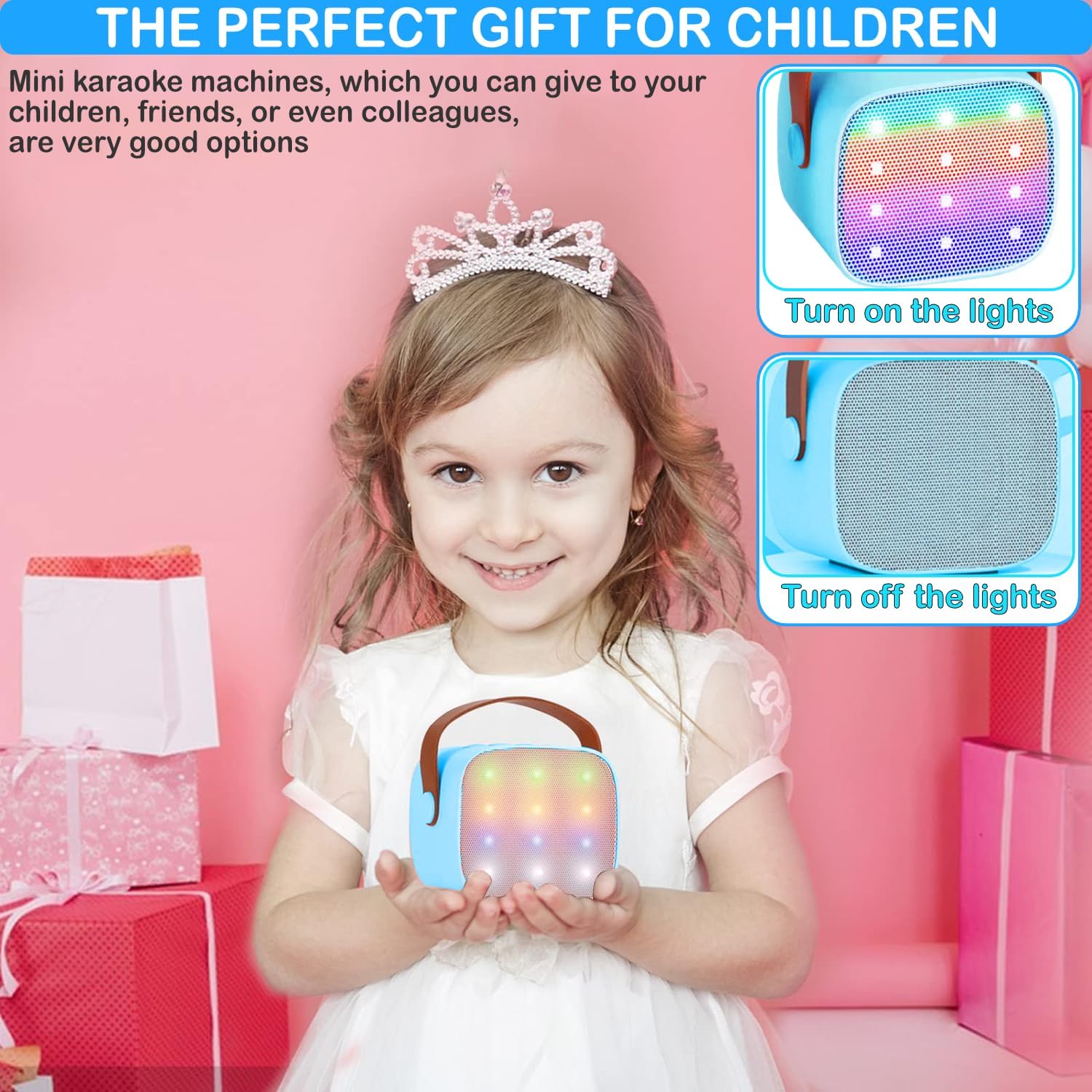
Image 5.3: The karaoke machine speaker displaying its colorful LED lights, with an option to turn them off.
6. Maintenance
- Cleaning: Wipe the device with a soft, dry cloth. Do not use abrasive cleaners or solvents.
- Storage: Store the karaoke machine in a cool, dry place away from direct sunlight and extreme temperatures.
- Battery Care: To prolong battery life, avoid fully discharging the device frequently. Charge regularly, even if not in use for extended periods.
7. Troubleshooting
| Problem | Possible Solution |
|---|---|
| No sound from speaker | Ensure speaker is powered on and charged. Check volume levels on both speaker and connected device. Verify Bluetooth connection. |
| Microphone not working | Ensure microphone is powered on and charged. Verify it has paired automatically with the speaker. Check microphone volume. |
| Cannot connect via Bluetooth | Ensure Bluetooth is enabled on your device and the speaker is in pairing mode. Forget previous connections on your device and try pairing again. Move devices closer. |
| Poor sound quality | Ensure devices are within Bluetooth range. Check for interference from other electronic devices. Try a different audio source. |
8. Specifications
- Model: K1-1MIC-BLUE
- Brand: Darkant
- Product Dimensions: 4.25 x 3.74 x 4.25 inches (Speaker)
- Item Weight: 15.5 ounces
- Batteries: 1 Lithium Ion battery required (included)
- Compatible Devices: Smartphone, iPad, PC
- Connector Type: USB Type-C (for charging)
- Speaker Count: 1
- Power Source: Battery Powered
- Special Feature: Volume Control, Voice Changer, LED Lights

Image 8.1: Dimensions of the portable karaoke machine speaker and its wireless microphone.
9. Safety Information
- Do not expose the device to water or excessive moisture.
- Avoid dropping or subjecting the device to strong impacts.
- Do not attempt to disassemble or repair the device yourself. Contact qualified service personnel.
- Keep out of reach of small children to prevent choking hazards from small parts.
- Use only the provided charging cable or a certified equivalent.
10. Warranty and Support
For warranty information or technical support, please refer to the contact details provided with your purchase or visit the official Darkant website. Please have your product model number (K1-1MIC-BLUE) and purchase date available when contacting support.
Ask a question about this manual
Ask about setup, troubleshooting, compatibility, parts, safety, or missing instructions. Manuals+ will review the question and use this page’s manual context to help answer it.