
1. Introduction
This manual provides detailed instructions for the Anker HDMI Switch and the accompanying Anker Ultra High Speed HDMI Cable. Please read this manual carefully before using the product to ensure proper operation and to maximize its performance.
2. Product Overview
2.1 What's Included
- Anker HDMI Switch (2 in 1 Out, 4K HDMI) x1
- Anker Ultra High Speed HDMI Cable x1
- Safety Guide x1
2.2 Key Features
- Bi-Directional HDMI Switch: Connect two input devices to one display, or one input device to two displays (not simultaneously).
- Effortless Switching: A single button allows for quick transitions between connected devices.
- 8K Ready: Supports 8K@60Hz and 4K@120Hz with a 48 Gbps bandwidth for high-resolution video.
- Certified Performance: Officially certified by the HDMI Forum, ensuring EMI shielding to prevent interference with wireless devices.
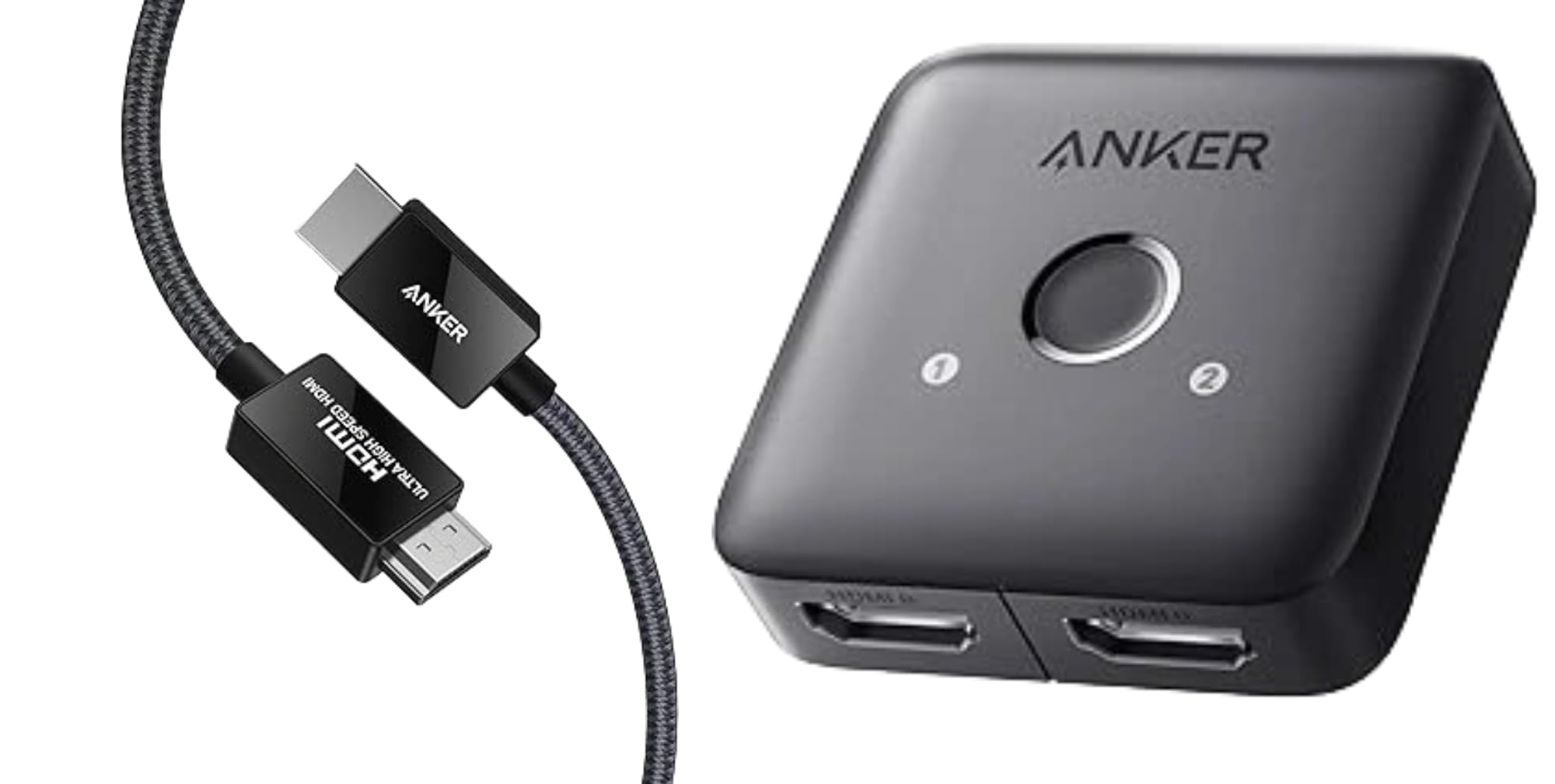
Image: The Anker HDMI Switch and the included Ultra High Speed HDMI Cable.
3. Setup Instructions
3.1 Connecting Input Devices to a Single Display (2 In, 1 Out)
- Connect your first HDMI source device (e.g., laptop, game console) to one of the HDMI input ports on the Anker HDMI Switch using an HDMI cable.
- Connect your second HDMI source device to the other HDMI input port on the Anker HDMI Switch using an HDMI cable.
- Connect the HDMI output port of the Anker HDMI Switch to your display (e.g., TV, monitor) using the provided Anker Ultra High Speed HDMI Cable.
- Ensure all devices are powered on.
- Use the button on the Anker HDMI Switch to toggle between the two input sources.
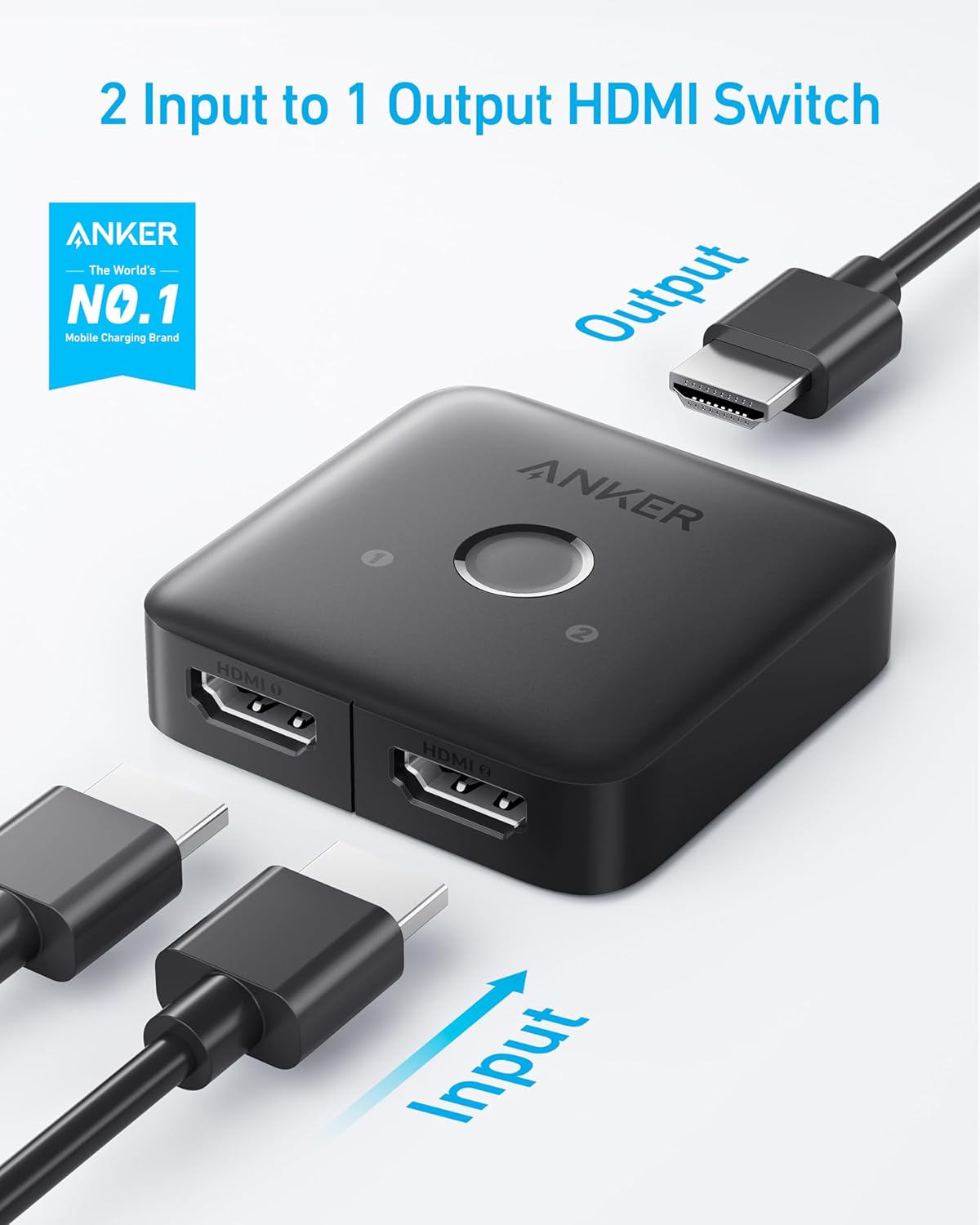
Image: Connection diagram for 2 input devices to 1 output display.
3.2 Connecting a Single Input Device to Two Displays (1 In, 2 Out)
- Connect your HDMI source device (e.g., laptop, game console) to the HDMI input port on the Anker HDMI Switch using an HDMI cable.
- Connect the first HDMI output port of the Anker HDMI Switch to your first display (e.g., TV) using an HDMI cable.
- Connect the second HDMI output port of the Anker HDMI Switch to your second display (e.g., monitor) using an HDMI cable.
- Ensure all devices are powered on.
- Use the button on the Anker HDMI Switch to toggle between the two output displays. Note: Only one display can be active at a time in this configuration.
4. Operating Instructions
The Anker HDMI Switch features a simple one-button operation for switching between connected devices or displays.
- Switching Inputs/Outputs: Press the button located on the top of the HDMI Switch to cycle through the available HDMI connections. The LED indicators (1 and 2) will illuminate to show which port is currently active.
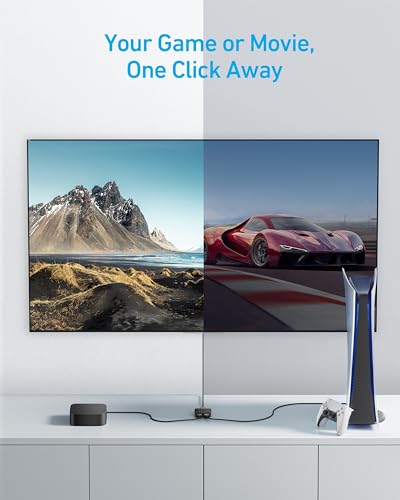
Image: The Anker HDMI Switch allows easy switching between a game console and a media player.
5. Compatibility
The Anker HDMI Switch and Ultra High Speed HDMI Cable are designed for broad compatibility with various HDMI-enabled devices and displays.
5.1 Input Devices
- Laptops
- PCs
- Xbox 360 / Xbox One
- Nintendo Switch
- TV Stick / TV Box
- PS4 / PS5
5.2 Output Devices
- TV Screens
- Monitors
- Projectors
- VR Headsets

Image: The Anker HDMI Cable supports 8K@60Hz and 4K@120Hz resolutions.
6. Specifications
| Feature | Detail |
|---|---|
| Brand | Anker |
| Model Number | A8743+A83H1 |
| Connector Type | HDMI |
| Cable Type | HDMI |
| Data Transfer Rate | 48 Gigabits Per Second |
| Supported Resolutions | 8K@60Hz, 4K@120Hz |
| Frequency | 120 Hz (max) |
| Connector Gender | Female-to-Female (Switch) |
| Certification | HDMI Forum Certified (Ultra High Speed) |
| Color | Black |

Image: The Anker Ultra High Speed HDMI Cable is officially certified by the HDMI Forum.
7. Troubleshooting
7.1 No Signal or Intermittent Signal
- Check Connections: Ensure all HDMI cables are securely plugged into both the source devices, the Anker HDMI Switch, and the display.
- Cable Quality: Use the provided Anker Ultra High Speed HDMI Cable or another certified Ultra High Speed HDMI cable to ensure compatibility with 8K/4K resolutions and high bandwidth.
- Power Cycle: Disconnect and reconnect the HDMI Switch and all connected devices from their power sources, then power them back on.
- Source Selection: Verify that the correct input/output is selected on the Anker HDMI Switch by pressing the button. The corresponding LED indicator should be lit.
- Display Settings: Check your display's input settings to ensure it is set to the correct HDMI port.
7.2 Picture Quality Issues (Flickering, Distortion)
- Cable Length: For very long cable runs, signal degradation can occur. Ensure cables are within recommended lengths for the desired resolution.
- Interference: The Anker HDMI Cable is designed with EMI shielding. However, ensure the setup is away from strong electromagnetic interference sources.
- Resolution/Refresh Rate: Confirm that your source device and display both support the selected resolution and refresh rate (e.g., 8K@60Hz, 4K@120Hz).
8. Maintenance
- Cleaning: Use a soft, dry cloth to clean the exterior of the HDMI Switch. Do not use liquid cleaners or aerosols.
- Storage: Store the device in a cool, dry place away from direct sunlight and extreme temperatures when not in use.
- Handling: Avoid dropping or subjecting the device to strong impacts.
9. Warranty and Customer Support
The Anker HDMI Switch and Ultra High Speed HDMI Cable come with a safety guide and friendly customer service. For warranty information or support, please refer to the included safety guide or visit the official Anker support website.
You can also find further information and support on the product detail page: amazon.com/dp/B0CNVQC6NZ
10. Product Video
Video: An official overview of the Anker HDMI Switch, demonstrating its features and connectivity options. This video highlights the bi-directional functionality, 8K readiness, and one-touch switching capability.


