
Introduction
This manual provides detailed instructions for the VTech ES2000 DECT Cordless Phone. Please read this manual thoroughly before using your new phone to ensure proper operation and to take full advantage of its features. Keep this manual for future reference.

Image: The VTech ES2000 DECT Cordless Phone, showing the handset docked in its base unit.
Package Contents
Ensure your package contains the following items:
- VTech ES2000 Handset
- VTech ES2000 Base Unit
- Power Adapter for Base Unit
- Telephone Line Cord
- Rechargeable NiMH Batteries (2x AAA size)
- User Manual (this document)
Setup
1. Battery Installation
- Locate the battery compartment cover on the back of the handset.
- Slide the cover downwards to remove it.
- Insert the two supplied NiMH rechargeable batteries, observing the correct polarity (+ and -).
- Replace the battery compartment cover, sliding it upwards until it clicks into place.
2. Base Unit Connection
- Connect the small end of the power adapter to the 'POWER' jack on the back of the base unit.
- Plug the large end of the power adapter into a standard electrical outlet.
- Connect one end of the telephone line cord to the 'LINE' jack on the back of the base unit.
- Plug the other end of the telephone line cord into a telephone wall jack.
3. Initial Charging
Place the handset on the base unit cradle. The charging indicator on the handset display will show that it is charging. For optimal battery performance, allow the handset to charge continuously for at least 16 hours before its first use, even if the display indicates a full charge sooner.
Operating Instructions
Making and Receiving Calls
- To Make a Call: Press the TALK/FLASH button, then dial the number. Alternatively, dial the number first and then press TALK/FLASH.
- To Receive a Call: When the phone rings, press the TALK/FLASH button.
- To End a Call: Press the END/POWER button or place the handset back on the base unit.
Volume Adjustment
During a call, press the ▲ (Up) or ▼ (Down) navigation buttons to adjust the earpiece volume. The handset also features a volume booster for enhanced clarity.
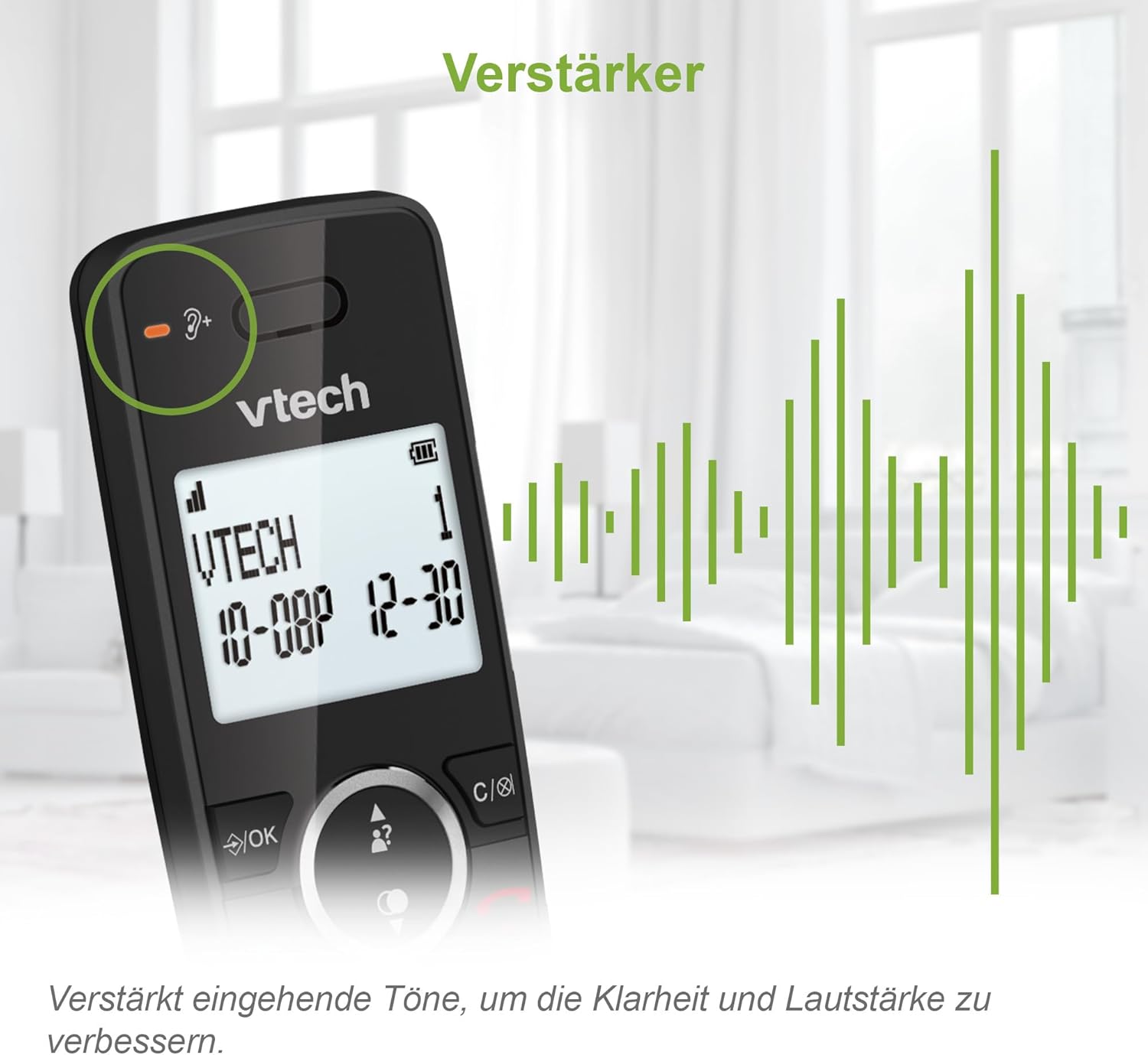
Image: Close-up of the VTech ES2000 handset, highlighting the volume booster icon and sound waves indicating amplified audio.
Caller ID
The phone displays the name and number of incoming calls (if available from your service provider). Up to 20 incoming call records are stored. Use the ▲ (Up) or ▼ (Down) navigation buttons to scroll through the Caller ID list.
Phonebook
Store up to 100 names and numbers in the phonebook for quick dialing.
- To Add a Contact: Press the MENU/OK button, navigate to 'Phonebook', select 'Add New Entry', and follow the on-screen prompts to enter the name and number.
- To Dial from Phonebook: Press the PHONEBOOK button, scroll to the desired contact, and press TALK/FLASH.
Call Blocking
The VTech ES2000 allows you to block up to 100 unwanted numbers. This feature helps prevent nuisance calls.
- To Block a Number from Caller ID: While viewing a Caller ID entry, press the BLOCK button (often represented by a shield icon) and confirm.
- To Manually Block a Number: Access the 'Call Block' menu via MENU/OK, select 'Add Number', and enter the number you wish to block.

Image: A family relaxing, with the VTech ES2000 handset in the foreground, illustrating the benefit of the call blocking feature.
Hands-Free (Speakerphone)
During a call, press the SPEAKER button to activate the speakerphone function. Press it again to switch back to the earpiece.
Other Features
- Redial: Press the REDIAL button to view the last 10 dialed numbers. Select a number and press TALK/FLASH to redial.
- Mute: During a call, press the MUTE button to temporarily disable your microphone. Press again to unmute.
- Alarm: Set an alarm through the handset menu.
- ECO Mode: The handset automatically adjusts radio frequency power based on its distance from the base unit, reducing energy consumption.
- Backlit Display and Keypad: The LCD display and keypad are backlit for easy readability in low-light conditions.
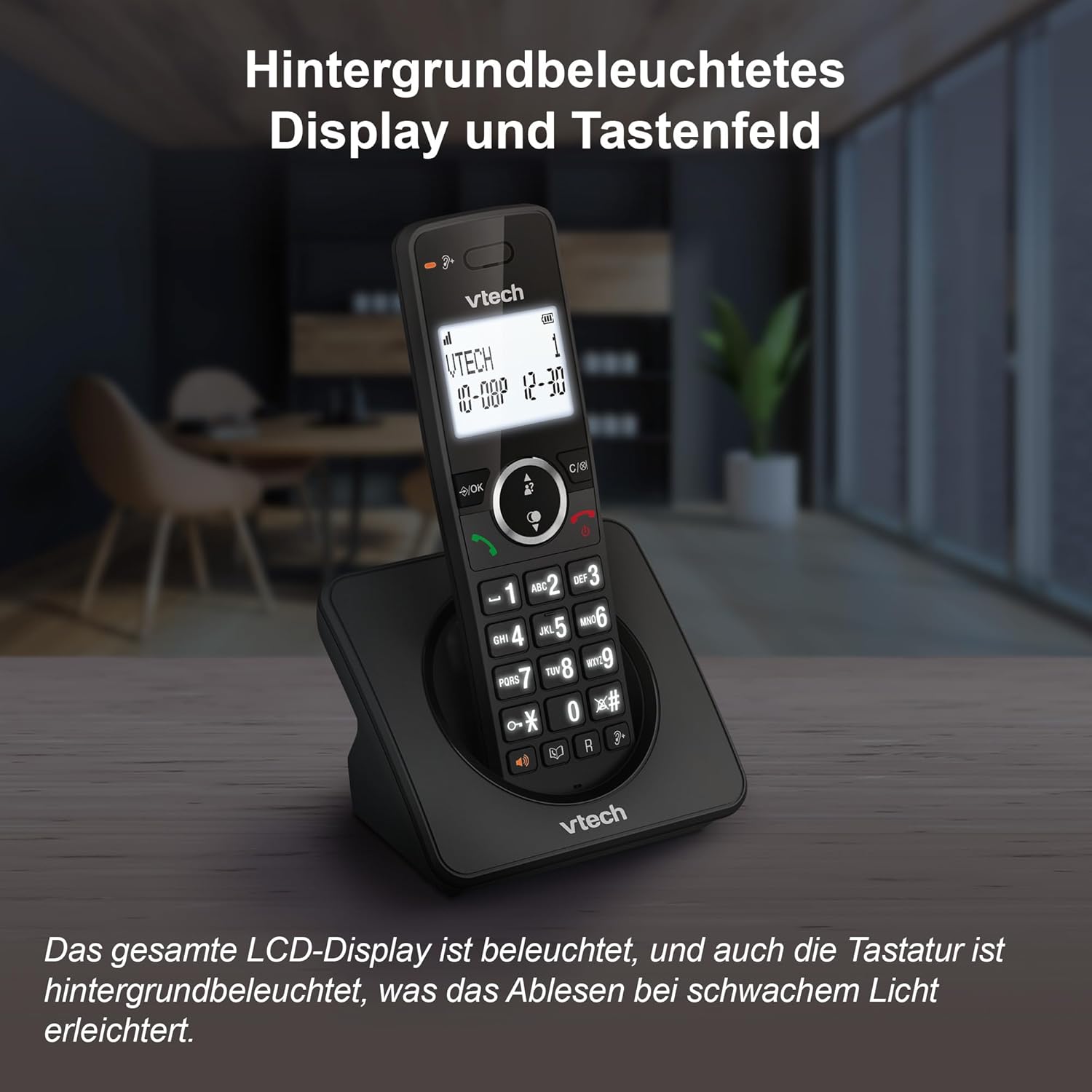
Image: The VTech ES2000 handset showcasing its illuminated display and keypad, enhancing visibility.
Maintenance
Cleaning
Wipe the phone and base unit with a soft, damp cloth. Do not use cleaning sprays or harsh chemicals, as these can damage the finish or electrical components.
Battery Care
Use only the specified rechargeable NiMH batteries. Non-rechargeable batteries or other battery types may cause damage or explosion. If the phone will not be used for an extended period, remove the batteries to prevent leakage.
Troubleshooting
- No Dial Tone:
- Ensure the telephone line cord is securely connected to both the base unit and the wall jack.
- Check if the power adapter is properly connected to the base unit and a working electrical outlet.
- Cannot Make/Receive Calls:
- Verify that the handset batteries are charged.
- Ensure the handset is within range of the base unit.
- Temporarily disconnect the base unit power adapter and telephone line cord, then reconnect them.
- Poor Sound Quality:
- Move the handset closer to the base unit.
- Avoid placing the base unit near other electrical appliances (e.g., microwaves, Wi-Fi routers) that may cause interference.
- Handset Not Charging:
- Ensure the handset is correctly seated in the base unit cradle.
- Clean the charging contacts on both the handset and base unit with a dry cloth.
- Check the power adapter connection.
Specifications
| Feature | Specification |
|---|---|
| Brand | VTech |
| Model Number | ES2000 |
| Phone Type | Cordless (DECT) |
| Color | Black |
| Battery Type | NiMH (2x AAA included) |
| Talk Time | Up to 18 hours |
| Standby Time | Up to 250 hours |
| Phonebook Capacity | 100 entries (Name & Number) |
| Call Block Capacity | Up to 100 numbers |
| Caller ID Memory | 20 entries |
| Redial Memory | 10 last numbers |
| Display | Backlit LCD |
| Keypad | Backlit |
| Weight | 400 Grams |
| Material | Plastic |
Support
For technical assistance or warranty inquiries, please contact VTech customer service:
- Customer Service Phone: +49 (0)461-95775-415
- Please have your product model (ES2000) and purchase information ready when contacting support.


