
1. Introduction
Thank you for purchasing the FASDUNT USEF2 Bathroom Exhaust Fan with LED Light. This manual provides essential information for the safe installation, operation, and maintenance of your new exhaust fan. Please read these instructions thoroughly before installation and keep them for future reference.
This exhaust fan is designed to quietly remove moisture, humidity, and odors from your bathroom, ensuring a comfortable and fresh environment. It features an integrated 12W 5000K LED light for optimal illumination.
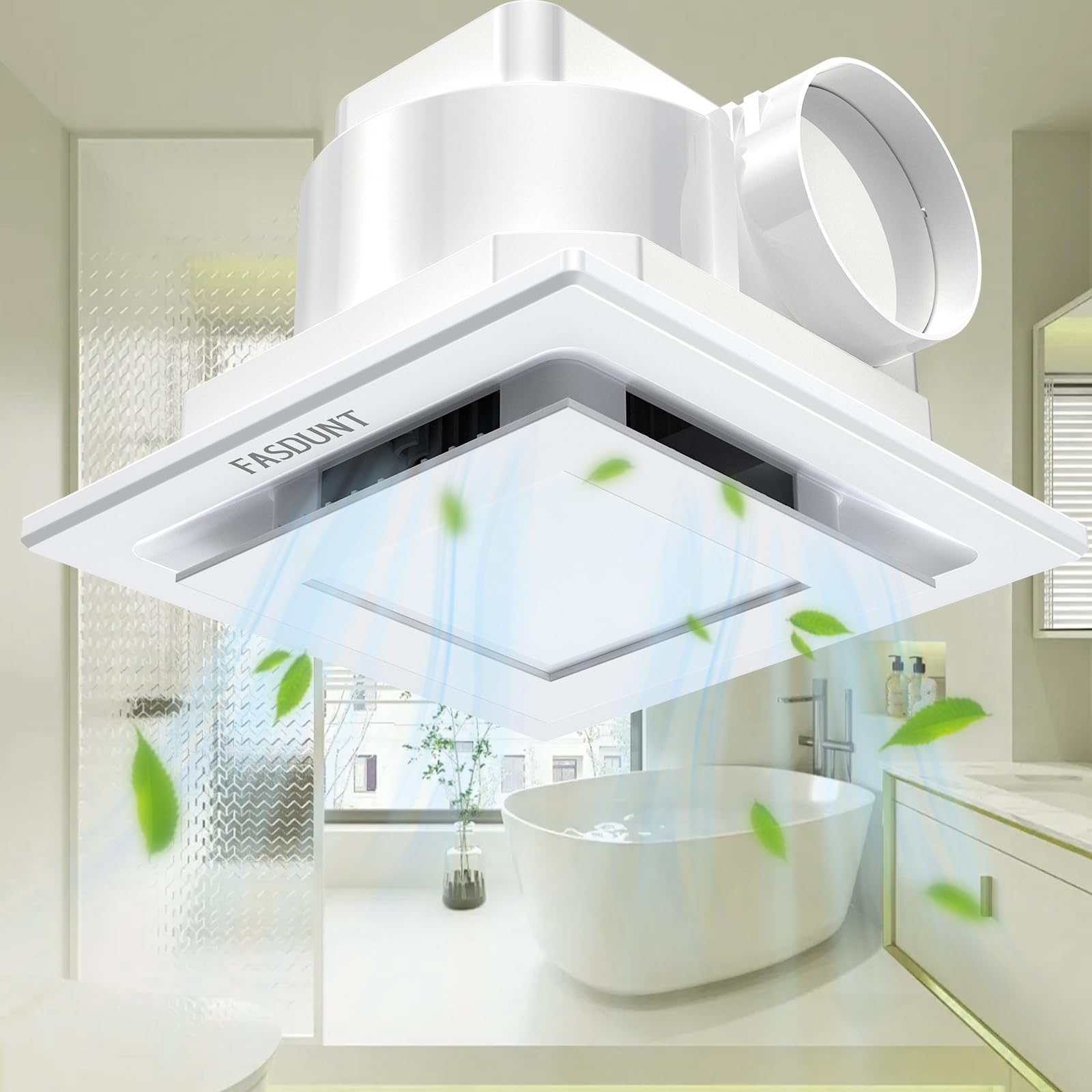
Image 1: FASDUNT Bathroom Exhaust Fan with LED Light installed in a modern bathroom.
2. Safety Information
WARNING: To reduce the risk of fire, electric shock, or injury to persons, observe the following:
- Read all instructions before installing or servicing this fan.
- Installation work and electrical wiring must be done by qualified person(s) in accordance with all applicable codes and standards, including fire-rated construction codes and standards.
- Use this unit only in the manner intended by the manufacturer. If you have questions, contact the manufacturer.
- Before servicing or cleaning the unit, switch power off at the service panel and lock the service disconnecting means to prevent power from being switched on accidentally. When the service disconnecting means cannot be locked, securely fasten a prominent warning device, such as a tag, to the service panel.
- Do not use this fan with any solid-state speed control device unless specifically approved for use with this model.
- This product is designed for ceiling mount only. Do not mount on a wall.
- Always ensure proper grounding of the electrical system.
3. Package Contents
Please check that all components are present and undamaged:
- FASDUNT USEF2 Exhaust Fan Unit with LED Light
- Mounting Hardware (screws, wire connectors)
- Instruction Manual
4. Specifications
| Feature | Specification |
|---|---|
| Brand | FASDUNT |
| Model Number | USEF2 |
| Airflow | 120 CFM |
| Noise Level | 1.0 Sone |
| LED Light Power | 12W |
| Light Color Temperature | 5000K |
| Total Power Consumption | 38W |
| Voltage | 110V AC |
| Material | ABS Plastic, Metal |
| Ceiling Opening Size (L x W) | 8.1 inches x 8.1 inches (20.5 cm x 20.5 cm) |
| Light Cover Size | 9.65 inches x 9.75 inches |
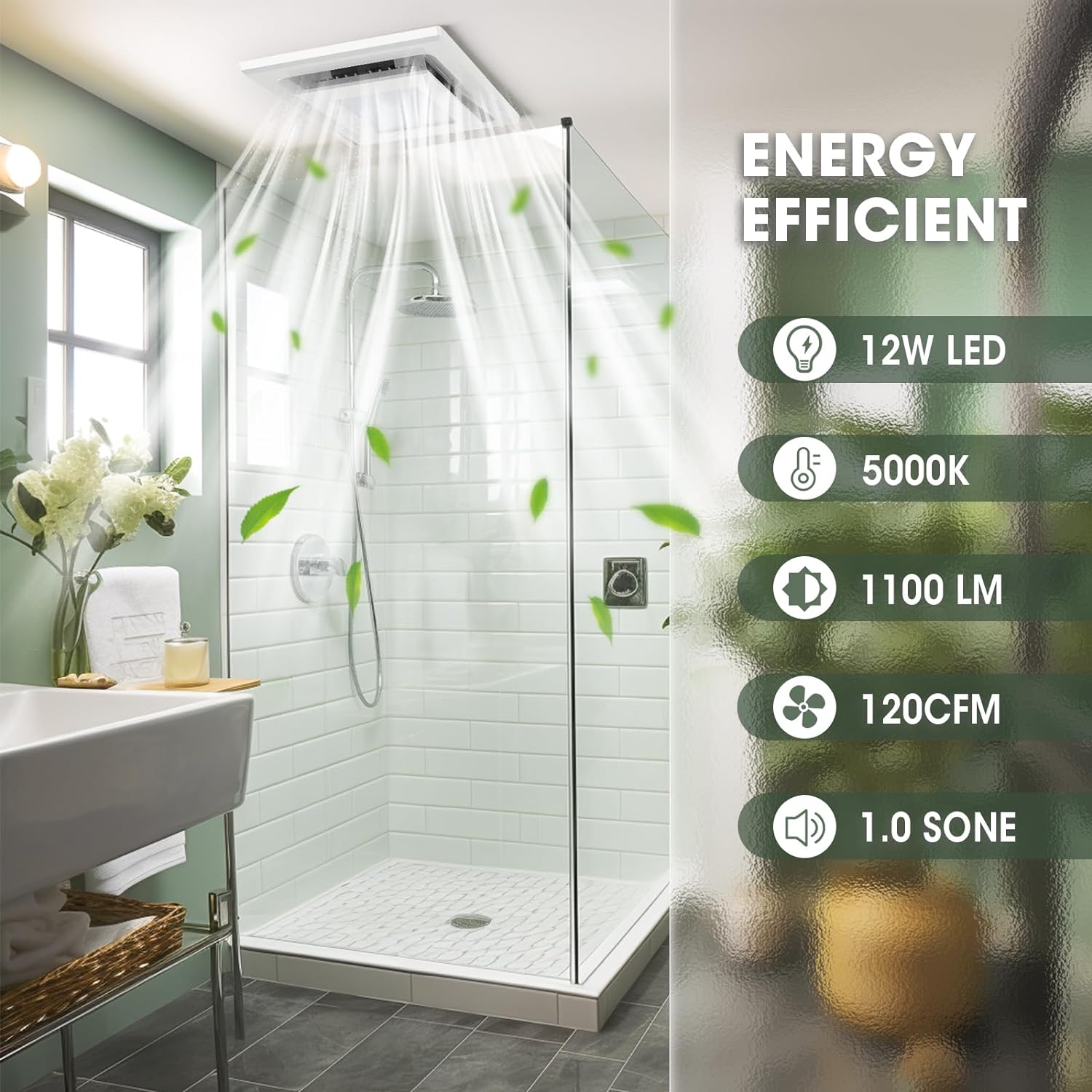
Image 2: Energy efficiency and performance overview.
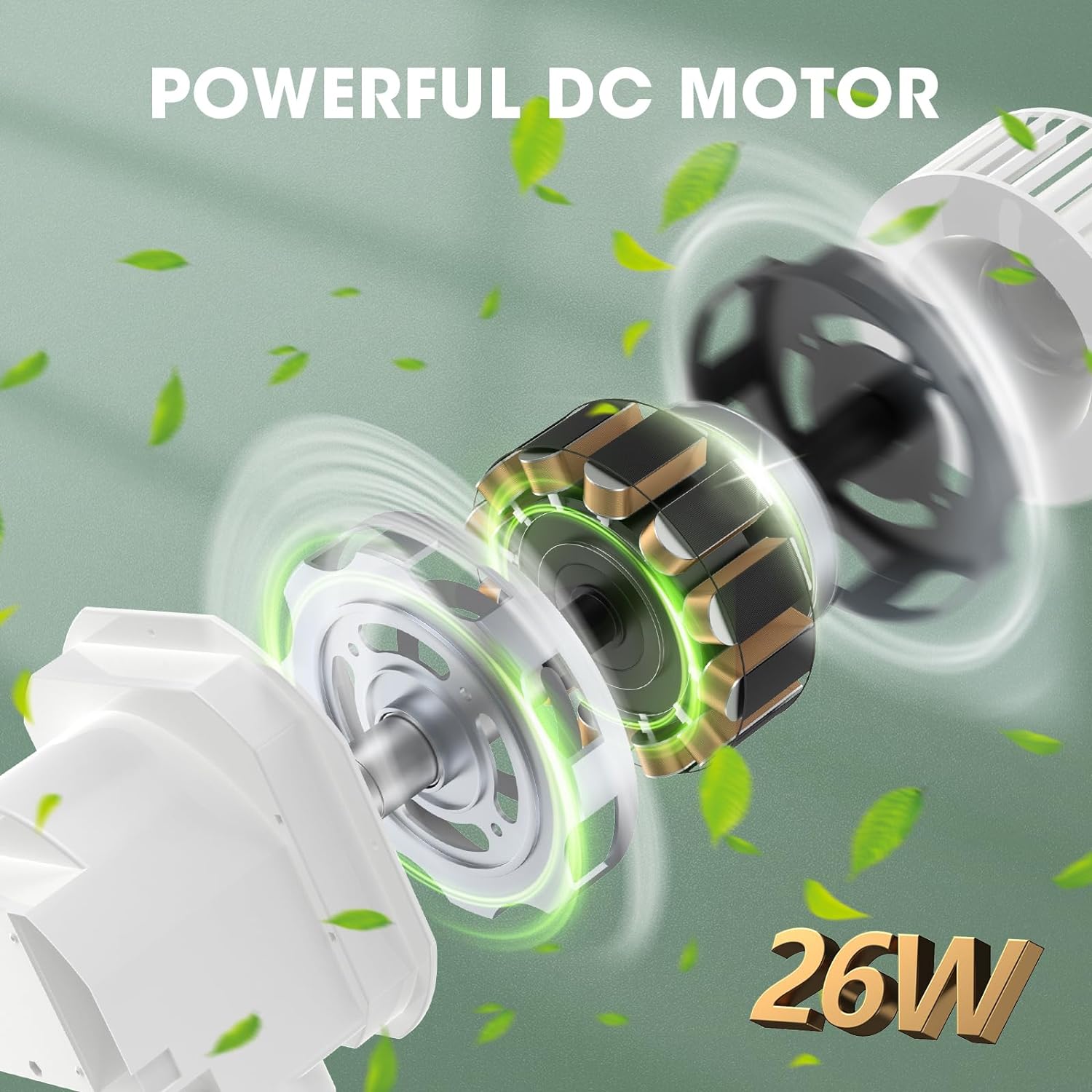
Image 3: Powerful 26W DC motor for efficient operation.

Image 4: Quiet operation at 1.0 Sone (36dB).

Image 5: Turbocharged air duct design for smooth airflow.
5. Setup and Installation
The FASDUNT USEF2 exhaust fan features an integrated design for simplified installation. However, professional installation is recommended for electrical wiring to ensure safety and compliance with local codes.
Pre-Installation Checks:
- Verify that the ceiling opening size is 8.1 inches x 8.1 inches (20.5 cm x 20.5 cm). Adjust the opening if necessary.
- Ensure the power supply is turned OFF at the circuit breaker before starting any installation work.
- Confirm that all necessary tools and materials are available.
Installation Steps:
- Prepare the ceiling opening according to the specified dimensions.
- Connect the ductwork to the fan's exhaust port. Ensure a secure and airtight connection.
- Wire the fan and light according to the electrical diagram provided in the detailed instructions. The fan and light can be connected to operate simultaneously or separately. For greater flexibility, it is recommended to separate the fan and light connection modes, allowing independent control.
- Mount the fan unit securely into the ceiling opening using the provided mounting hardware.
- Install the light cover onto the fan unit.
- Restore power and test the fan and light functions.

Image 6: Installation dimensions and overview.
6. Operating Instructions
The FASDUNT USEF2 exhaust fan and light can be operated in two modes, depending on how they were wired during installation:
- Simultaneous Operation: If wired together, the fan and light will turn ON and OFF at the same time using a single wall switch.
- Separate Operation: If wired to separate switches (recommended), you can control the fan and light independently. This allows you to use the light without the fan, or the fan without the light, providing greater control over your bathroom environment.
To activate the fan and/or light, simply use the corresponding wall switch(es).
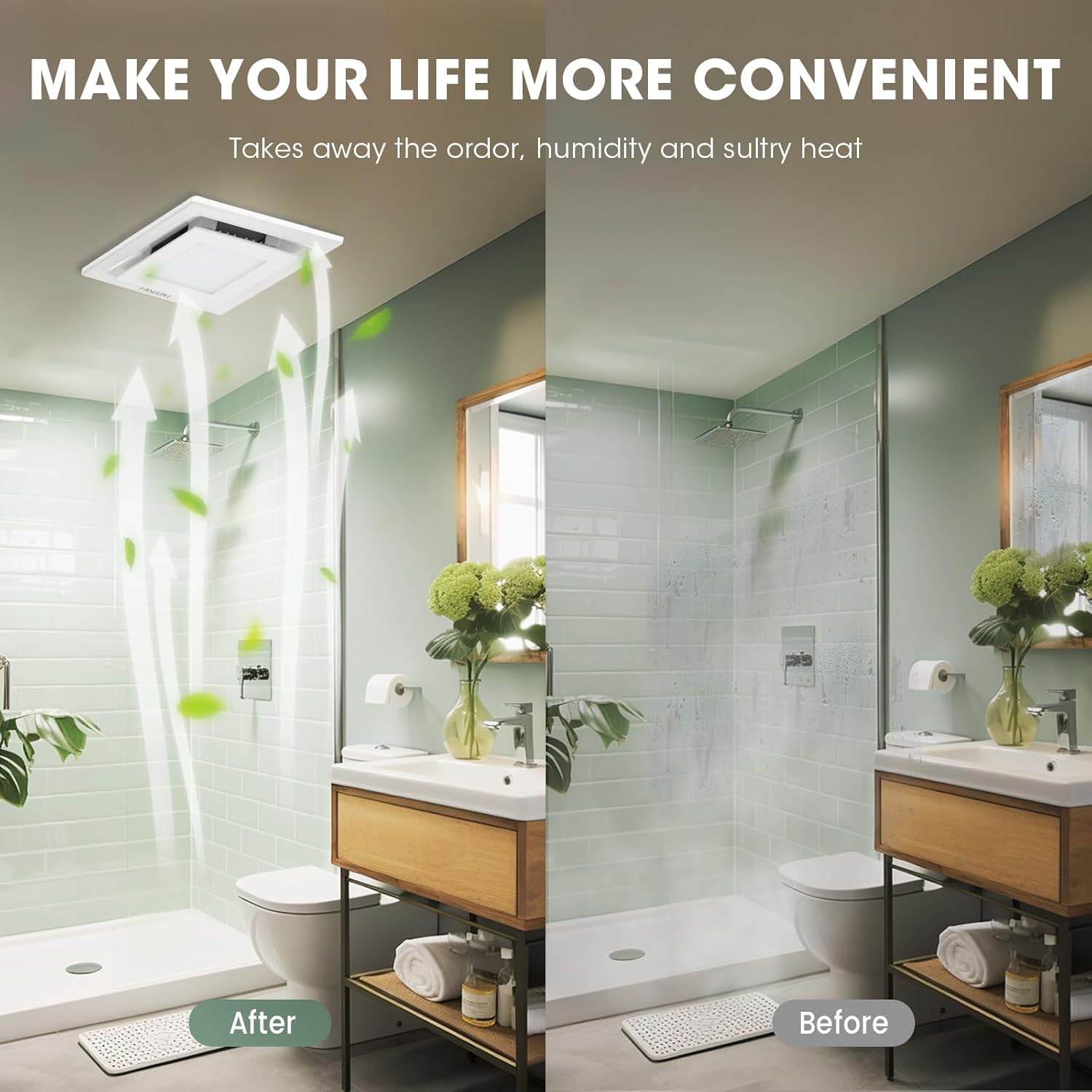
Image 7: Before and after comparison of bathroom humidity with fan operation.
7. Maintenance
Regular maintenance ensures optimal performance and extends the lifespan of your exhaust fan. Always turn off power at the circuit breaker before performing any maintenance.
Cleaning the Fan Grille and Light Cover:
- Turn off power to the fan at the service panel.
- Carefully remove the light cover and fan grille.
- Wash the grille and cover with a mild detergent and warm water. Rinse thoroughly and allow to dry completely before reinstallation.
- Wipe the exterior of the fan housing with a damp cloth. Do not allow water to enter the motor or electrical components.
- Reinstall the dry grille and light cover.
- Restore power to the fan.
Motor Maintenance:
The fan motor is permanently lubricated and requires no additional oiling. If the motor becomes excessively noisy or stops functioning, it may require professional inspection or replacement.
The fan is constructed from durable ABS material, which is rust-proof and corrosion-resistant, minimizing the need for extensive material-specific maintenance.
8. Troubleshooting
If you experience issues with your FASDUNT exhaust fan, refer to the following troubleshooting guide:
| Problem | Possible Cause | Solution |
|---|---|---|
| Fan does not operate | No power supply Loose wiring connection Faulty switch | Check circuit breaker and wall switch. Verify all wiring connections are secure (consult a qualified electrician). Test or replace the switch. |
| Light does not turn on | No power supply to light Loose wiring connection Faulty switch | Check circuit breaker and wall switch. Verify light wiring connections are secure (consult a qualified electrician). Test or replace the switch. |
| Excessive noise during operation | Loose mounting Obstruction in fan blades or ductwork Damaged motor/fan blades | Ensure the fan unit is securely mounted. Turn off power, remove grille, and check for obstructions. Clean if necessary. If noise persists, contact customer support. |
| Poor ventilation/air extraction | Blocked ductwork Fan blades are dirty Improperly sized fan for room | Check ductwork for blockages. Clean fan blades and grille as per maintenance instructions. Ensure the fan's CFM rating is appropriate for your bathroom size. |
If the problem persists after attempting these solutions, please contact FASDUNT customer support.
9. Warranty and Support
Specific warranty details for the FASDUNT USEF2 Bathroom Exhaust Fan with LED Light may vary. Please refer to the product packaging or your purchase documentation for warranty information.
For technical support, replacement parts, or warranty claims, please contact the seller or FASDUNT customer service directly. Have your model number (USEF2) and purchase date ready when contacting support.