
Oladance OLA08
Oladance OWS Sports Open-Ear Headphone User Manual
Model: OLA08
Introduction
Welcome to the Oladance OWS Sports Open-Ear Headphone user manual. These headphones are designed for comfort and high-quality audio during sports and active lifestyles. Featuring an open-ear design, IPX8 waterproofing, and long battery life, they provide a unique listening experience while maintaining environmental awareness.

Image: A pair of Oladance OWS Sports Open-Ear Headphones in gray, showcasing their ergonomic design.
What's in the Box
Upon opening your Oladance OWS Sports headphones package, you should find the following items:
- Oladance OWS Sports Headphones
- Storage Bag
- Magnetic Charging Cable
- Instruction Manual
- Brand Card

Image: An illustration showing the Oladance OWS Sports headphones, storage bag, magnetic charging wire, brand card, instruction manual, and package box.
Setup Guide
1. Charging the Headphones
Before first use, fully charge your Oladance OWS Sports headphones. Connect the magnetic charging cable to the charging port on the headphones and plug the other end into a USB power source. A full charge takes approximately 3 hours. A 15-minute charge can provide up to 5 hours of battery life.

Image: A visual representation of the headphones' energy lock technology, highlighting 15 hours of playtime and 150 mAh battery capacity.
2. Wearing the Headphones
The OWS Sports headphones feature an open-ear design for comfortable and secure fit during activities.
- Take out the headphones from the storage bag.
- Place the headphones on your ears, ensuring the ear hooks are securely positioned over the top of your ears.
- Rotate the headphones backward along your ear contour until they are in a comfortable and stable position.
- Ensure the speakers are positioned correctly to deliver sound without entering your ear canal.

Image: A four-step diagram illustrating how to properly wear the Oladance OWS Sports headphones for optimal comfort and fit.
3. Bluetooth Pairing
The Oladance OWS Sports headphones use Bluetooth 5.1 for stable and seamless connectivity.
- Ensure the headphones are charged and powered on.
- On your device (smartphone, tablet, laptop), go to Bluetooth settings.
- Select "Oladance OWS Sports" from the list of available devices.
- Once connected, you will hear an audio prompt confirming successful pairing.
The headphones support multi-point connectivity, allowing seamless switching between multiple paired devices.

Image: A graphic illustrating Bluetooth 5.1 connectivity with multi-point support, showing the headphones connecting to a phone, tablet, and laptop.
Operating Instructions
Controls
The OWS Sports headphones feature intuitive physical buttons for easy control of music and calls.

Image: A detailed diagram showing simple operation for music and call controls via single, double, or triple taps on the headphones.
| Action | Function (Music) | Function (Call) |
|---|---|---|
| Single Tap | Play/Pause | Answer Call |
| Double Tap | Next Track | Reject Call |
| Triple Tap | Voice Assistant | Mute/Unmute |
| Long Press | Volume Up/Down (customizable) | End Call |
You can customize the physical button functions using the Oladance APP for personalized control.

Image: A person using the Oladance APP on a smartphone to customize the physical buttons of their OWS Sports headphones.
Sound Quality and Features
The OWS Sports headphones are engineered for a premium listening experience:
- High-Precision Overlapping Loudspeaker: Equipped with 23*10mm dual speakers for rich audio.
- Virtual Bass 2nd Algorithm: Utilizes high dynamic power for enhanced bass and 360° sound.
- Qualcomm Chip + Amplifier Chip: Ensures higher audio quality and boosted sound volume while reducing high-frequency distortion.
- Wind Deflector and Crystal-Clear Talk: Features a wind duct structure and dual microphones with noise reduction algorithms to eliminate environmental noise during calls, even in windy conditions.
Video: This video demonstrates the sound quality features of the Oladance OWS Sports Headphones, highlighting the high-precision overlapping loudspeaker, Virtual Bass 2nd algorithm, and the Qualcomm chip with amplifier chip for superior audio performance.
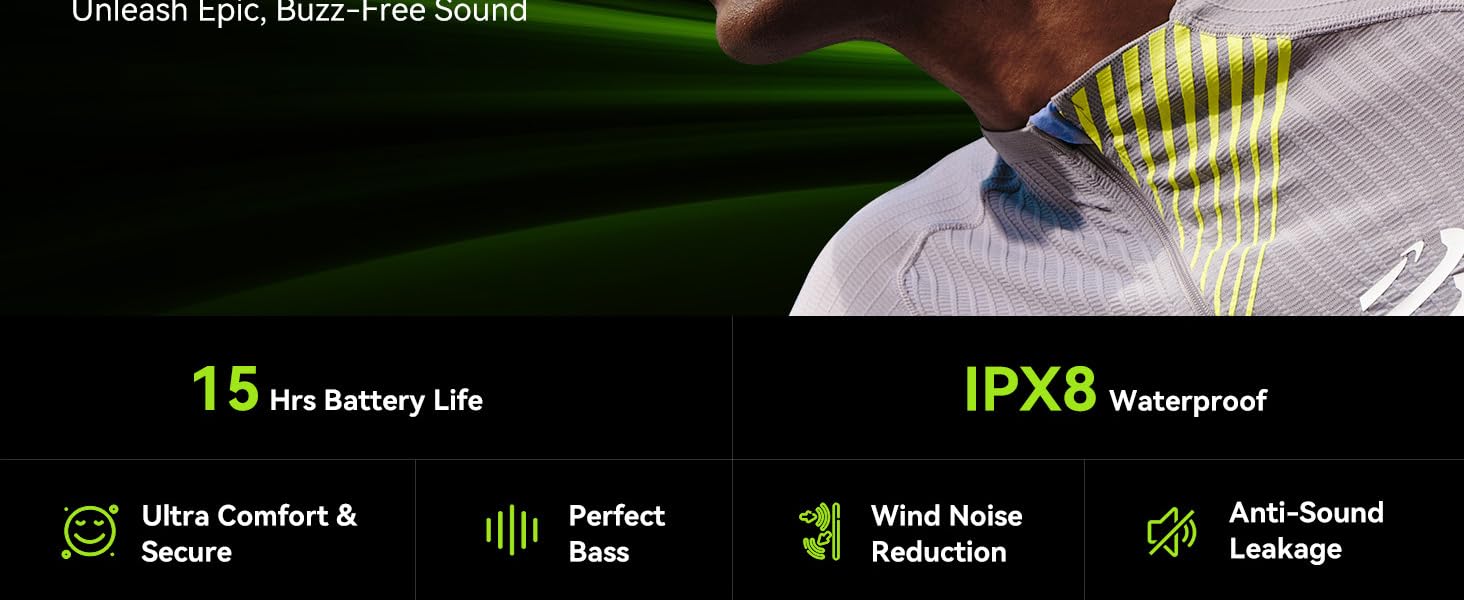
Image: A detailed view of the internal components contributing to the OWS Sports headphone's sound quality, including the high precision laminated horn, Qualcomm chip, Energy Lock technology, Wind Deflector, and aptX HD Sound Quality.

Image: A graphic illustrating the wind noise reduction capabilities of the OWS Sports headphones, showing how they minimize wind interference, focus sound, and utilize an ENC algorithm for clear audio during activities like cycling.
Maintenance and Care
Cleaning
The OWS Sports headphones are IPX8 waterproof, making them resistant to sweat and water. After intense workouts or exposure to water, you can effortlessly clean stains with a direct water rinse. Ensure the charging port is dry before charging.

Image: A person being splashed with water while wearing the Oladance OWS Sports headphones, illustrating their IPX8 waterproof capability from inside to outside.
Storage
When not in use, store the headphones in the provided storage bag to protect them from dust and damage.
Battery Life
To maximize battery longevity, avoid fully discharging the headphones frequently. Charge them regularly, especially if they will be stored for an extended period.
Troubleshooting
| Problem | Possible Cause | Solution |
|---|---|---|
| Headphones not turning on | Low battery | Charge the headphones fully. |
| Cannot pair with device | Bluetooth not enabled; headphones not in pairing mode; device too far | Ensure Bluetooth is on. Put headphones in pairing mode (refer to device manual if needed). Move device closer to headphones. Forget device on your phone and re-pair. |
| Sound quality issues (e.g., hiss, distortion) | Interference; low battery; sweat/water in speaker (for sports use) | Move away from sources of interference. Charge headphones. If used during sports, rinse and dry thoroughly. Check Oladance APP for EQ settings. |
| Controls not responding | Temporary software glitch; sweat/water on touch controls | Restart headphones. Ensure headphones are dry, especially around control areas. Check Oladance APP for custom button settings. |
| Short battery life | Aging battery; frequent high volume use | Ensure full charge. Reduce volume if possible. If battery life significantly degrades, contact support. |
If the issue persists after trying these solutions, please contact Oladance customer support.
Specifications
| Feature | Detail |
|---|---|
| Model Name | OWS Sports |
| Model Number | OLA08 |
| Connectivity Technology | Wireless (Bluetooth 5.1) |
| Ear Placement | Open Ear |
| Water Resistance Level | IPX8 Waterproof |
| Battery Life | Up to 15 Hours |
| Audio Driver Size | 23 Millimeters (Dual Speakers) |
| Frequency Range | 20 Hz - 20,000 Hz |
| Material | Silicone |
| Compatible Devices | Cellphones, Smart Speaker, Tablets, Laptops, Desktops |
| Item Weight | 1.04 pounds |
Warranty Information
Oladance products are covered by a manufacturer's warranty. For specific details regarding your warranty period and coverage, please refer to the warranty card included in your product packaging or visit the official Oladance website. Please retain your proof of purchase for warranty claims.
Note: Some customer reviews mention warranty issues. It is recommended to contact Oladance customer support directly for any warranty-related inquiries.
Customer Support
For further assistance, technical support, or warranty claims, please contact Oladance customer support through the following channels:
- Official Website: www.oladance.com (Check for support contact information)
- Email: Refer to your product packaging or official website for support email address.
- Amazon Store: Visit the Oladance Store on Amazon for product information and customer service options.
When contacting support, please have your product model number (OLA08) and proof of purchase ready.
Related documentsOLA08

Ask a question about this manual
Ask about setup, troubleshooting, compatibility, parts, safety, or missing instructions. Manuals+ will review the question and use this page’s manual context to help answer it.