
Introduction
The Mopeka Pro Check Universal Bundle provides a wireless solution for monitoring liquid levels in various tanks, including propane, diesel, oil, water, butane, and anhydrous. This bundle includes two Mopeka Pro Check Universal Sensors and two Mopeka Tank Halos. The Pro Check Universal Sensor offers enhanced accuracy, extended battery life, and seamless connectivity via a mobile application, making it an essential tool for managing tank levels in RVs, BBQs, and other applications.
Setup
1. Package Contents
- 2 x Mopeka Pro Check Universal Sensors
- 2 x Mopeka Tank Halos
- 6 x Aluminum Spacers (3 per sensor)
- 2 x Acoustic Grease Packs (1 per sensor)
2. Sensor Installation
- Prepare the Tank: Ensure the bottom surface of your tank is clean and free from debris.
- Apply Acoustic Grease: Apply a small amount of the provided acoustic grease to the center of the sensor's top surface. This grease is crucial for accurate readings.
- Attach the Sensor: Position the Mopeka Pro Check Universal Sensor centrally on the underside of the tank. The sensor attaches securely using powerful magnets. For tanks with a recessed bottom, use the included aluminum spacers to ensure a flat contact surface between the sensor and the tank.
- Install Tank Halo (Optional but Recommended): Place the Mopeka Tank Halo around the base of the tank. This protective ring helps secure the sensor and provides additional stability, especially for RVs on uneven terrain.
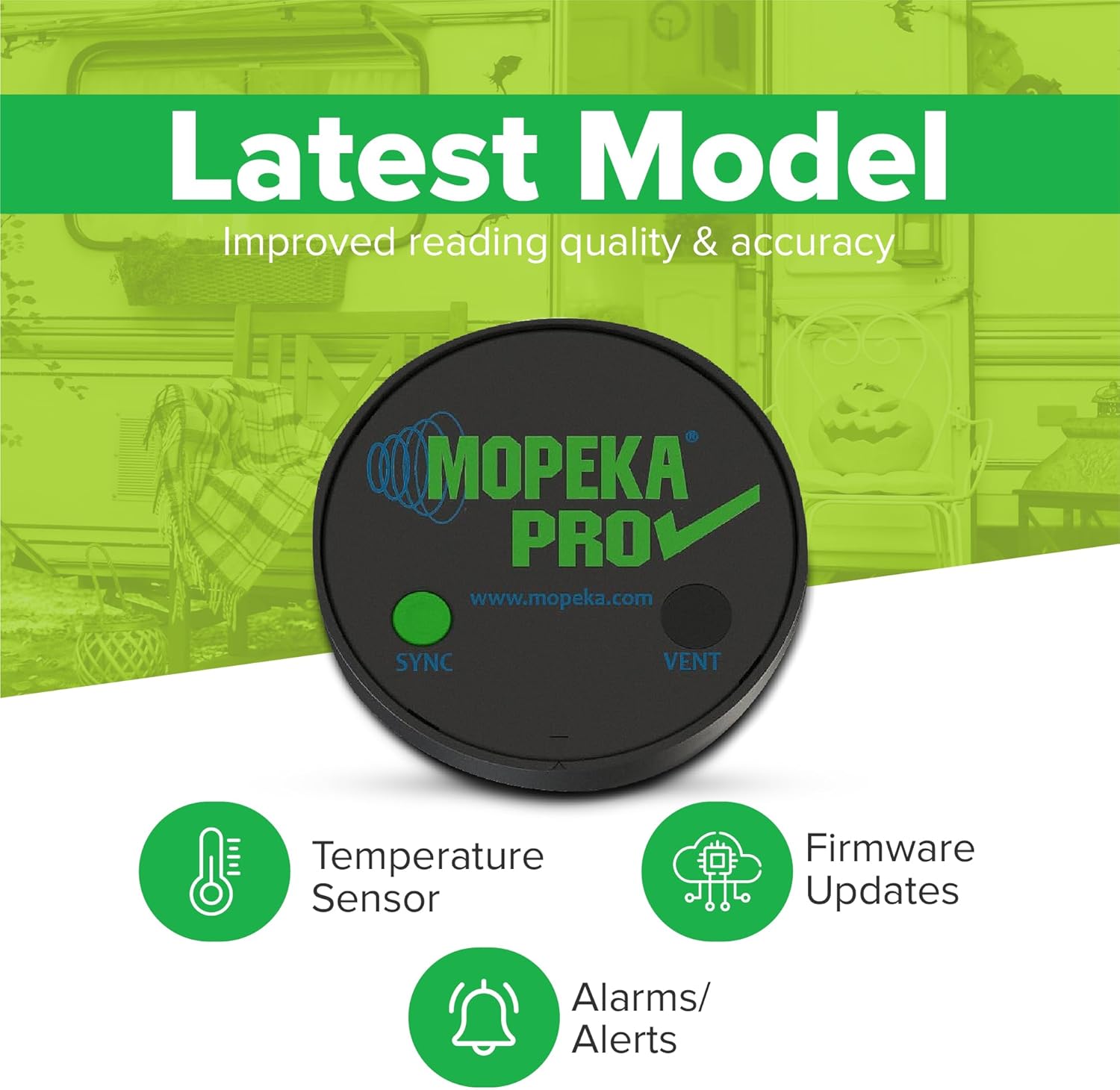
Image: Illustration showing the easy installation process of the Mopeka Pro Check Universal Sensor, highlighting magnetic attachment and improved ultrasonic performance.
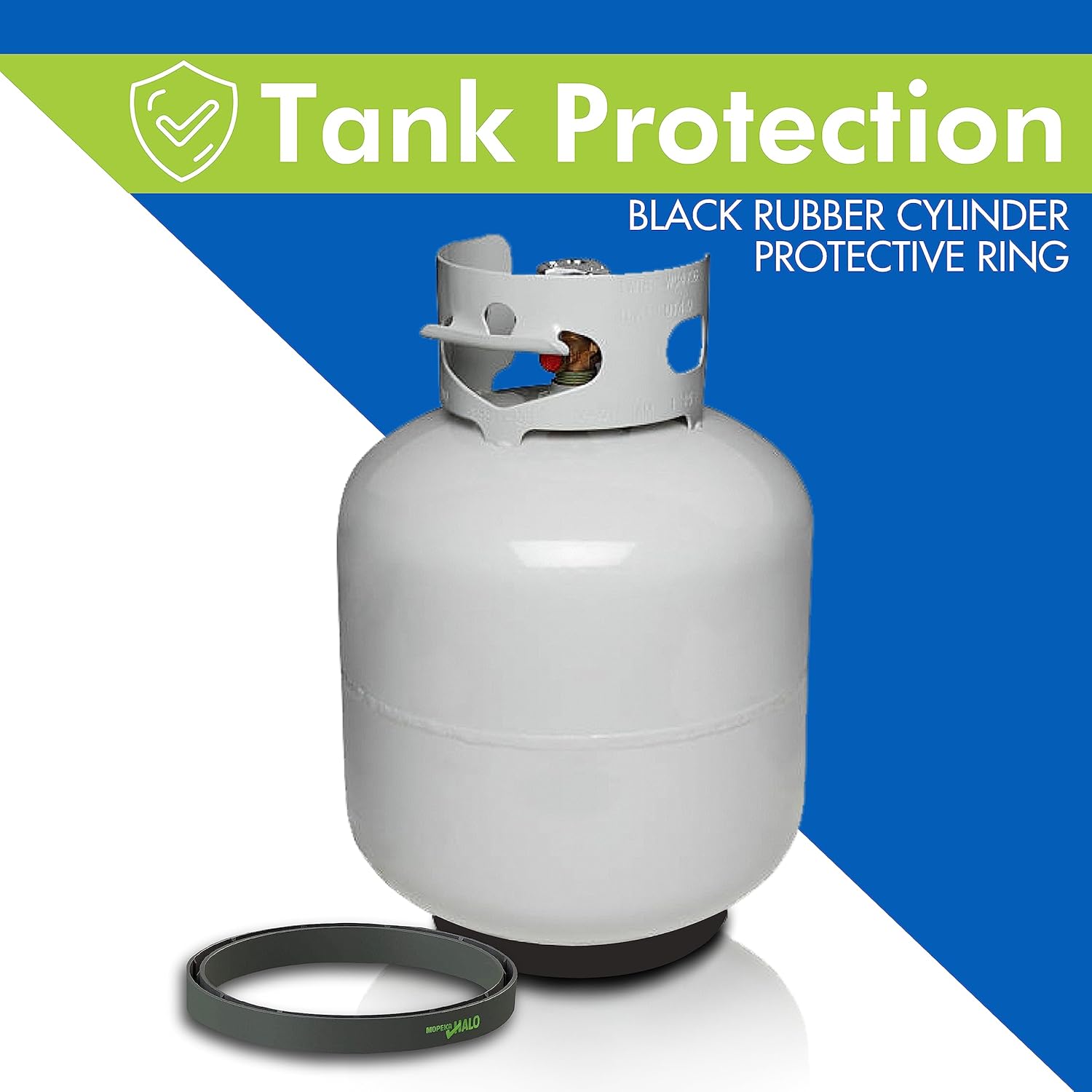
Image: A white propane tank with a Mopeka Tank Halo placed around its base, demonstrating tank protection and sensor stability.
3. App Installation and Pairing
- Download the App: Download the free Mopeka "Tank Check" app from the Apple App Store or Google Play Store on your smartphone or tablet.
- Enable Bluetooth: Ensure Bluetooth is enabled on your mobile device.
- Open the App: Launch the Mopeka Tank Check app. The app will guide you through the pairing process.
- Sync the Sensor: Press the "SYNC" button on the Mopeka Pro Check Universal Sensor. The sensor will then appear in the app for pairing. Follow the on-screen instructions to complete the pairing.
- Configure Tank Type: Within the app, select the type of liquid commodity your tank holds (e.g., Propane, Diesel, Oil, Water). This ensures accurate level readings.

Image: A Mopeka Pro Check Universal Sensor alongside a smartphone displaying the Mopeka Tank Check app interface, showing a tank level reading of 41%.
Operating Instructions
1. Reading Tank Levels
Once paired, open the Mopeka Tank Check app. The app will display the current liquid level for each connected sensor. Readings are updated frequently, providing real-time information.
2. Selecting Liquid Commodity
The Pro Check Universal Sensor supports multiple liquid types. To ensure accurate readings, verify that the correct commodity is selected for each tank within the app's settings. Supported commodities include Propane, Diesel, Oil, Water, Butane, and Anhydrous.
3. Alarms and Alerts
The Mopeka Tank Check app allows you to set custom alarms and alerts for low tank levels. Navigate to the sensor settings within the app to configure your desired thresholds for notifications.
4. Additional Features
- Integrated Temperature Sensor: Monitors the temperature of the tank.
- Tank "Bubble Level": Provides an indication of the tank's tilt.
- Configurable Sample Timing: Adjust how often the sensor takes readings to optimize battery life.
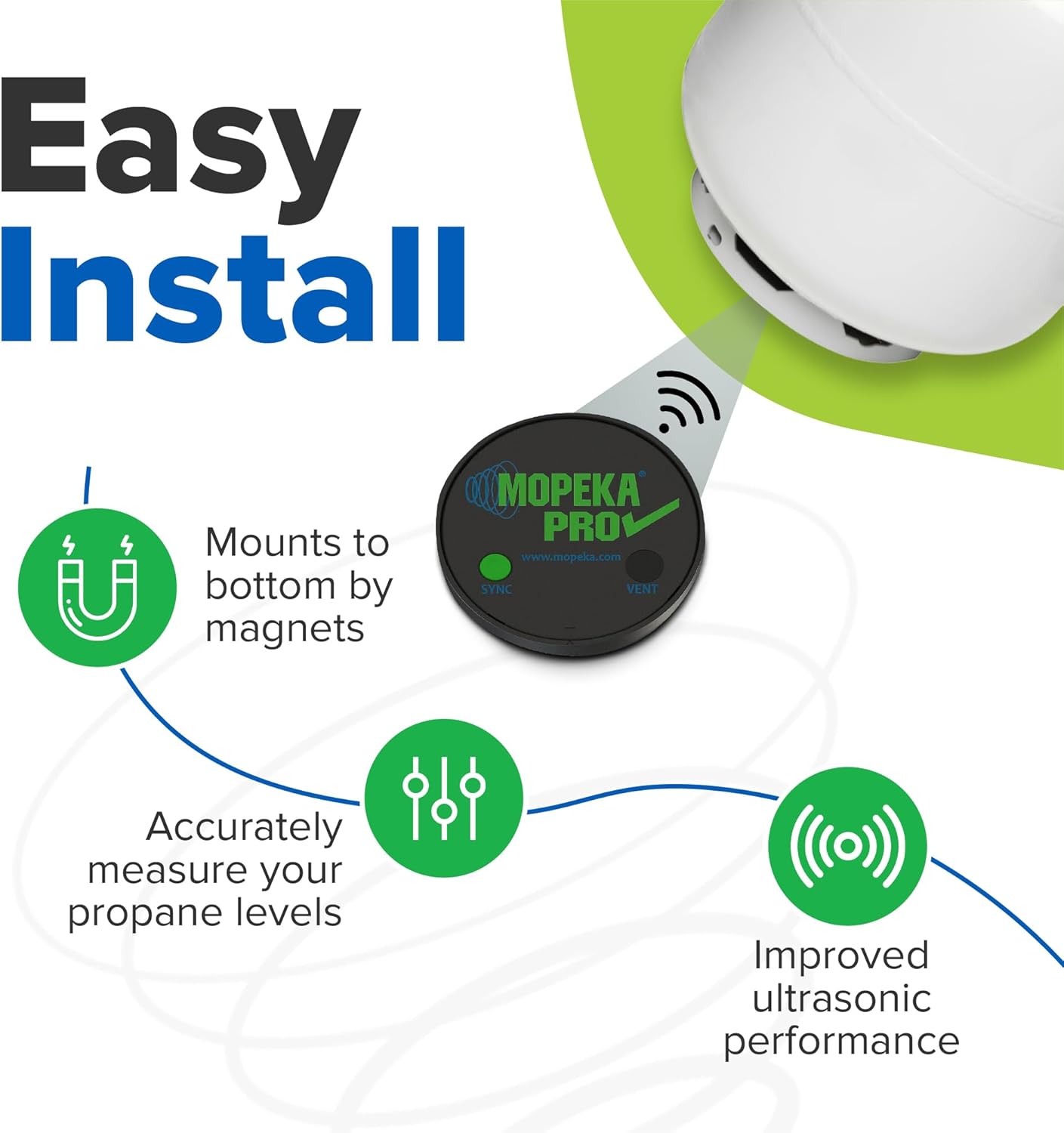
Image: Graphic highlighting the latest model features of the Mopeka Pro Check Universal Sensor, including temperature sensor, firmware updates, and alarms/alerts.
Maintenance
1. Battery Replacement
The Mopeka Pro Check Universal Sensor boasts an extended battery life of 3 to 5 years. When the battery level is low (indicated in the app), it can be replaced. Refer to the sensor's casing for instructions on how to open the battery compartment and replace the battery with a compatible type.

Image: Graphic illustrating the improved battery life of the Mopeka Pro Check Universal Sensor, showing up to 3.5 years of battery life and its replaceable nature.
2. Acoustic Grease Reapplication
The acoustic grease is vital for accurate ultrasonic readings. If you notice inconsistent or inaccurate readings, or if the sensor has been removed and reattached, reapply a fresh layer of acoustic grease to the sensor's contact surface.
3. Cleaning
Wipe the sensor and Tank Halo with a damp cloth as needed to remove dirt or grime. Avoid using harsh chemicals or abrasive cleaners.
Troubleshooting
- No Reading or Inaccurate Reading:
- Ensure the sensor is firmly attached to the tank bottom with good contact.
- Verify that acoustic grease is properly applied between the sensor and the tank.
- Check the battery level of the sensor in the app. Replace if low.
- Confirm the correct liquid commodity is selected in the app for the tank.
- Note: While versatile, some users report less consistent readings with water tanks compared to propane. Ensure proper installation and grease application for water tanks.
- Signal Issues / Connectivity Problems:
- Ensure Bluetooth is active on your mobile device.
- Bring your mobile device closer to the sensor.
- Restart the Mopeka Tank Check app.
- If using a Mopeka Wifi Bridge (sold separately), ensure it is properly configured and within range.
- Firmware Updates:
- The Mopeka Pro Check Universal Sensor supports firmware updates via the app. Check the app's settings periodically for available updates to ensure optimal performance and access to new features.
Specifications
| Feature | Detail |
|---|---|
| Product Name | Mopeka Pro Check Universal Bundle |
| Model | Pro Check Universal Sensor |
| Accuracy | Up to 99.5% |
| Battery Life | 3 to 5 years (replaceable) |
| Supported Commodities | Propane, Diesel, Oil, Water, Butane, Anhydrous, other liquid commodities |
| Tank Capacity | Up to 250 gallons |
| Connectivity | Bluetooth |
| Mobile App | Mopeka "Tank Check" (iOS & Android) |
| Additional Features | Integrated temperature sensor, tank "bubble level", configurable sample timing, firmware updates, alarms/alerts |
Warranty
Warranty information for the Mopeka Pro Check Universal Bundle is not explicitly detailed in the provided product information. For specific warranty terms and conditions, please refer to the official Mopeka website or contact Mopeka customer support directly.
Support
For further assistance, product updates, or to explore additional Mopeka products, please utilize the following resources:
- Mopeka Store: Visit the official Mopeka Store on Amazon.
- Mobile App: Download the Mopeka "Tank Check" app from your device's respective app store (Apple App Store or Google Play Store).
- Manufacturer Website: Refer to the official Mopeka website for comprehensive support, FAQs, and contact information.
No official product videos were available for embedding based on the provided data.