
Introduction
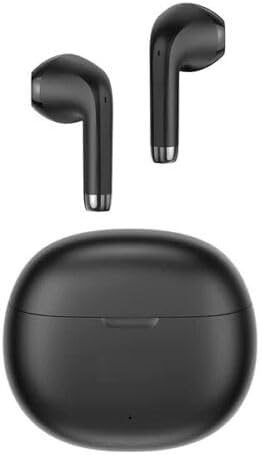
Thank you for choosing the SGNICS TWS Earbuds. These wireless earbuds are designed to provide a superior audio experience with advanced Bluetooth 5.3 connectivity, powerful 13mm dynamic drivers, and a comfortable in-ear design. This manual will guide you through the setup, operation, and maintenance of your new earbuds to ensure you get the most out of them.
What's in the Box
- SGNICS TWS Earbuds (Left and Right)
- Charging Case
- USB Type-C Charging Cable
- User Manual
Product Features
Superior Sound Quality
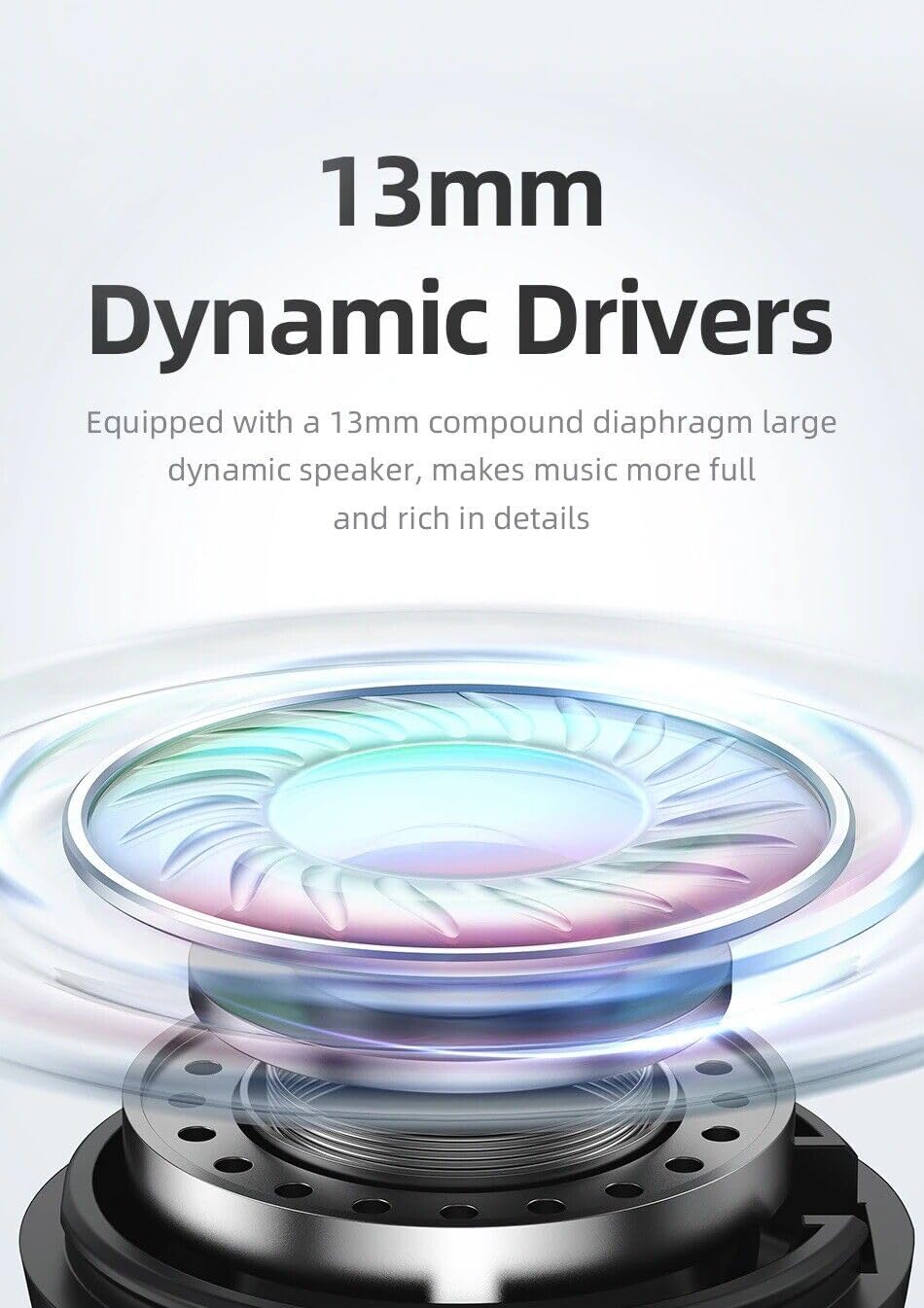
Equipped with 13mm compound diaphragm large dynamic speakers, these earbuds deliver full and rich audio details, enhancing your music listening experience.
Advanced Bluetooth 5.3 Connectivity

The upgraded Bluetooth 5.3 chip ensures lower power consumption, a stronger, and more stable signal, allowing for good sound quality within a 12-meter range.
Extended Battery Life

Enjoy up to 7 hours of playback on a single charge. The portable charging case provides an additional 3-4 charges, extending the total battery life to approximately 31 hours.
Comfortable and Lightweight Design
Each earbud weighs approximately 3.8g, offering a comfortable and secure fit for extended wear with its in-ear design.
Convenient Charging and Indicators

The charging case features magnetic absorption for secure earbud placement, a Type-C charging port for universal compatibility, and a clear battery indicator to show charging status.
Setup Guide
Initial Pairing
- Ensure the earbuds are fully charged.
- Open the charging case. The earbuds will automatically enter pairing mode.
- On your device (smartphone, tablet, etc.), enable Bluetooth.
- Search for available Bluetooth devices and select "TWS Earbuds -- Rhymbo Series" (or similar name) from the list.
- Once connected, you will hear a confirmation tone, and the earbuds will be ready for use.
Automatic Reconnection
After the first successful pairing, the earbuds will automatically reconnect to the last connected device when you open the charging case, provided Bluetooth is enabled on your device.
Charging the Earbuds and Case
- Charging Earbuds: Place the earbuds into the charging case. They will automatically begin charging. The indicator light on the case will show the charging status.
- Charging Case: Connect the provided USB Type-C cable to the charging port on the case and plug the other end into a USB power source (e.g., wall adapter, computer USB port). The indicator light will show the charging progress.
Operating Your Earbuds
Smart Touch Control
The earbuds feature intelligent touch controls for easy management of calls and music playback.
| Action | Control |
|---|---|
| Play/Pause Music | Single tap on either earbud |
| Next Song | Double tap on the Right earbud |
| Previous Song | Double tap on the Left earbud |
| Answer/End Call | Single tap on either earbud |
| Reject Call | Press and hold either earbud for 2 seconds |
| Activate Voice Assistant (Siri, Google Assistant) | Triple tap on either earbud |
Maintenance and Care
- Cleaning: Regularly clean the earbuds and charging case with a soft, dry, lint-free cloth. Do not use harsh chemicals or abrasive materials.
- Water Resistance: The earbuds are IPX4 waterproof, meaning they are resistant to splashing water. Do not submerge them in water or expose them to heavy rain.
- Storage: When not in use, store the earbuds in their charging case to protect them and keep them charged. Store in a cool, dry place away from direct sunlight and extreme temperatures.
- Battery Care: To prolong battery life, avoid fully discharging the earbuds and charging case frequently. Charge them regularly, even if not in constant use.
Troubleshooting
| Issue | Possible Solution |
|---|---|
| Earbuds not pairing | Ensure earbuds are charged. Turn off and on Bluetooth on your device. Forget the device in Bluetooth settings and re-pair. |
| Only one earbud working | Place both earbuds back into the charging case, close the lid, then open it again. Ensure both earbuds are charged. |
| Low volume or poor sound quality | Clean any debris from the earbud speakers. Adjust volume on your device. Ensure earbuds are properly seated in your ears. |
| Earbuds not charging | Check the charging cable and power source. Ensure the charging contacts on the earbuds and case are clean and dry. |
| Connection drops frequently | Ensure you are within the 12-meter Bluetooth range. Avoid obstacles between the earbuds and your device. Reduce interference from other wireless devices. |
Product Specifications
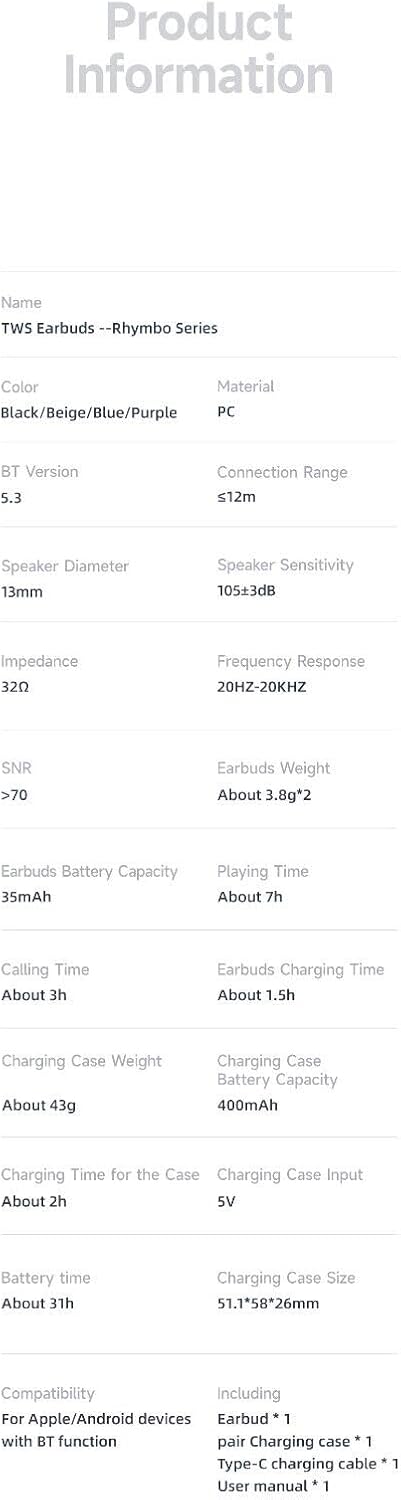
| Feature | Detail |
|---|---|
| Model Name | TWS Earbuds -- Rhymbo Series |
| Connectivity Technology | Wireless (Bluetooth) |
| Bluetooth Version | 5.3 |
| Bluetooth Range | Up to 12 meters |
| Audio Driver Size | 13mm Dynamic Drivers |
| Frequency Range | 20 Hz - 20,000 Hz |
| Earbuds Battery Capacity | 35mAh (each) |
| Charging Case Battery Capacity | 400mAh |
| Earbuds Play Time | Approx. 7 hours |
| Total Battery Life (with case) | Approx. 31 hours |
| Charging Time for Case | Approx. 2 hours |
| Control Type | Touch Control |
| Water Resistance Level | IPX4 (Waterproof) |
| Material | ABS+PC |
| Color | Black |
| Earbud Weight | Approx. 3.8g (each) |
| Charging Case Weight | Approx. 43g |
Warranty and Support
SGNICS products are manufactured with high standards of quality and craftsmanship. For specific warranty information and support, please refer to the warranty card included with your purchase or contact the retailer where you purchased the product. For technical assistance or inquiries, please reach out to SGNICS customer support through their official channels.