
1. Product Overview
This manual provides instructions for the Waterdrop WD-TSPP Pre-Sediment Filter, designed as a replacement for compatible Waterdrop Under-Sink Ultra Filtration Systems and Integrated DC Filtration Systems. The WD-TSPP filter utilizes an advanced PP membrane to reduce sand, rust, particulates, suspended solids, and other impurities from your water supply.
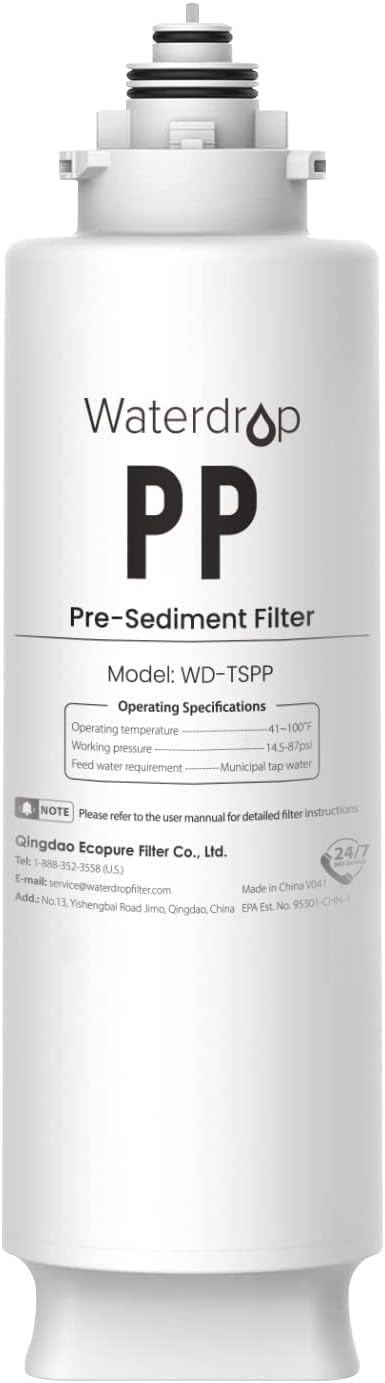
Image 1.1: The Waterdrop WD-TSPP Pre-Sediment Filter. This filter is designed to capture larger particles before water passes through subsequent filtration stages.
2. Compatibility
The Waterdrop WD-TSPP Pre-Sediment Filter is compatible with the following Waterdrop systems:
- Waterdrop Under-Sink Ultra Filtration System (Models: WD-TSU-B, WD-TSU-W)
- Waterdrop Integrated DC Filtration System (Models: WD-TSC-W, WD-TSC-B)
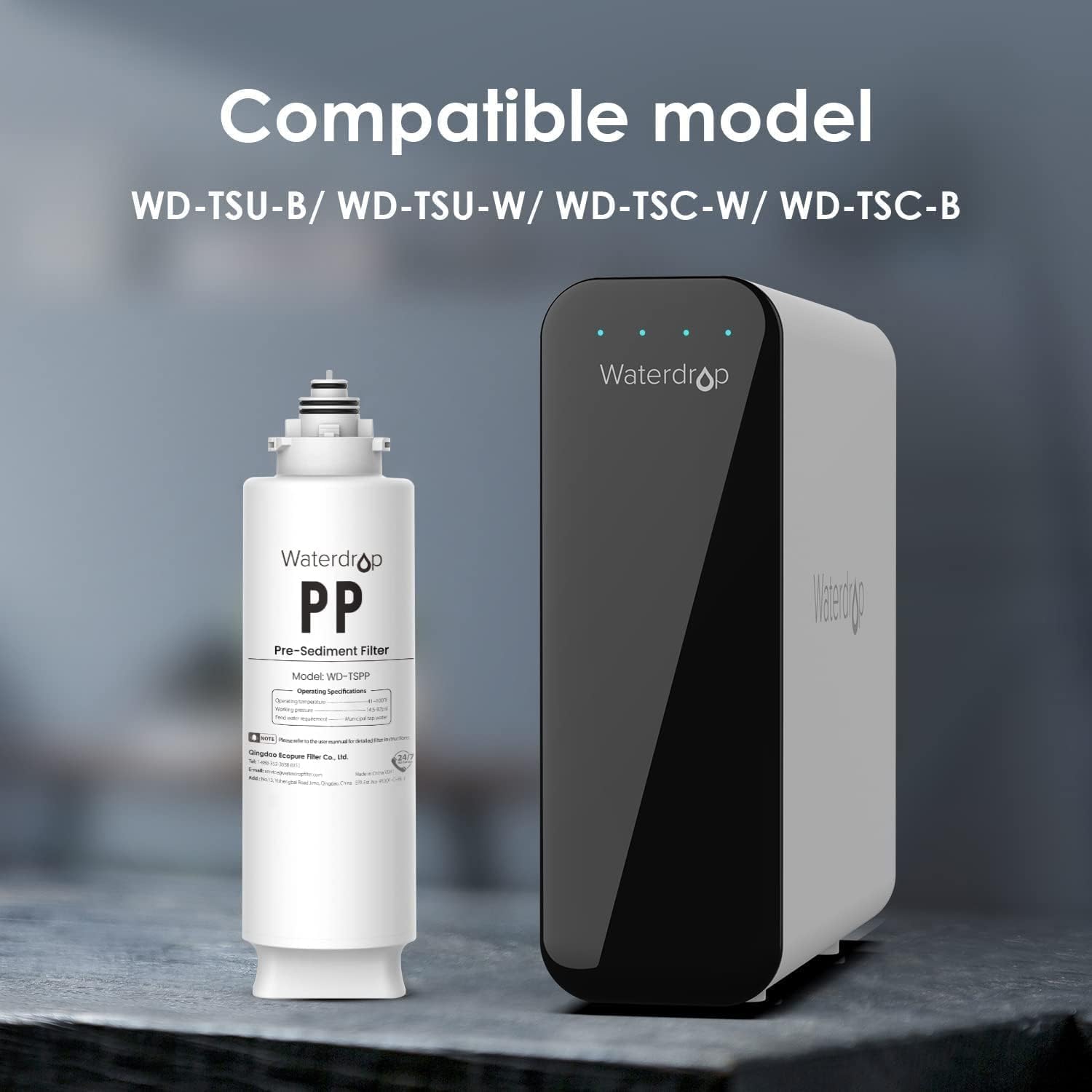
Image 2.1: The WD-TSPP filter shown alongside a compatible Waterdrop under-sink filtration system, illustrating its intended use.
3. Filter Replacement Cycle
For optimal performance and water quality, replace the WD-TSPP Pre-Sediment Filter every 6 months. Adhering to the recommended replacement schedule ensures consistent filtration effectiveness.

Image 3.1: Visual representation of the 6-month replacement cycle for the Waterdrop pre-sediment filter, shown with the filtration system.
4. Installation and Replacement Instructions
The Waterdrop WD-TSPP filter features a convenient twist-and-pull design for easy replacement without the need for tools.
4.1. Preparation
- Locate the feed water adapter connected to your main water supply line.
- Turn off the feed water adapter to stop the water flow to the filtration system.
- Open the filtered water faucet to drain any remaining water and release pressure from the system.
- Close the filtered water faucet once the water flow stops.
4.2. Replacing the Filter
- Identify the PP (Pre-Sediment) filter slot on your Waterdrop system.
- Gently twist the old PP filter counter-clockwise to unlock it.
- Pull the old filter downwards and out of the system.
- Remove the protective cap from the new WD-TSPP filter.
- Insert the new filter into the designated slot, aligning the top with the system's connection point.
- Twist the new filter clockwise until it locks securely into place.

Image 4.1: Illustration of the twist-and-pull mechanism for easy filter replacement, highlighting the simplicity of the process.
4.3. Post-Replacement Steps
- Turn on the feed water adapter to restore water flow to the system.
- Open the filtered water faucet to flush the new filter. Flush the PP filter for 5 minutes. If replacing a UF or CT filter, flush for 10 minutes.
- After flushing, close the filtered water faucet.
- Resetting the Filter Life Indicator: On your Waterdrop system, locate the PP filter life indicator. Press and hold this indicator for 5 seconds until the system beeps. This resets the filter life monitoring for the PP filter.
4.4. Video Guide: Filter Replacement
For a visual demonstration of the filter replacement process, please watch the official Waterdrop instruction video below.
Video 4.1: Official Waterdrop video demonstrating the step-by-step process for replacing the under-sink ultra-filtration system filter. This video covers turning off water, draining pressure, removing old filters, installing new filters, and resetting indicators.
5. Product Specifications
| Specification | Detail |
|---|---|
| Model Number | WD-TSPP |
| Product Dimensions | 3.3 x 3.3 x 10.6 inches |
| Item Weight | 1.39 pounds |
| Material | Polypropylene (PP) |
| Filter Life | 6 months |
| Manufacturer | Waterdrop |
| Product Benefits | Reduces Contaminants and Retains Beneficial Minerals |
6. Important Safety Information
- Always turn off the water supply before attempting to replace the filter.
- Release system pressure by opening the filtered water faucet before removing filters.
- Use only genuine Waterdrop replacement filters to ensure proper fit and performance.
- Do not use with water that is microbiologically unsafe or of unknown quality without adequate disinfection before or after the system.
- Ensure the filter is securely locked in place after installation to prevent leaks.
7. Contact and Support
For further assistance, troubleshooting, or warranty information, please visit the official Waterdrop website or contact customer support.
Waterdrop Official Store: Waterdrop Store on Amazon