
Introduction
This manual provides essential information for the safe and efficient use of your RecPro RV Countertop Dishwasher, Model RP-DW-22-SS. Please read all instructions carefully before installation and operation. Keep this manual for future reference.
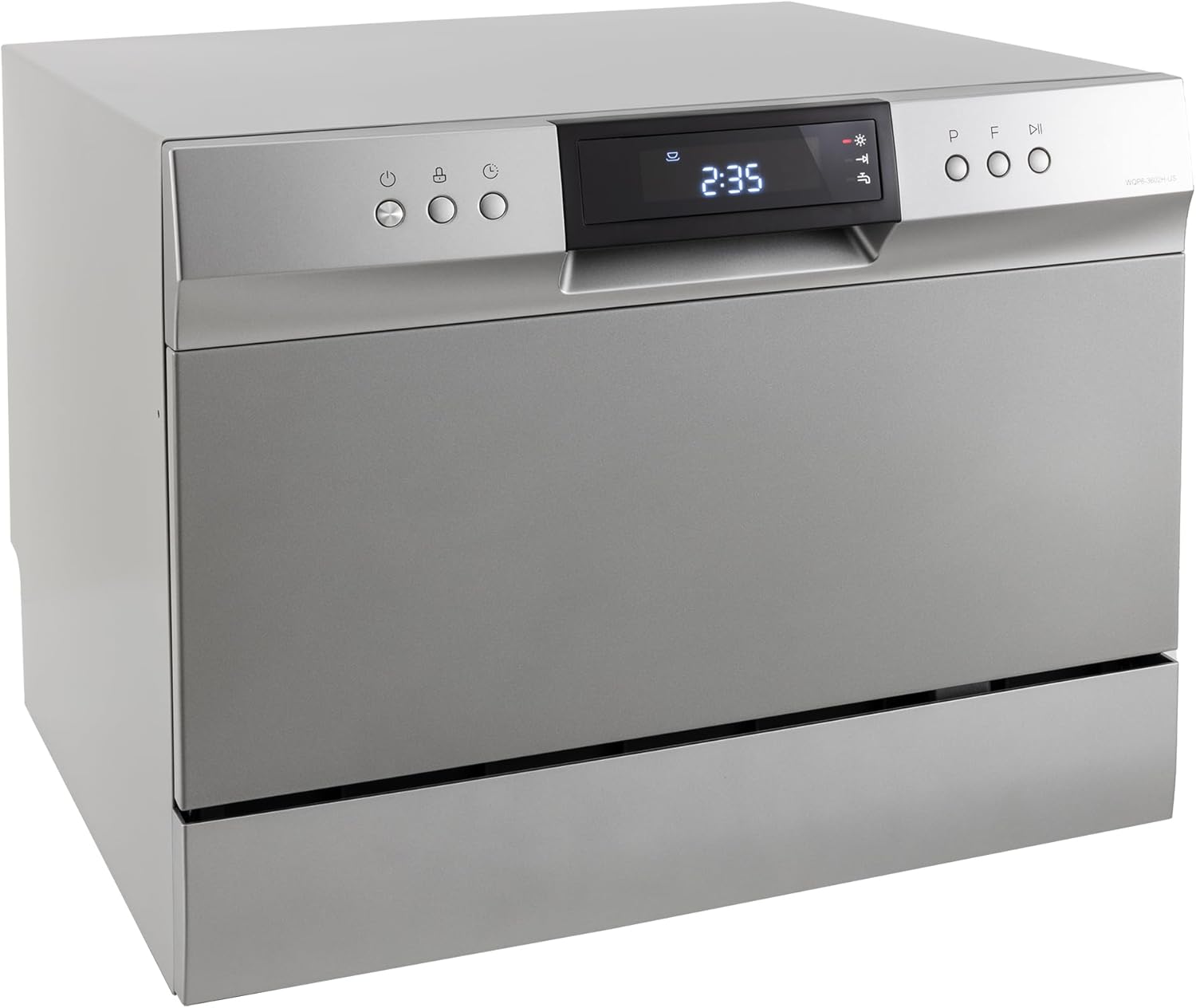
Image: Front view of the RecPro RV Countertop Dishwasher, Model RP-DW-22-SS, in a silver finish.
Important Safety Instructions
Always follow basic safety precautions when using electrical appliances to reduce the risk of fire, electric shock, or injury to persons.
- Read all instructions before using the dishwasher.
- Connect to a properly grounded outlet only.
- Do not operate a damaged appliance.
- Keep children away from the dishwasher, especially when operating. The child lock feature should be utilized.
- Use only detergents and rinse agents recommended for dishwashers.
- Do not touch the heating element during or immediately after use.
Setup and Installation
Unpacking
Carefully remove the dishwasher from its packaging. Inspect for any shipping damage. Retain packaging materials for potential future transport.
Included Components
Verify that all components are present:
- RecPro RV Countertop Dishwasher Unit
- Power Cord
- Cutlery Basket
- Inlet Hose
Placement
Place the dishwasher on a stable, level countertop surface. Ensure adequate clearance around the unit for ventilation and door opening. The unit dimensions are approximately 20.5 inches (Depth) x 21.6 inches (Width) x 17.4 inches (Height).

Image: Diagram showing the dimensions of the RecPro RV Countertop Dishwasher: 17 3/8" height, 21 5/8" width, 20 1/2" depth, and 18" side depth.
Water Connection
Connect the inlet hose to a cold water supply using the quick connector. Ensure all connections are secure to prevent leaks. Position the drain hose into a sink or a dedicated drain connection.

Image: Rear view of the dishwasher, illustrating the power cord, water inlet, and drain hose connections.
Electrical Connection
Plug the power cord into a standard 120 Volt, grounded electrical outlet.
Operating Instructions
Loading the Dishwasher
Load dishes into the spacious dish rack. The dishwasher can accommodate plates up to 10 inches in diameter. Place cutlery in the removable cutlery basket. Ensure dishes do not block the spray arms.
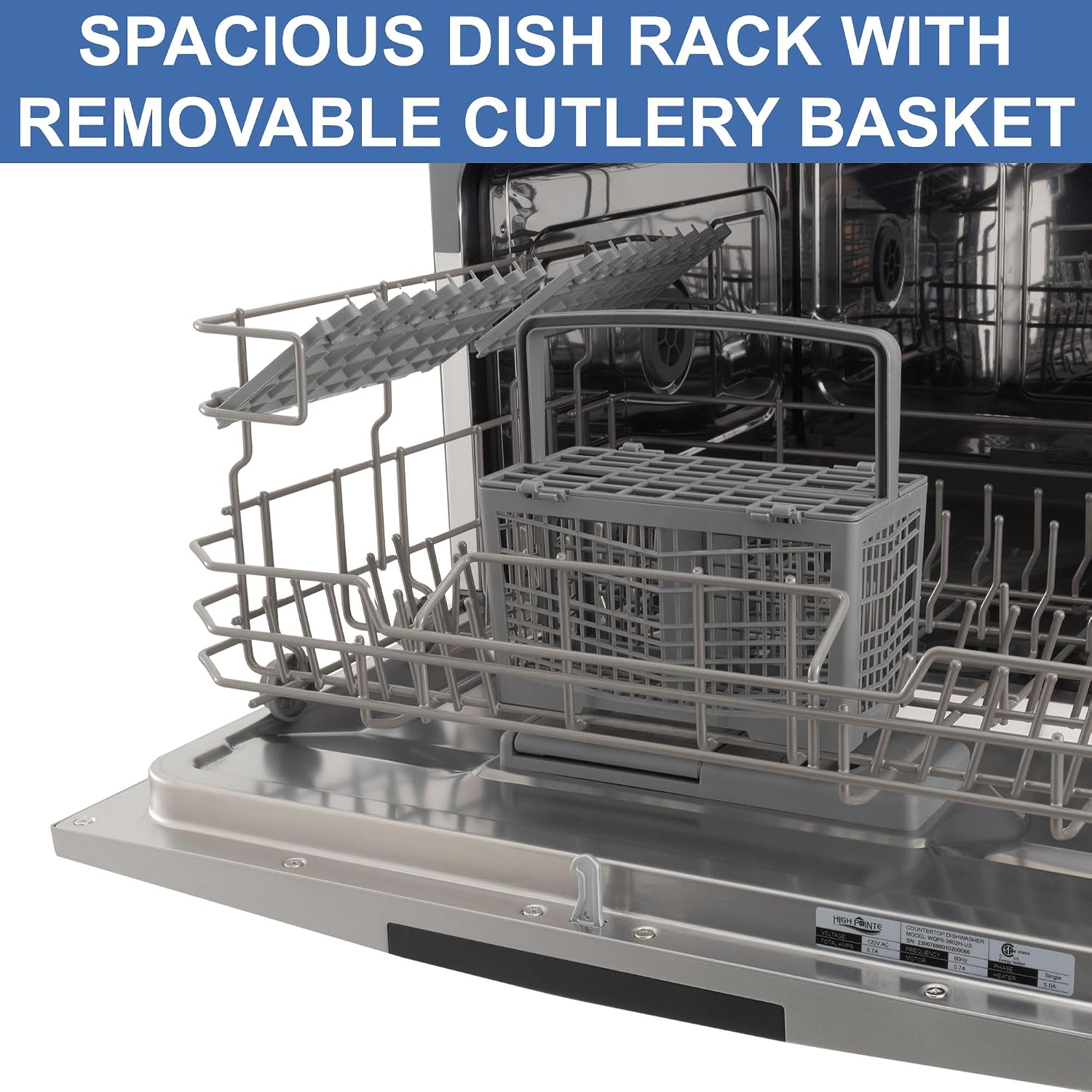
Image: Interior view of the dishwasher, highlighting the spacious dish rack and removable cutlery basket.
Adding Detergent and Rinse Aid
Add appropriate dishwasher detergent (powder or tablet) to the dispenser. Fill the adjustable rinse-aid dispenser as needed for optimal drying performance.
Selecting a Wash Cycle
The dishwasher features an LED control display and push buttons for easy operation. Select one of the 8 available wash settings based on your dish cleaning needs.
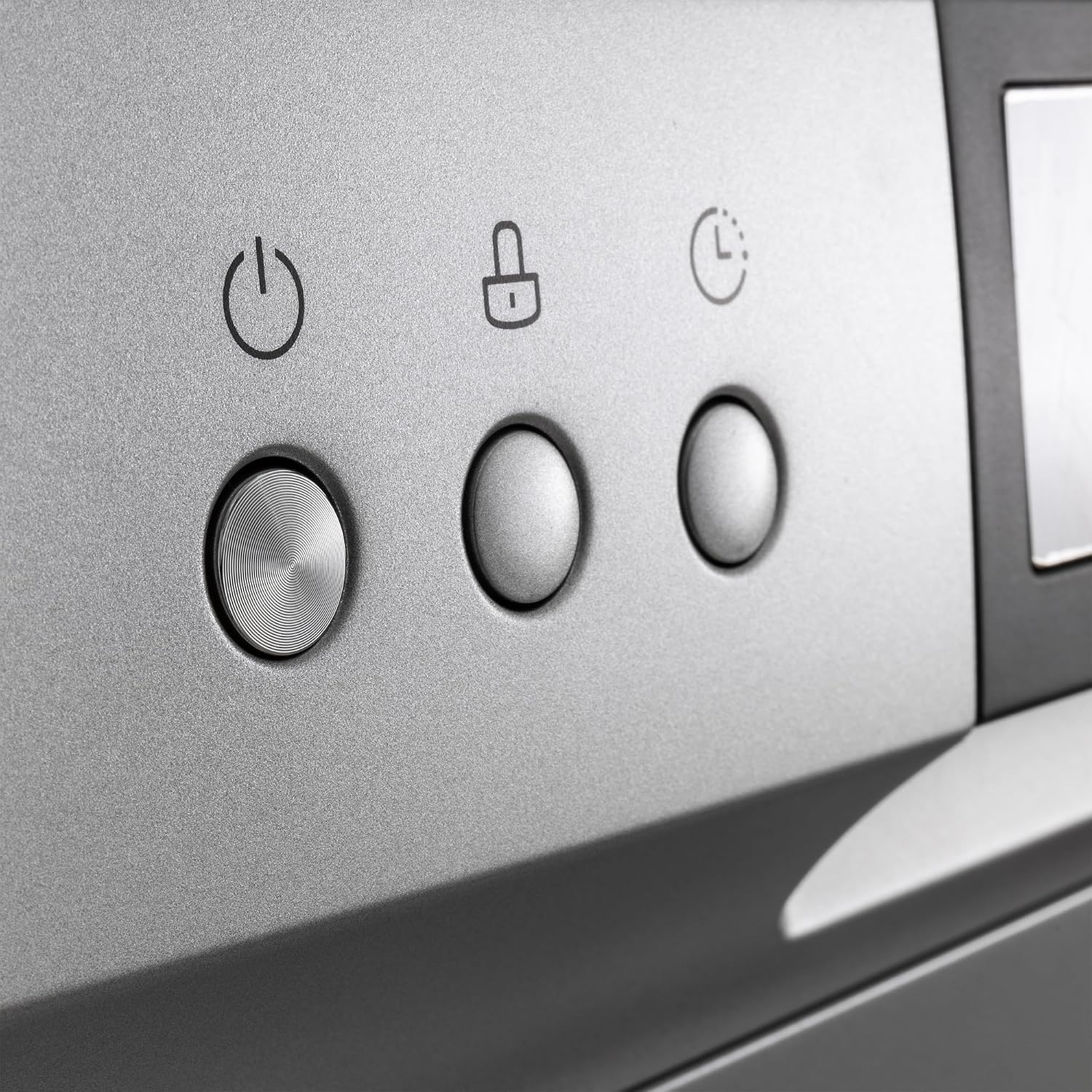
Image: Close-up of the LED control panel and push buttons, showing power, child lock, and delay timer icons.
Special Functions
- Child Lock: Activates to prevent unintended operation by children.
- Time Delay: Allows you to set a delayed start for the wash cycle.
- Extra Drying: Enhances drying performance for spotless results.
Starting the Cycle
Press the Start button to begin the selected wash cycle. The LED display will show the remaining time.
Maintenance
Cleaning the Filter System
The dishwasher is equipped with a 3-stage filter system. Regularly clean the filters to ensure optimal performance and prevent clogs. Refer to the detailed instructions in the full product manual for filter removal and cleaning procedures.
Exterior and Interior Cleaning
Wipe the exterior of the dishwasher with a soft, damp cloth. For the interior, periodically clean with a dishwasher-safe cleaning agent to remove any residue or odors.
Troubleshooting
If you encounter issues with your dishwasher, consider the following common solutions:
- Dishwasher not starting: Ensure the power cord is securely plugged in and the door is fully closed. Check if a circuit breaker has tripped.
- Dishes not clean: Verify that dishes are loaded correctly, not blocking spray arms. Check detergent levels and ensure the filter system is clean.
- Water not draining: Inspect the drain hose for kinks or blockages. Ensure the drain connection is clear.
For more detailed troubleshooting steps or persistent issues, please contact RecPro customer support.
Specifications
| Feature | Specification |
|---|---|
| Brand | RecPro |
| Model Name | RP-DW-22-SS |
| Installation Type | Countertop |
| Product Dimensions (D x W x H) | 20.5" x 21.6" x 17.4" |
| Voltage | 120 Volts |
| Display Type | LED |
| Number of Wash Settings | 8 |
| Noise Level | 49 Decibels |
| Material | Stainless Steel |
| Special Features | 3-Stage Filter System, Adjustable Rinse-Aid Dispenser, Child Lock, LED Controls, Removable Cutlery Basket |
| Included Components | Cutlery Basket, Inlet Hose, Power Cord |
| UPC | 193652101727 |
Warranty and Support
For warranty information and customer support, please refer to the documentation included with your purchase or visit the official RecPro website. Contact information for support is typically available on the manufacturer's website or in your product registration materials.