Introduction
Thank you for choosing the Bewinner Electric Nail Clipper and File. This innovative 2-in-1 device is designed to provide a safe, efficient, and convenient nail care experience for the entire family, including babies, children, and adults. Its features include automatic trimming and polishing, USB rechargeability, and a built-in nail scrap storage for cleanliness.
Safety Information
- Keep out of reach of infants and young children when not in use.
- Do not disassemble or attempt to repair the device yourself. Contact customer support for assistance.
- Avoid contact with water or other liquids to prevent electric shock or damage.
- Ensure the device is fully charged before first use to optimize battery life.
- Do not force the device onto nails; allow it to trim gently.
- If you experience any discomfort or irritation, discontinue use immediately.
Product Overview
The Bewinner Electric Nail Clipper combines a nail trimmer and a nail file into a single compact unit. It features a USB-C charging port, two-speed settings, and an auxiliary light for enhanced visibility.

Image: Front view of the Bewinner Electric Nail Clipper, showing the two control buttons and the nail trimming slot.

Image: The electric nail clipper highlighting its multifunctional design, combining nail trimming and polishing for comprehensive nail care.
What's in the Box
- Bewinner Electric Nail Clipper
- USB Type-C Charging Cable
- Cleaning Brush
- User Manual

Image: The package contents, including the electric nail clipper, USB charging cable, and cleaning brush.
Setup
Charging the Device
- Locate the USB Type-C charging port on the device.
- Connect the provided USB Type-C cable to the device and a compatible USB power source (e.g., computer, power bank, car charger).
- The indicator light will show charging status. A full charge allows for approximately 4 hours of continuous use or over 40 trimming sessions, with a standby time of up to six months.

Image: Close-up of the electric nail clipper's Type-C charging port, illustrating its compatibility with various USB power sources for wireless use.
Operating Instructions
Trimming Nails
- Ensure the device is charged.
- Press and hold the power button to turn on the device. The auxiliary light will illuminate, providing clear visibility of the nail.
- Gently insert your fingernail into the trimming slot. The curved fit and recessed blades are designed to separate fingertips and nails safely.
- The device will automatically trim the nail. Do not apply excessive pressure.
- The device features two-speed settings. Tap the power button to switch between speeds, suitable for both adults and children.
- Nail scraps are collected in the internal storage compartment.

Image: The electric nail clipper with its auxiliary light activated, demonstrating how it aids in trimming nails in low-light conditions for better visibility.
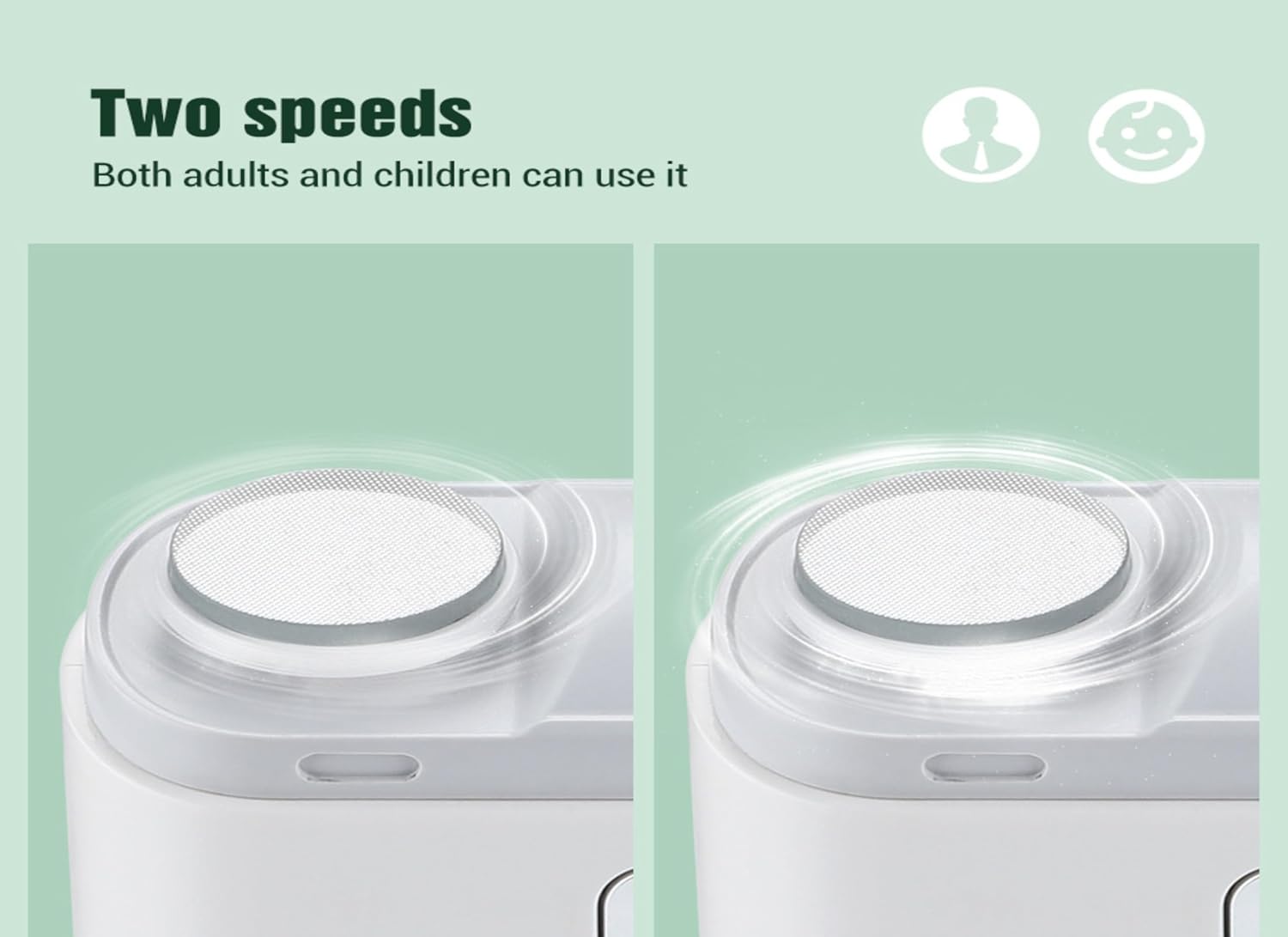
Image: Illustration of the two-speed settings available on the electric nail clipper, indicating suitability for both adults and children.

Image: A hand using the electric nail clipper for automatic nail trimming, showing the ease of use and the device's ergonomic design.
Polishing Nails
- After trimming, use the integrated nail polishing head to smooth the edges of your nails.
- Gently press your nail against the polishing head. The automatic grinding feature will ensure a smooth finish, reducing the risk of nail piercing the skin.

Image: A hand using the electric nail clipper's automatic grinding feature to polish nails, resulting in a smooth and refined finish.
Official Product Videos
Video: This video demonstrates the features and usage of the Electric Nail Clipper with Nail Scraps Storage. It highlights the ease of use and the integrated nail scrap collection system.
Maintenance
Cleaning the Device
- After each use, slide open the nail scrap storage compartment.
- Use the provided cleaning brush to remove any accumulated nail scraps from the compartment and the trimming blades.
- Close the compartment securely.
- Wipe the exterior of the device with a dry, soft cloth. Do not use water or harsh chemicals.

Image: A close-up view of the electric nail clipper's debris storage compartment, showing collected nail scraps for easy disposal.
Troubleshooting
| Problem | Possible Cause | Solution |
|---|---|---|
| Device not turning on | Low battery or device off. | Charge the device fully. Press and hold the power button to turn on. |
| Nails not trimming effectively | Improper nail placement or dull blades. | Ensure nail is properly inserted. Clean the blades. If issues persist, contact support. |
| Nail scraps not collecting | Storage compartment full or improperly closed. | Empty and clean the storage compartment. Ensure it is securely closed. |
Specifications
- Model Number: Bewinnerabwfqcggh8
- Material: Plastic
- Item Weight: 160 Grams (5.64 ounces)
- Package Dimensions: 4.33 x 4.33 x 1.57 inches
- Manufacturer Recommended Age: 12 months and up
- Charging Port: USB Type-C
- Battery Life: Approx. 4 hours continuous use, 6 months standby
Image: The electric nail clipper with its dimensions labeled, illustrating its compact and portable design.
Warranty and Support
For warranty information or technical support, please refer to the contact details provided with your purchase or visit the official Bewinner website. Statements regarding dietary supplements have not been evaluated by the FDA and are not intended to diagnose, treat, cure, or prevent any disease or health condition.
