
Introduction
Thank you for choosing the INTERGREAT 4-8 Fingerprint Rifle Gun Safe. This manual provides essential instructions for the safe and efficient operation, installation, and maintenance of your new gun safe. Please read this manual thoroughly before use and retain it for future reference. This safe is designed to provide secure storage for firearms and valuables, featuring multiple access methods including fingerprint, digital code, and emergency key.
Safety Information
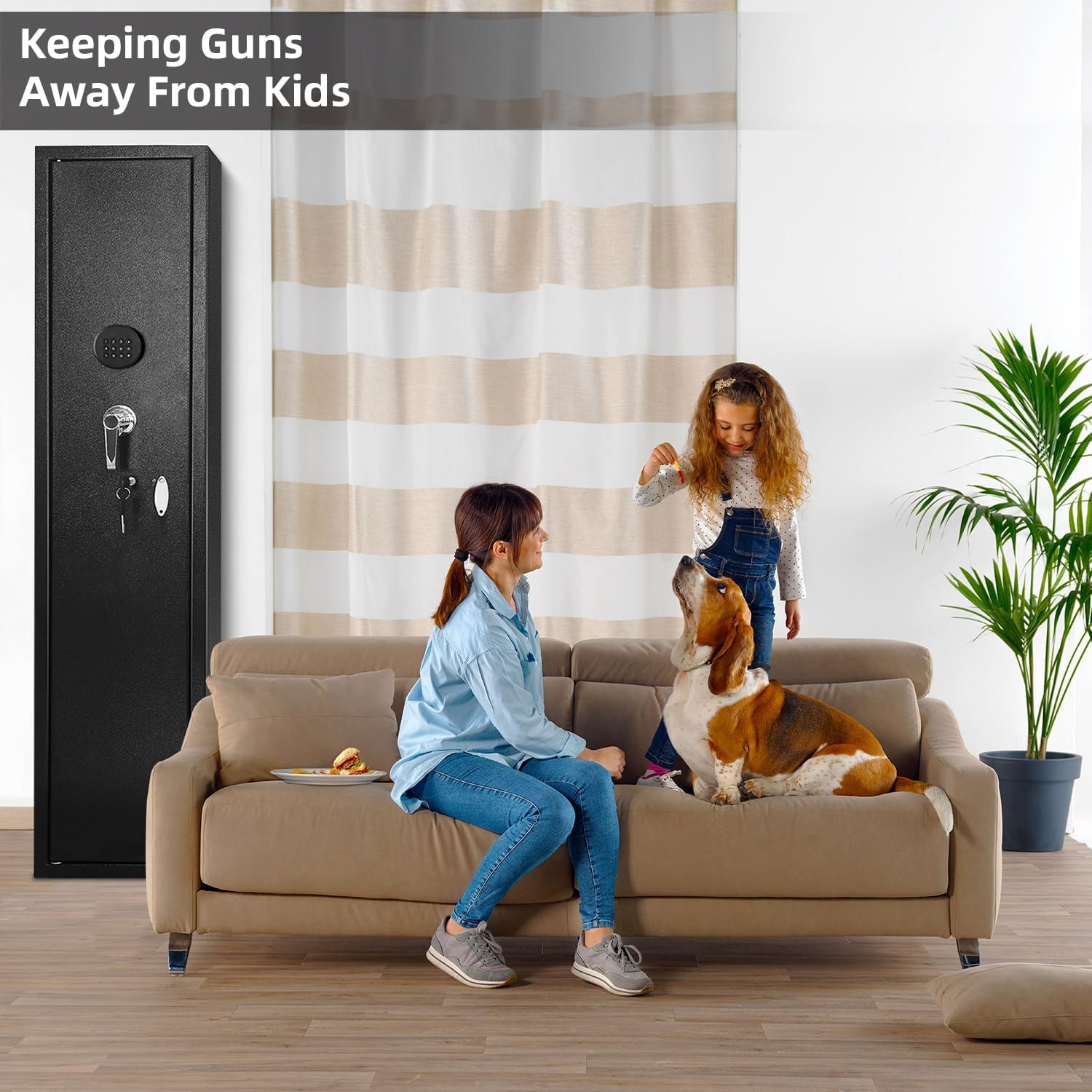
- Always store firearms unloaded and locked away from children and unauthorized individuals.
- Do not store the emergency keys inside the safe. Keep them in a secure, separate location.
- Ensure the safe is securely mounted to a wall or floor to prevent unauthorized removal.
- Test all access methods (fingerprint, code, key) immediately after setup to ensure proper function.
- Replace batteries promptly when the low battery indicator appears to avoid being locked out.
Package Contents
Verify that all components are present before proceeding with installation:
- INTERGREAT 4-8 Fingerprint Rifle Gun Safe
- Emergency Keys (2)
- Mounting Bolts (4)
- Adjustable Rifle Racks (foam pads)
- Adjustable Shelves
- External Battery Box
- User Manual (this document)


Setup
1. Unpacking
Carefully remove the safe from its packaging. Inspect for any damage. Retain packaging materials for potential future transport or returns.
2. Battery Installation
The safe requires 4x AA batteries (not included) for the electronic lock. Locate the battery compartment on the inside of the safe door. Insert the batteries, ensuring correct polarity.

3. Initial Access
For first-time access, use one of the provided emergency keys. Insert the key into the keyhole, turn it, and rotate the handle to open the safe door. Store these keys in a secure location outside the safe.
4. Mounting the Safe
For maximum security, it is recommended to mount the safe to a wall or floor. The safe features 4 pre-drilled holes in the bottom and 6 pre-drilled holes in the back. Use the included mounting bolts to secure the safe to a solid surface.
- Choose a suitable location, preferably a solid wall stud or concrete floor.
- Mark the drilling points through the pre-drilled holes in the safe.
- Drill pilot holes into the wall/floor using an appropriate drill bit.
- Position the safe and secure it with the provided mounting bolts.

Operating Instructions
1. Access Methods
Your INTERGREAT safe offers three ways to access its contents:
- Fingerprint Unlock: Quick biometric access.
- Digital Code Unlock: Programmable numeric code.
- Emergency Key Unlock: Manual override for battery failure or forgotten codes.

2. Programming Fingerprints
Refer to the specific instructions provided with your safe's lock mechanism for detailed steps on programming fingerprints. Generally, this involves pressing a programming button inside the safe and then scanning your finger multiple times until successfully registered.
3. Setting Digital Code
To set or change the digital code:
- With the door open, press the programming button located inside the safe.
- Enter your desired 4-8 digit code on the keypad.
- Press the '#' or 'confirm' button to save the code.
- Test the new code with the door open before closing it.

4. Silent Mode
The safe features a silent mode to disable keypad beeps for discreet access. Consult your specific lock manual for instructions on how to activate/deactivate silent mode.

5. Alarm System
The safe is equipped with an anti-theft alarm system. If an incorrect code is entered 3 consecutive times, the safe will emit an audible alarm for 48 seconds. This feature enhances security by deterring unauthorized access.
6. External Power Access
In case of battery depletion, a blue external battery case is provided. Connect this case with 4x AA batteries (not included) to the external power port on the safe to temporarily power the lock and gain access.
Features and Storage
1. Internal Configuration
The safe offers flexible storage with 3 adjustable slot pads for rifles (2, 3, or 5 slots). The height of these pads can be adjusted to accommodate various rifle lengths, including sniper rifles, standard rifles, and shotguns. The upper section includes a lockable compartment for pistols or other small valuables, which can also be removed to create more space.
2. Door Storage
The inside of the door features 2 pistol pockets and 3 containers for ammunition or other small items. The door opens to 120°, providing convenient access to all contents.
3. Internal LED Light
An internal LED light illuminates the safe's interior when the code is entered, providing visibility in low-light conditions.


Maintenance
1. Battery Replacement
When the battery power is low, the safe's indicator will signal. Replace all 4x AA batteries promptly to ensure continuous operation. Use the external battery box if the internal batteries are completely depleted.
2. Cleaning
Clean the exterior of the safe with a soft, damp cloth. Avoid abrasive cleaners or solvents that could damage the finish. For the interior, a dry cloth or vacuum can be used to remove dust and debris.
Troubleshooting
- Safe does not open with code/fingerprint: Ensure batteries are fresh. Try using the external battery box. Verify correct code entry or re-register fingerprint if necessary. Use emergency keys as a last resort.
- Alarm sounds unexpectedly: Check if the code was entered incorrectly three times. Ensure no unauthorized attempts were made.
- Key is stuck or won't turn: Do not force the key. Contact customer support for assistance.
- LED light not working: Check battery levels. If batteries are new and correctly installed, contact customer support.
Specifications
| Feature | Specification |
|---|---|
| Brand | INTERGREAT |
| Model Number | 4-8 |
| Product Dimensions | 11.8"D x 11"W x 54.3"H |
| Lock Type | Biometric (Fingerprint), Digital Keypad, Emergency Key |
| Material | Alloy Steel |
| Special Features | Adjustable Shelf, Durable, Lockable, LED Light, Silent Mode, Alarm System |
| Mounting Type | Wall Mount or Floor Mount |
| Included Components | Shelves, Mounting Bolts, Emergency Keys, External Battery Box |
| Power Source | 4x AA Batteries (not included) |
| Water Resistance Level | Not Water Resistant |
Warranty and Support
For warranty information or technical support, please refer to the documentation included with your purchase or contact INTERGREAT customer service directly. Keep your purchase receipt as proof of purchase.