
Introduction
This manual provides detailed instructions for setting up, operating, and maintaining your Fockety 5G Router. This portable mobile hotspot supports up to 16 devices, offering high-speed 5G internet with download speeds up to 2.77Gbps and upload speeds up to 1.25Gbps. It features a Nano SIM card slot and an 8000mAh battery, making it ideal for travel and on-the-go connectivity.
Safety Information
Please read all safety warnings and instructions before using this device. Keep the device away from water and extreme temperatures. Do not attempt to disassemble or repair the device yourself. Use only the provided USB cable and ejection pin.
Package Contents
Verify that all items are present in your package:
- 1 x Fockety 5G WiFi Mobile Hotspot
- 1 x USB Cable
- 1 x Ejection Pin
- 1 x User Manual

Image: The Fockety 5G Router, USB cable, and SIM ejection pin laid out on a surface, representing the package contents.
Product Overview
The Fockety 5G Router is a compact, white device with a sleek design. It features a display for status information and a USB Type-C charging port.

Image: A white Fockety 5G Router with a digital display showing "5G" and signal indicators. Text overlay states "5G WiFi Router".

Image: A close-up view of the bottom edge of the Fockety 5G Router, highlighting the USB Type-C charging port.
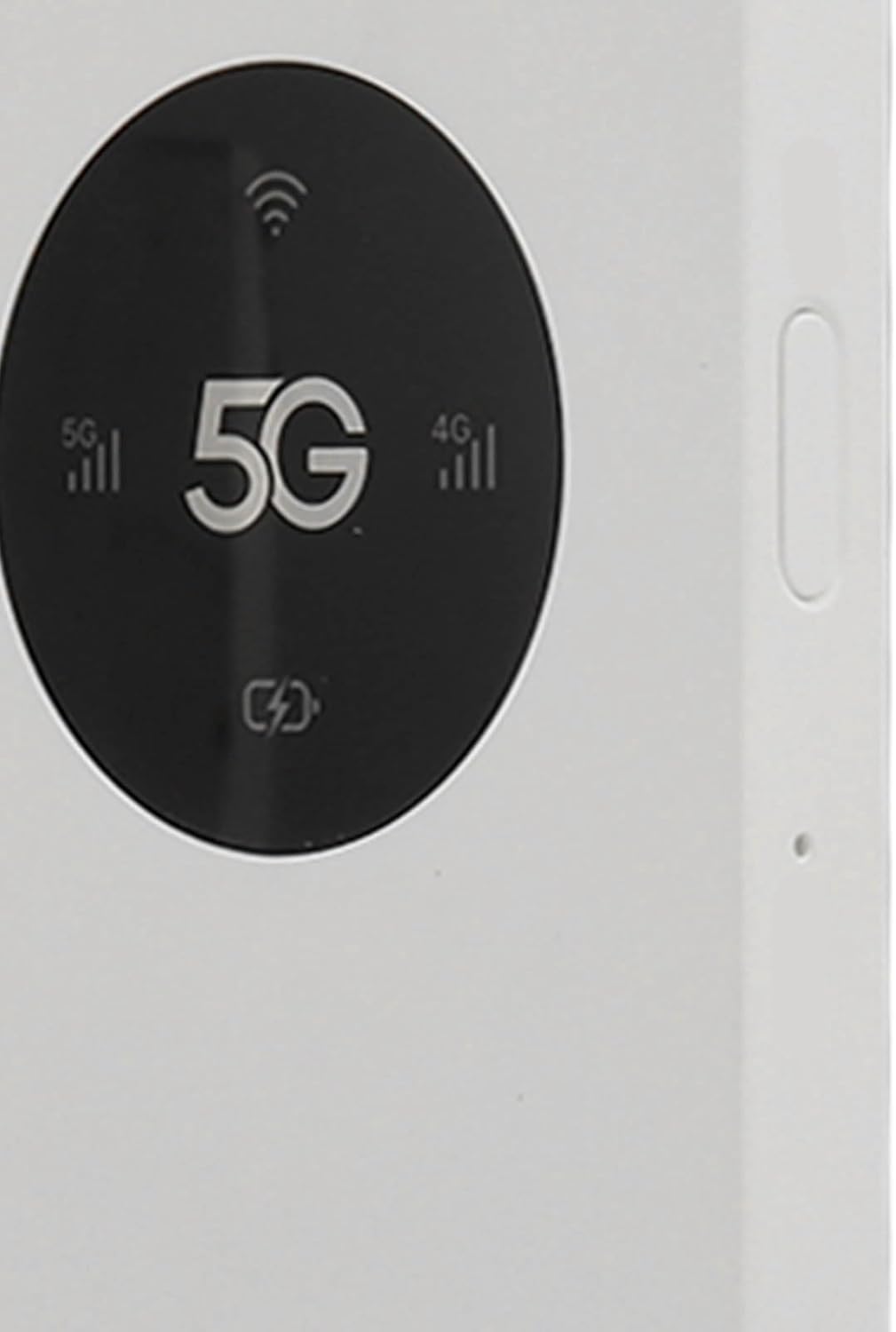
Image: A close-up of the Fockety 5G Router's black display area, showing "5G" and various signal strength and connection icons.
Setup
- Insert Nano SIM Card: Locate the Nano SIM card slot on the device. Use the provided ejection pin to open the SIM tray. Carefully insert your Nano SIM card into the tray, ensuring correct orientation. Close the tray securely.
- Power On: Press and hold the power button located on the device until the screen illuminates.
- Initial Connection: Once powered on, the device will automatically attempt to connect to a 5G or 4G network. The display will show network status.
- Connect Devices: On your Wi-Fi enabled device (phone, laptop, tablet), search for available Wi-Fi networks. Select the network name (SSID) corresponding to your Fockety 5G Router. Enter the Wi-Fi password (usually found on a sticker on the device or in the user manual).

Image: A white Fockety 5G Router with a digital display. Text overlay states "Portable 4G Router" and mentions inserting a Nano SIM card for high-speed network access.
Operating
Your Fockety 5G Router functions as a mobile Wi-Fi hotspot, allowing up to 16 devices to connect simultaneously. It supports 2.4GHz and 5.0GHz Wi-Fi protocols (802.11a/b/g/n/ac) for stable data transmission.
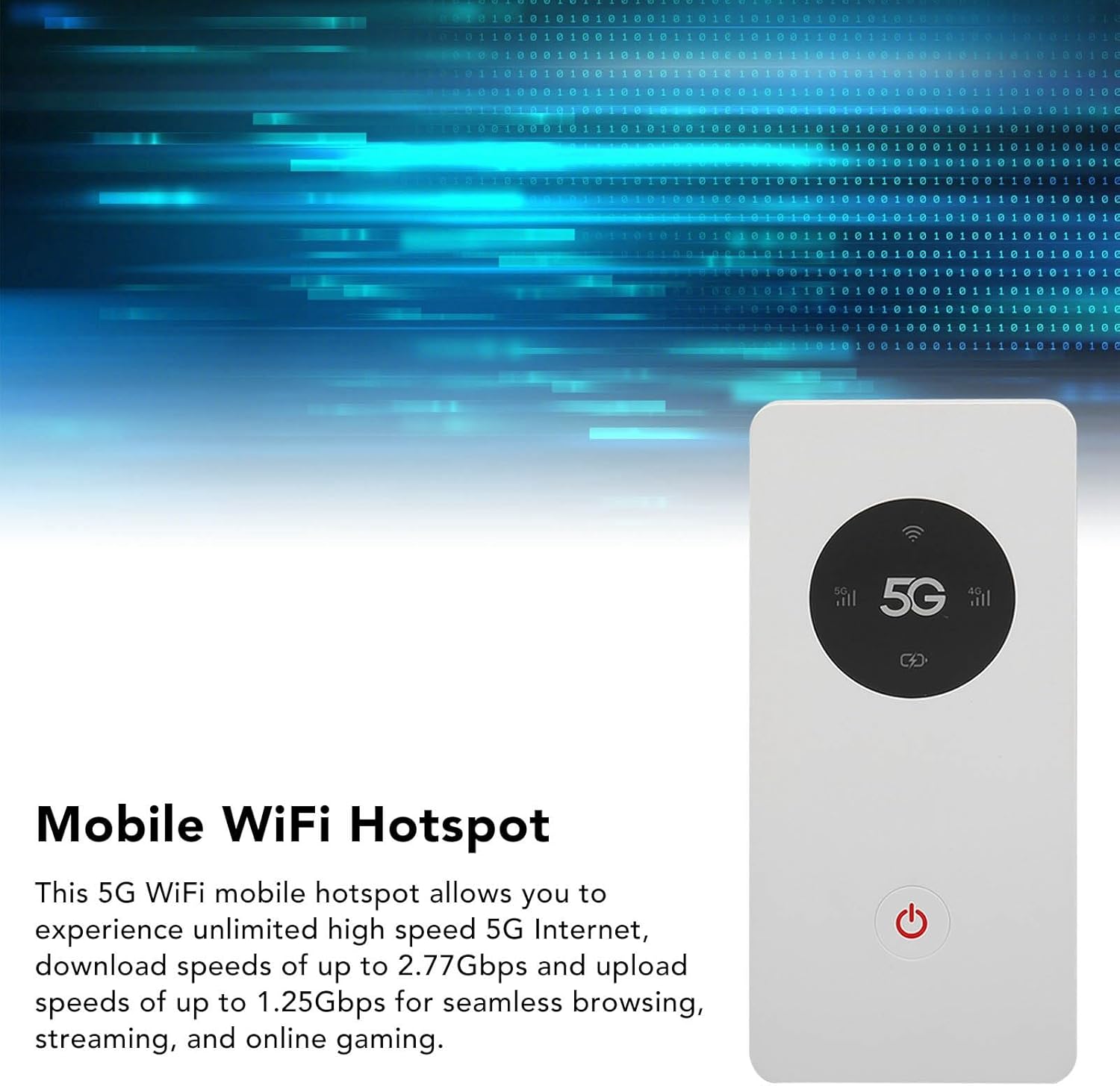
Image: A white Fockety 5G Router with a digital display. Text overlay states "Mobile WiFi Hotspot" and describes experiencing unlimited high-speed 5G internet for seamless browsing, streaming, and online gaming.
Video: A user demonstrating the benefits of a portable Wi-Fi hotspot like the Globlinker, highlighting secure private internet access and avoiding public Wi-Fi. This video is from GLOBLINKER Official Store.
Maintenance
Keep your device charged using the provided USB cable. The 8000mAh battery provides extended usage. For optimal performance, ensure the device's firmware is up to date. Refer to the manufacturer's website for the latest firmware updates and instructions.
Troubleshooting
If you encounter issues, try the following:
- No SIM Card Detected: Ensure the Nano SIM card is correctly inserted into the tray. Power cycle the device. If the issue persists, try a different SIM card to rule out a card-related problem.
- No Internet Connection: Check your SIM card's data plan status. Ensure you are in an area with 5G or 4G network coverage. Restart the device.
- Slow Speeds: Verify that you are within optimal range of the hotspot. Reduce the number of connected devices if many are active simultaneously.
Specifications
| Feature | Detail |
|---|---|
| Item Model Number | Focketys93ce78dxq |
| Material | ABS |
| Color | White |
| Product Size | Approx. 150 x 70 x 12mm (5.9 x 2.8 x 0.5 inches) |
| Item Weight | 10.2 ounces |
| Battery | 8000mAh Polymer Lithium Ion Battery (Inbuilt) |
| Charging Port | USB Type-C |
| Memory | 4GB RAM and 2GB ROM |
| SIM Type | Nano SIM Card Slot (Card Not Included) |
| Cellular Network | 5G NR, FDD LTE, TDD LTE |
| 5G NR Band | FDD:N1/N3/N28 TDD:N41/N78 |
| WiFi Protocol | 2.4GHz, 5.0GHz, 802.11a/b/g/n/ac |
| Speed (DL/UL) | 2.77Gbps (DL) and 1.25Gbps (UL) |
| WiFi Connection | Up To 16 Devices Can Be Connected Simultaneously |
Warranty and Support
For warranty information and technical support, please refer to the contact details provided in the original product packaging or visit the Fockety official website.