
1. Introduction
This manual provides detailed instructions for the assembly, operation, and maintenance of your AODK L Shaped Desk. Please read this manual thoroughly before assembly and use to ensure proper function and longevity of the product. Keep this manual for future reference.
2. Product Overview
The AODK L Shaped Desk is designed for home office and gaming environments, offering a spacious work surface, integrated power solutions, and ample storage. Its reversible design allows for flexible configuration to suit various room layouts.
Key Features:
- Optimized Storage Space: Features 4 spacious fabric drawers and 2 sturdy iron hooks for organization.
- Integrated Power Outlets: Includes a built-in power strip with 3 AC outlets (120V/12A) and 2 USB ports (5V/2A) for convenient device charging.
- Reversible Design: The desk can be assembled with the drawer unit on either the left or right side to fit your space.
- Durable Construction: Constructed with waterproof desk boards and a lightweight, high-strength iron frame.
- Adjustable Foot Pads: Ensures stability on uneven floors.
- Host Stand: Dedicated stand for your computer tower, freeing up under-desk space.

Image: The AODK L Shaped Desk in a white finish, showcasing its spacious design, integrated power outlets, and storage drawers. Monitors, a laptop, and a CPU are visible on the desk surface.

Image: An AODK L Shaped Desk set up in a room with purple lighting, demonstrating its use as a gaming desk with multiple monitors and a computer tower.
3. Setup and Assembly
Assembly of the AODK L Shaped Desk is designed to be straightforward. An included tool kit, clearly labeled parts, and detailed instructions are provided to facilitate the process.
Assembly Steps:
- Unpack Components: Carefully unbox all parts and verify against the parts list provided in the separate assembly guide.
- Determine Orientation: Decide whether you want the drawer unit on the left or right side of the desk. The desk features a reversible design to accommodate your preference.
- Assemble Frame: Follow the step-by-step instructions to connect the metal frame components using the provided hardware.
- Attach Desk Boards: Secure the waterproof desk boards to the assembled frame.
- Install Drawers: Assemble the 4 fabric drawers and slide them into the drawer unit. Ensure smooth operation.
- Install Power Strip: Integrate the recessed power strip into the designated slot on the desk surface.
- Attach Host Stand and Hooks: Secure the CPU host stand and the iron hooks as per the instructions.
- Adjust Foot Pads: Level the desk using the adjustable foot pads to ensure stability.

Image: A diagram illustrating the overall dimensions of the 61-inch L-shaped desk (61.0"W x 43.3"D x 30.0"H) and the reversible nature of the drawer unit.

Image: A visual representation of the desk's reversible design, demonstrating the flexibility to install the drawer and storage section on either the left or right side of the main desk.

Image: A detailed view highlighting additional features such as the waterproof desktop surface, X-shape crossbars for structural integrity, a dedicated CPU stand, and adjustable feet for leveling.
4. Operating Instructions
Using the Power Outlets and USB Ports:
The desk includes a built-in power strip for convenient access to electrical power and USB charging. To use, plug the desk's main power cord into a wall outlet. You can then plug up to three AC devices into the 120V/12A outlets and two USB devices into the 5V/2A USB ports.
- Ensure the total power draw of connected devices does not exceed the strip's maximum capacity.
- Avoid spilling liquids near the power strip.
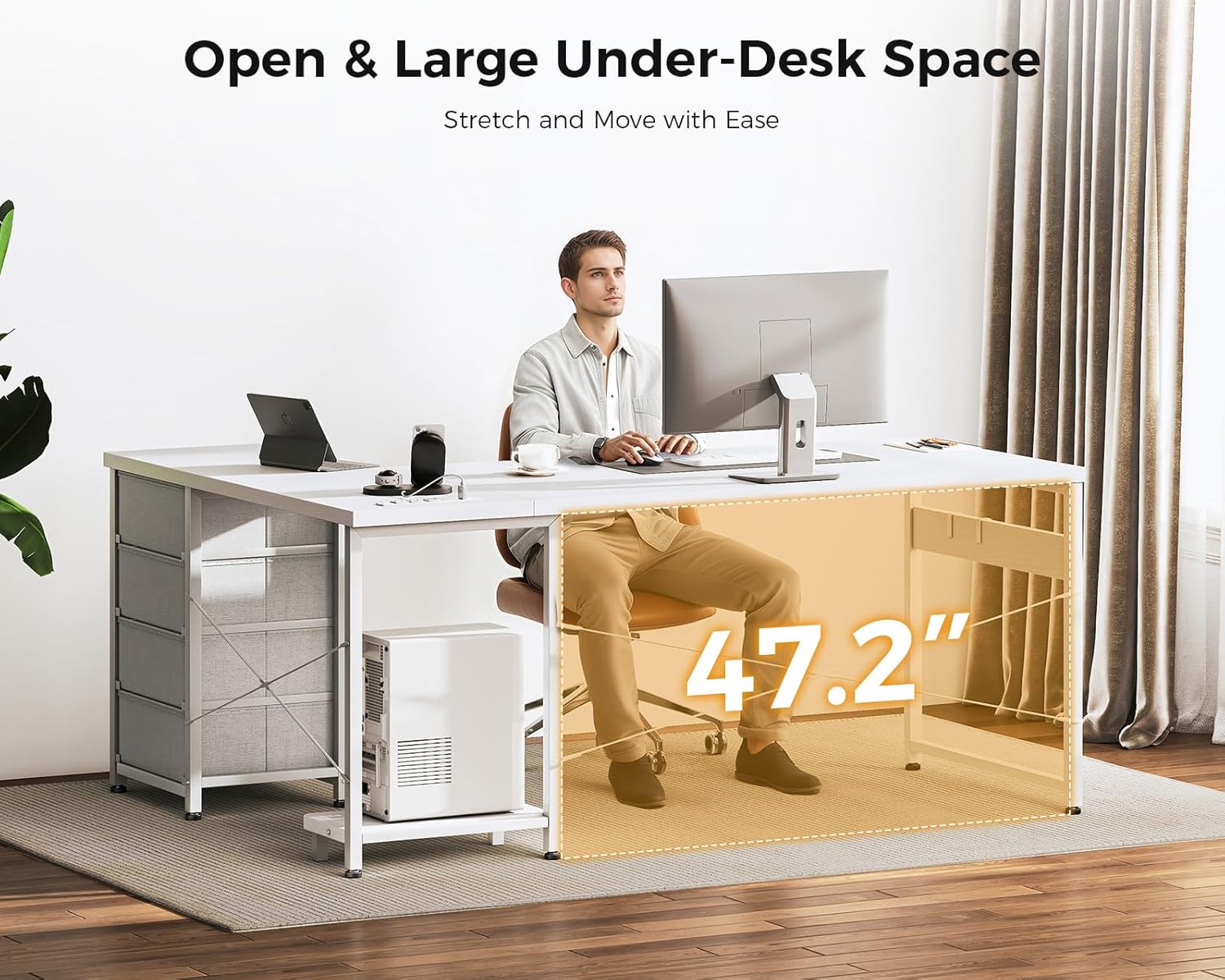
Image: A close-up view of the recessed power strip integrated into the desk surface, showing 3 AC outlets and 2 USB ports in use for charging a smartphone, smartwatch, and tablet.
Utilizing Storage Drawers:
The four fabric drawers provide ample space for documents, stationery, and other personal items. Pull the handles to open and push to close. The smooth slide mechanism ensures easy access.

Image: A detailed view of the four large capacity fabric drawers, with one drawer partially open revealing stored items, and an inset showing the smooth slide mechanism.
5. Maintenance
To ensure the longevity and appearance of your AODK L Shaped Desk, follow these maintenance guidelines:
- Cleaning: The desk boards are waterproof. Wipe surfaces with a soft, damp cloth and mild detergent. Avoid abrasive cleaners or harsh chemicals that could damage the finish.
- Dusting: Regularly dust all surfaces with a dry, soft cloth.
- Spills: Clean up spills immediately to prevent staining or damage to the desk surface.
- Hardware: Periodically check and tighten all screws and fasteners to maintain structural integrity.
- Electrical Components: Ensure the power strip and cables are free from dust and debris. Do not attempt to disassemble the power strip.
6. Troubleshooting
If you encounter any issues with your AODK L Shaped Desk, please refer to the following common troubleshooting tips:
- Desk Wobbles: Check that all screws are securely tightened. Adjust the foot pads on the bottom of the desk legs to level the desk on uneven surfaces.
- Drawers Not Sliding Smoothly: Ensure the fabric drawers are correctly assembled and inserted into their tracks. Check for any obstructions in the drawer slides.
- Power Outlets Not Working: Verify that the desk's main power cord is securely plugged into a functional wall outlet. Check if the wall outlet itself is receiving power (e.g., by testing with another device). Ensure no circuit breaker has tripped.
- Missing Parts During Assembly: Double-check all packaging. If parts are genuinely missing, contact customer support immediately.
7. Specifications
| Feature | Detail |
|---|---|
| Brand | AODK |
| Model | 61 Inch White L Shaped Desk |
| Product Dimensions (D x W x H) | 43.3"D x 61"W x 30"H |
| Color | White |
| Style | Modern |
| Top Material Type | Engineered Wood |
| Base Material | Metal |
| Number of Drawers | 4 |
| Power Outlets | 3 AC Outlets (120V/12A) |
| USB Ports | 2 USB Ports (5V/2A) |
| Special Features | Built-In USB Outlet, Reversible, Rust Resistant, Scratch Resistant, Adjustable Feet, CPU Stand |
| Required Assembly | Yes (Includes All Assembly Tools) |
| Warranty Type | Limited |
| UPC | 850056234733 |
| ASIN | B0CMQCMV1T |
8. Safety Information
Please observe the following safety guidelines to ensure safe use of your desk:
- Ensure the desk is stable and placed on a level surface to prevent tipping.
- Do not overload the desk with weight beyond its structural capacity.
- For electrical components, do not overload the power outlets.
- Ensure all electrical cords are routed safely to prevent tripping hazards or damage.
- Keep liquids away from electrical outlets and devices.
- Keep small children and pets away from the desk during assembly and ensure all small parts are kept out of reach.
9. Warranty and Support
The AODK L Shaped Desk comes with a limited warranty. For specific warranty terms and conditions, please refer to the documentation included with your purchase or contact AODK customer service.
Customer Support:
Should you have any questions, require assistance with assembly, or experience any issues with your product, a professional after-sales team is available to help. Please contact AODK customer support, and your message will be addressed within 24 hours.
For support, please visit the AODK Store on Amazon or refer to the contact information provided in your product packaging.
