
1. Introduction
Thank you for choosing the Bewinner Mini Body Camera 1080P. This portable and wearable video recorder is designed for various applications, including walking, riding, outdoor activities, and home monitoring. It features 1080P HD video recording, night vision, a 180° rotatable lens, and Wi-Fi connectivity for real-time monitoring. Please read this manual carefully to ensure proper use and optimal performance of your device.
2. Product Features
- Multi-functionality: Supports video recording, photo capture, noise reduction recording, night vision mode, and motion detection.
- 180° Rotatable Lens: The lens can rotate 180 degrees, offering flexible recording angles and allowing use as a car dash camera.
- Direct Recording: Insert a memory card (up to 256GB, not included) to begin recording immediately.
- Wi-Fi Connection: Enables real-time monitoring and video viewing directly on your smartphone via a dedicated app.
- Built-in Stereo Speaker: Provides synchronized audio and video playback for an enhanced viewing experience.

Figure 2.1: Overview of Bewinner Mini Body Camera features.
3. Setup
3.1 Charging the Device
Before first use, fully charge the camera. Connect the camera to a USB power source using the provided USB cable. The charging indicator light will show the charging status and turn off when fully charged.
3.2 Inserting a Memory Card
This camera supports a Micro SD card (TF card) up to 256GB. Ensure the camera is powered off before inserting or removing the memory card. Insert the card into the designated slot until it clicks into place.
3.3 Powering On/Off
- Power On: Press and hold the Power button for a few seconds until the screen lights up.
- Power Off: Press and hold the Power button for a few seconds until the screen turns off.
4. Operating Instructions
4.1 Video Recording
To start video recording, ensure a memory card is inserted. Press the Video Record button once. The recording indicator will illuminate or flash. Press the button again to stop recording. Videos are saved to the memory card.
4.2 Photo Capture
To take a photo, press the Photo button once. The camera will capture an image and save it to the memory card.

Figure 4.1: Simple operation with dedicated buttons for recording modes.
4.3 180° Rotatable Lens
The camera's lens can be manually rotated 180 degrees to adjust the recording angle as needed. This allows for versatile placement and capture from different perspectives.

Figure 4.2: The camera's lens can be rotated 180 degrees for flexible recording.
4.4 Night Vision Mode
The camera is equipped with 4 LED fill lights for night vision. To activate night vision, locate the dedicated night vision button or setting in the menu. This feature allows for clear recording in low-light conditions.
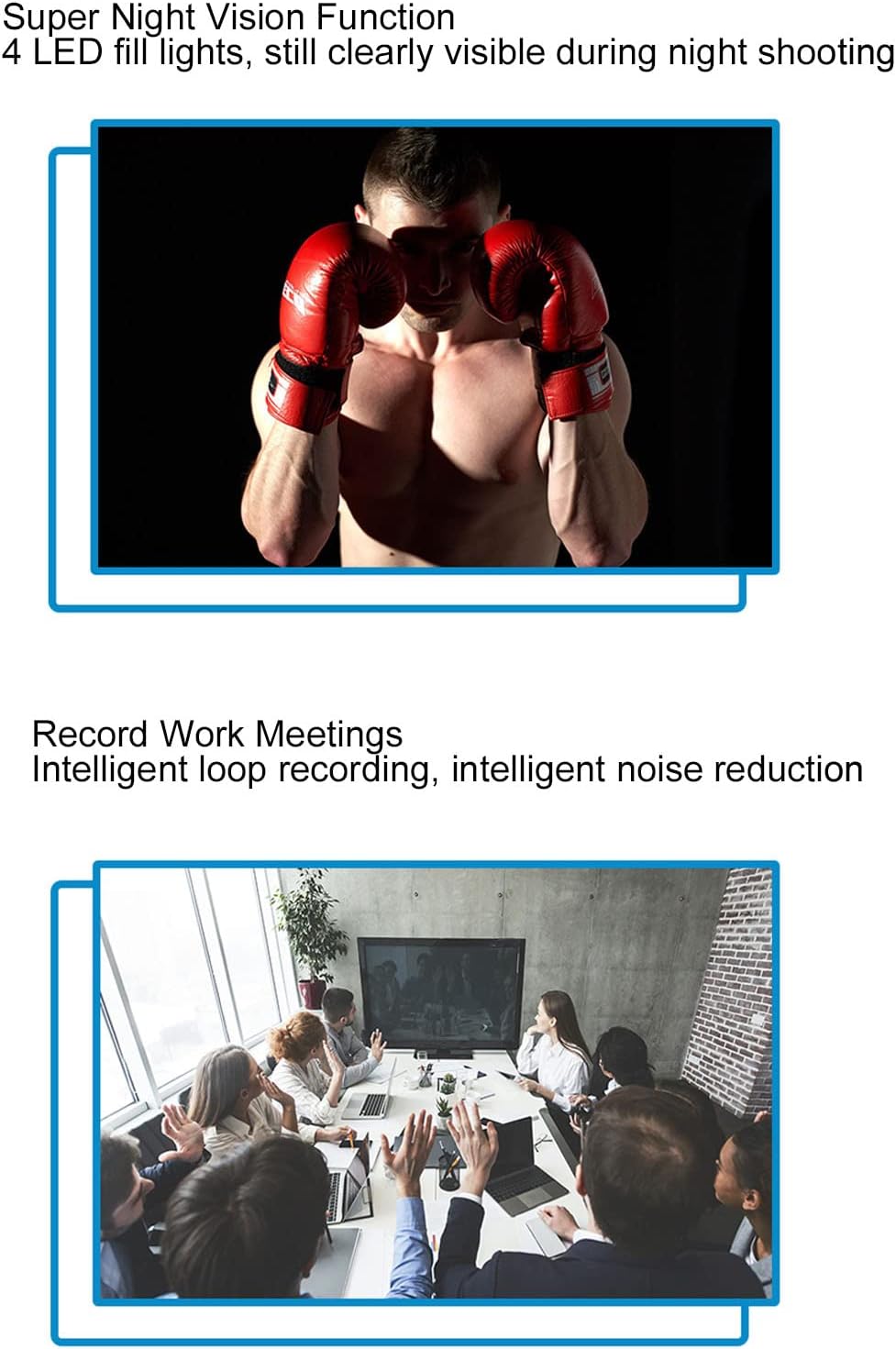
Figure 4.3: Night vision capability for clear recording in the dark.
4.5 Motion Detection
When motion detection is enabled, the camera will automatically begin recording when it detects movement within its field of view. This helps conserve memory and battery life by only recording relevant events.

Figure 4.4: Motion detection feature for automatic recording upon movement.
4.6 Wi-Fi Connection and Real-time Monitoring
The camera supports Wi-Fi connectivity, allowing you to connect it to your smartphone for real-time monitoring. Download the dedicated app (refer to the quick start guide for app name and download instructions). Once connected, you can view live footage, adjust settings, and review recorded files directly on your phone.

Figure 4.5: Real-time monitoring via smartphone app using Wi-Fi connection.
4.7 Synchronized Audio and Video Playback
The built-in stereo external speaker ensures that audio is synchronized with video playback, providing a complete recording experience.
Video 4.1: Demonstration of the Bewinner Mini Body Camera's features and operation, including its 1080P HD recording capability.
5. Maintenance
- Cleaning: Use a soft, dry cloth to clean the camera body. For the lens, use a specialized lens cleaning cloth and solution to avoid scratches.
- Storage: Store the camera in a cool, dry place away from direct sunlight and extreme temperatures.
- Battery Care: To prolong battery life, avoid fully discharging the battery frequently. Charge the camera regularly, even if not in use for extended periods.
- Memory Card: Periodically format the memory card to maintain optimal performance and prevent data corruption. Back up important files before formatting.
6. Troubleshooting
| Problem | Possible Cause | Solution |
|---|---|---|
| Camera does not power on. | Low battery; device malfunction. | Charge the camera fully. If problem persists, contact support. |
| Cannot record video/take photos. | No memory card; memory card full; memory card error. | Insert a memory card. Delete old files or replace the card. Format the memory card. |
| Wi-Fi connection fails. | Incorrect app; Wi-Fi signal weak; camera Wi-Fi off. | Ensure correct app is installed. Move closer to the camera. Activate Wi-Fi on the camera. |
| Poor image quality. | Dirty lens; low light conditions (night vision off). | Clean the lens. Activate night vision in low light. |
7. Specifications
| Feature | Detail |
|---|---|
| Brand | Bewinner |
| Model Name | Bewinner8io91n6b0z |
| Connectivity Technology | Wi-Fi |
| Indoor/Outdoor Usage | Indoor, Outdoor |
| Compatible Devices | Smartphone |
| Controller Type | Android |
| Color | Black |
| Alert Type | Motion Only |
| Waterproof Rating | IP54 |
| Video Capture Resolution | 1080p |
| Video Capture Format | MOV |
| Power Source | Battery Powered |
| Battery Capacity | 1400 mAh |
| Focus Type | Manual Focus |
8. Warranty and Support
For warranty information and technical support, please refer to the product packaging or contact Bewinner customer service directly. Keep your purchase receipt for warranty claims.