
1. Product Overview
The NerdMiner V2 T-Display S3 is a compact, open-source hardware device designed to allow users to participate in Bitcoin solo mining. This device aims to provide a practical learning experience about cryptocurrency mining while serving as an aesthetic desktop accessory. It operates with low power consumption, typically around 1 watt, making it an energy-efficient option for those interested in the mechanics of Bitcoin mining.
The device comes with the latest mining software (firmware version 1.6.3) pre-installed, simplifying the setup process. Users only need to connect it to a power source via USB-C, establish a Wi-Fi connection, and input their Bitcoin wallet address to begin operation.
While the probability of successfully mining a Bitcoin block is extremely low, the device offers the theoretical chance to win the current block reward, which is 6.25 BTC. Each unit is tested to achieve a hash rate of at least 78 KH/s and includes a small heat sink for thermal management.

Figure 1.1: The NerdMiner V2 T-Display S3 device shown alongside its retail packaging, highlighting its compact size and branding.

Figure 1.2: An illustrative diagram explaining the concept and purpose of the NerdMiner, emphasizing its open-source nature and educational value in Bitcoin mining.
2. Safety Information
Important Safety Instructions:
- Always use the provided power adapter. Using incompatible power adapters may cause damage to the device.
- Ensure the heat sink is not covered during operation to prevent overheating. Adequate ventilation is crucial for optimal performance and device longevity.
- Keep the device away from water and other liquids. Exposure to moisture can lead to electrical short circuits and damage.
- Do not attempt to disassemble the device. Unauthorized disassembly voids the warranty and may result in electric shock or damage.
- Refer to this manual for proper use and configuration.

Figure 2.1: A warning label from the product packaging, reiterating critical safety precautions for the NerdMiner V2 Pro.
3. Setup Guide
Follow these steps to set up your NerdMiner V2 and begin mining:
- Power Connection: Connect the USB-C cable to the NerdMiner and then to a power source. The device will power on and display a QR code on its screen.
- Wi-Fi Configuration:
- Use your smartphone to scan the QR code displayed on the NerdMiner's screen. This will automatically connect your phone to the NerdMiner's Wi-Fi Access Point (AP). The default AP name is typically "NerdMinerAP".
- Once connected, your phone's browser should automatically open the NerdMiner's setup page. If it does not, open a web browser and navigate to the IP address displayed on the NerdMiner's screen (e.g., 192.168.4.1).
- On the setup page, click the "Configure Wifi" button.
- Select your desired Wi-Fi network (SSID) from the list and enter its password in the "Password" field.
- Bitcoin Wallet Address: Paste your Bitcoin (BTC) wallet address into the "Your BTC Addresses" field. If you do not have a Bitcoin wallet, you can register for one through services like Coinbase or other reputable Bitcoin wallet providers.
- Time Zone Offset: Enter your UTC time zone offset. You can find a list of UTC offsets on Wikipedia's List of UTC offsets.
- Save Settings: Press the "Save" button to store your configuration.
- Restart and Mine: After approximately 30 seconds, the NerdMiner will automatically restart, connect to your configured Wi-Fi network, and begin the mining process.
Tip: To check the mining status at any time, open a web browser on a device connected to the same network as the NerdMiner and enter the NerdMiner's IP address.
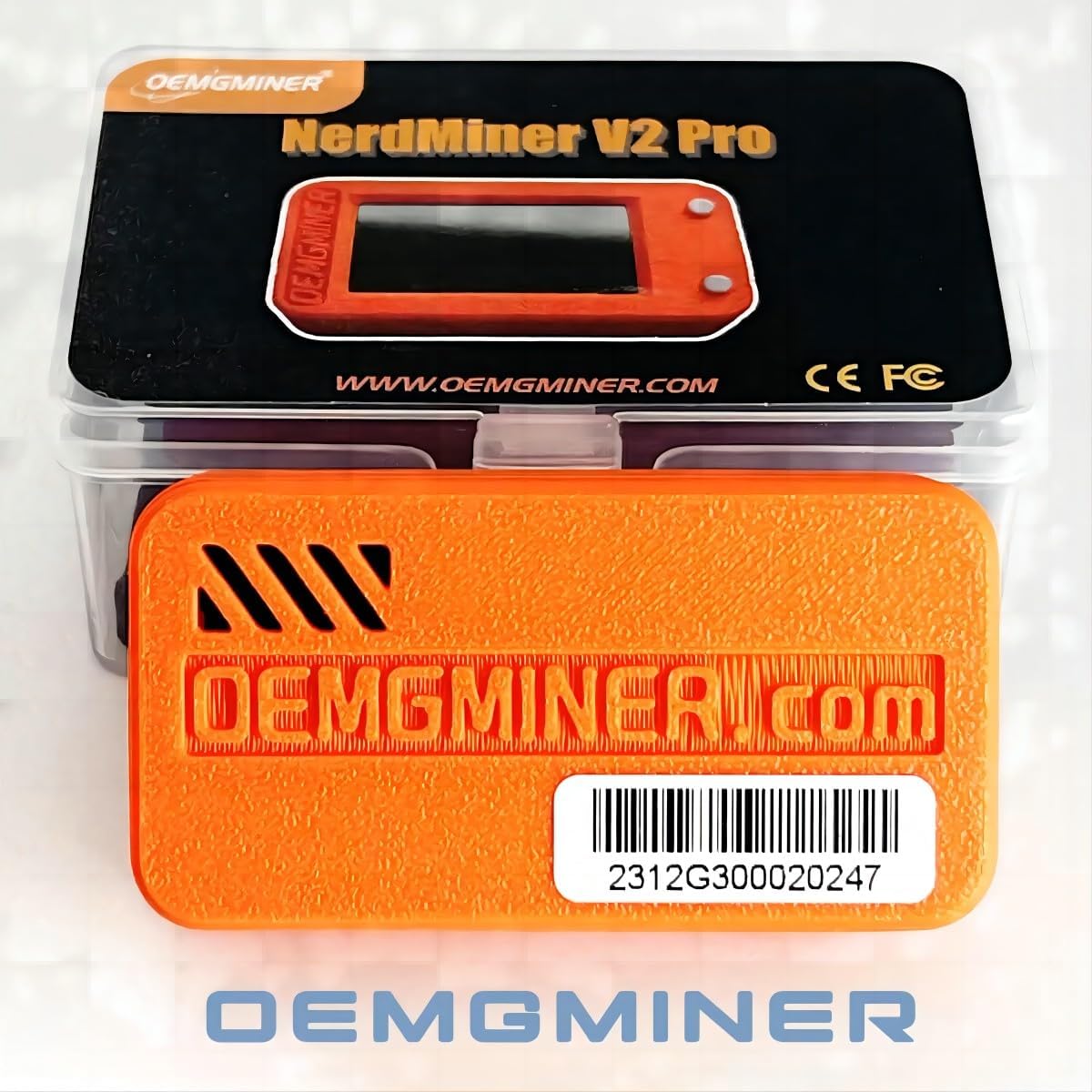
Figure 3.1: A visual representation of the NerdMiner V2 installation manual, detailing the step-by-step setup process including Wi-Fi and wallet configuration.

Figure 3.2: The NerdMiner V2 Pro screen showing the QR code for initial Wi-Fi configuration, which simplifies connecting a smartphone to the device's setup interface.
4. Operating Instructions
The NerdMiner V2 features two buttons for basic interaction and display control:
- Upper Button:
- Short Press: Toggles between different display screens, showing various mining statistics and information.
- Long Press (10 seconds): Performs a factory reset. This action will clear all saved Wi-Fi and wallet configurations, requiring you to re-enter them. This is useful for changing Wi-Fi networks or troubleshooting.
- Lower Button:
- Short Press: Turns the screen off or on. This can help conserve power and extend screen life.

Figure 4.1: Examples of the different information screens available on the NerdMiner V2, which can be cycled through using the upper button.
5. Maintenance
To ensure the longevity and optimal performance of your NerdMiner V2, consider the following maintenance guidelines:
- Cleaning: Gently wipe the device with a soft, dry cloth to remove dust. Avoid using liquid cleaners or abrasive materials.
- Ventilation: Ensure the heat sink and ventilation openings are clear of obstructions. Do not place the device in enclosed spaces or cover it with materials that could impede airflow.
- Firmware Updates: Periodically check the official OEMGMINER or NerdMiner community resources for firmware updates. Keeping the firmware updated can improve performance and stability.
- Power Supply: Always use the original or a compatible USB-C power adapter to prevent electrical damage.
6. Troubleshooting
If you encounter issues with your NerdMiner V2, try the following troubleshooting steps:
- Device Not Connecting to Wi-Fi:
- Ensure you have entered the correct Wi-Fi SSID and password during setup.
- Try performing a factory reset by holding the upper button for 10 seconds, then re-configure the Wi-Fi settings.
- Verify that your Wi-Fi network is 2.4GHz, as the device may not support 5GHz networks.
- Display Not Showing Information:
- Short press the lower button to turn the screen on.
- If the screen remains blank, ensure the device is properly powered.
- Device Overheating:
- Ensure the device is placed in a well-ventilated area.
- Check that the heat sink is not covered and has adequate airflow.
- Avoid direct sunlight or placing the device near other heat sources.
- Mining Status Check:
- If you suspect the device is not mining, open a web browser on a device connected to the same network and enter the NerdMiner's IP address to access its web interface and check the status.
- Verify that your Bitcoin wallet address was entered correctly during setup.
7. Specifications
| Feature | Detail |
|---|---|
| Brand | OEMGMINER |
| Model Name | NerdMiner V2 |
| Item Model Number | 56 KH/s (Advertised hash rate is 78 KH/s) |
| Processor Brand | ARM |
| Number of Processors | 1 |
| RAM | LPDDR3 |
| Operating System | Linux |
| Wireless Type | 802.11bgn (Wi-Fi) |
| Connectivity Technology | USB, Wi-Fi |
| Power Consumption | Approximately 1 Watt |
| Item Weight | 2.4 ounces (68 grams) |
| Product Dimensions (LxWxH) | 2.36 x 0.71 x 1.18 inches (6 x 1.8 x 3 cm) |
| Date First Available | November 3, 2023 |
What's in the Box:
- 1 x NerdMiner V2 Pro (78KH/s)
- 1 x Configuration Tutorial
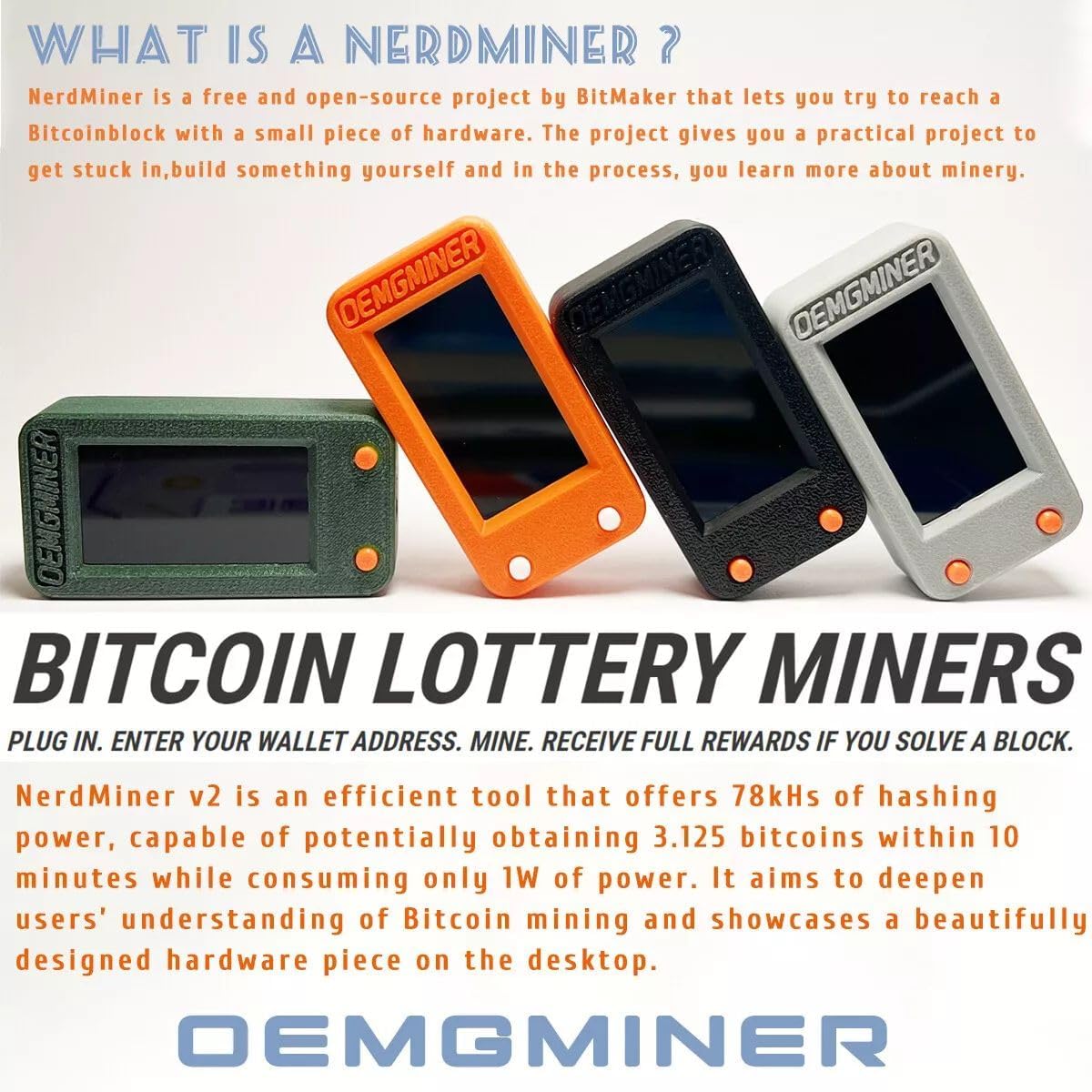
Figure 7.1: The typical contents included in the NerdMiner V2 Pro package, showing the device and a configuration tutorial.
8. Warranty and Support
For warranty information and technical support, please contact the manufacturer, OEMGMINER, directly. Details regarding specific warranty periods and support procedures may be available on their official website or through the retailer where the product was purchased.
For general inquiries or community support related to the open-source NerdMiner project, you may refer to relevant online forums and communities dedicated to Bitcoin mining and open-source hardware.
Manufacturer: OEMGMINER