
Introduction
The PacuM Intelligent Cleaning Robot is designed to provide automated floor cleaning, combining sweeping, mopping, and suction functionalities. This manual provides essential information for the safe and efficient operation, maintenance, and troubleshooting of your device. Please read this manual thoroughly before first use and retain it for future reference.
1. Setup and Initial Use
1.1 Unboxing and Component Check
Carefully remove all components from the packaging. Verify that all parts listed in the product's packing list are present and undamaged. Dispose of packaging materials responsibly.
1.2 Charging the Robot
Place the charging base against a wall in an open area, ensuring there are no obstacles within 1 meter (3 feet) to the sides and 2 meters (6 feet) in front. Connect the power adapter to the charging base and a wall outlet. Place the robot onto the charging base, ensuring the charging contacts align. The robot will indicate charging status. Fully charge the robot before its first use, which typically takes several hours. The robot is designed for self-charging and will automatically return to the charging base when its battery is low.
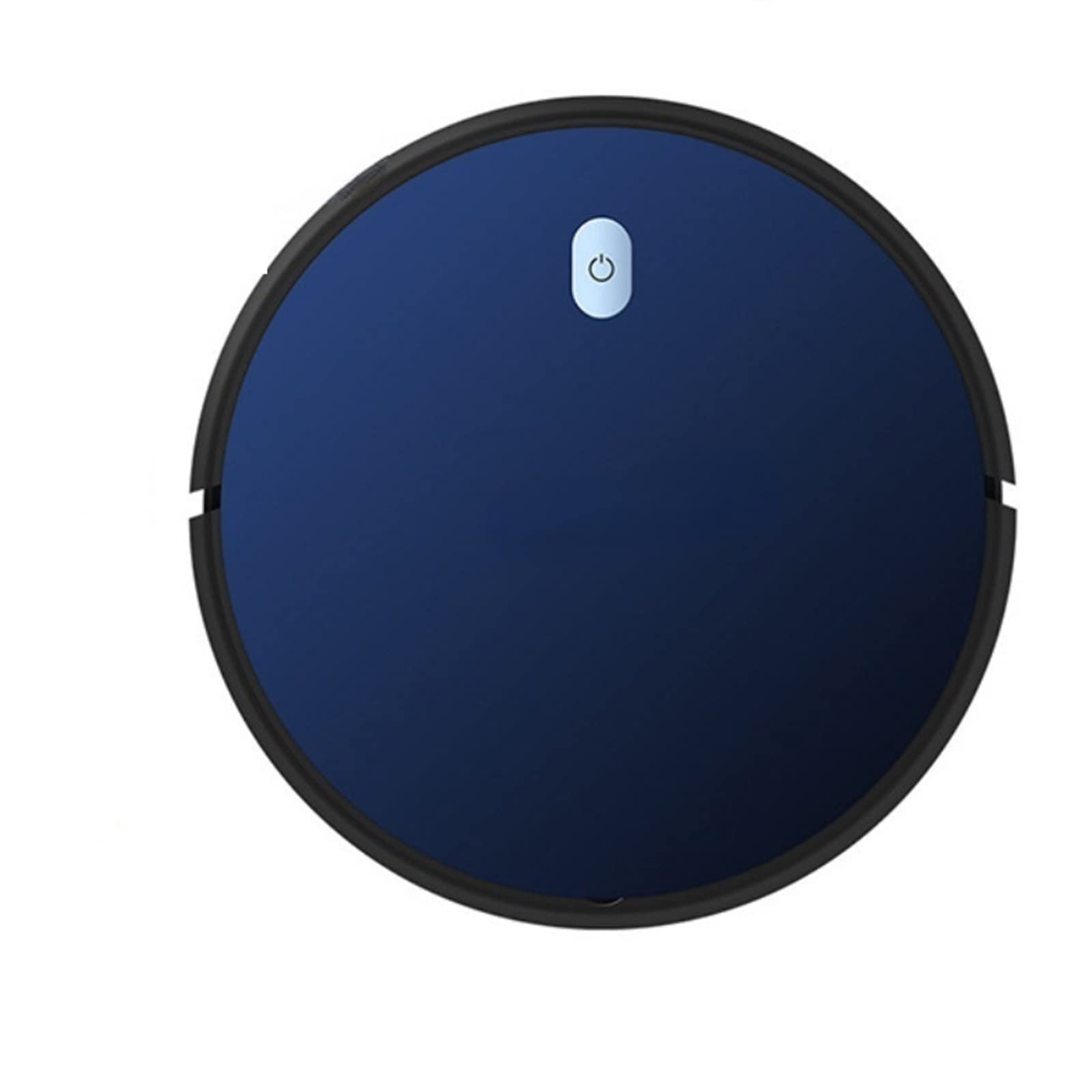
Image: The PacuM Intelligent Cleaning Robot on a dark floor, illustrating its compact, circular design and the power button. The image also shows a typical cleaning path pattern.
1.3 App Download and Pairing
Download the official PacuM app from your smartphone's app store (iOS or Android). Follow the in-app instructions to create an account and pair your Intelligent Cleaning Robot. This typically involves connecting the robot to your home Wi-Fi network.
2. Operating Instructions
2.1 Powering On/Off
To power on the robot, press and hold the power button on the robot's top panel until the indicator light illuminates. To power off, press and hold the power button again until the indicator light turns off.
2.2 Cleaning Modes
The robot supports 4 primary cleaning modes, plus manual control:
- Auto Clean: The robot intelligently navigates and cleans the entire accessible area.
- Random Clean: The robot cleans in a random pattern, suitable for general cleaning.
- Along-edge Clean: The robot focuses on cleaning along walls and furniture edges.
- Spot Clean: The robot cleans a specific concentrated area in a spiral pattern.
- Manual Control: Use the app or remote control (if included) to direct the robot's movement manually.

Image: Multiple PacuM Intelligent Cleaning Robots operating on various floor types, including wood, marble, and carpet, highlighting its ability to clean diverse surfaces.
2.3 Smart App Control
The PacuM app allows for comprehensive control of your robot:
- Start or stop cleaning remotely.
- Change cleaning modes.
- Adjust suction power (3 levels available, up to 2000pa max suction, ideal for hard floors).
- Create and manage cleaning schedules.
- View cleaning history and track the robot's path.
2.4 Voice Control
If integrated with compatible smart home devices (e.g., Amazon Echo), you can use voice commands to start or stop the robot's cleaning cycle.
2.5 Battery Life and Self-Charging
The robot provides up to 120 minutes of cleaning on a full charge. When the battery level is low, the robot will automatically return to its charging base to recharge.
3. Maintenance
Regular maintenance ensures optimal performance and extends the lifespan of your PacuM Intelligent Cleaning Robot.
3.1 Cleaning the Dustbin and Filters
Empty the dustbin after each cleaning cycle. Remove the filter and tap it gently to dislodge dust. Rinse the dustbin with water if necessary, ensuring it is completely dry before reinstallation. Filters should be replaced periodically according to usage.
3.2 Cleaning Brushes
Regularly inspect and clean the main brush and side brushes. Use the cleaning tool provided (if applicable) to remove tangled hair and debris. Replace brushes if they become worn or damaged.
3.3 Mopping Pad Maintenance
After mopping, remove the mopping pad and clean it thoroughly. The robot features intelligent return cleaning for the mop and hot air drying, contributing to a healthier and cleaner cleaning process. Ensure the mop pad is clean and dry before storing or next use.
3.4 Sensor Cleaning
Wipe the anti-drop sensors and other sensors on the robot's underside with a clean, dry cloth. This prevents debris from obstructing their function and ensures effective navigation, especially preventing falls from stairs or ledges.

Image: The underside of the PacuM Intelligent Cleaning Robot, highlighting its three anti-drop sensors and side brushes. A blue light indicates the active state of the sensors, which prevent the robot from falling.
4. Troubleshooting
If you encounter issues with your PacuM Intelligent Cleaning Robot, refer to the common problems and solutions below. If the problem persists, contact customer support.
| Problem | Possible Cause | Solution |
|---|---|---|
| Robot does not power on. | Low battery; power button not pressed correctly. | Ensure the robot is fully charged. Press and hold the power button for a few seconds. |
| Robot does not charge. | Charging contacts are dirty; charging base not powered; robot not aligned. | Clean charging contacts on both robot and base. Check power connection to base. Realign robot on base. |
| Robot gets stuck frequently. | Obstacles in cleaning path; sensors are dirty. | Clear cables, rugs, and small objects. Clean all sensors on the robot. |
| Poor cleaning performance. | Dustbin full; brushes tangled; filter clogged. | Empty dustbin. Clean main and side brushes. Clean or replace filter. |
| App connection issues. | Wi-Fi signal weak; incorrect pairing steps. | Ensure strong 2.4GHz Wi-Fi signal. Restart robot and router. Re-attempt pairing process as per app instructions. |
5. Specifications
| Feature | Detail |
|---|---|
| Brand | PacuM |
| Model | Intelligent Cleaning Robot |
| Special Feature | Bagless, Intelligent Mop Return, Hot Air Drying |
| Included Components | Remote Control (if applicable) |
| Battery Life | Up to 120 minutes |
| Power Source | Battery Powered |
| Compatible Devices | Amazon Echo (for voice control) |
| Form Factor | Robotic |
| Surface Recommendation | Hard floor (optimal for max suction) |
| Controller Type | App Control, Button Control, Voice Control |
| Max Suction Power | 2000pa |
| Applicable Area | 120-150m² (approximate) |
6. Warranty and Support
For warranty information, please refer to the documentation provided with your purchase or contact the retailer. For technical support, product inquiries, or service requests, please visit the official PacuM website or contact their customer service department using the contact information provided in your product packaging or on their website.