
XREXS W0088B
XREXS Large Digital Wall Clock User Manual
Model: W0088B
1. Introduction
Thank you for purchasing the XREXS Large Digital Wall Clock. This manual provides detailed instructions for setting up, operating, and maintaining your new clock. Please read this manual thoroughly before use to ensure optimal performance and longevity of your device.
This digital wall clock features a large 16.5-inch LED display, offering clear visibility of time, date, month, day, and temperature. It includes automatic dimming, WiFi synchronization for accurate timekeeping, and multiple functional modes including a timer and alarm clock. Its versatile design allows for both tabletop placement and wall mounting.

Image 1.1: XREXS Large Digital Wall Clock with included remote control and WiFi symbol.
2. Setup
2.1 Unpacking and Initial Inspection
- Carefully remove all components from the packaging.
- Verify that all items listed in the package contents are present and undamaged.
- Retain the packaging for future storage or transport.
2.2 Power Connection
The XREXS Digital Wall Clock is a plug-in device and does not rely on batteries for primary operation, eliminating the need for frequent battery changes.
- Connect the provided power adapter to the clock's power input port.
- Plug the power adapter into a standard electrical outlet.
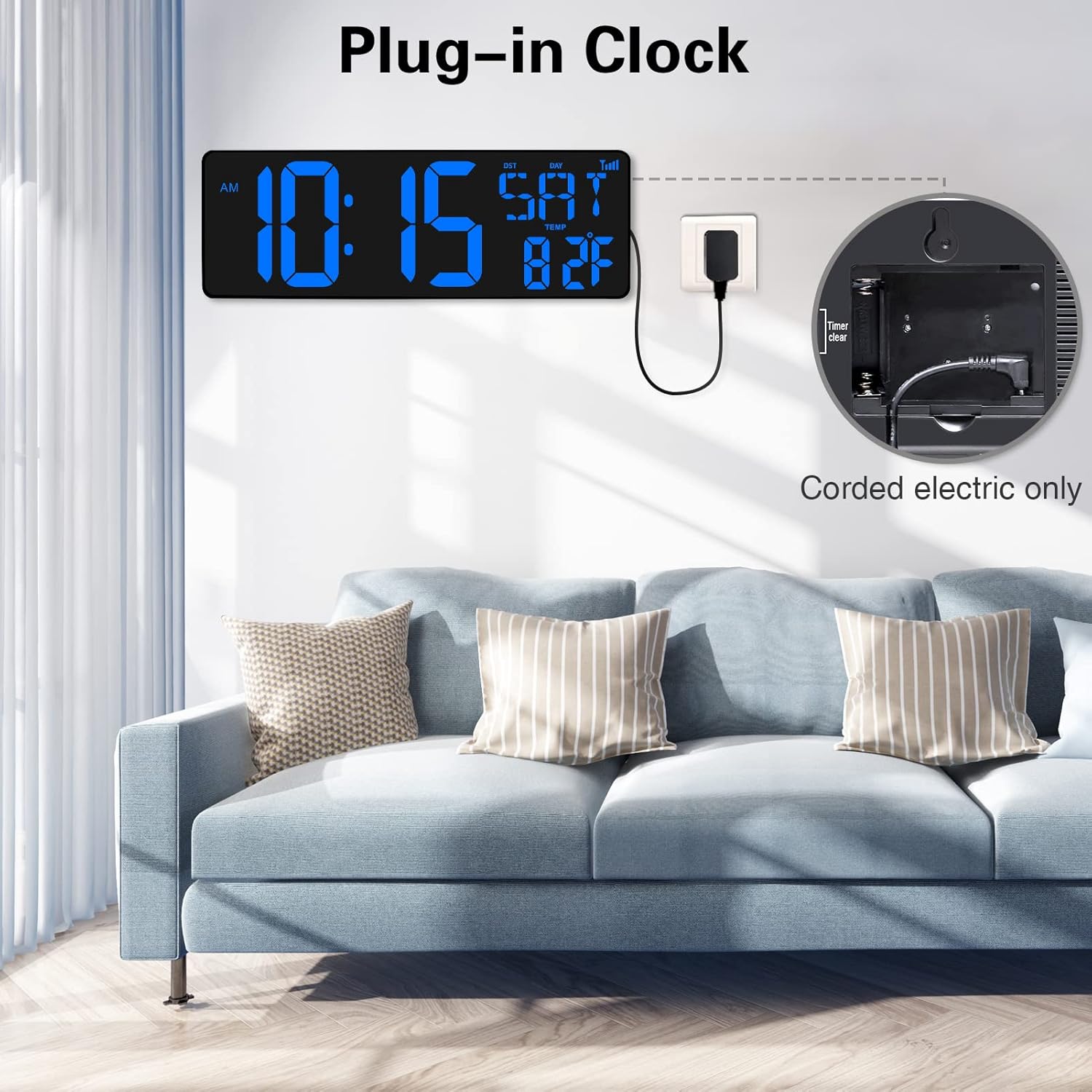
Image 2.1: The clock is powered via a corded electric connection, ensuring continuous operation without battery replacement.
2.3 WiFi Synchronization
The clock features automatic time synchronization via WiFi, ensuring highly accurate timekeeping and automatic adjustment for Daylight Saving Time.
- Upon initial power-on, the clock will attempt to connect to an available WiFi network.
- Follow the on-screen prompts or use the remote control to select your WiFi network and enter the password.
- Once connected, select your local city code. The clock will automatically update its time.
- Time updates automatically, ensuring extreme accuracy.
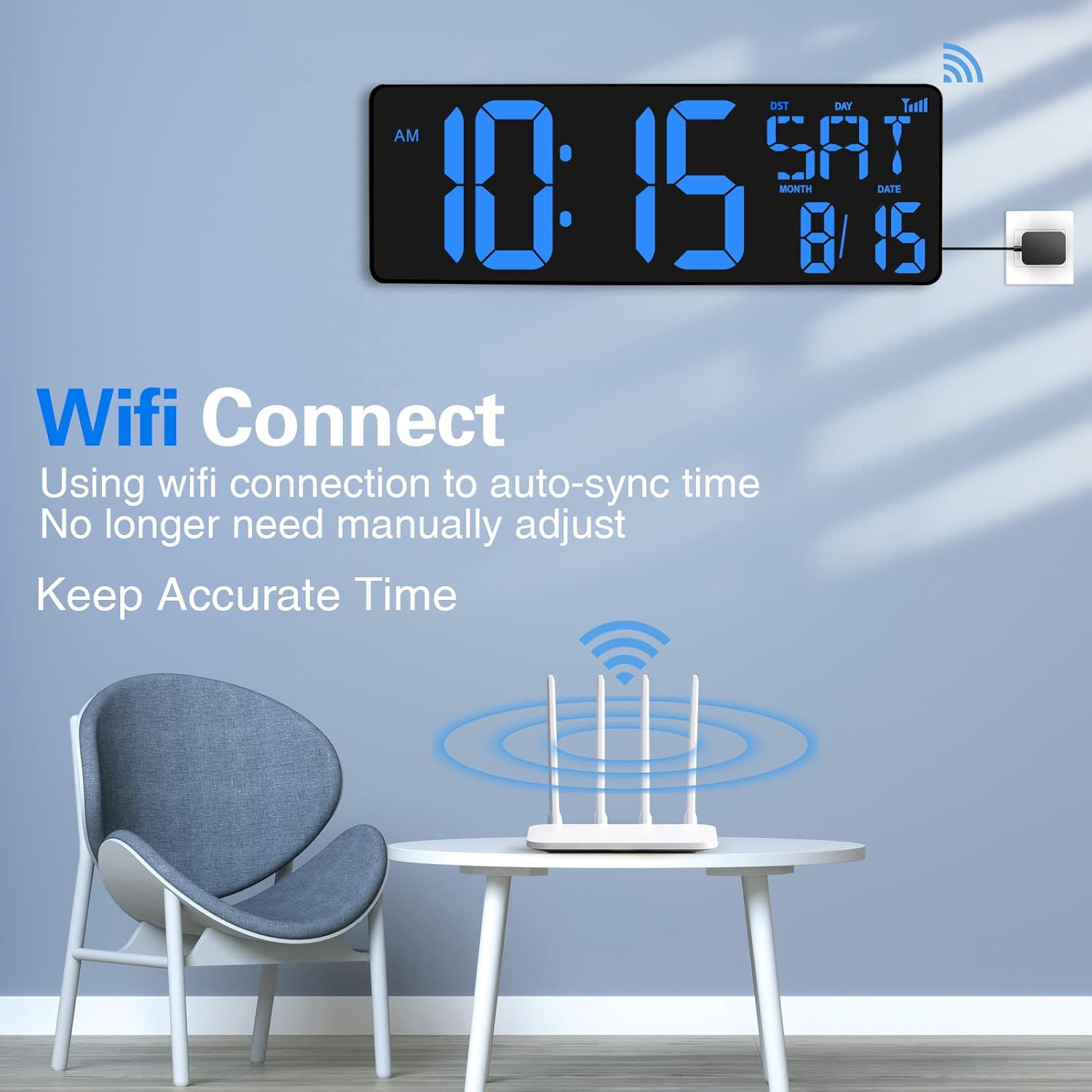
Image 2.2: The clock connects to WiFi for automatic time synchronization, eliminating manual adjustments.
2.4 Mounting Options
The clock offers versatile placement options:
- Tabletop Placement: Utilize the foldable stand on the back of the clock to place it on any flat surface such as a desk, shelf, or nightstand.
- Wall Mounting: The clock features two hanging holes for secure wall installation. Use appropriate screws and wall anchors (not included) for mounting.
3. Operating Instructions
3.1 Display Features
The large 16.5-inch LED screen provides clear visibility of various information:
- Time Display: Shows current time in 12-hour or 24-hour format.
- Date Display: Shows month and date.
- Day of Week: Displays the current day.
- Temperature Display: Shows indoor temperature in Celsius or Fahrenheit.
- Automatic Dimming: The display brightness adjusts automatically based on ambient light levels, ensuring readability without being overly bright at night.

Image 3.1: Detailed view of the clock's extra-large LED screen displaying time, date, and temperature, along with dimensions.

Image 3.2: The clock features automatic dimming for comfortable viewing in various lighting conditions, including manual brightness control.
3.2 Remote Control Operation
The clock is easily controlled using the included remote control.

Image 3.3: The remote control allows for easy adjustment of settings from a distance of up to 32 feet.
- Mode Button: Press to cycle through the three main modes: Timer, Alarm Clock, and Clock.
- SET Button: Used to enter settings mode for time, date, or alarm.
- +/- Buttons: Adjust values during setting.
- °C/°F Button: Toggle between Celsius and Fahrenheit for temperature display.
- Brightness Control: Adjust display brightness manually if auto-dimming is not preferred.
3.3 Multi-functional Modes
The clock offers three distinct operational modes:

Image 3.4: The clock supports three modes: Timer, Clock, and Alarm Clock, providing versatile functionality.
- Clock Mode: The default mode displaying time, date, day, and temperature.
- Timer Mode: Features both count-up and count-down functions.
- Count-down: Set a duration from 0-29 hours, 59 minutes, 59 seconds. A 90-second 'didi' ring will sound when the countdown ends.
- Memory Function: The timer remembers the last setting if not powered off, ideal for repetitive tasks.
- Ideal for kitchen cooking, beauty routines, exercise, classroom teaching, and managing children's time.
- Alarm Clock Mode: Set alarms for reminders.
4. Maintenance
To ensure the longevity and proper functioning of your XREXS Digital Wall Clock, follow these simple maintenance guidelines:
- Cleaning: Use a soft, dry cloth to wipe the display and casing. Avoid abrasive cleaners or solvents that may damage the surface.
- Placement: Place the clock in a location away from direct sunlight, extreme temperatures, and high humidity to prevent damage to electronic components.
- Power: Always use the original power adapter provided with the clock.
- Handling: Handle the clock with care to avoid dropping or impacting it, which could damage the internal components or the display.
5. Troubleshooting
If you encounter any issues with your XREXS Digital Wall Clock, please refer to the following troubleshooting tips:
| Problem | Possible Cause | Solution |
|---|---|---|
| Clock display is blank. | No power. | Ensure the power adapter is securely plugged into the clock and the electrical outlet. Check if the outlet is functional. |
| Time is incorrect. | WiFi not connected or incorrect time zone. | Verify WiFi connection. Re-enter WiFi credentials if necessary. Check and set the correct local city code/time zone using the remote control. |
| Remote control not working. | Battery low or line of sight blocked. | Replace the remote control battery. Ensure there are no obstructions between the remote and the clock's sensor. |
| Display too bright/dim. | Auto-dimming issue or manual setting. | Check ambient light conditions. Use the remote control to manually adjust brightness or toggle auto-dimming. |
If the problem persists after trying these solutions, please contact customer support for further assistance.
6. Specifications
| Feature | Detail |
|---|---|
| Brand | XREXS |
| Model Number | W0088B |
| Color | Blue |
| Product Dimensions | 6.81 x 3.81 x 6.81 cm; 1.09 Kilograms |
| Material | Acrylonitrile Butadiene Styrene (ABS) |
| Special Features | Jumbo Display, Automatic Dimming, Internet Time Sync, Count Up/Down Timer, Temperature Display |
| Item Weight | 1.09 Kilograms |
| Display Type | Digital |
| Style | Modern |
| Power Source | Corded Electric |
| Age Range (Description) | Child |
| Room Type | Home Office |
| Shape | Rectangular |
7. Warranty and Support
Specific warranty information for the XREXS Large Digital Wall Clock is not provided in this manual. Please refer to the product packaging or the retailer's website for details regarding warranty coverage and terms.
For technical support, troubleshooting assistance beyond what is covered in this manual, or inquiries about replacement parts, please contact XREXS customer service through the contact information provided on the product packaging or the official XREXS website.
Ask a question about this manual
Ask about setup, troubleshooting, compatibility, parts, safety, or missing instructions. Manuals+ will review the question and use this page’s manual context to help answer it.