
1. Introduction
This manual provides detailed instructions for the operation and maintenance of your GOODTEL G9 Android 13 Tablet. Please read this manual thoroughly before using the device to ensure proper functionality and to maximize your user experience.

Image 1.1: The GOODTEL G9 Android 13 Tablet, showcasing its 16GB RAM, 256GB ROM, 2K display, and Android operating system.
2. Package Contents
Please verify that all items listed below are included in your package:
- GOODTEL G9 Android 13 Tablet
- Bluetooth Keyboard
- Wireless Mouse
- Protective Case
- Screen Protector
- Power Adapter
- USB Type-C Cable
3. Product Overview
3.1 Physical Components
The GOODTEL G9 tablet features an 11-inch display, a durable metal body, and strategically placed ports and buttons for ease of use.
- Power Button: Located on the side, used to power on/off or wake/sleep the device.
- Volume Buttons: Adjust audio levels.
- USB Type-C Port: For charging, data transfer, and OTG connectivity.
- MicroSD Card Slot: For expanding storage up to 1TB.
- Front Camera: 5MP for video calls and selfies.
- Rear Camera: 13MP main camera with a 2MP macro lens.
- Speakers: Four stereo speakers for immersive audio.
4. Setup
4.1 Initial Power On
- Press and hold the Power Button until the screen lights up.
- Follow the on-screen prompts to select your language and region.
4.2 Network Connection
- Navigate to Settings > Network & internet > Wi-Fi.
- Turn on Wi-Fi and select your desired network from the list.
- Enter the password if prompted and tap Connect. The tablet supports both 2.4G and 5G Wi-Fi networks.
4.3 Google Account Setup
To access the Google Play Store and other Google services, sign in with your Google account during the initial setup or later via Settings > Accounts.
4.4 Connecting Bluetooth Accessories
To connect the included Bluetooth keyboard and mouse:
- Ensure the accessory is in pairing mode (refer to the accessory's individual manual if needed).
- On your tablet, go to Settings > Connected devices > Bluetooth.
- Turn on Bluetooth and tap Pair new device.
- Select the accessory from the list of available devices and follow any on-screen instructions to complete pairing.
5. Operating the Tablet
5.1 Android 13 Operating System
The GOODTEL G9 runs on Android 13, offering enhanced privacy controls, improved security features, and a user-friendly interface. It allows for faster application loading and a smooth multimedia experience.

Image 5.1: Overview of the tablet's core features including Android 13, 5G/2.4G WiFi, 16GB RAM, 256GB ROM, Type-C connectivity, and 4 speakers.
5.2 Display Features
The tablet is equipped with an 11-inch 2K Incell display (2000 x 1200 resolution), providing vibrant colors and rich details. It also features anti-blue light technology for eye protection.
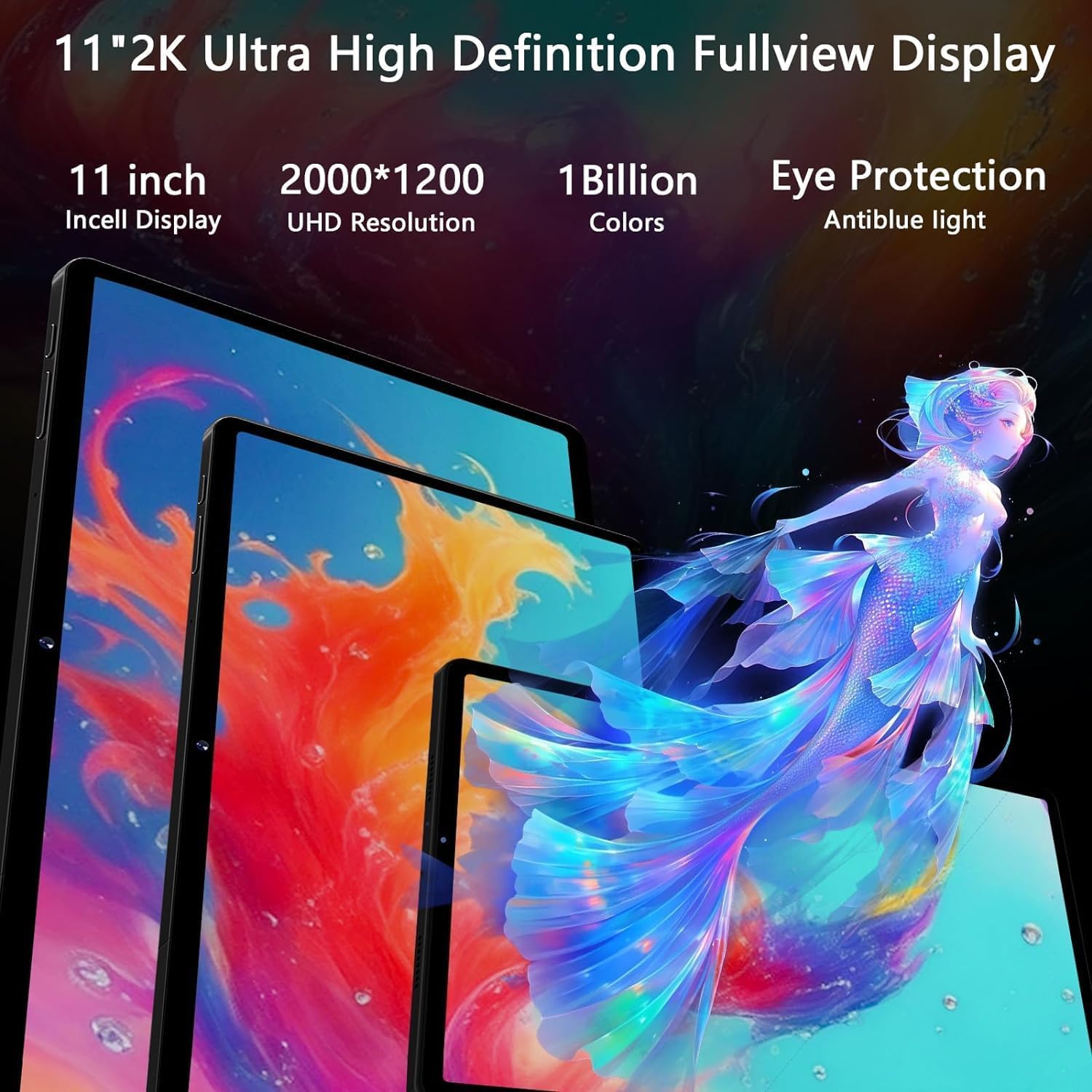
Image 5.2: The 11-inch 2K Incell display with 2000x1200 resolution, highlighting its vivid color reproduction and eye protection features.
5.3 Camera Usage
The tablet includes a 5MP front camera for video calls and a rear camera system with a 13MP main sensor and a 2MP macro lens for capturing photos and videos.
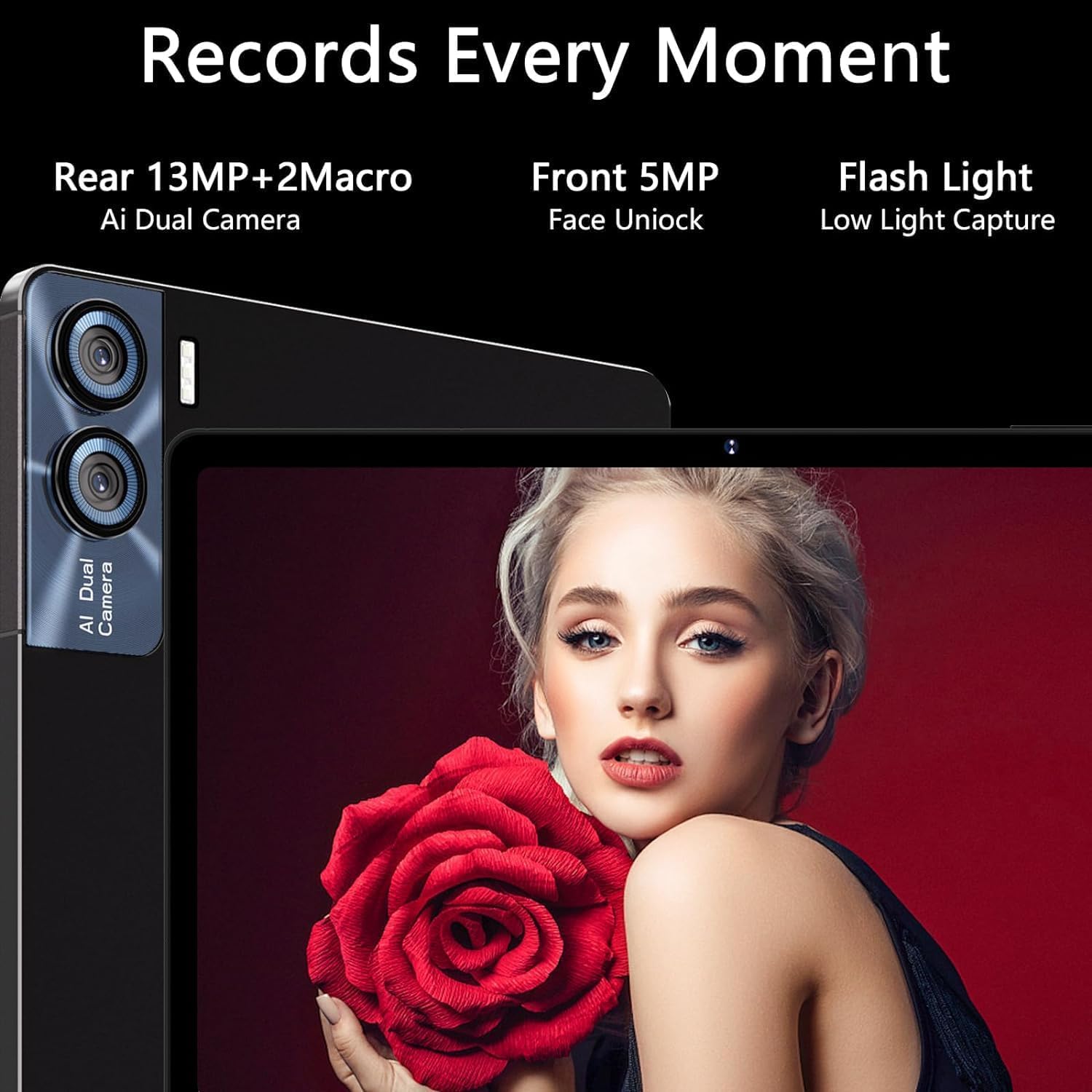
Image 5.3: Details of the tablet's camera system, including the 13MP+2MP macro rear camera and 5MP front camera with face unlock capability.
5.4 Audio
Experience 360-degree surround sound with the tablet's four stereo speakers, enhancing your music and video playback.
6. Connectivity
- Wi-Fi: Supports 5G and 2.4G dual-band Wi-Fi for stable and fast internet connections.
- Bluetooth 5.0: For connecting wireless peripherals like headphones, speakers, keyboard, and mouse.
- GPS: Integrated GPS for navigation and location services.
- OTG (On-The-Go): Allows the tablet to act as a host, enabling connection of USB devices such as flash drives or external hard drives.
7. Storage and Performance
The GOODTEL G9 is powered by an Octa-Core 2.0 GHz processor, ensuring efficient multitasking and smooth operation for demanding applications and games.

Image 7.1: Visual representation of the tablet's MT8183 Octa-Core processor, highlighting its 16GB RAM and 2.0GHz running frequency for high performance.
- RAM: 16GB (8GB physical + 8GB expandable virtual memory) for superior multitasking.
- Internal Storage (ROM): 256GB for applications, photos, and files.
- Expandable Storage: Supports MicroSD cards up to 1TB.

Image 7.2: Illustrates the tablet's capability for smooth and stable performance, particularly during gaming, due to its 16GB RAM and optimized design.
8. Battery Management
The GOODTEL G9 is equipped with an 8600mAh battery, designed for extended usage. To optimize battery life:
- Adjust screen brightness.
- Close unused applications running in the background.
- Disable Wi-Fi or Bluetooth when not in use.
Estimated battery life:
- Standby: Up to 240 hours
- Music Playback: Up to 16 hours
- Web Browsing: Up to 24 hours
- Video Playback: Up to 10 hours

Image 8.1: Highlights the tablet's 8600mAh battery capacity and its extended usage times for various activities.
9. Maintenance
9.1 Cleaning
Use a soft, lint-free cloth to clean the screen and body of the tablet. Avoid using harsh chemicals or abrasive materials.
9.2 Software Updates
Regularly check for and install software updates to ensure optimal performance, security, and access to new features. Go to Settings > System > System update.
10. Troubleshooting
| Problem | Possible Solution |
|---|---|
| Tablet does not power on. | Ensure the battery is charged. Connect the tablet to the charger for at least 30 minutes, then try powering on again. |
| Wi-Fi connection issues. | Restart the tablet and your Wi-Fi router. Check if other devices can connect to the network. Ensure the Wi-Fi password is correct. |
| Bluetooth accessory not pairing. | Ensure the accessory is in pairing mode and within range. Restart Bluetooth on the tablet and try again. |
| Slow performance. | Close unused apps. Clear cache. Consider performing a factory reset if the issue persists (back up data first). |
| Screen is unresponsive. | Restart the tablet by holding the power button. If unresponsive, force restart (refer to device specific instructions if available, usually holding power for 10-15 seconds). |
11. Specifications
| Feature | Detail |
|---|---|
| Brand | GOODTEL |
| Model Number | G9 |
| Operating System | Android 13 |
| Processor | Octa-Core, 2.0 GHz (Unisoc) |
| RAM | 16 GB (8GB + 8GB expandable) |
| Internal Storage (ROM) | 256 GB |
| Expandable Storage | Up to 1 TB via MicroSD |
| Display Size | 11 Inches |
| Display Resolution | 2000 x 1200 pixels (2K Incell) |
| Rear Camera | 13 MP + 2 MP Macro |
| Front Camera | 5 MP |
| Wi-Fi | 802.11ac (5G + 2.4G Dual Band) |
| Bluetooth | 5.0 |
| Battery Capacity | 8600 mAh |
| Weight | 450 Grams |
| Dimensions | 35.4 x 19 x 6.7 cm (Package) |
12. Warranty and Support
GOODTEL provides professional support with 10 years of experience. If you have any questions or require assistance with your purchase, please contact our customer support team via email. Refer to your purchase documentation for specific warranty terms and contact details.

