
1. Introduction
Thank you for choosing the 86lux Book Light. This device is designed to provide comfortable and adjustable illumination for reading, featuring a USB rechargeable LED light with multiple color temperatures and stepless dimming. Its aluminum alloy construction ensures durability and portability. This manual provides essential information for safe and effective use.
2. Safety Information
- Do not expose the device to extreme temperatures or direct sunlight.
- Keep away from water and moisture.
- Do not attempt to disassemble or repair the device yourself. Contact customer support if needed.
- Use only the provided USB-C cable for charging.
- Keep out of reach of children.
3. Package Contents
Verify that all items are present in your package:
- 1 x 86lux Book Light
- 1 x USB-C Charging Cable (adapter not included)
4. Product Overview
The 86lux Book Light features a compact design with intuitive controls and a flexible light head.
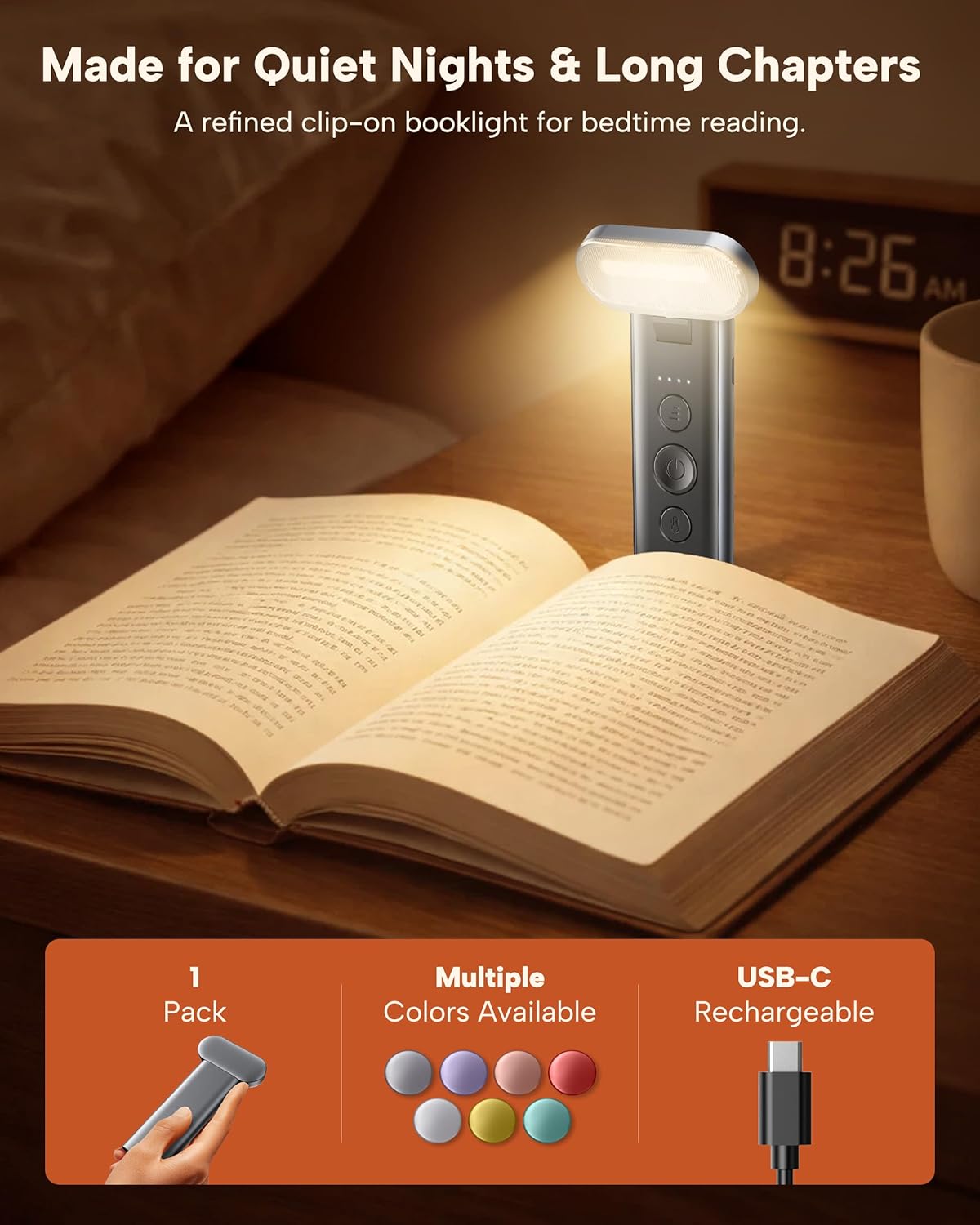
Figure 1: Overview of the 86lux Book Light.
- Light Head: Contains 7 high-intensity LEDs with a curved lampshade for wider, softer illumination.
- Flexible Arm/Body: Allows for omnidirectional adjustment of the light head.
- Control Buttons: Three independent buttons for power, brightness, and color temperature.
- Clip: Securely attaches to books, acting as a bookmark.
- USB-C Port: For charging the internal battery.
- Battery Indicator: Displays remaining battery life.
5. Setup and Charging
5.1 Initial Charge
Before first use, fully charge the book light. Connect the provided USB-C cable to the charging port on the device and to a USB power source (e.g., computer, wall adapter, power bank).

Figure 2: Charging the 86lux Book Light using a USB-C cable.
- The battery indicator lights will show charging progress.
- A full charge provides up to 100 hours of use on the dimmest setting.
5.2 Attaching to a Book
Gently slide the clip onto the pages of your book. The expanded contact area of the clip is designed to reduce pressure and prevent marks on your book. The ideal clamping range is approximately 0.06 to 0.17 inches (10-15 pages).

Figure 3: The book light clipped onto a book.
6. Operation
6.1 Power On/Off
Press the central power button (Ⓘ) to turn the light on or off. The light features a memory function, recalling your last brightness and color temperature settings.

Figure 4: Control buttons for power, brightness, and color temperature.
6.2 Adjusting Brightness
Press the top button (≡) to adjust the brightness. The light offers stepless dimming, allowing you to find your preferred illumination level.
6.3 Changing Color Temperature
Press the bottom button (☼) to cycle through the three available color temperature modes: Eye-caring Reading (3000K), Relaxing Reading (4000K), and Focusing Reading (6500K).

Figure 5: Different color temperature modes for various reading environments.
6.4 Adjusting Light Direction
The light head can be rotated and angled to direct illumination precisely where needed, ensuring light focuses on the page and not on your surroundings.
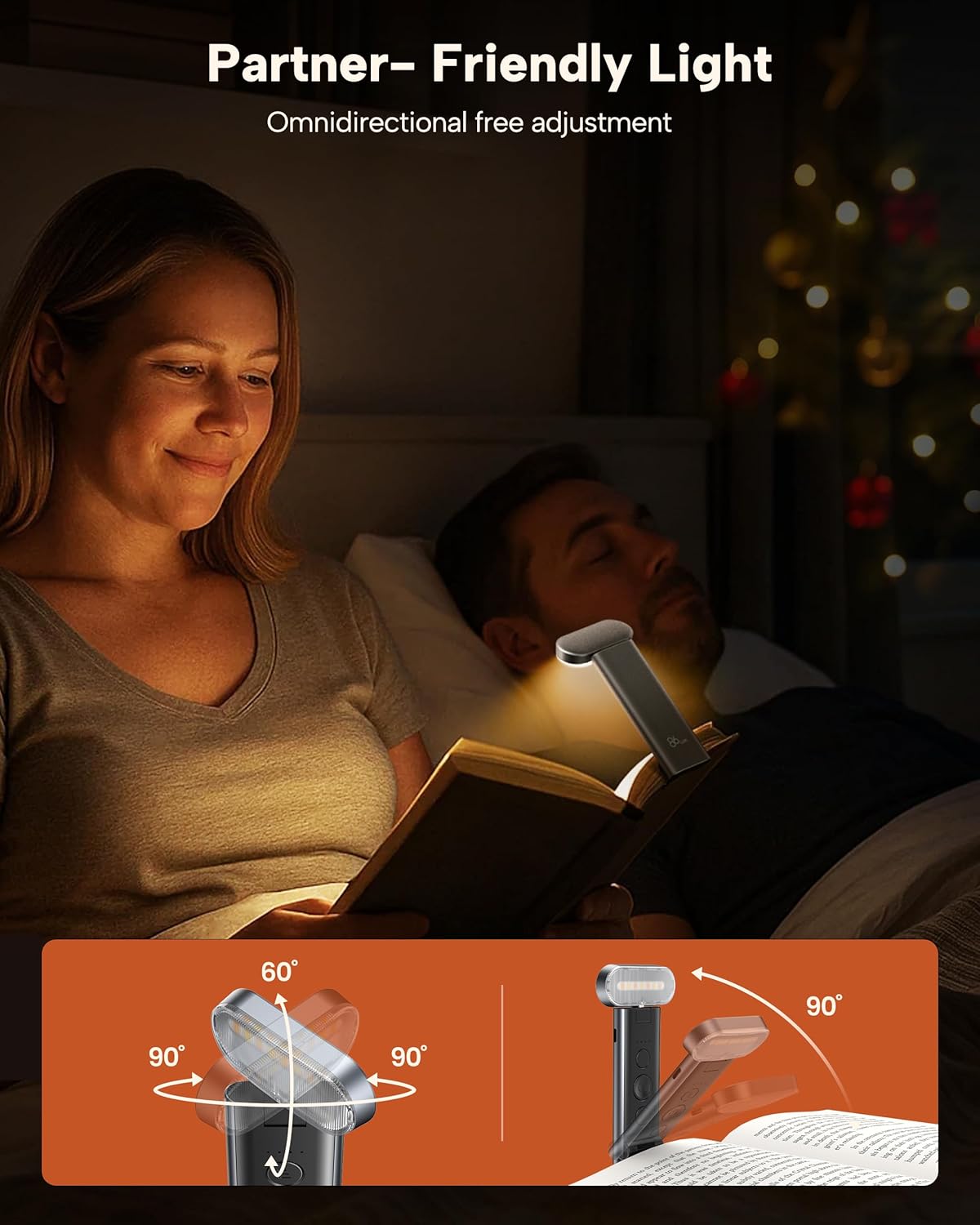
Figure 6: Omnidirectional adjustment of the light head.
7. Maintenance
- Clean the light with a soft, dry cloth. Do not use abrasive cleaners or solvents.
- Store the device in a cool, dry place when not in use.
- Avoid dropping the device or subjecting it to strong impacts.
8. Troubleshooting
| Problem | Possible Cause | Solution |
|---|---|---|
| Light does not turn on. | Battery is depleted. | Charge the book light using the provided USB-C cable. |
| Light flickers or is dim. | Low battery. | Recharge the device. |
| Cannot change brightness or color. | Buttons unresponsive. | Ensure the device is powered on. If issue persists, try charging or resetting (if applicable, though not specified). |
| Light leaves marks on book pages. | Clip applied to too many pages. | Ensure the clamping range is within 0.06-0.17 inches (approx. 10-15 pages). |
9. Specifications
| Feature | Detail |
|---|---|
| Model Number | TH-OK25-BL-JH |
| Light Source Type | LED (7 LEDs) |
| Material | Aluminum Alloy |
| Dimensions (L x W x H) | 5.11" x 0.62" x 0.62" |
| Item Weight | 3.2 Ounces |
| Power Source | Battery Powered (1 Lithium Polymer battery included) |
| Charging Port | USB-C |
| Brightness | 40 Lumens (Max) |
| Color Temperatures | 3000K, 4000K, 6500K |
| Control Method | Touch/Push Button |
| Special Features | Cordless, Rechargeable, Memory Function, RG0 Certified (No Blue Light Hazard) |
10. Warranty and Support
The 86lux Book Light comes with a 2-year care coverage. For any product inquiries, technical support, or warranty claims, please contact 86lux customer service. You can find contact information on the official 86lux website or through your purchase platform.
FCC, CE Certification: This product complies with relevant safety and quality standards.
11. Product Videos
Watch these official videos for a visual guide on using your 86lux Book Light.
Video 1: Demonstration of the 86lux Book Light's features and usage.
Video 2: Overview of the 86lux Book Light's design and benefits.