
1. Introduction
This manual provides comprehensive instructions for the safe and efficient use of your Miady 20000mAh Wireless Solar Power Bank, Model HYD028. This device is designed to provide portable power for various electronic devices, featuring both wired and wireless charging capabilities, as well as solar recharging for emergency situations.

Image: The Miady 20000mAh Wireless Solar Power Bank, demonstrating its compact size and portability for outdoor use.
2. What's in the Box
- 1 x Miady 20000mAh Wireless Solar Power Bank
- 1 x USB-C Cable
- 1 x User Manual
3. Product Features
- High Capacity: 20000mAh battery for extended power.
- Fast Charging Outputs: One 20W PD USB-C output and one 22.5W USB-A output.
- Solar Recharging: Integrated solar panel for supplemental charging (max 1W).
- Wireless Charging: Up to 15W wireless charging compatible with various smartphones.
- Durable Design: Rugged and waterproof construction suitable for outdoor environments.
- Integrated LED Light: High luminous LED flashlight for illumination.
- Safety Features: Auto shut-off and LED indicator lights for charging status.
4. Setup
Before initial use, it is recommended to fully charge the power bank using a USB-C wall adapter. This ensures the internal battery is calibrated and ready for optimal performance.
- Connect the provided USB-C cable to the power bank's USB-C port.
- Connect the other end of the USB-C cable to a compatible USB-C wall adapter (not included).
- Plug the wall adapter into a power outlet. The LED indicator lights will show the charging progress.
- Once all LED indicators are solid, the power bank is fully charged.
5. Operating Instructions
5.1 Charging the Power Bank
The power bank can be recharged via USB-C or its integrated solar panel.
- USB-C Recharging: For fastest charging, connect the power bank to a USB-C wall adapter using the provided cable.
- Solar Recharging: Place the power bank with its solar panel facing direct sunlight. The solar charging feature is primarily for emergency use and supplemental power, as its maximum speed is 1W. Full charging via solar power alone will take a significant amount of time.

Image: The power bank being recharged via a USB-C cable connected to a wall outlet, and an illustration of solar panel charging under sunlight.
5.2 Charging Your Devices
The power bank supports both wired and wireless charging for your electronic devices.
- Wired Charging: Connect your device to the power bank using a compatible USB-C or USB-A cable. The power bank features a 20W PD USB-C output and a 22.5W USB-A output for fast charging.

Image: A smartphone connected to the Miady power bank via a USB-C cable, illustrating wired charging.
- Wireless Charging: Place your wireless charging compatible device directly onto the designated wireless charging area of the power bank. Charging will begin automatically. For optimal performance, ensure no foreign objects are between the device and the power bank. Remove thick phone cases if wireless charging is not initiating or is slow.
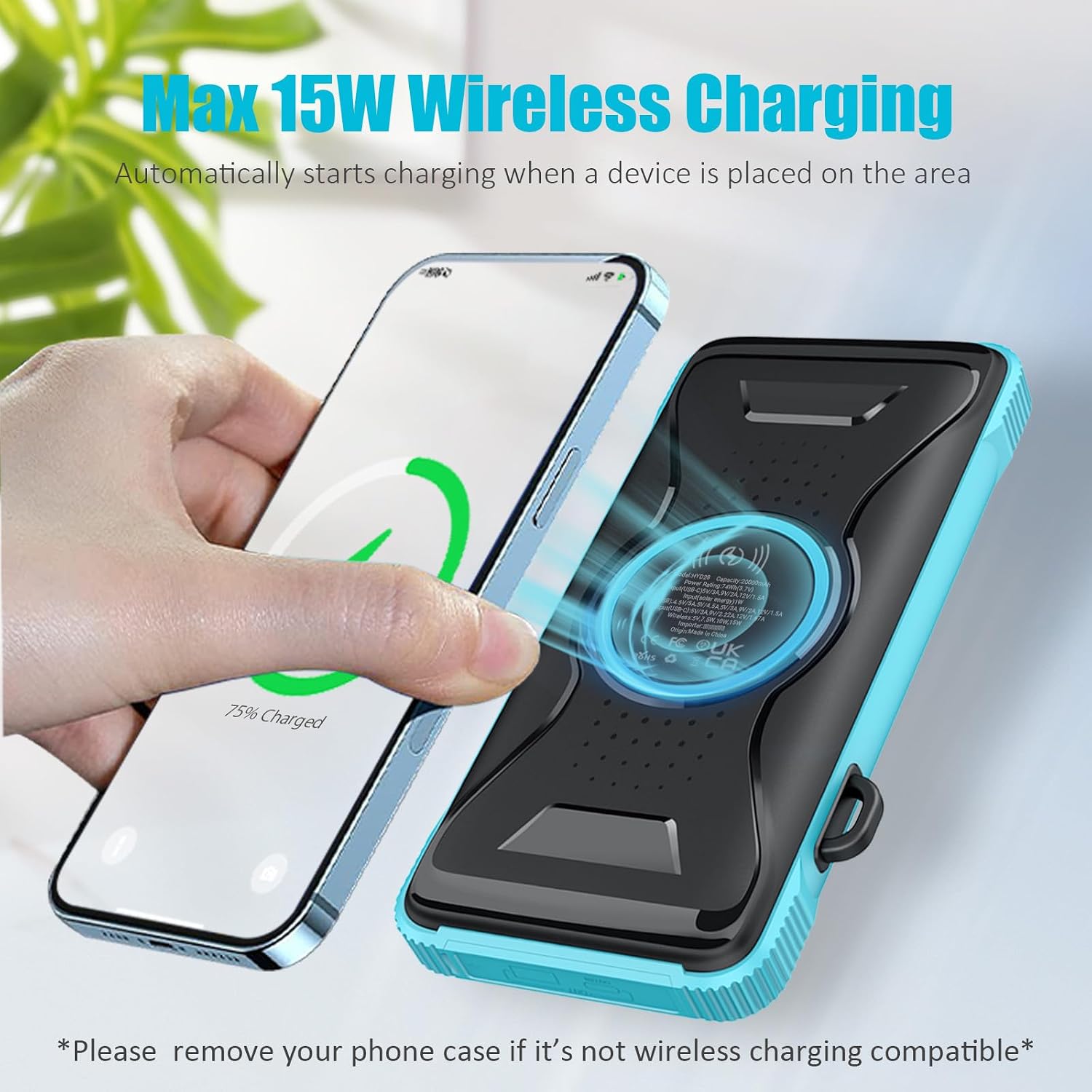
Image: A smartphone being wirelessly charged by the Miady power bank, showing the wireless charging indicator.
5.3 Using the LED Flashlight
The power bank includes a high luminous LED flashlight for convenience in low-light conditions.
- To turn on the flashlight, press and hold the power button for approximately 3 seconds.
- To cycle through different light modes (if available) or turn off the flashlight, press the power button briefly.

Image: The Miady power bank's LED flashlight providing illumination in a dark environment, demonstrating its utility for outdoor activities.
6. Maintenance
Proper maintenance ensures the longevity and optimal performance of your power bank.
- Keep the device away from extreme temperatures (hot or cold) and direct heat sources.
- Avoid dropping or subjecting the power bank to strong impacts.
- Clean the exterior with a soft, dry cloth. Do not use harsh chemicals or abrasive cleaners.
- Although waterproof, avoid prolonged submersion in water. Ensure port covers are securely closed when exposed to moisture.
- If not in use for an extended period, charge the power bank at least once every three months to maintain battery health.
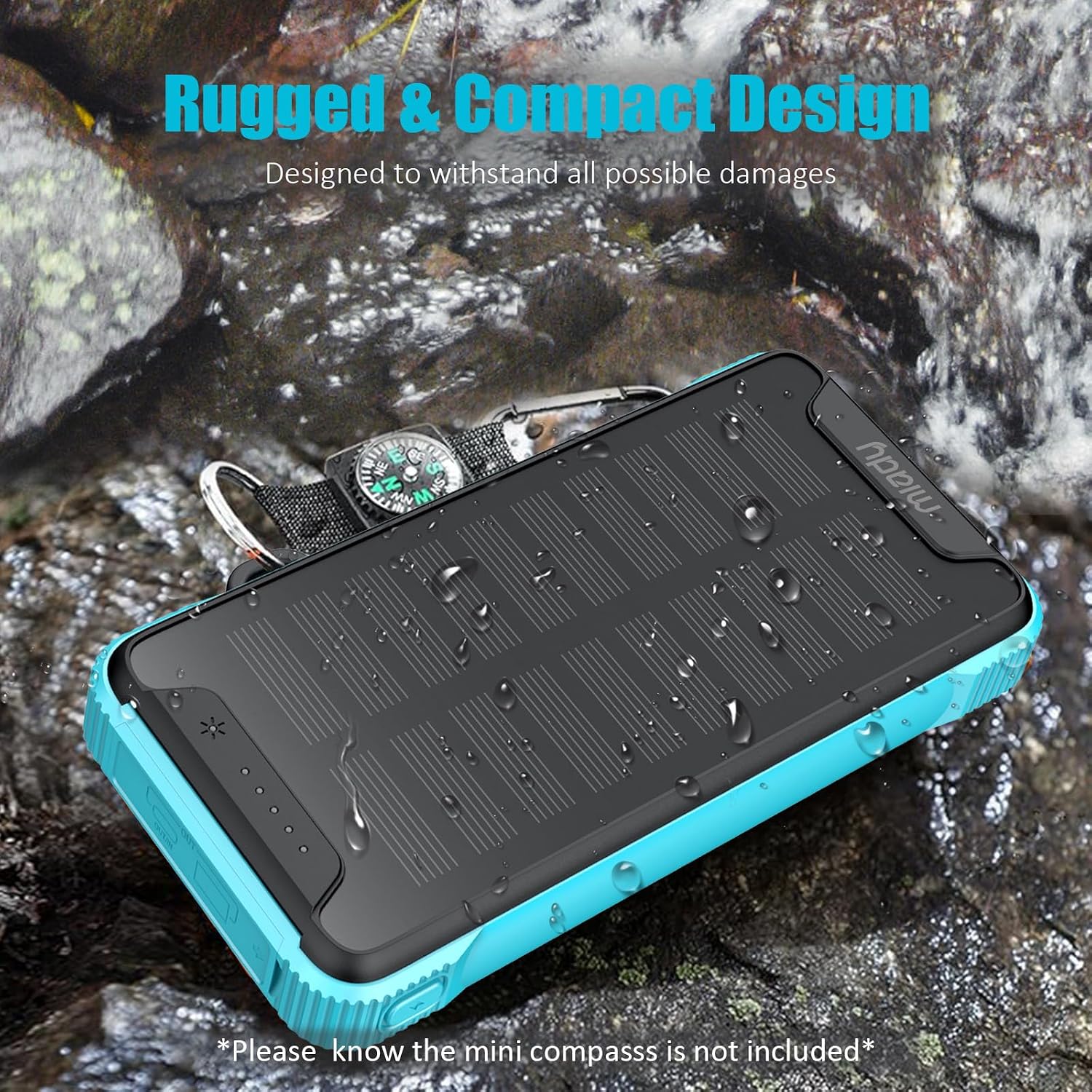
Image: The Miady power bank on a wet, rocky surface, highlighting its rugged and waterproof construction.
7. Troubleshooting
| Problem | Possible Cause | Solution |
|---|---|---|
| Power bank not charging | Faulty cable or adapter; power outlet issue; solar panel not in direct sunlight. | Try a different USB-C cable and wall adapter. Ensure the wall outlet is functional. For solar charging, place the panel in direct, unobstructed sunlight. |
| Device not charging from power bank | Power bank battery depleted; faulty charging cable; device incompatibility; wireless charging obstruction. | Ensure the power bank is charged. Try a different charging cable. Verify your device is compatible with wired/wireless charging. For wireless charging, remove phone case or any objects between the device and power bank. |
| Slow charging | Low power adapter; poor quality cable; device drawing less power; solar charging limitations. | Use a 20W or higher USB-C PD wall adapter for optimal charging speed. Use high-quality charging cables. Solar charging is inherently slower and intended for supplemental power. |
| LED flashlight not working | Power bank battery depleted; incorrect operation. | Ensure the power bank has sufficient charge. Press and hold the power button for 3 seconds to activate. |
8. Specifications
| Feature | Detail |
|---|---|
| Model | HYD028 |
| Battery Capacity | 20000mAh (Lithium Ion) |
| USB-C Output | 20W (max) Power Delivery |
| USB-A Output | 22.5W (max) |
| Wireless Charging Output | 15W (max) |
| Solar Panel Input | 1W (max) |
| Product Dimensions | 14.91 x 7.9 x 3.2 cm |
| Item Weight | 463 g |
| Special Features | Auto Shut-Off, Fast Charging, Flashlight, LED Indicator Lights, Wireless Charging, Waterproof |
| Compatible Devices | Android Smartphones, Tablet, iPhones |
9. Warranty and Support
The Miady 20000mAh Wireless Solar Power Bank comes with an 18-month warranty from the date of purchase.
For technical support, warranty claims, or any inquiries regarding your product, please contact Miady customer service through the retailer's platform or the official Miady website. Please have your purchase receipt and product model number (HYD028) available when contacting support.