
1. Product Overview
The Spigen Rugged Armor Pro is a hard shell travel carrying case specifically designed for the PlayStation Portal Remote Player. This case provides robust protection and convenient storage for your device and essential accessories, ensuring safety during transport and storage.
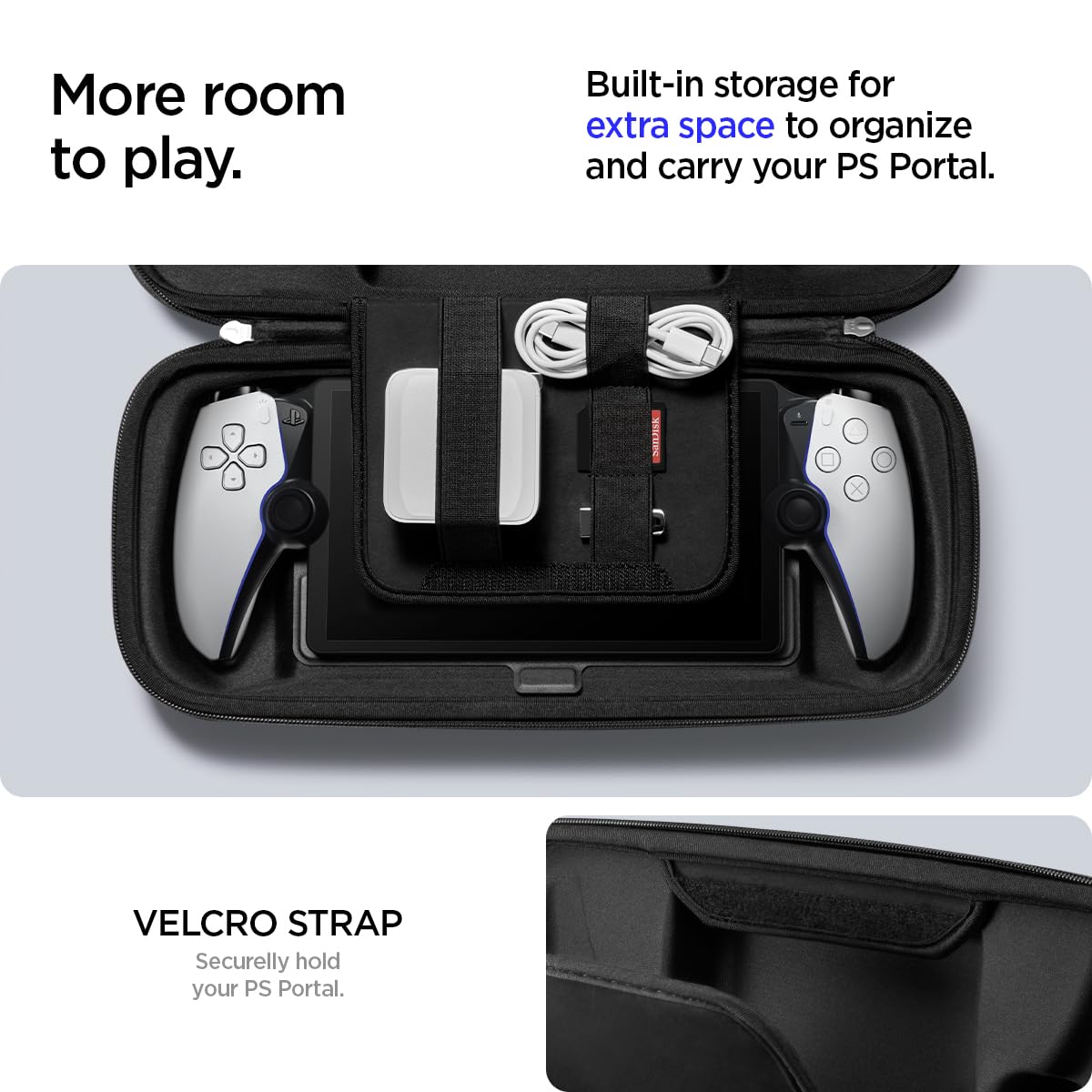
Overall view of the Spigen Rugged Armor Pro case for PlayStation Portal.
2. Key Features
- Premium Construction: Features a durable shell crafted from PU, EVA, Protective Foam, and Anti-Scratch Nylon to safeguard your PlayStation Portal.
- Precise Protection: Foam padding provides all-around protection with precise cutouts for joysticks and buttons, preventing movement and damage.
- Secure Fastening Straps: Includes a Velcro strap with a suede interior lining for a stable grip and screen protection.
- Hidden Storage: A dedicated compartment beneath the device area and a zipper pocket for tracking devices or small valuables.
- Cable Management: Built-in straps within the storage area help organize your charger and charging cable.
- Compatibility: Designed exclusively for the PlayStation Portal.
3. Package Contents
- Spigen Rugged Armor Pro Carrying Case for PlayStation Portal (1 unit)
4. Setup and Installation
- Open the Case: Unzip the case completely to reveal the interior compartments.
- Place PlayStation Portal: Carefully align your PlayStation Portal with the custom-molded foam padding in the main compartment. Ensure the joysticks and buttons fit into their respective cutouts.
- Secure with Strap: Fasten the internal Velcro strap over the PlayStation Portal to hold it firmly in place and protect the screen.
- Organize Accessories: Utilize the built-in straps in the upper lid compartment to secure charging cables or other small accessories.

The PlayStation Portal securely placed within the case's custom-molded interior.

Interior view showing the PlayStation Portal and organized storage for cables and small accessories.
5. Usage and Storage
- Accessory Storage: The upper compartment is suitable for storing charging cables, earbuds, or other small, flat items.
- Hidden Compartment: Lift the panel beneath the PlayStation Portal to access a hidden compartment, ideal for securing tracking devices or other small valuables.
- Portability: Use the integrated carrying strap for convenient and secure transportation of your case.
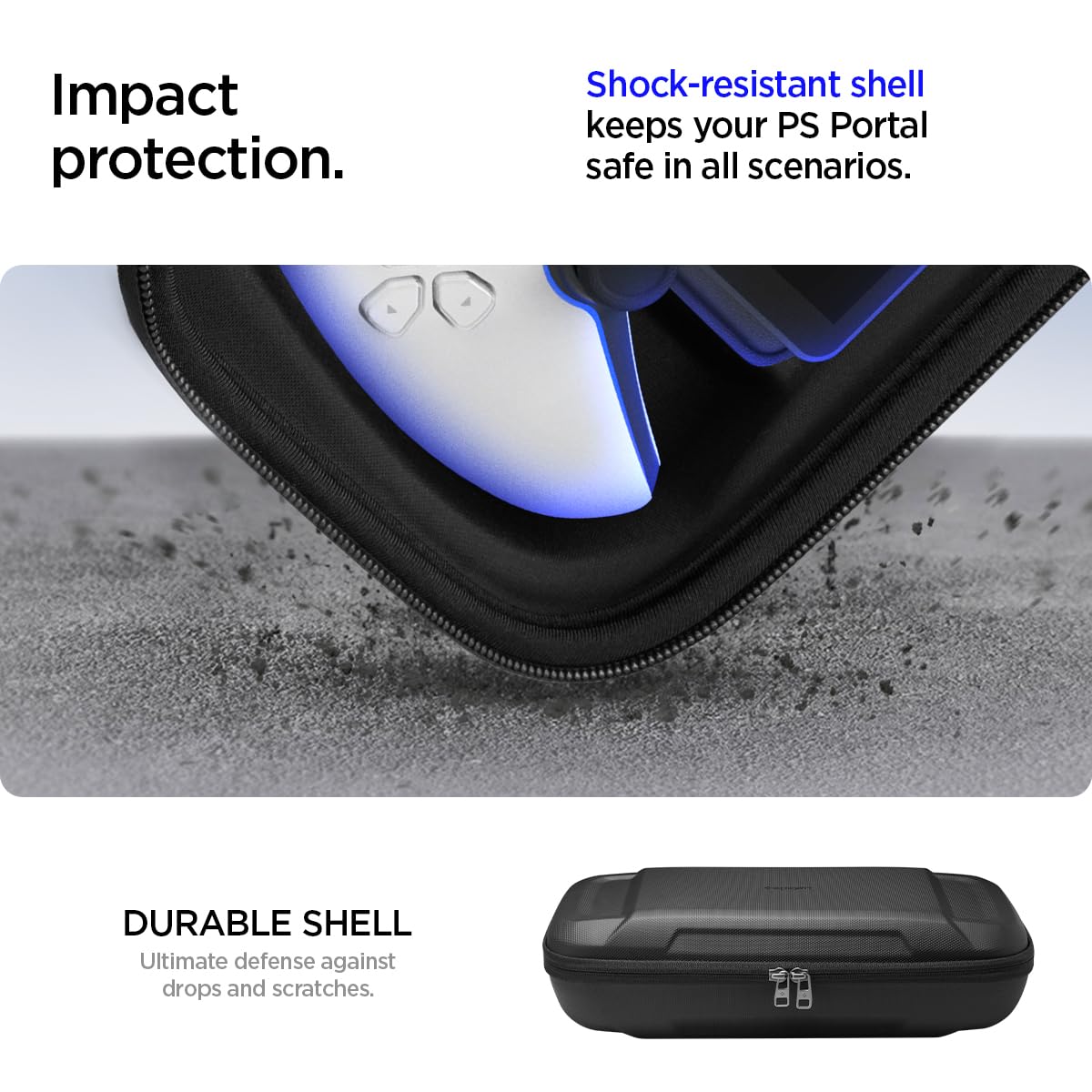
Illustration of the hidden compartment beneath the PlayStation Portal for secure storage of small items.
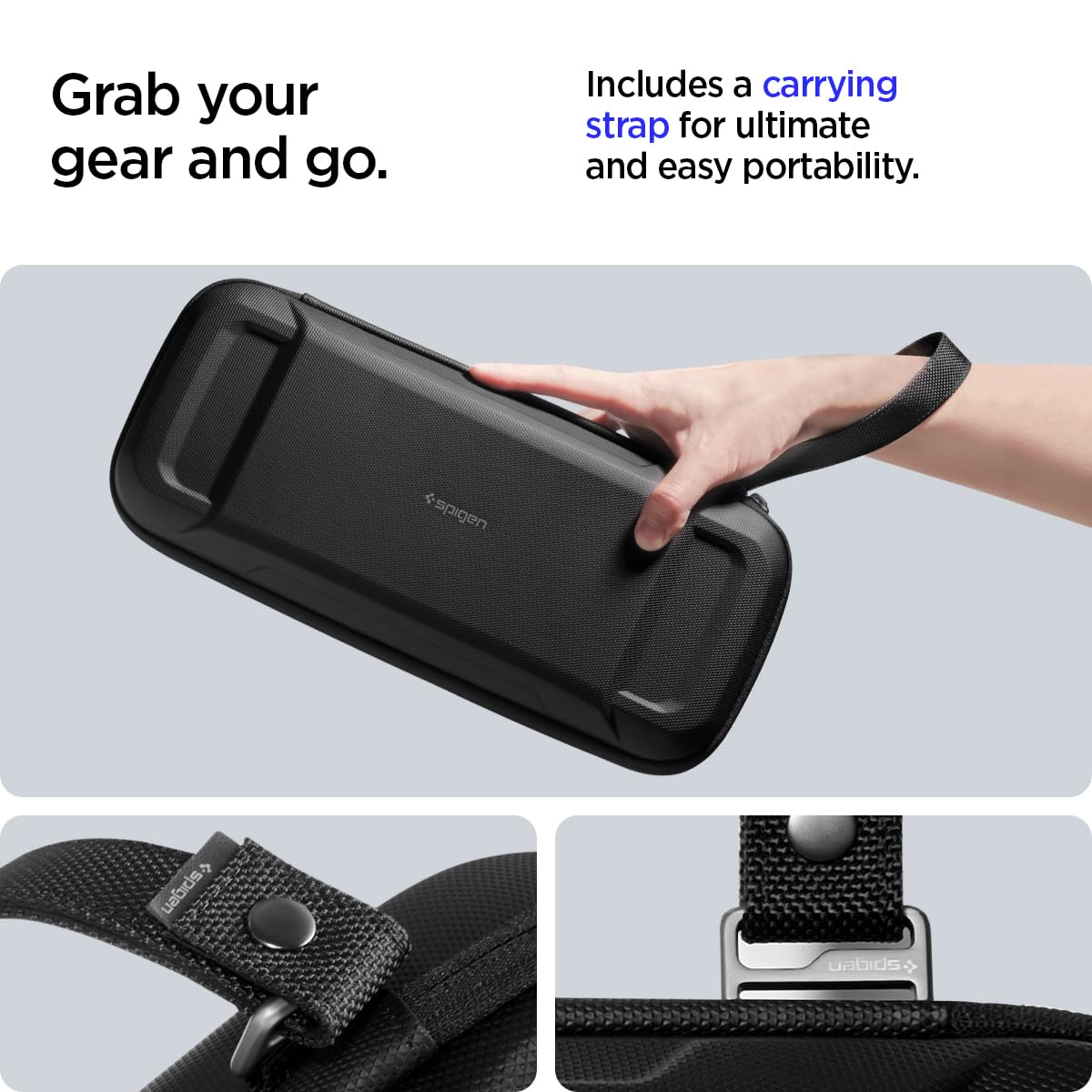
A user holding the case by its integrated carrying strap, highlighting ease of transport.
6. Care and Maintenance
- Cleaning: Wipe the exterior with a damp cloth and mild soap if necessary. Allow to air dry completely.
- Interior Care: Use a soft, dry cloth to clean the interior lining. Avoid abrasive cleaners.
- Storage: Store the case in a cool, dry place away from direct sunlight and extreme temperatures when not in use.
- Impact Protection: The case is designed to absorb impacts, providing a protective barrier for your device.

The durable exterior shell designed to withstand impacts and protect the device.
7. Specifications
| Compatible Devices | PlayStation Portal Remote Player |
| Closure Type | Magnetic |
| Handle Type | Straps |
| Number of Compartments | 2 |
| Pocket Description | Zipper Pocket |
| Strap Type | Velcro strap |
| Item Dimensions (L x W x H) | 13.6" x 5.75" x 3.73" |
| Item Weight | 0.1 Kilograms |
| Color | Black |
| Material Type | PU, EVA, Protective Foam, Anti-Scratch Nylon |
| Shell Type | Hard |
8. Troubleshooting
- Case not closing properly: Ensure the PlayStation Portal and all accessories are correctly positioned within their designated compartments. Remove any bulky items that may prevent the case from closing securely.
- Device feels loose: Verify that the Velcro strap is securely fastened over the PlayStation Portal. The custom-molded interior is designed for a snug fit; ensure the device is seated correctly.
- Difficulty with zippers: If zippers are stiff, apply a small amount of zipper lubricant or wax. Avoid forcing the zippers.
9. Warranty and Support
For warranty information or product support, please refer to the official Spigen website or contact Spigen customer service directly. Keep your purchase receipt as proof of purchase.
