
Introduction
This manual provides detailed instructions for the setup, operation, and maintenance of your JBL Bar 300 All-in-One Soundbar. The JBL Bar 300 delivers powerful 260 watts of sound, featuring MultiBeam and Dolby Atmos technologies for an immersive 3D surround sound experience. This package also includes AudioQuest Pearl 48 HDMI Cables for optimal connectivity. Please read this manual thoroughly before using your soundbar to ensure proper functionality and safety.
Safety Information
Always adhere to the following safety guidelines to prevent damage to the device or personal injury:
- Do not expose the soundbar to rain or moisture.
- Do not block any ventilation openings.
- Ensure proper power supply voltage as indicated on the unit.
- Keep the soundbar away from heat sources such as radiators, heat registers, stoves, or other apparatus (including amplifiers) that produce heat.
- Only use attachments/accessories specified by the manufacturer.
- Unplug this apparatus during lightning storms or when unused for long periods of time.
What's in the Box
Verify that all components are present in your package:
- JBL Bar 300 Soundbar
- Remote Control
- AudioQuest Pearl 48 HDMI Cables (2.25m)
- Power Cable
- Wall-mount bracket kit with screws
- Quick Start Guide
- Safety Sheet
- Warranty Card

Image: The JBL Bar 300 Soundbar, its remote control, and the included AudioQuest Pearl 48 HDMI cables.
Setup
1. Unpacking
Carefully remove all components from the packaging. Retain the packaging materials for future transport or storage.
2. Placement
Place the soundbar on a stable, flat surface directly in front of your television. Ensure there is clear space around the soundbar for optimal sound dispersion. Alternatively, you can wall-mount the soundbar using the provided bracket kit.
3. Connections
Connect the soundbar to your television using the included AudioQuest Pearl 48 HDMI cable. For the best audio quality, connect the HDMI cable to your TV's HDMI eARC/ARC port. This allows for high-quality audio return from your TV to the soundbar.
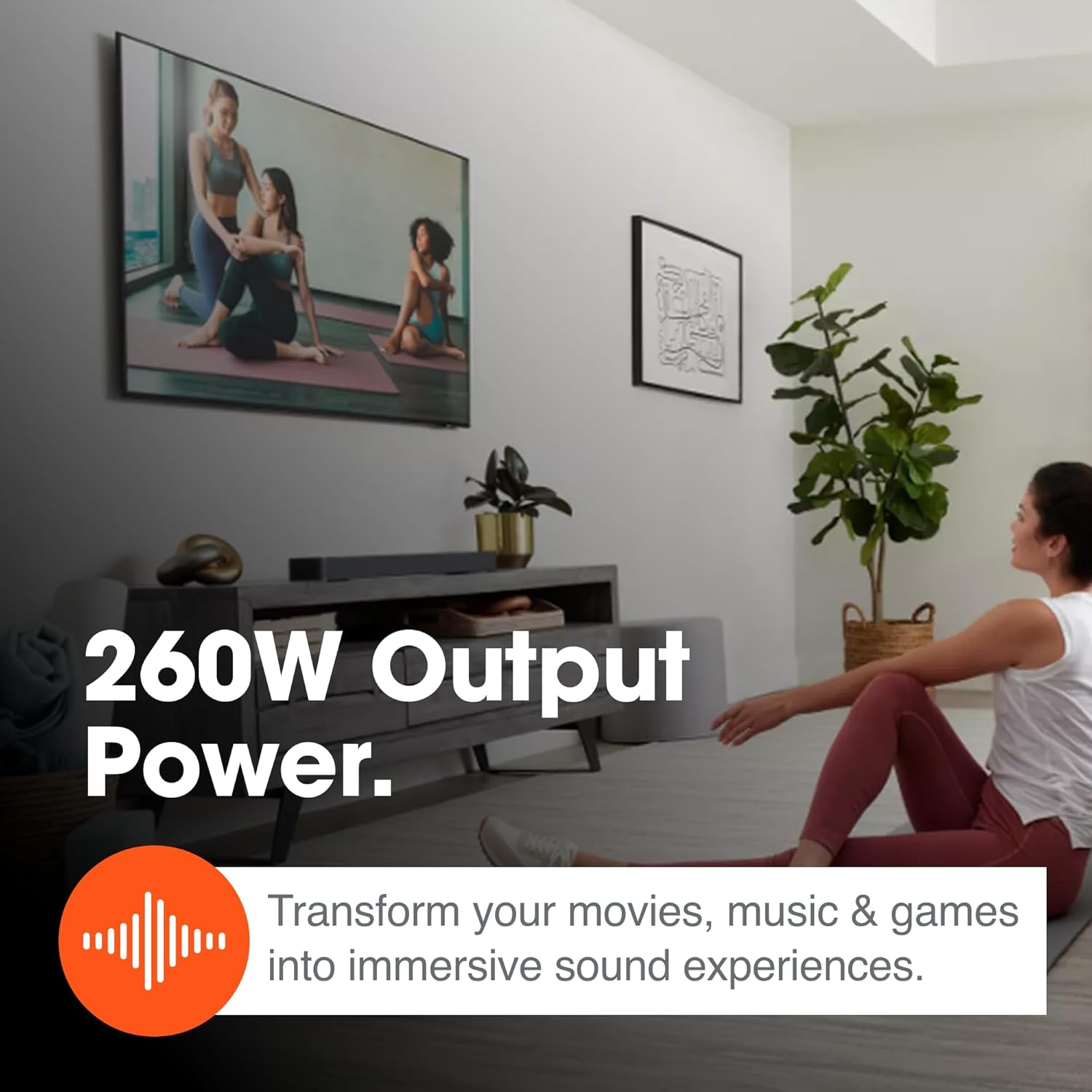
Image: A close-up view of the AudioQuest Pearl 48 HDMI cable, emphasizing the connection process.
If your TV does not have an HDMI eARC/ARC port, you can use an optical cable (not included) for audio connection, though HDMI eARC is recommended for full Dolby Atmos support.
4. Power On
Connect the power cable to the soundbar and then to a wall outlet. The soundbar will automatically enter standby mode. Press the power button on the soundbar or remote control to turn it on.
Operating
Basic Controls
Use the included remote control to manage power, volume, and input selection. The soundbar also features on-device controls for basic functions.
MultiBeam and Dolby Atmos
The JBL Bar 300 utilizes MultiBeam technology to project sound to different areas of your room, creating a wider soundstage without additional speakers. Combined with Dolby Atmos, it delivers a truly immersive 3D audio experience, allowing sound to move around you in three-dimensional space.

Image: A living room setup showcasing the immersive experience of Dolby Atmos with the JBL Bar 300.
Streaming Features
Access over 300 online music streaming services through built-in AirPlay, Alexa MRM, and Chromecast. Connect your smartphone, tablet, or computer via Wi-Fi or Bluetooth to stream your favorite audio content, internet radio, and podcasts in high-definition.

Image: A smartphone screen showing various music streaming applications, demonstrating the soundbar's streaming capabilities.
Punchy Bass
Despite its compact size, the JBL Bar 300 features a built-in bass port that delivers punchy bass, enhancing action scenes in movies and adding depth to music without the need for a separate subwoofer.

Image: A person enjoying content with the JBL Bar 300, highlighting its powerful bass output.
260W Output Power
With 260 watts of total output power, the JBL Bar 300 transforms your movies, music, and games into dynamic and immersive sound experiences, filling your room with rich, clear audio.

Image: A scene depicting the soundbar's powerful 260W output, enhancing various activities.
Maintenance
To maintain the performance and appearance of your JBL Bar 300 Soundbar, follow these simple maintenance tips:
- Cleaning: Use a soft, dry cloth to wipe the exterior surfaces of the soundbar. Do not use liquid cleaners or aerosol sprays, as they may damage the finish or internal components.
- Ventilation: Ensure that the ventilation openings are not blocked by dust or debris. Periodically clean them with a soft brush or vacuum cleaner.
- Storage: If storing the soundbar for an extended period, place it back in its original packaging to protect it from dust and physical damage.
Troubleshooting
If you encounter issues with your JBL Bar 300, refer to the table below for common problems and their solutions:
| Problem | Possible Cause | Solution |
|---|---|---|
| No power | Power cable not connected or outlet not active. | Ensure power cable is securely connected to the soundbar and a working power outlet. |
| No sound | Incorrect input selected; TV audio output settings; Volume too low. | Select the correct input source on the soundbar. Check TV audio output settings (e.g., set to External Speakers, PCM). Increase volume on soundbar and TV. |
| Poor sound quality | Incorrect audio format; Speaker placement. | Ensure your TV is outputting a compatible audio format. Adjust soundbar placement for optimal acoustics. |
| Remote control not working | Batteries depleted; Obstruction between remote and soundbar. | Replace batteries in the remote control. Ensure no objects are blocking the remote's line of sight to the soundbar. |
| Bluetooth pairing issues | Soundbar not in pairing mode; Device too far. | Press the Bluetooth button on the soundbar to enter pairing mode. Ensure your device is within 10 meters of the soundbar. |
Specifications
Detailed technical specifications for the JBL Bar 300 Soundbar:
| Feature | Detail |
|---|---|
| Model Name | JBL Bar 300 |
| Speaker Type | Soundbar |
| Special Feature | Dolby TrueHD, MultiBeam, Dolby Atmos |
| Recommended Uses | Indoor Home Audio |
| Compatible Devices | Smartphone, Tablet, Laptop, Desktop, TV |
| Surround Sound Channel Configuration | 5.1.2 |
| Color | Black |
| Product Dimensions (D x W x H) | 4.1"D x 32.3"W x 2.2"H |
| Item Weight | 5.5 Pounds |
| Control Method | Voice, Remote Control |
| Wireless Communication Technology | AirPlay, Bluetooth, Wi-Fi (Chromecast built-in) |
| Power Source | Corded Electric |
| Signal-to-Noise Ratio | 80 dB |
| Bluetooth Range | 10 Meters |
| Speaker Maximum Output Power | 260 Watts |
| Connectivity Technology | Bluetooth, HDMI eARC, Optical |
| Audio Output Mode | Surround |
| UPC | 810096311900 |
Warranty and Support
Your JBL Bar 300 Soundbar is covered by a manufacturer's warranty. Please refer to the warranty card included in your package for specific terms and conditions. For technical support, troubleshooting assistance beyond this manual, or warranty claims, please visit the official JBL support website or contact their customer service.
You can find more information and support resources on the JBL Store on Amazon.