
Introduction
This manual provides essential information for the proper setup, operation, and maintenance of your Dpofirs Mini Security Camera. Please read these instructions carefully before using the device to ensure optimal performance and safety. This camera features a 360-degree panoramic lens, two-way intercom, and flexible design for comprehensive surveillance.

Image: The Dpofirs Mini Security Camera, showcasing its compact design and flexible gooseneck for versatile positioning.
Package Contents
Verify that all items are present in your package:
- 1 x Dpofirs Mini Security Camera
- 1 x Charging Cable
- 1 x Mounting Bracket
- 1 x Adhesive Tape
- 1 x Ejection Pin (for reset)
- 3 x Expansion Screws
- 3 x Screws
- 1 x User Manual

Image: All components included in the product package, laid out for inspection.
Setup
1. Charging the Camera
Before initial use, fully charge the camera's built-in 2000mAh lithium battery using the provided charging cable. Connect the cable to the camera's charging port and a standard USB power adapter (not included). The indicator light will show charging status.
2. Inserting a Memory Card (Optional)
The camera supports up to 256GB memory cards (not included). Locate the memory card slot, typically near the power button. Gently insert the card until it clicks into place. If no network is available, the camera will automatically store recorded video on the memory card.
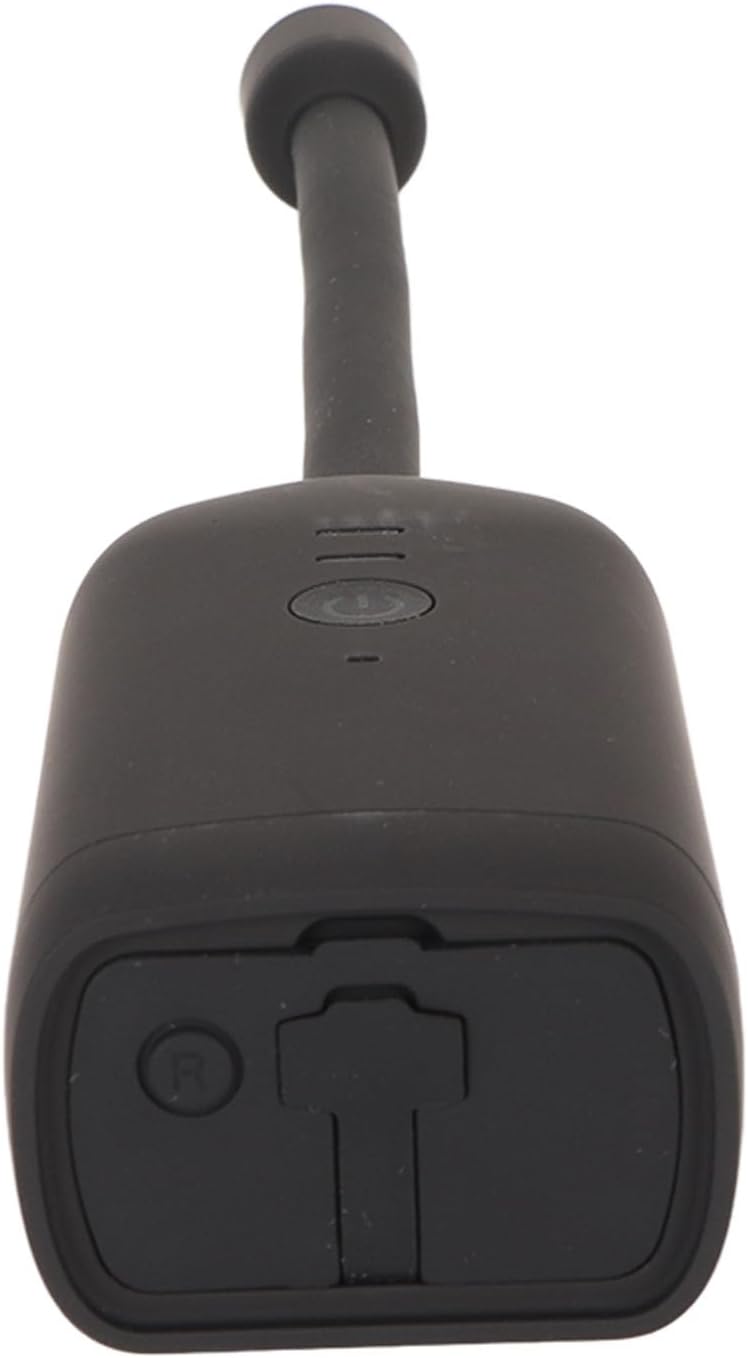
Image: A detailed view of the camera's base, highlighting the power button and the slot for a memory card.
3. Powering On
Press and hold the power button on the camera's body until the indicator light illuminates, indicating the camera is powered on.
4. Network Connection (2.4GHz Wi-Fi Only)
To access advanced features like remote viewing and two-way intercom, connect the camera to your 2.4GHz Wi-Fi network. Follow the instructions provided in the accompanying user manual for the specific mobile application to pair your camera with your smartphone or tablet (Android/iOS compatible).
5. Installation
The camera can be installed using the provided bracket and adhesive tape. Choose a suitable location for surveillance. The flexible neck allows for precise positioning of the camera lens.

Image: The camera securely mounted on a wall, demonstrating its discreet and flexible installation options.
Operating Instructions
1. Panoramic Viewing
The camera features a 360-degree panoramic lens, providing a wide field of view. Use the mobile application to navigate and adjust the viewing angle remotely. The flexible neck also allows for manual adjustment to eliminate blind spots.

Image: Visual representation of the camera's 360-degree monitoring capability and its flexible hose design, ensuring comprehensive coverage.
2. Two-Way Intercom
Utilize the two-way intercom function through the mobile app to communicate with individuals near the camera. This feature supports real-time audio interaction.
3. Remote Monitoring and Alerts
Access live video feeds and recorded footage (1920x1080 resolution) from your Android or iOS device. The camera supports alarm push notifications and custom alarm sound alerts for active defense and immediate awareness of events.

Image: Examples of the camera's two-way talk functionality, the mobile application interface for monitoring, and customizable alert settings.
4. Recording and Storage
The camera supports continuous recording. With its 2000mAh battery, it can record for up to 6 hours. For extended recording, connect the camera to a 10000mAh power bank for up to 20 hours, or plug it into a power source for 24/7 operation. Remote playback and loop recording are also supported.
Maintenance
Regular maintenance ensures the longevity and optimal performance of your camera.
- Cleaning: Use a soft, dry cloth to clean the camera lens and body. Avoid abrasive cleaners or solvents.
- Battery Care: To prolong battery life, avoid fully discharging the battery frequently. Store the camera in a cool, dry place when not in use for extended periods.
- Software Updates: Periodically check the mobile application for available firmware updates to ensure your camera has the latest features and security enhancements.
- Memory Card: Format the memory card regularly (e.g., monthly) through the camera's app settings to maintain recording efficiency.
Troubleshooting
If you encounter issues with your Dpofirs Mini Security Camera, refer to the following common problems and solutions:
- Camera Not Powering On:
- Ensure the battery is fully charged. Connect the camera to a power source and wait for the charging indicator.
- Try a different charging cable and power adapter to rule out faulty accessories.
- Press and hold the power button for at least 5-10 seconds.
- Unable to Connect to Wi-Fi:
- Confirm your Wi-Fi network is 2.4GHz. The camera does not support 5GHz networks.
- Ensure the camera is within range of your Wi-Fi router.
- Restart your Wi-Fi router and the camera.
- Perform a factory reset on the camera using the ejection pin (refer to the specific app instructions for reset procedure).
- Poor Video Quality or Lag:
- Check your internet connection speed. A stable connection is required for optimal streaming.
- Ensure the camera lens is clean and free from obstructions.
- Move the camera closer to the Wi-Fi router to improve signal strength.
- Battery Drains Quickly:
- Continuous live streaming or frequent motion detection can consume battery faster.
- Ensure the camera is fully charged before use.
- Consider connecting the camera to a power bank or directly to a power outlet for continuous operation.
- No Video Recording to Memory Card:
- Ensure a compatible memory card (up to 256GB) is correctly inserted.
- Format the memory card through the camera's mobile application.
- Check if the memory card is full.
Specifications
| Feature | Specification |
|---|---|
| Model Number | Dpofirs71ruk8ga5q |
| Video Resolution | 1920x1080 (1080p) |
| Video Format | MP4 |
| Recording Angle | 360 Degrees (Panoramic) |
| Memory Card Storage | Up to 256GB (Card Not Included) |
| Battery Type | Built-in 2000mAh Lithium Battery |
| Connectivity Protocol | Wi-Fi (2.4GHz only) |
| Compatible Devices | Android, iOS Tablets/Smartphones |
| Material | Plastic |
| Item Weight | 9.9 ounces |
| International Protection Rating | IP65 |
| Control Method | Remote (via App) |
| Alert Type | Motion Only |
Warranty and Support
For warranty information, please refer to the documentation provided at the time of purchase or contact your retailer. For technical support or further assistance, please reach out to the customer service channels specified by Dpofirs or your product vendor.
Additional Product Views

Image: Detailed view of the camera's lens at the tip of the flexible neck.
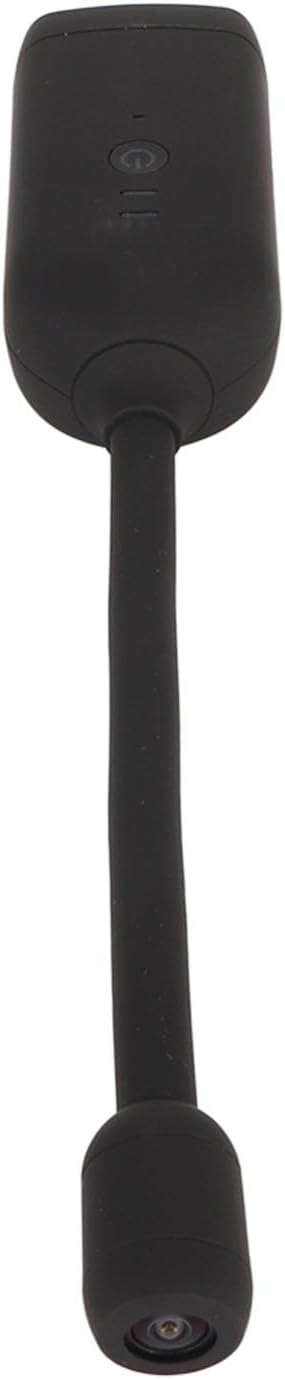
Image: An overhead perspective of the camera, highlighting its overall shape and flexible component.
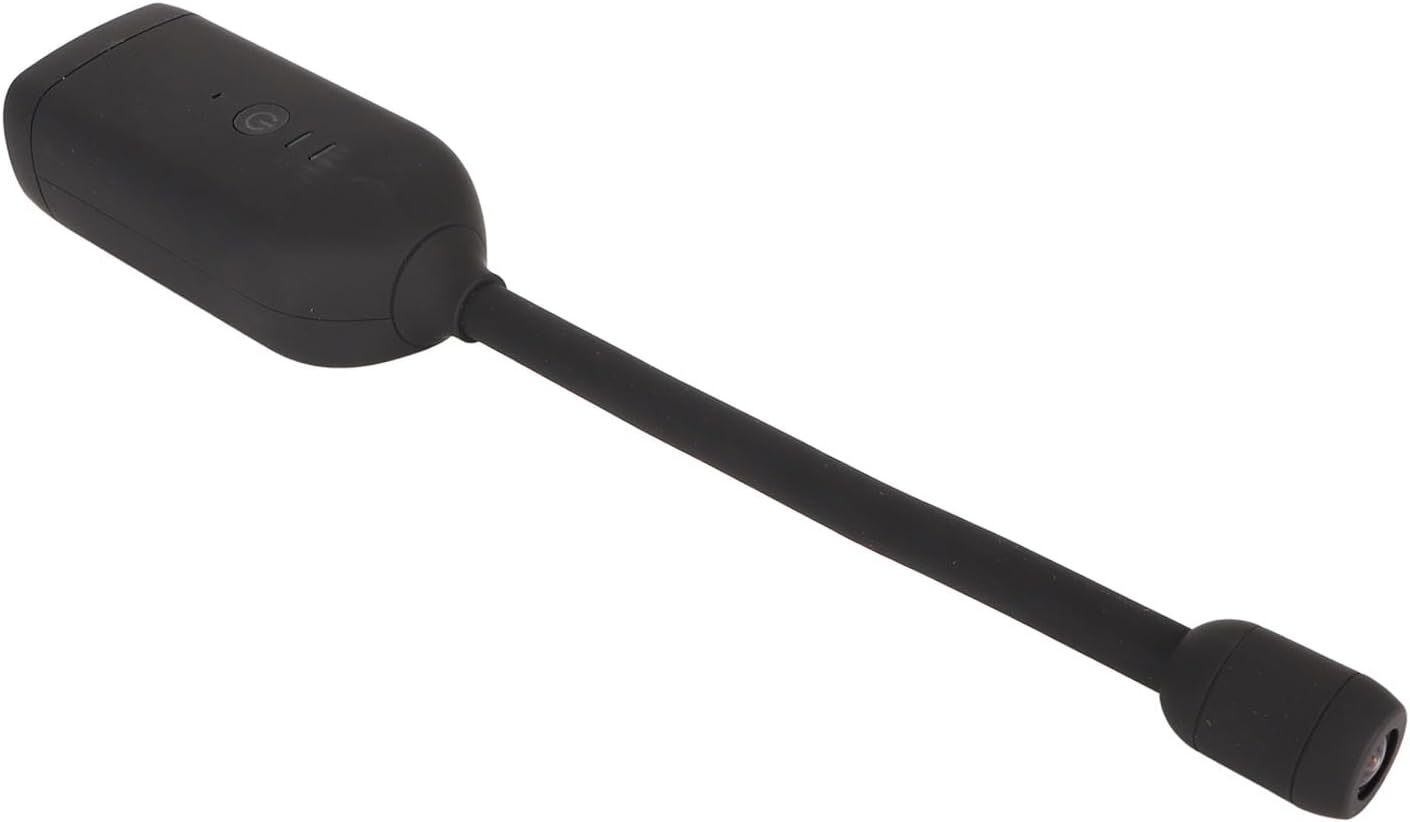
Image: An angled view providing another perspective of the camera's design.
Official Product Videos
No official product videos from the seller were found to be embedded in this manual.