
MEDION MD11740
MEDION E40 XL Air Fryer MD11740 User Manual
Model: MD11740
1. Introduction
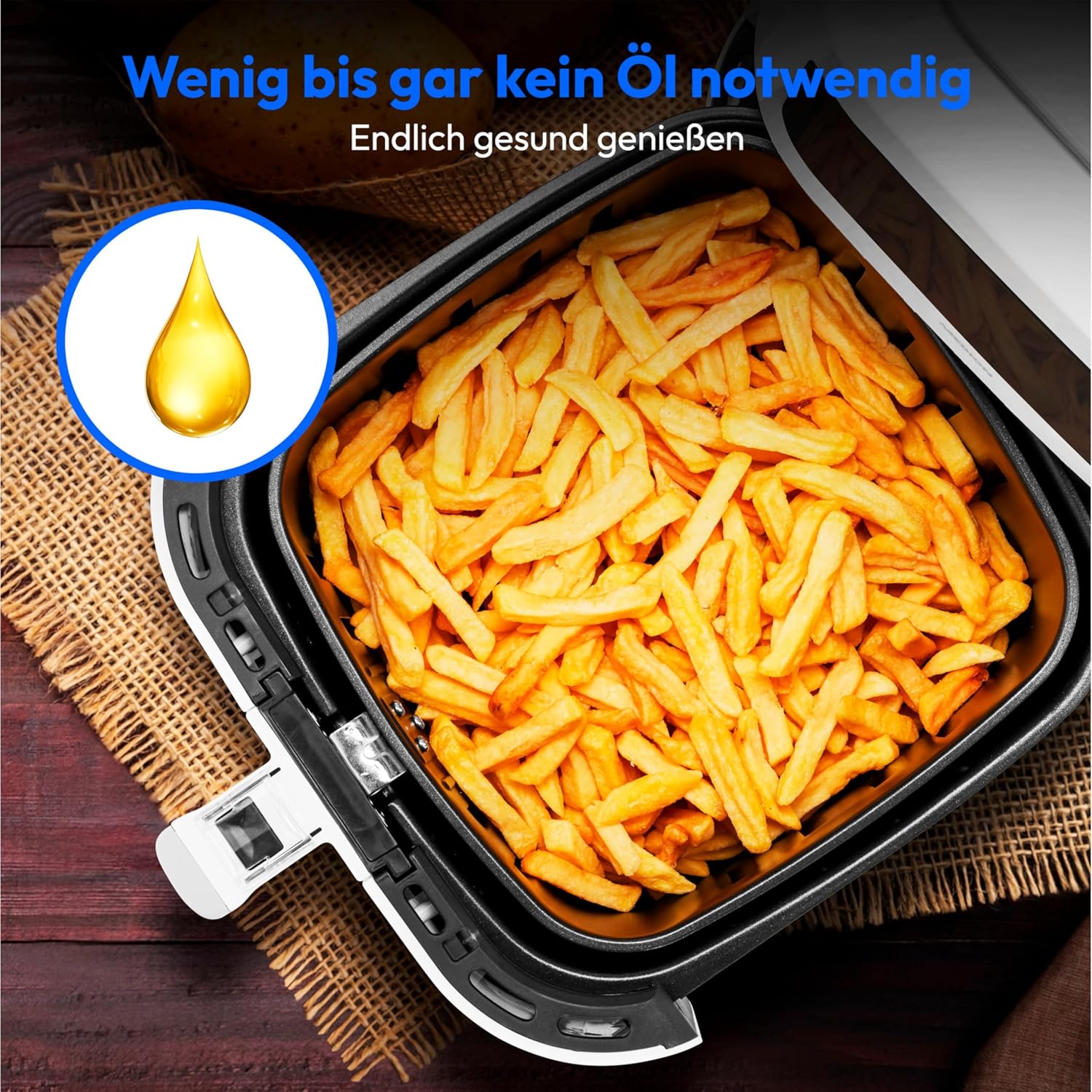
Welcome to the user manual for your new MEDION E40 XL Air Fryer MD11740. This appliance is designed to provide a healthier way to prepare your favorite fried foods, using hot air circulation instead of excessive oil. With its generous 5.2-liter capacity and powerful 2150-watt heating element, it is perfect for preparing meals for the whole family.
The intuitive touch control panel and 9 automatic programs make cooking simple and convenient. Please read this manual thoroughly before first use to ensure safe and optimal operation of your air fryer.
2. Important Safety Instructions
When using electrical appliances, basic safety precautions should always be followed to reduce the risk of fire, electric shock, and injury to persons, including the following:
- Read all instructions carefully before operating the appliance.
- Do not touch hot surfaces. Use handles or knobs.
- To protect against electric shock, do not immerse cord, plugs, or the appliance in water or other liquid.
- Close supervision is necessary when any appliance is used by or near children.
- Unplug from outlet when not in use and before cleaning. Allow to cool before putting on or taking off parts.
- Do not operate any appliance with a damaged cord or plug, or after the appliance malfunctions or has been damaged in any manner.
- The use of accessory attachments not recommended by the appliance manufacturer may cause injuries.
- Do not use outdoors.
- Do not let cord hang over edge of table or counter, or touch hot surfaces.
- Do not place on or near a hot gas or electric burner, or in a heated oven.
- Extreme caution must be used when moving an appliance containing hot oil or other hot liquids.
- Always attach plug to appliance first, then plug cord into the wall outlet. To disconnect, turn any control to "off", then remove plug from wall outlet.
- Do not use appliance for other than intended use.
- Ensure adequate ventilation around the appliance during operation.
3. Product Components
Your MEDION E40 XL Air Fryer consists of several key components designed for efficient and safe cooking.

Main Unit: The primary body of the air fryer, housing the heating element, fan, and control panel. Features a sleek white design with a prominent digital display.

Frying Basket: A removable basket with a non-stick coating, designed for holding food during air frying. It features a handle for easy insertion and removal, and a release button to separate the inner basket from the outer drawer for cleaning.
Baking Insert: An additional accessory included for baking cakes, muffins, and other items directly within the air fryer basket, expanding its versatility beyond just frying.
4. Initial Setup
- Unpack the Appliance: Carefully remove all packaging materials, stickers, and labels from the air fryer.
- Clean Before First Use: Wash the frying basket and baking insert with hot water, a mild dishwashing liquid, and a non-abrasive sponge. Rinse thoroughly and dry completely. Wipe the inside and outside of the appliance with a damp cloth.
- Placement: Place the air fryer on a stable, horizontal, and heat-resistant surface. Ensure there is at least 10 cm (4 inches) of free space on the back and sides, and above the appliance, to allow for proper air circulation. Do not place it against a wall or other appliances.
- Power Connection: Plug the power cord into a grounded wall outlet. Ensure the voltage indicated on the appliance matches your local power supply.
5. Operating Instructions
5.1 Basic Operation
- Power On: Plug the air fryer into a power outlet. The display will light up. Press the power icon (Ⓘ) to turn the appliance on.
- Preheating (Optional): For best results, preheat the air fryer. Set the desired temperature and time (e.g., 180°C for 3-5 minutes) and press the start/pause button.
- Prepare Food: Place your ingredients into the frying basket. Do not overfill the basket to allow for proper air circulation.
- Insert Basket: Slide the frying basket back into the air fryer until it clicks into place.
- Set Temperature and Time: Use the temperature (− / +) and time (− / +) controls on the touch panel to adjust settings. The current temperature is displayed prominently.
- Start Cooking: Press the start/pause button (⏸) to begin the cooking process.
- Shake/Turn Food: For some foods, it is recommended to shake or turn the ingredients halfway through the cooking time to ensure even cooking. The air fryer may beep to remind you. Simply pull out the basket, shake, and reinsert. The cooking will resume automatically.
- Cooking Completion: The air fryer will beep when the set cooking time has elapsed. Carefully pull out the basket and transfer the food to a serving plate.

Touch Control Panel: The intuitive LED touch display allows for easy selection of cooking programs, temperature adjustment, and time setting. Icons represent different food types for quick selection.

360° Heat Circulation: The air fryer utilizes a powerful fan to circulate hot air rapidly and evenly around the food, ensuring crispy results with little to no oil.
6. Automatic Programs
The MEDION E40 XL Air Fryer features 9 pre-set automatic programs for common dishes, simplifying your cooking process. Simply select the desired program, and the air fryer will automatically set the optimal temperature and time. You can manually adjust these settings if needed.

Program Selection: The touch panel displays icons for each of the 9 automatic programs, allowing for quick and convenient cooking of various foods.
- Muffins/Baked Goods: Ideal for using the baking insert.
- Fries: For crispy French fries.
- Chicken Wings: Perfect for small chicken pieces.
- Whole Chicken: For roasting a small whole chicken.
- Drumsticks: Optimized for chicken drumsticks.
- Steak: For cooking various cuts of steak.
- Shrimp: Quick cooking for seafood.
- Pork: Suitable for pork cuts.
- Fish/Vegetables: Versatile program for fish fillets or mixed vegetables.
Note: Cooking times and temperatures may vary based on food quantity, thickness, and desired crispiness. Always check food doneness before serving.
7. Maintenance and Cleaning
Regular cleaning of your air fryer will ensure optimal performance and extend its lifespan.
- Unplug and Cool Down: Always unplug the air fryer from the power outlet and allow it to cool down completely before cleaning.
- Clean the Frying Basket and Baking Insert:
- Remove the frying basket from the appliance.
- Separate the inner basket from the outer drawer by pressing the release button.
- Wash both parts and the baking insert with hot water, a mild dishwashing liquid, and a non-abrasive sponge. The non-stick coating makes cleaning easy.
- For stubborn food residues, soak the basket in hot water with some dishwashing liquid for about 10 minutes.
- Rinse thoroughly and dry completely before reassembling and storing.
- Clean the Appliance Exterior: Wipe the exterior of the air fryer with a damp cloth. Do not use abrasive cleaning agents or scouring pads, as they can damage the surface.
- Clean the Interior: Wipe the inside of the appliance with a damp cloth. If necessary, use a soft brush to remove any food residues from the heating element.
- Storage: Store the cleaned and dried air fryer in a cool, dry place.
Easy Cleaning: The frying basket features a high-quality non-stick coating and is easily removable for thorough cleaning, ensuring hygiene and longevity of the appliance.
8. Troubleshooting
If you encounter any issues with your MEDION E40 XL Air Fryer, please refer to the following table for common problems and their solutions.
| Problem | Possible Cause | Solution |
|---|---|---|
| The air fryer does not turn on. | The appliance is not plugged in or the power outlet is not working. | Ensure the power cord is securely plugged into a working outlet. Check the circuit breaker. |
| Food is not cooked evenly. | Basket is overloaded; food needs shaking. | Do not overload the basket. Shake or turn food halfway through cooking. |
| White smoke comes from the appliance. | Fat residues from previous use; cooking fatty ingredients. | Clean the basket and interior thoroughly after each use. For fatty foods, absorb excess oil before cooking. |
| Food is not crispy. | Insufficient cooking time/temperature; too much moisture. | Increase cooking time or temperature. Pat food dry before cooking. |
9. Technical Specifications
| Feature | Detail |
|---|---|
| Brand | MEDION |
| Model Number | MD11740 |
| Color | White |
| Product Dimensions (L x W x H) | 32 x 31 x 38 cm |
| Capacity | 5.2 Liters |
| Power | 2150 Watt |
| Voltage | 240 Volt |
| Item Weight | 5.38 Kilograms |
| Special Features | Touchscreen, Automatic Shut-off, Hot Air, LED Lighting, Timer |
| Recommended Uses | Frying, Baking, Roasting |
10. Warranty and Support
MEDION is committed to providing high-quality products and excellent customer service. For detailed information regarding the warranty period and terms for your MEDION E40 XL Air Fryer MD11740, please refer to the warranty card or documentation included with your purchase.
Should you require technical support, have questions about operation, or need assistance with repairs, please contact MEDION customer service. You can typically find contact information on the official MEDION website or in the product packaging.
MEDION's customer support team is available to assist you with any inquiries related to your appliance.
Related documentsMD11740


Ask a question about this manual
Ask about setup, troubleshooting, compatibility, parts, safety, or missing instructions. Manuals+ will review the question and use this page’s manual context to help answer it.