
Introduction
Thank you for choosing the Timex Men's Dress Day-Date 41mm Watch. This manual provides essential information for the proper setup, operation, and maintenance of your timepiece. Please read these instructions carefully to ensure optimal performance and longevity of your watch.
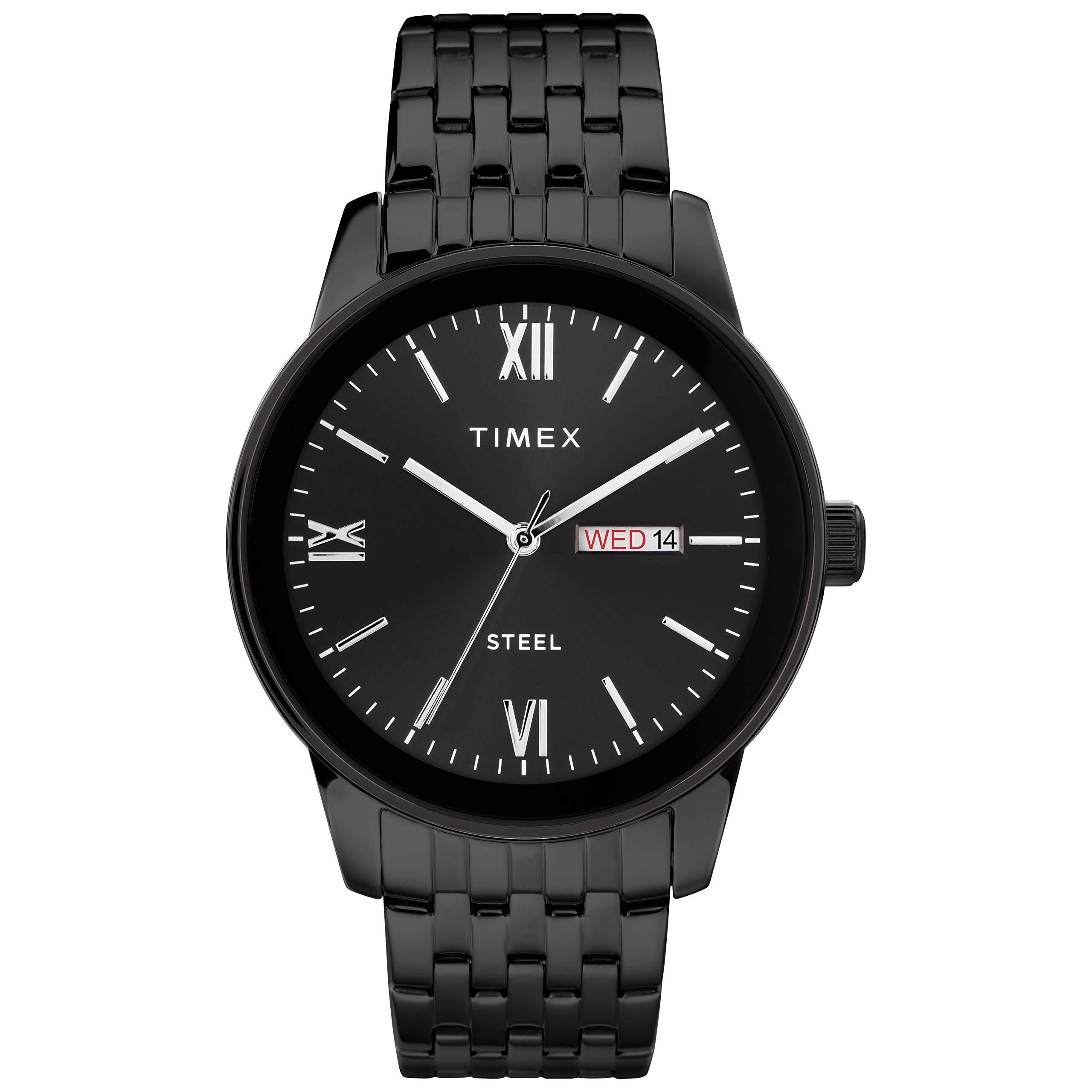
Image: Front view of the Timex Men's Dress Day-Date 41mm Watch, showcasing the black dial with partial Roman numerals and the day-date window.
Setup
Setting the Time and Date
Your Timex watch features a crown on the right side of the case for adjusting the time and date. The crown has three positions:
- Position 1 (Pushed In): Normal operating position. The watch is running.
- Position 2 (Pulled Out One Click): Used for quick-setting the Day and Date.
- Position 3 (Pulled Out Two Clicks): Used for setting the Time.
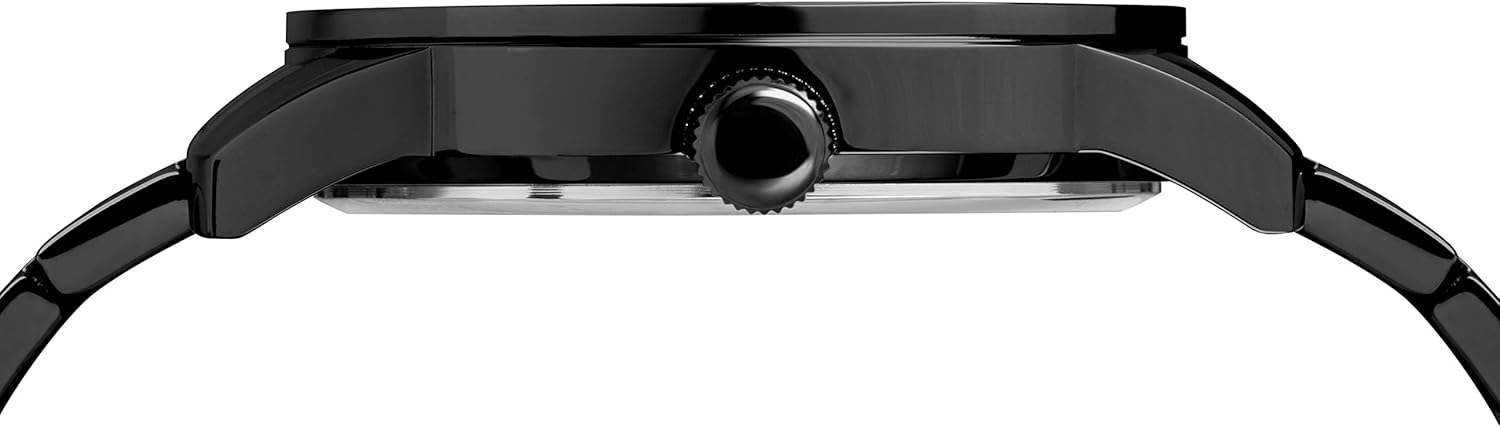
Image: Side view of the watch, highlighting the crown used for adjustments.
To Set the Date:
- Pull the crown out to Position 2.
- Turn the crown clockwise to advance the date.
- Turn the crown counter-clockwise to advance the day.
- Adjust until the correct date and day are displayed.
To Set the Time:
- Pull the crown out to Position 3.
- Turn the crown in either direction to move the hour and minute hands.
- Advance the hands past 12 o'clock to ensure the AM/PM is correctly set for the day/date change.
- Once the correct time is set, push the crown back into Position 1 to start the watch.
Adjusting the Bracelet
The watch comes with a black 21mm stainless steel bracelet with a deployment clasp. If the bracelet requires adjustment for a comfortable fit, it is recommended to visit a professional jeweler or watch repair service. They have the specialized tools and expertise to add or remove links without damaging the bracelet or clasp.

Image: View of the watch's stainless steel bracelet and deployment clasp.
Operating Your Watch
Once the time and date are set, your watch will operate continuously. The analog-quartz movement ensures accurate timekeeping. The day and date will automatically advance at midnight.
Water Resistance
This watch is water resistant to 30 meters (100 feet). This rating means the watch is suitable for splashes or brief immersion in water. It is not suitable for swimming, bathing, showering, or diving. Always ensure the crown is fully pushed in to Position 1 before any contact with water to maintain water resistance.
Maintenance
Cleaning
To clean your watch, wipe the case and bracelet with a soft, dry cloth. For more stubborn dirt, a slightly damp cloth can be used, followed by immediate drying. Avoid using harsh chemicals, solvents, or abrasive cleaners, as these can damage the watch's finish.
Battery Replacement
Your watch is powered by an analog-quartz movement, which uses a battery. When the watch stops running, it indicates that the battery needs to be replaced. It is recommended to have the battery replaced by a qualified watch technician to ensure the proper sealing and water resistance are maintained.
Storage
When not wearing your watch, store it in a cool, dry place away from direct sunlight and extreme temperatures. Keeping it in its original box or a watch case can help protect it from dust and scratches.
Troubleshooting
- Watch Not Running: Check if the crown is fully pushed into Position 1. If it is, the battery may need replacement.
- Date/Day Not Changing: Ensure the time is set correctly, especially the AM/PM cycle. The day and date typically change around midnight. If the issue persists, try resetting the date and day as per the 'Setup' section.
- Condensation Under Crystal: This indicates a loss of water resistance. Immediately contact Timex customer support or a qualified watch repair service. Do not attempt to open the watch yourself.
- Inaccurate Timekeeping: While quartz movements are highly accurate, significant deviation may indicate a low battery or a need for servicing.
Specifications
| Model Number | B07PSDGXMC |
| Case Diameter | 41mm |
| Movement | Analog-Quartz |
| Water Resistance | 30m (100ft) - Withstands splashes or brief immersion, not suitable for swimming or bathing. |
| Bracelet Material | Stainless Steel (Black, 21mm) |
| Dial Features | Black dial with partial Roman numerals; day and date window at 3 o'clock |
Warranty and Support
Your Timex watch is covered by a manufacturer's warranty. For specific warranty details, registration, or to obtain service, please refer to the warranty card included with your purchase or visit the official Timex website. For further assistance, you may contact Timex customer support directly.
Timex Official Website: www.timex.com

