
Introduction and Overview
The Magnilink 360 PRO Magnetic Charging Cable offers a revolutionary charging experience with its 100W power delivery and versatile compatibility. Designed for enhanced durability and ease of use, this cable simplifies charging across multiple devices, protecting ports from wear and tear. It supports high-speed data transfer and features a unique 360-degree rotating magnetic head for flexible connection.

Image: Overview of the Magnilink 360 PRO Magnetic USB C Phone Charger, showing the cable, magnetic tips, and adapters.
Video: An official commercial demonstrating the ease of use and versatility of the Magnilink 360 PRO Magnetic Charger.
What's in the Box
Your Magnilink 360 PRO package includes the following items:
- 2x Magnilink 360 PRO cables (3 ft & 6 ft)
- 6x Connectors (2 of each: Type-C / Micro USB / iOS)
- 2x USB-C to US-A adapters
- 2x Clip-on Tips holders

Image: Visual representation of the items included in the Magnilink 360 PRO Super Value Pack.
Setup
- Select the Correct Tip: Identify the appropriate magnetic tip (Type-C, Micro USB, or iOS) for your device's charging port.
- Insert the Tip: Gently insert the selected magnetic tip into your device's charging port. This tip is designed to remain in the port to protect it from dust and wear.
- Connect the Cable: Bring the magnetic end of the Magnilink 360 PRO cable close to the inserted tip. The strong N-52 magnet will automatically align and snap into place, establishing a secure connection.
- Connect to Power Source: Plug the other end of the cable into a compatible USB-C or USB-A power adapter (using the provided USB-C to USB-A adapter if necessary) and then into a wall outlet or power bank.

Image: Demonstrates the 360-degree bending head design and how the magnetic cable connects to a device.
Operating Instructions
Charging
The Magnilink 360 PRO supports up to 100W fast charging thanks to its built-in E-Mark chip and Power Delivery Technology. This ensures your devices charge quickly and efficiently without power loss.

Image: Illustrates the E-MARK intelligent chip enabling 100W max charging power.

Image: Details the charging speed and data transfer capabilities based on the number of pins in the connector.
Compatibility
This versatile cable is designed to work with a wide range of devices, including:
- Laptops: All USB-C powered laptops (e.g., Macbook, Asus, Acer, HP, Lenovo).
- Phones & Tablets: All mobile phones (e.g., iPhone, Samsung Galaxy, Moto, OnePlus, Google Pixel) and tablets.
- VR Headsets: Quickly charge VR headsets (e.g., Meta Quest, Oculus, HTC Vive).
- Other Devices: Compatible with headphones, cameras, and other USB-powered devices.
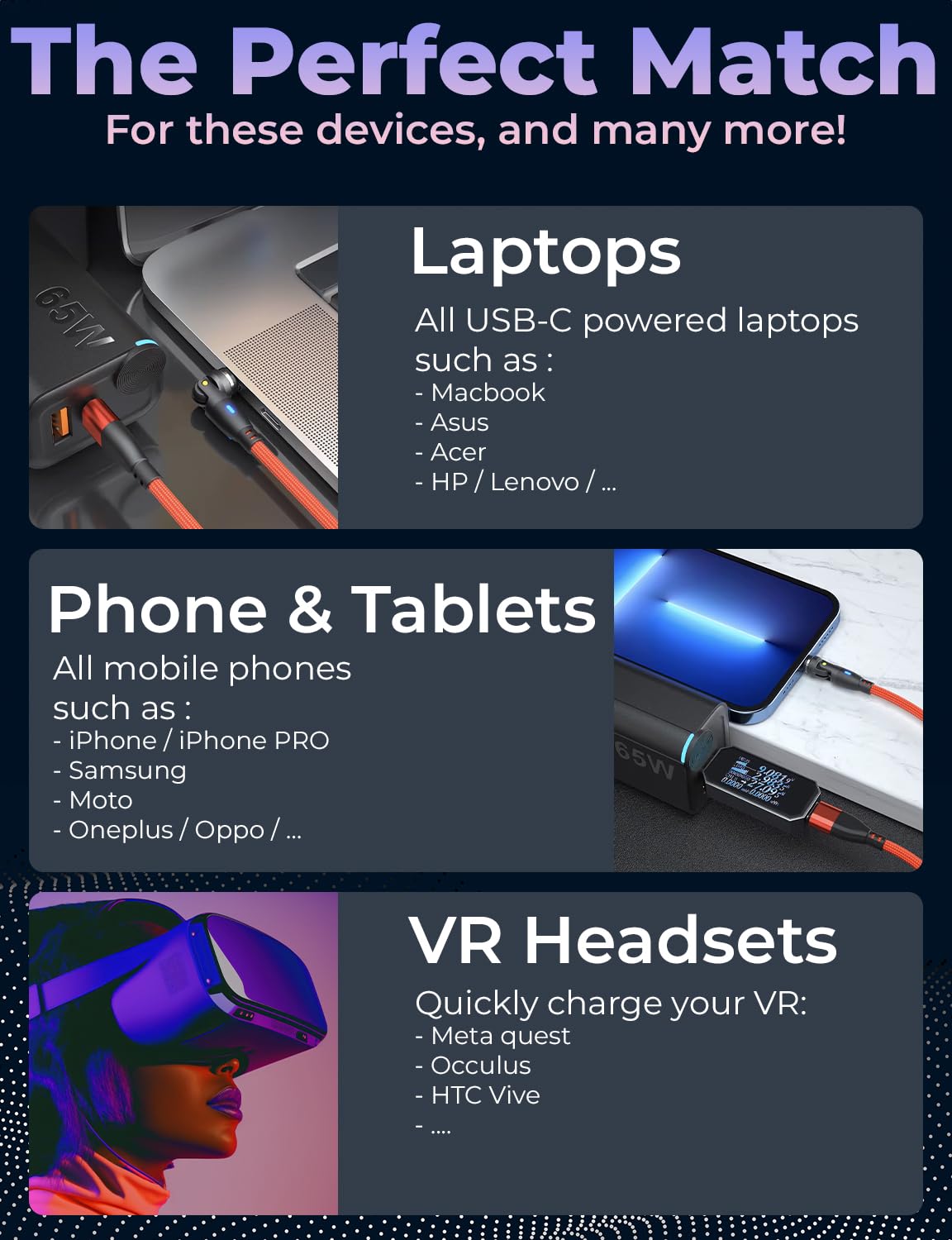
Image: Highlights the perfect match for various devices including laptops, phones, tablets, and VR headsets.

Image: Shows the Magnilink cable being used with various devices, emphasizing its universal compatibility.
Data Transfer
The Magnilink 360 PRO supports data transfer speeds of up to 480MB/s, making it suitable for quick file transfers, syncing devices, and supporting functions like Apple CarPlay and Android Auto.

Image: A summary graphic highlighting key features including 100W ultra-fast charging, strong magnet, full motion design, and reinforced nylon braid cable, all contributing to efficient data transfer.
Maintenance
To ensure the longevity and optimal performance of your Magnilink 360 PRO cable:
- Keep Tips Clean: Periodically inspect and clean the magnetic tips to prevent dust and debris accumulation, which can affect connection quality. Use a soft, dry cloth or a small brush.
- Handle with Care: While the cable is designed for durability with reinforced nylon, avoid excessive bending or yanking, especially at the connection points.
- Store Properly: When not in use, store the cables neatly to prevent tangling and potential damage. The included tips holders can help keep your connectors organized.
Troubleshooting
If you encounter issues with your Magnilink 360 PRO charger, consider the following:
- No Charging/Slow Charging:
- Ensure the magnetic connection is secure and fully seated.
- Verify that the power adapter and wall outlet are functioning correctly.
- Check if the magnetic tip or cable end is obstructed by debris; clean if necessary.
- Confirm your power adapter supports the required wattage for fast charging (e.g., 100W for optimal performance).
- Intermittent Connection:
- Clean the magnetic contacts on both the tip and the cable.
- Ensure the tip is fully inserted into your device's port.
- Data Transfer Issues:
- Confirm that both the device and the connected computer/system support data transfer via USB.
- Check for any software or driver issues on the connected computer.
If problems persist, please refer to the warranty and support information.
Specifications
- Brand:
- Magnilink
- Model Number:
- MN360PRO-SP1
- Connector Type:
- USB Type C, Lightning, Micro USB, USB Type A (via adapter)
- Cable Type:
- USB-C
- Max Charging Power:
- 100W (with Power Delivery Technology)
- Data Transfer Speed:
- Up to 480MB/s
- Special Features:
- Data Transfer, Magnetic, LED Display, Fast Charging
- Package Dimensions:
- 5.35 x 5.08 x 0.75 inches
- Item Weight:
- 3.53 ounces
- First Available Date:
- April 5, 2023
Warranty and Support
For detailed warranty information and customer support, please refer to the documentation provided with your purchase or visit the official Magnilink website. You may also contact the seller directly through the platform where the product was purchased for assistance with any product-related inquiries or issues.