
Introduction
This manual provides essential information for the safe and efficient use of your Mophie GaN 30W USB-C Charger Block. This charger is designed for fast and efficient power delivery to a wide range of USB-C compatible devices, including smartphones, tablets, and laptops. It incorporates advanced Gallium Nitride (GaN) technology for superior charging efficiency and features a compact, travel-friendly design with foldable prongs.
For optimal performance and safety, please read these instructions carefully before use and retain them for future reference.
Package Contents
Ensure all items are present in the package:
- Mophie GaN 30W USB-C Charger Block
- USB-C to USB-C cable (2m)
Setup Instructions
- Unfold the Prongs: Gently pull out the foldable prongs from the charger block until they lock into place.

Image: The Mophie 30W GaN charger with its foldable prongs extended, ready for use. The image highlights the convenience of the folding mechanism for travel and storage.
- Connect to Power Outlet: Insert the unfolded prongs of the charger block into a standard wall power outlet.
- Connect Your Device: Plug one end of the provided USB-C to USB-C cable into the USB-C port on the charger block. Connect the other end of the cable to the charging port of your compatible device (e.g., smartphone, tablet, laptop).
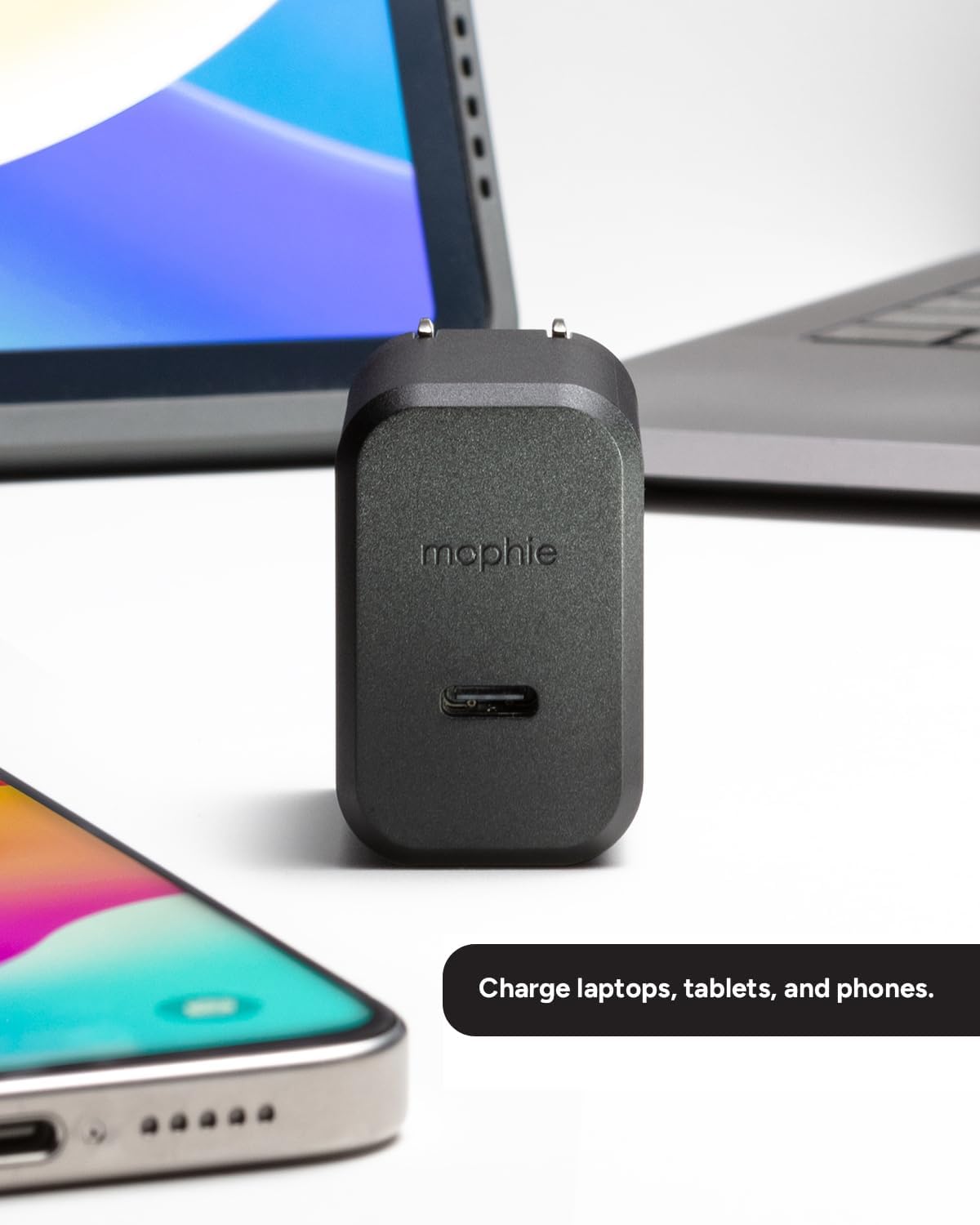
Image: The Mophie 30W GaN charger positioned between a smartphone and a laptop, illustrating its ability to charge various devices. The charger's compact size is visible in relation to the devices.
- Begin Charging: Your device should automatically begin charging. The charger will deliver up to 30W of power for fast charging.
Operating Instructions
The Mophie GaN 30W USB-C Charger Block is designed for simple plug-and-play operation.
- Fast Charging: The charger utilizes Power Delivery (PD) technology to provide up to 30W of power. This allows for rapid charging of compatible devices, such as boosting an iPhone from 0-50% in approximately 30 minutes.

Image: A close-up of the Mophie 30W GaN charger, highlighting its USB-C port and a graphic indicating "Up to 30W Fast Charging."
- Universal Compatibility: This charger is compatible with a wide range of USB-C devices, including but not limited to:
- iPhones (iPhone 15 series and newer, or older models with USB-C to Lightning cable)
- iPads
- Samsung Galaxy phones and tablets
- Google Pixel phones
- Nintendo Switch
- Various USB-C enabled laptops and other devices
- GaN Technology: The integrated Gallium Nitride (GaN) technology ensures a more efficient power transfer, resulting in faster charging speeds and cooler operation compared to traditional silicon-based chargers.

Image: A visual representation of GaN Technology, illustrating its core benefits: efficient current transfer and ability to sustain higher voltages, contributing to faster and cooler charging.
Maintenance
- Cleaning: Disconnect the charger from the power outlet before cleaning. Use a soft, dry cloth to wipe the surface of the charger. Do not use liquid cleaners or aerosols.
- Storage: When not in use or during travel, fold the prongs back into the charger block to protect them and prevent snagging on other items. Store the charger in a cool, dry place away from direct sunlight and extreme temperatures.
- Environmental Care: This charger is constructed from up to 50% post-consumer recycled plastics. Please dispose of the product responsibly according to local electronic waste regulations at the end of its lifecycle.
Troubleshooting
If you encounter issues with your Mophie GaN 30W USB-C Charger Block, refer to the following common problems and solutions:
| Problem | Possible Cause | Solution |
|---|---|---|
| Device not charging. |
|
|
| Slow charging speed. |
|
|
| Charger feels warm during use. |
|
|
If the problem persists after trying these solutions, please contact Mophie customer support.
Specifications
| Brand | mophie |
| Model Name | 30W |
| Model Number | CHG-WALL-PD-30W-GAN (409911394) |
| Connector Type | USB Type C |
| Wattage | 30 watts |
| Input Voltage | 120 Volts |
| Output Voltage | 5 Volts |
| Output Current | 6 Amps |
| Total USB Ports | 1 |
| Special Features | Fast Charging, Lightweight Design, Travel, Foldable Prongs, GaN Technology |
| Color | Black |
| Material | Plastic (up to 50% post-consumer recycled) |
| Power Plug Type | Type A - 2 pin (North American) |
Warranty and Support
Warranty: The Mophie GaN 30W USB-C Charger Block comes with a 2-year manufacturer's warranty. This warranty covers defects in materials and workmanship under normal use. Please retain your proof of purchase for warranty claims.
Customer Support: For technical assistance, warranty inquiries, or further information, please visit the official mophie support website or contact their customer service department.


