
Introduction
The Greluma PIR Motion Sensor is an infrared body motion detector designed for AC 85-265V (220V) systems. This sensor is engineered to detect movement within its operational range and activate connected devices, such as lighting, for enhanced security and convenience. It features a wide detection angle and adjustable settings to suit various application environments.
This manual provides essential information for the safe and effective installation, operation, and maintenance of your Greluma PIR Motion Sensor.
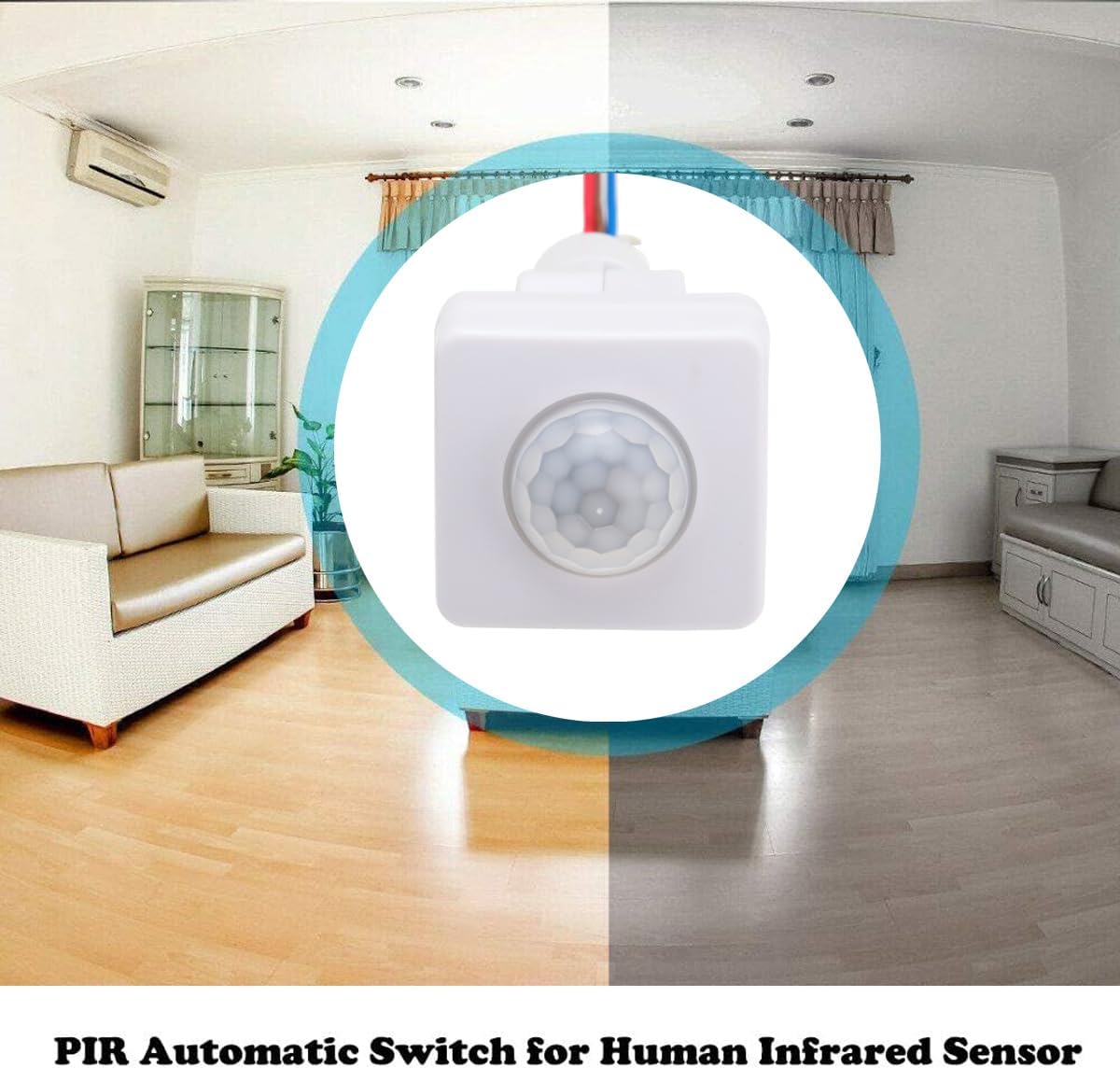
Image: The Greluma PIR Motion Sensor shown with a visual comparison of its operation in day and night conditions.
Product Features
- Wide Voltage Compatibility: Operates on AC 85-265V, suitable for various electrical systems.
- Extensive Detection Range: Detects motion up to 12 meters with a 160° detection angle, minimizing blind spots.
- Adjustable Settings: Features three adjustable knobs for sensitivity (SENS), time delay (TIME), and light sensitivity (LUX).
- Day/Night Mode: Configurable to operate only in dark conditions or throughout the day.
- Versatile Applications: Compatible with various devices including solar lamps, cabinet lamps, ceiling lights, incandescent lamps, LED strips (under 60W), exhaust fans, and alarm lights.

Image: Various application scenarios for the PIR motion sensor, including kitchens, hallways, outdoor patios, and offices.
Setup and Installation
Proper installation is crucial for optimal performance and safety. Ensure power is disconnected before beginning installation.
1. Mounting Location
- The sensor can be mounted on a wall or ceiling.
- The recommended mounting height is approximately 1.8 to 2.5 meters (5.9 to 9.2 feet) for best detection range and coverage.
- Avoid mounting near heat sources, air conditioning vents, or direct sunlight, as these can interfere with sensor performance.
- Ensure the detection area is clear of obstructions.
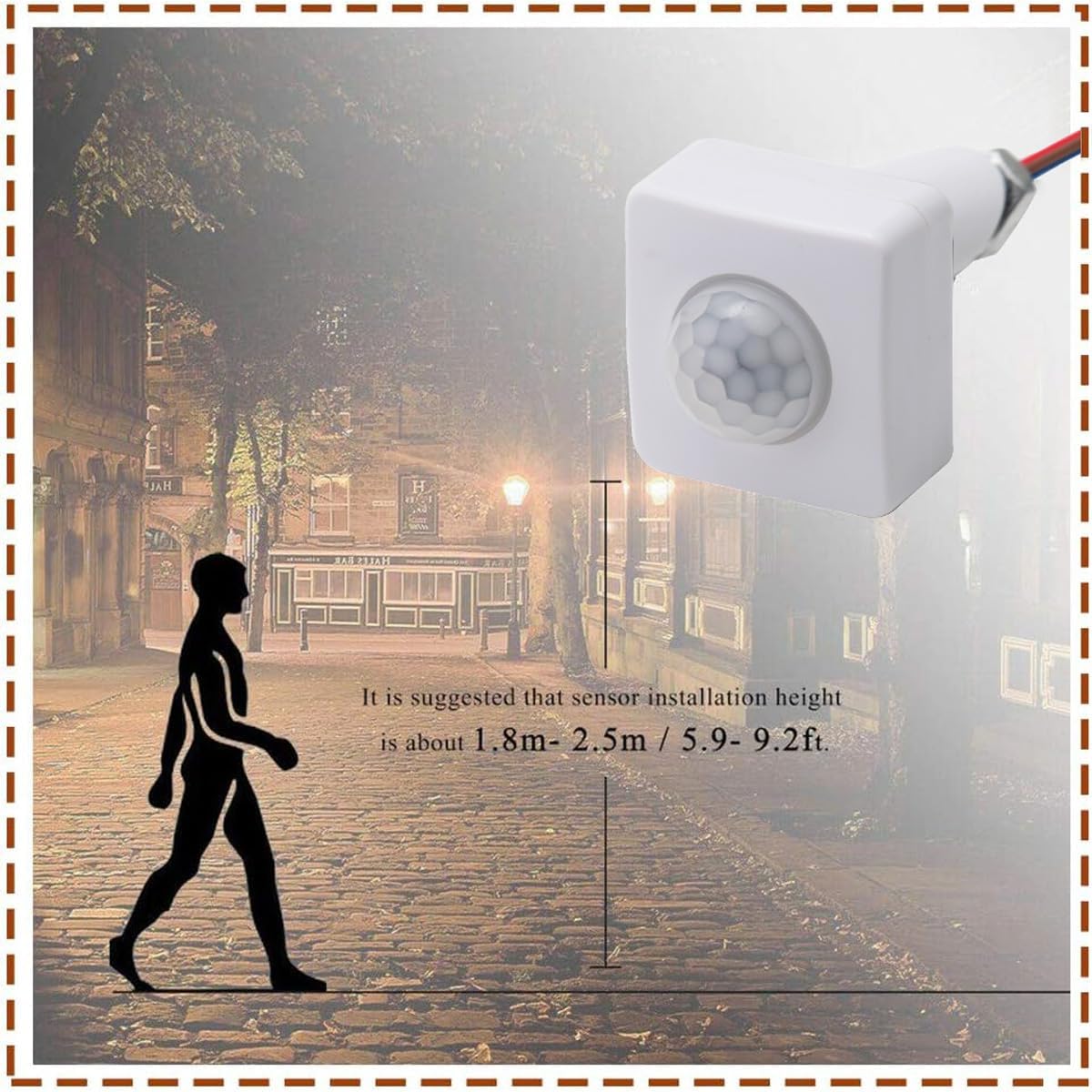
Image: A diagram illustrating the suggested sensor installation height between 1.8m and 2.5m (5.9-9.2ft) for effective motion detection.
2. Wiring Instructions
The sensor requires a 10mm mounting hole. Follow the wiring diagram carefully. It is recommended that wiring be performed by a qualified electrician.
- Brown Wire: Connect to Live (L) input AC 85-265V.
- Blue Wire: Connect to Neutral (N) input AC 85-265V. This wire also serves as the common neutral for the load.
- Red Wire (L1): Connect to the Live input of your lamp or ballast.
- Ensure all connections are secure and insulated.

Image: A detailed wiring diagram showing connections for AC 85-265V input to the sensor and output to a lamp or ballast. It also includes sensor dimensions and detection angle.
Operating Instructions and Settings
The Greluma PIR Motion Sensor features three adjustable knobs for fine-tuning its operation:

Image: A close-up view of the sensor's side, highlighting the three adjustable knobs labeled SENS, TIME, and LUX.
1. SENS (Sensitivity)
- Controls the detection distance of the sensor.
- Turn the knob towards '+' for maximum detection distance (up to 12m).
- Turn the knob towards '-' to reduce the detection distance.
2. TIME (Time Delay)
- Adjusts how long the connected light or device remains on after motion is detected and then stops.
- The delay time can be set from approximately 5 seconds to 8 minutes.
- Turn the knob towards '+' for a longer delay, and towards '-' for a shorter delay.
3. LUX (Light Sensitivity)
- Determines the ambient light level at which the sensor will operate.
- Sun Icon (Daylight Mode): When set to the sun icon, the sensor will operate regardless of ambient light, meaning it will detect motion and activate the light during both day and night.
- Moon Icon (Night Mode): When set to the moon icon, the sensor will only activate the connected device when the ambient light falls below a certain threshold (i.e., during evening or in dark environments). This setting helps save energy by preventing lights from turning on during the day.
- The LUX sensitivity is adjustable from 2 to 2000 Lux.
Maintenance
The Greluma PIR Motion Sensor is designed for low maintenance. To ensure continued optimal performance:
- Cleaning: Periodically wipe the sensor lens with a soft, dry cloth to remove dust or dirt that may obstruct detection. Do not use abrasive cleaners or solvents.
- Environmental Conditions: Ensure the operating humidity remains below 93% RH to prevent damage to internal components.
- Connection Check: Occasionally inspect wiring connections for any signs of wear or loosening. Ensure power is off before checking connections.
Troubleshooting
If you experience issues with your Greluma PIR Motion Sensor, refer to the following common problems and solutions:
| Problem | Possible Cause | Solution |
|---|---|---|
| Light does not turn on when motion is detected. |
|
|
| Light stays on continuously or turns on too frequently. |
|
|
| Sensor feels warm to the touch. | Normal operation for some electronic components, especially under load. | While some warmth is normal, excessive heat could indicate an issue. Ensure proper ventilation and that the load (e.g., light wattage) does not exceed the sensor's specifications. If it's excessively hot or emitting smoke/smell, disconnect power immediately. |
Specifications
| Model Number | ZL781LUM |
| Operating Voltage | AC 85-265V |
| Detection Range | Up to 12 meters |
| Detection Angle | 160° |
| Mounting Hole Diameter | 10 mm |
| Time Delay Adjustment | 5 seconds to 8 minutes |
| Light Sensitivity (LUX) | 2 - 2000 Lux (adjustable) |
| Standby Power Consumption | 0.4 W |
| Operating Humidity | Less than 93% RH |
| Dimensions (L x W x H) | 17 x 14 x 4.2 cm |
| Weight | 80 grams |
| Power Source | Electric Cable |
| Compatible Devices | Solar lamps, cabinet lamps, ceiling lights, incandescent lamps, LED strips (< 60W), exhaust fans, alarm lights |
Warranty and Support
Specific warranty information for the Greluma PIR Motion Sensor ZL781LUM is not provided within this manual. For details regarding warranty coverage, returns, or technical support, please refer to the product packaging, the seller's website, or contact Greluma customer service directly.