
1. Introduction
The BOXPUT Remoter ATV3 Mini is a Bluetooth voice remote control designed for enhanced navigation and interaction with compatible TV boxes. It features Bluetooth connectivity for strong signal transmission without direct line-of-sight, integrated voice control for convenient command input, and dedicated shortcut buttons for popular streaming services.

Figure 1: The BOXPUT Remoter ATV3 Mini remote control.
2. Key Features
- Bluetooth Connectivity: Utilizes Bluetooth for a stable and responsive connection, eliminating the need to point the remote directly at the device.
- Voice Control: Supports voice input for searching, navigating, and controlling your TV box with ease.
- Dedicated Shortcut Buttons: Quick access buttons for Netflix and YouTube for immediate streaming.
- Broad Compatibility: Primarily designed for iATV Q5 and Q5 Plus TV Boxes, with potential compatibility for Xiaomi devices via firmware flashing.
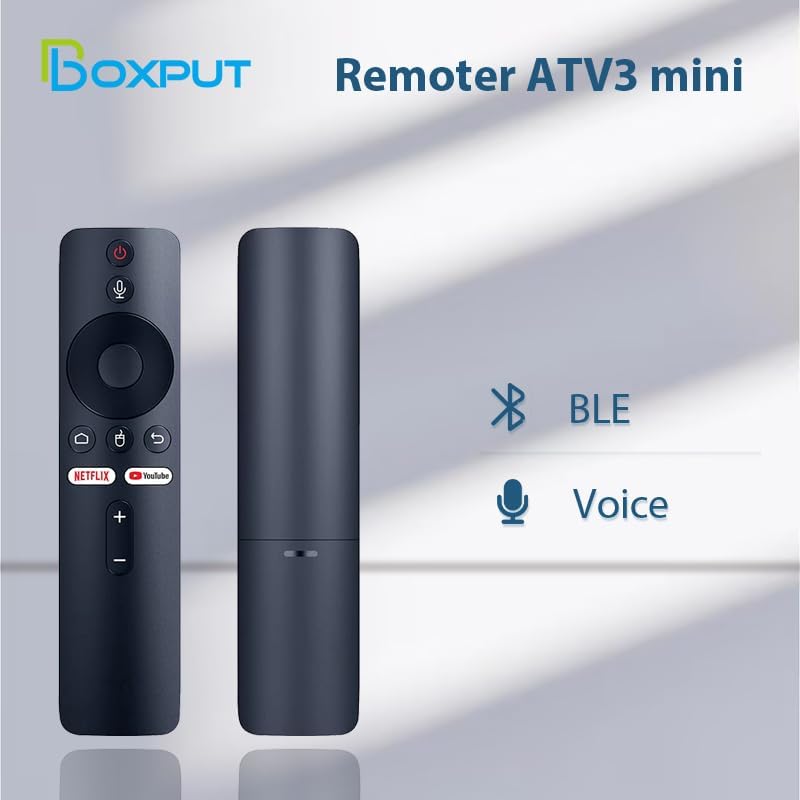
Figure 2: Bluetooth and Voice Control capabilities of the remote.
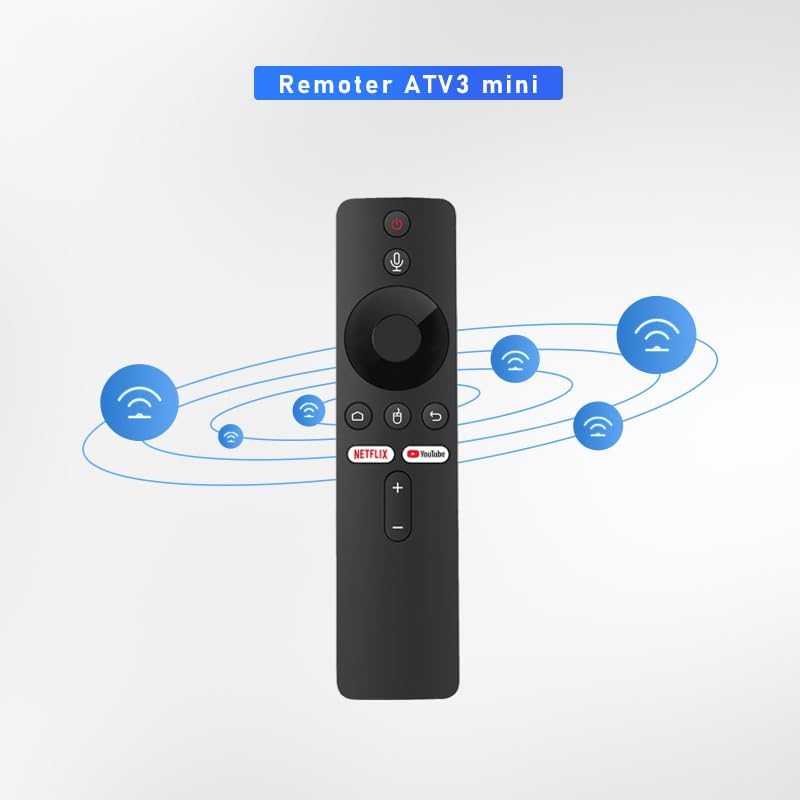
Figure 3: Illustration of the remote's Bluetooth signal range.

Figure 4: Software shortcut buttons for quick access to applications.
3. Button Layout and Functions
Familiarize yourself with the buttons on your BOXPUT Remoter ATV3 Mini for optimal use.
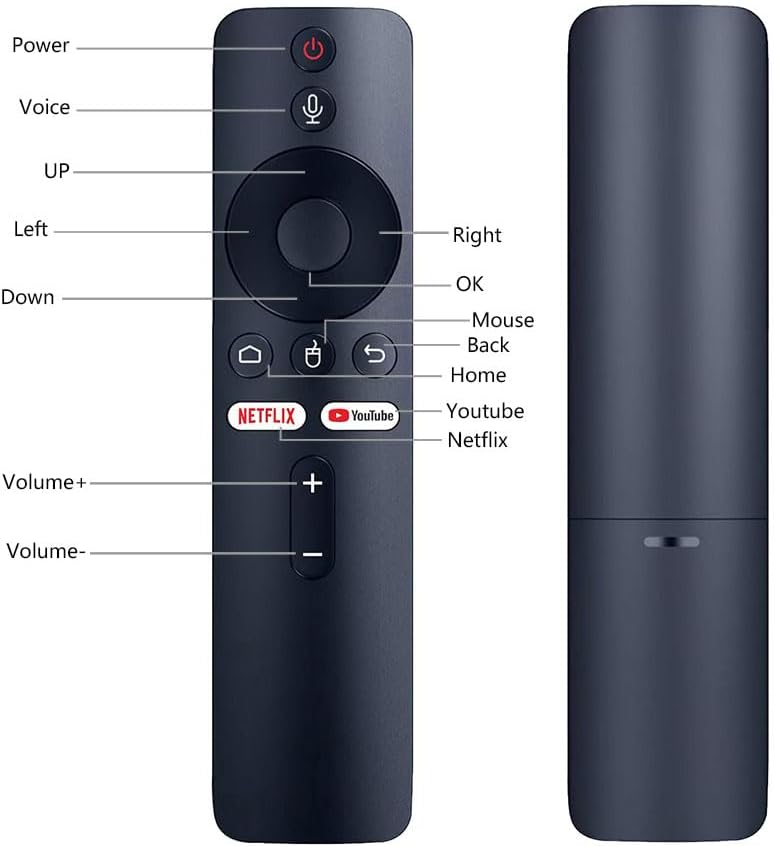
Figure 5: Front and side view of the remote with labeled buttons.
| Button | Function |
|---|---|
| Power | Turns the connected device on or off. |
| Voice | Activates voice control for commands and searches. |
| Navigation Pad (Up, Down, Left, Right) | Navigates through menus and content. |
| OK | Confirms selections. |
| Mouse | Activates mouse pointer mode (if supported by device). |
| Back | Returns to the previous screen or menu. |
| Home | Returns to the main home screen. |
| Netflix | Launches the Netflix application directly. |
| YouTube | Launches the YouTube application directly. |
| Volume + | Increases the volume. |
| Volume - | Decreases the volume. |
4. Setup
4.1 Battery Installation
- Locate the battery compartment on the back of the remote control.
- Open the battery compartment cover.
- Insert two AAA batteries (not included), ensuring correct polarity (+/-).
- Close the battery compartment cover securely.
4.2 Pairing the Remote Control
The ATV3 Mini uses Bluetooth for connection. Follow these general steps to pair it with your compatible TV box:
- Ensure your TV box is powered on and within range of the remote.
- Navigate to the Bluetooth settings menu on your TV box. (Specific steps may vary by device model).
- On the remote, press and hold the OK button and the Back button simultaneously for a few seconds until an indicator light on the remote begins to flash, signaling it is in pairing mode.
- On your TV box, search for new Bluetooth devices. The remote should appear as "ATV3 Mini" or a similar name.
- Select the remote control from the list on your TV box to complete the pairing process. The indicator light on the remote should stop flashing and remain solid or turn off, indicating a successful connection.
Note for Xiaomi Devices: For Xiaomi devices, manual connection and use may require flashing specific Xiaomi firmware. Please refer to Xiaomi's official support or community forums for detailed instructions on this advanced procedure.
5. Operating Instructions
5.1 Basic Navigation
- Use the Navigation Pad (Up, Down, Left, Right) to move through menus and select items on your screen.
- Press the OK button to confirm a selection or open an application.
- Press the Back button to return to the previous screen.
- Press the Home button to quickly return to the main home screen of your TV box.
5.2 Using Voice Control
- Press and hold the Voice button (microphone icon).
- Speak clearly into the microphone located on the remote control.
- Release the Voice button when you have finished speaking. Your command or search query will be processed by the TV box.
5.3 Using Shortcut Buttons
- Press the Netflix button to launch the Netflix application directly.
- Press the YouTube button to launch the YouTube application directly.

Figure 6: The remote is designed for simple and intuitive operation.
6. Maintenance
- Cleaning: Wipe the remote control with a soft, dry cloth. Do not use liquid cleaners or abrasive materials.
- Battery Replacement: Replace batteries when the remote's performance degrades or it becomes unresponsive. Always use new AAA batteries and dispose of old batteries responsibly.
- Storage: Store the remote in a cool, dry place away from direct sunlight and extreme temperatures.
7. Troubleshooting
- Remote not responding:
- Check if the batteries are correctly inserted and have sufficient charge. Replace if necessary.
- Ensure the remote is paired with your TV box. If not, follow the pairing instructions in Section 4.2.
- Verify that there are no obstructions between the remote and the TV box, although Bluetooth reduces this concern.
- Voice control not working:
- Ensure the remote is properly paired via Bluetooth.
- Check the TV box's settings to ensure voice input is enabled and configured correctly.
- Speak clearly and hold the voice button while speaking.
- Shortcut buttons not launching apps:
- Ensure the respective applications (Netflix, YouTube) are installed and updated on your TV box.
- Verify the remote is correctly paired.
8. Specifications
| Feature | Detail |
|---|---|
| Product Dimensions | 6.05 x 1.48 x 0.59 inches |
| Item Weight | 1.44 ounces |
| Special Feature | Voice Search |
| Max Number of Supported Devices | 5 |
| Compatible Devices | Home Theater, Set Top Box, Television |
| Connectivity | Bluetooth (BT) |
| Power Source | 2 x AAA Batteries (not included) |
9. Support and Warranty
BOXPUT is committed to providing excellent customer support. If you encounter any operational or usage issues that cannot be resolved using this manual, please contact BOXPUT Official Support.
When contacting support, please be prepared to provide details about your product and, if applicable, your device's MAC address for TV box-related issues. Our technical team aims to assist you within 24 hours to help resolve any problems.
For the latest support information and contact details, please visit the official BOXPUT website or refer to the product packaging.