
Introduction
This manual provides comprehensive instructions for the installation, operation, and maintenance of your JOYLIT TPC-CCT-T2 In-Wall Touch Screen Tunable White LED Strip Controller. This device allows for precise control over the brightness and color temperature (2700K-6500K) of compatible 12-48V CCT LED strips.

Image: Overview of the JOYLIT CCT LED Controller Touch Panel, highlighting its input voltage, current capacity, color temperature range, and dimensions.
Safety Information
- Always disconnect power at the circuit breaker before installation or servicing.
- Installation should be performed by a qualified electrician or knowledgeable individual familiar with electrical wiring.
- Ensure the input voltage (12-48V DC) and current ratings of your LED strips are compatible with the controller's specifications.
- Do not expose the controller to moisture or extreme temperatures.
- Verify all connections are secure and properly insulated to prevent short circuits.
Product Features
- Ultra-Sensitive Touch Panel: High-strength glass touch panel with a responsive touch slide for color adjustment.
- Smooth Dimming: Provides flicker-free brightness adjustment.
- Dual Working Modes: Can function as a direct PWM dimming controller for 12-48V CCT LED strips or as an RF wireless panel remote control when paired with a compatible V2 controller for bi-directional control.
- Wide Compatibility: Supports 12-48V tunable white COB LED Strip, SMD LED Strip, Neon LED Strip, and LED Modules.
- Adjustable Color Temperature: Seamlessly change white color from 2700K (warm white) to 6500K (cool white).
- Dynamic Modes: Control various dynamic lighting effects for CCT LED strips.
- Easy Mounting: Compatible with European style and 86x86x40mm recessed electrical/outlet mounting boxes.
- Auto-Transmitting Function: Controller automatically transmits signals to another controller within a 30-meter control distance.
- Synchronization: Allows for synchronization across multiple controllers.
Setup and Installation
The JOYLIT TPC-CCT-T2 controller is designed for in-wall installation. Ensure proper wiring and compatibility with your existing electrical box and LED strips.
Wiring Diagram

Image: Wiring diagram illustrating two operational modes: (01) as a remote controller paired with a V2 controller, and (02) as a direct controller connected to LED strips.
- Direct Connection (Mode 02): Connect the 12-48V CCT LED Strip directly to the controller's output terminals. Ensure correct polarity (positive and negative).
- RF Wireless Remote (Mode 01): For wireless control, pair the in-wall panel with a JOYLIT V2 2.4G RF remote controller. This allows for bi-directional control from multiple locations. Refer to the V2 controller's manual for pairing instructions.
- Connect the power supply (12-48V DC) to the controller's input terminals.
Mounting

Image: Technical drawing showing the dimensions (86.00 mm x 86.00 mm x 33.00 mm) and compatibility with European style and 86 size recessed electrical boxes.
- The controller is designed to fit standard European style and 86 size (86x86x40mm) recessed electrical boxes.
- Carefully insert the wired controller into the wall box and secure it using the provided screws.
- Attach the glass touch panel cover.
Operating Instructions
The touch panel provides intuitive control over your LED lighting. The blue LED indicator light on the power button signifies the controller is active.
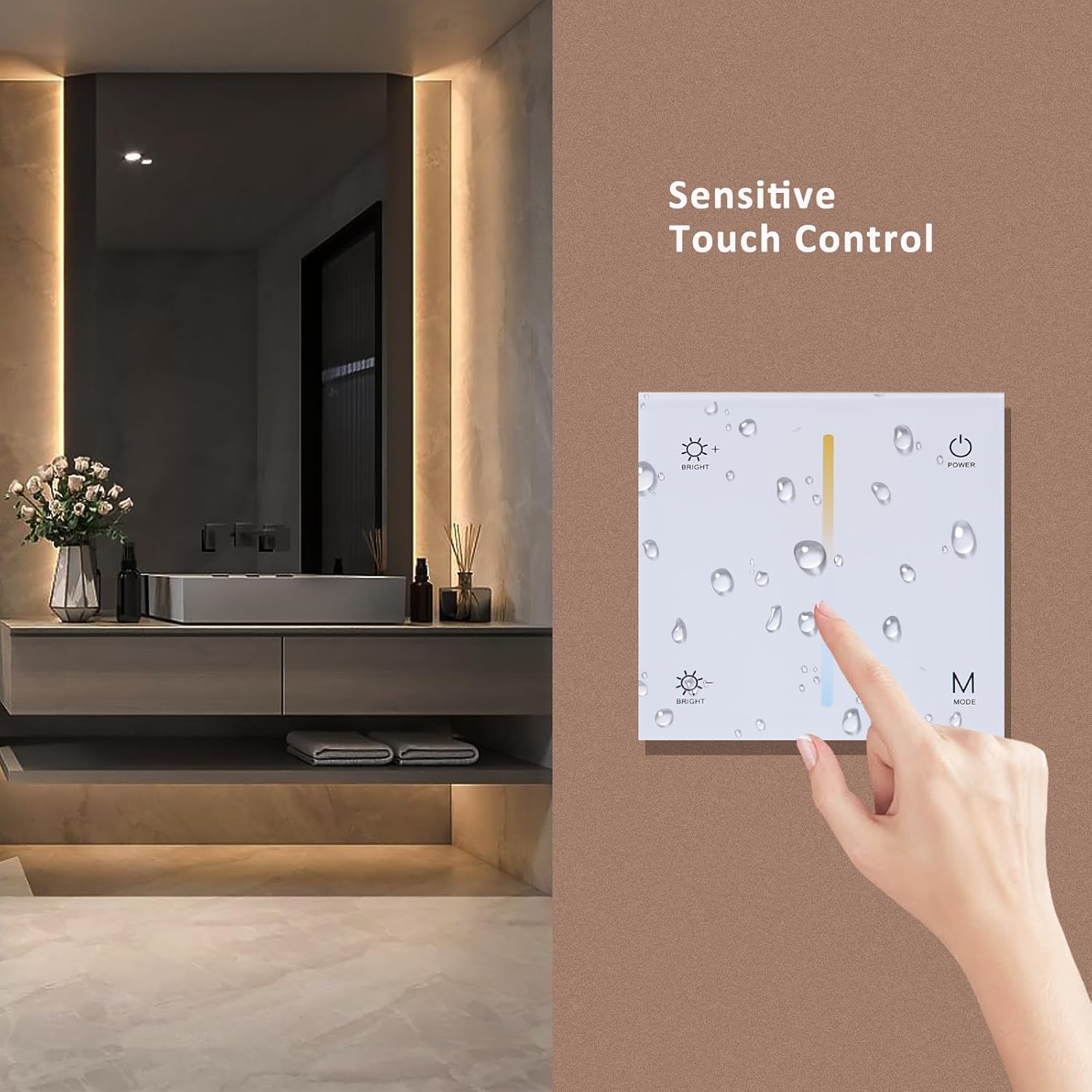
Image: A hand demonstrating the sensitive touch control on the JOYLIT CCT LED Controller, showing the vertical color temperature slider.
- Power On/Off: Tap the POWER button (circle with vertical line) to turn the LED lights on or off. A red light indicates off, blue indicates on.
- Brightness Adjustment:
- Tap the BRIGHT + button (sun icon with plus) to increase brightness.
- Tap the BRIGHT - button (sun icon with minus) to decrease brightness.
- Color Temperature Adjustment: Use the vertical touch slide in the center of the panel.
- Slide your finger towards the top (orange/warm) to achieve warmer white light (e.g., 2700K).
- Slide your finger towards the bottom (blue/cool) to achieve cooler white light (e.g., 6500K).
- Mode Selection: Tap the M MODE button to cycle through various dynamic lighting modes.
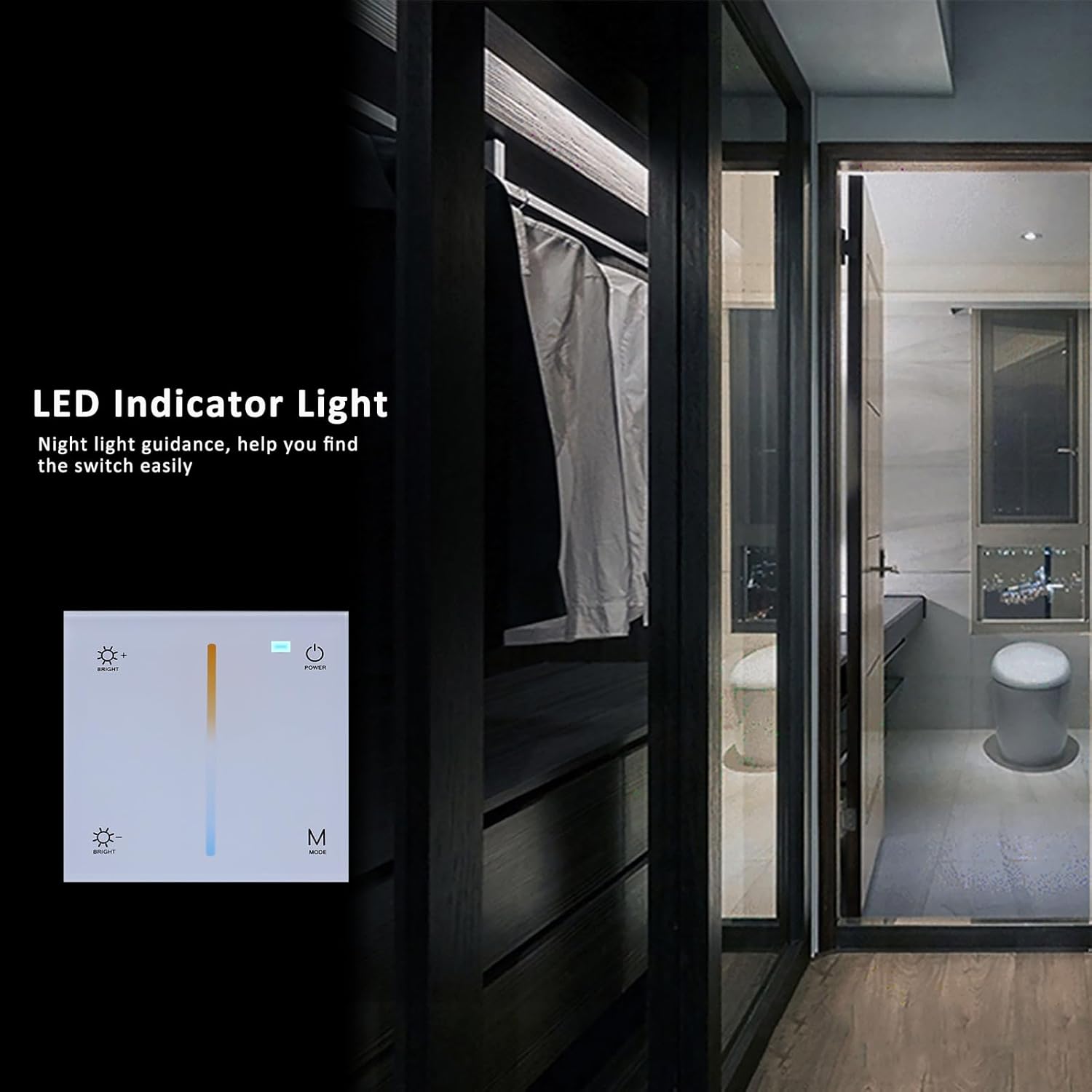
Image: The LED indicator light on the controller, providing night light guidance to easily locate the switch in the dark.
Maintenance
To ensure optimal performance and longevity of your JOYLIT CCT LED Controller, follow these simple maintenance guidelines:
- Cleaning: Gently wipe the glass touch panel with a soft, dry, or slightly damp cloth. Avoid abrasive cleaners, solvents, or harsh chemicals that could damage the surface.
- Inspection: Periodically check for any loose connections or visible damage. If any issues are found, disconnect power and consult a qualified technician.
- Environment: Ensure the controller is not exposed to excessive dust, humidity, or direct sunlight, which can affect its performance and lifespan.
Troubleshooting
If you encounter issues with your JOYLIT CCT LED Controller, consider the following common troubleshooting steps:
- Lights Not Turning On:
- Check if the power supply to the controller is active.
- Verify all wiring connections (input power, LED strip output) are secure and correct, paying attention to polarity.
- Ensure the LED strips themselves are functional.
- Incorrect Brightness/Color Temperature:
- Confirm that the LED strips are CCT (Color Correlated Temperature) tunable white strips, not single-color or RGB.
- Re-calibrate by cycling power to the controller if controls become unresponsive.
- Flickering Lights:
- Ensure the power supply is stable and provides sufficient current for the connected LED strips.
- Check for loose wiring connections.
- Controller Unresponsive:
- Cycle power to the controller by turning off and on the circuit breaker.
- Ensure the touch panel is clean and free from obstructions.
If problems persist, contact JOYLIT customer support for further assistance.
Specifications
| Feature | Specification |
|---|---|
| Model | TPC-CCT-T2 |
| Input Voltage | 12-48V DC |
| Output Current | 5A/CH @12/24V, 3A/CH@36V/48V |
| Channels | 2 Channels (for CCT) |
| Color Temperature Range | 2700K-6500K |
| Control Type | Touch Screen, RF Wireless (with V2 controller) |
| Display Type | Touchscreen |
| Material | Glass |
| Dimensions (L x W x D) | 86mm x 86mm x 33mm |
| Mounting Compatibility | European style & 86 size recessed electrical boxes |
For detailed product information and energy efficiency, refer to the official product data sheet: EPREL Database Link

Image: EU Energy Label for JOYLIT S54WP-CW (similar model, indicating energy efficiency class F and 35 kWh/1000h consumption).
Warranty
The JOYLIT TPC-CCT-T2 LED Controller comes with a 1-year warranty from the date of purchase. This warranty covers manufacturing defects under normal use. Please retain your proof of purchase for warranty claims. The warranty does not cover damage caused by improper installation, misuse, accidents, or unauthorized modifications.
Customer Support
For technical assistance, troubleshooting, or warranty inquiries, please visit the official JOYLIT store or contact their customer service department.
JOYLIT Store: Visit the JOYLIT Store on Amazon