
Introduction
This manual provides detailed instructions for the installation, operation, and maintenance of your WINGBO 60" Smart Ceiling Fan. Please read this manual thoroughly before installation and retain it for future reference. This smart ceiling fan features 5 plywood blades, a 6-speed reversible DC motor, works with Alexa and Google Assistant, and includes a 3CCT dimmable LED light.
Safety Information
WARNING: To reduce the risk of fire, electric shock, or personal injury, always turn off power at the main circuit breaker or fuse box before beginning installation.
- Ensure all electrical connections comply with local codes and ordinances, and National Electric Code (NEC).
- Consult a qualified electrician if you are unfamiliar with electrical wiring.
- Mount the fan directly to the building structure or to an outlet box marked "Acceptable for Fan Support of 35 lbs (15.9 kg) or less."
- Do not bend blade holders during installation, balancing, or cleaning.
- Keep hands clear of rotating fan blades.
- Do not operate the fan if any part is damaged.
Package Contents
Verify that all components listed below are included in your package:
- LED Light Kit (1)
- Canopy (2)
- Motor Assembly (3)
- Fan Blades (4)
- Blade Holders (5)
- Mounting Bracket (6)
- Canopy Cover (7)
- Hanger Ball (8)
- Downrod (9)
- Downrod Pin/Clip (10)
- Hardware Pack (11)
- Instruction Manual (12)
- Receiver (13)
- Light Cover (14)
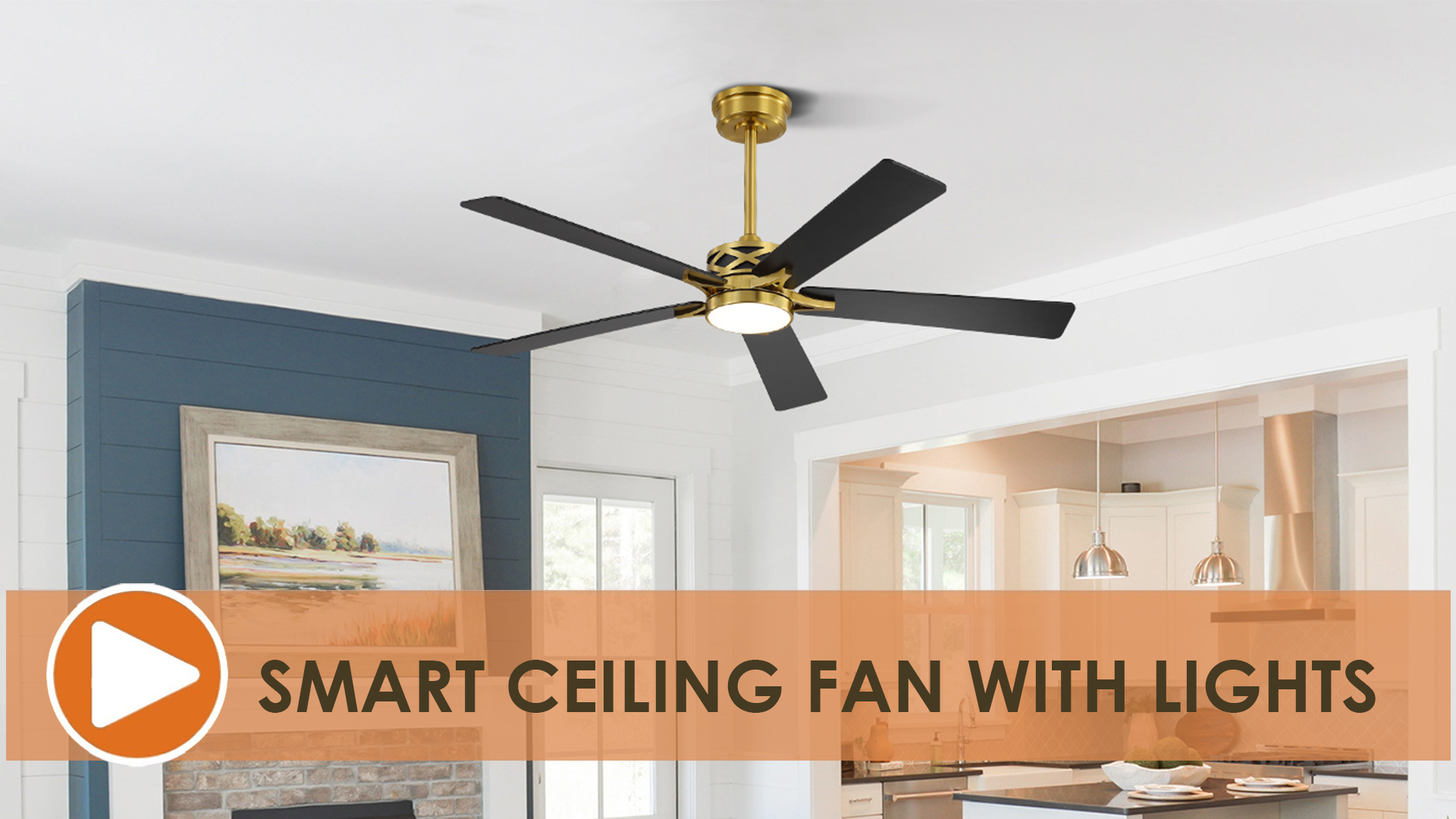
Figure 1: Exploded view of WINGBO 60" Smart Ceiling Fan components.
Installation Guide
Follow these steps for proper installation of your WINGBO Smart Ceiling Fan. For a visual guide, please refer to the official installation video below.
Step 1: Attach Blade Holders to Motor Assembly
- Locate the motor assembly (3) and the blade holders (5).
- Align each blade holder with the corresponding screw holes on the motor assembly.
- Secure each blade holder using the provided screws. Ensure they are tightened firmly.

Figure 2: Attaching blade holders to the motor assembly.
Step 2: Install Fan Blades
- Take one fan blade (4) and align it with the holes on a blade holder.
- Insert the screws with red washers through the blade and into the blade holder.
- Tighten the screws securely. Repeat for all five blades.

Figure 3: Securing fan blades to the blade holders.
Step 3: Assemble Downrod and Canopy
- Feed the wires from the motor assembly through the downrod (9).
- Attach the hanger ball (8) to the downrod, ensuring the set screw is tightened.
- Slide the canopy (2) and canopy cover (7) onto the downrod.
Step 4: Mount the Fan
- Install the mounting bracket (6) to the ceiling junction box. Ensure it is securely fastened to the building structure.
- Carefully lift the fan assembly and hang the hanger ball into the mounting bracket.
- Make all necessary electrical connections (refer to the wiring diagram in the video).
- Tuck all wires neatly into the junction box and slide the canopy up to cover the mounting bracket, securing it with screws.
Step 5: Install LED Light Kit
- Connect the wires from the LED light kit (1) to the corresponding wires in the motor assembly.
- Secure the LED light kit to the bottom of the motor assembly using the provided screws.
- Attach the light cover (14) by twisting or snapping it into place.
Official Installation Video
Video: WINGBO Smart Ceiling Fan with Lights, Installation Guide. This video provides a step-by-step visual demonstration of the fan assembly and installation process.
Operating Instructions
Control Methods
- Remote Control: Use the included remote to control fan speed, light settings, and timer functions.
- Smart Life App: Download the Smart Life app to control your fan from your smartphone or tablet. This allows for remote control, scheduling, and advanced settings.
- Voice Control: Integrate with Amazon Alexa or Google Assistant for hands-free operation. Simply use voice commands to adjust fan settings.

Figure 4: Voice control functionality with smart assistants.
Fan Speed and Direction
- The fan features 6 adjustable speeds for optimal airflow.
- Reversible DC Motor: The fan includes a reversible motor for year-round comfort.
- Summer Mode (Downward Airflow): Pushes air down to create a cooling effect.
- Winter Mode (Upward Airflow): Pulls air up and redistributes warm air hovering around the ceiling, helping to reduce heating costs.

Figure 5: Reversible motor for summer and winter operation.
LED Light Operation
- The integrated LED light is dimmable from 20% to 100% brightness.
- Adjustable Color Temperature (CCT): Choose from 3000K (Warm Light), 4500K (Natural Light), or 6000K (Cool Light) to suit your mood and environment.

Figure 6: Dimmable LED light with 3 color temperature options.
Timer Setting
- Set the fan to automatically turn off after 1, 4, or 8 hours using the remote control or Smart Life app.
Maintenance
Regular maintenance ensures optimal performance and longevity of your ceiling fan.
- Cleaning: Use a soft, damp cloth to clean the fan blades and motor housing. Do not use abrasive cleaners or solvents.
- Blade Inspection: Periodically check that all blade screws are tight. Over time, they may loosen, causing the fan to wobble.
- Light Kit: The integrated LED light source is designed for long life and typically does not require replacement.
- Damp Rated: This fan is damp rated, suitable for covered outdoor areas like patios or porches. Avoid direct exposure to rain.

Figure 7: Damp rated usage examples.
Troubleshooting
| Problem | Possible Cause | Solution |
|---|---|---|
| Fan does not start | No power to the fan; Loose wire connections; Remote control battery low. | Check circuit breaker/fuse; Verify all wire connections are secure; Replace remote control battery. |
| Fan wobbles | Loose blade screws; Improperly balanced blades; Loose mounting bracket. | Tighten all blade screws; Use a balancing kit to balance blades; Ensure mounting bracket is securely installed. |
| Light does not work | Loose wire connections to light kit; Remote control battery low; LED driver issue. | Check light kit wiring; Replace remote control battery; Contact customer support if LED driver is suspected. |
| Remote control not working | Battery low or incorrectly inserted; Remote not paired with fan. | Replace battery, ensure correct polarity; Follow pairing instructions in the Smart Life app or fan manual. |
Specifications
- Brand: WINGBO
- Model Name: WINGBO 60'' Smart Ceiling Fan
- Item Model Number: SYCF6006
- Color: Brass and Black
- Product Dimensions: 60"D x 60"W x 31"H
- Blade Length: 60 Inches
- Number of Blades: 5
- Blade Material: Engineered Wood
- Power Source: DC
- Voltage: 120 Volts (DC)
- Wattage (Light): 18 watts
- Air Flow Capacity: 7773 Cubic Feet Per Minute (at high speed)
- Number of Power Levels: 6
- Control Method: App, Remote, Voice (Alexa, Google Assistant)
- Special Feature: LED Light (3CCT Dimmable)
- Indoor/Outdoor Usage: Indoor (Damp Rated)
- Item Weight: 18.51 pounds
- Recommended Ceiling Height: 9 ft and above
- Sloped Ceiling Installation: Up to 15°
- Included Downrods: 4.5", 12", and 24"
Warranty and Support
For warranty information, technical support, or replacement parts, please contact WINGBO customer service. Keep your purchase receipt as proof of purchase.
Visit the official WINGBO Store for more information: WINGBO Store on Amazon