
1. Introduction
Thank you for choosing the FanttikRide C9 Pro Electric Scooter. This manual provides essential information for the safe operation, assembly, and maintenance of your new electric scooter. Please read this manual thoroughly before first use to ensure optimal performance and safety. This scooter is designed for recreational use by children aged 8-12, with a maximum weight limit of 132 lbs (60 kg).
2. Safety Information
Your safety is paramount. Always follow these guidelines to prevent injury or damage.
- Always wear a helmet and appropriate safety gear (knee pads, elbow pads) when riding.
- Ensure all bolts and fasteners are tightened before each ride.
- Do not ride in wet conditions, on uneven surfaces, or in heavy traffic.
- Maintain a safe distance from other riders and obstacles.
- The scooter is designed for one rider only. Do not carry passengers.
- Children should always be supervised by an adult while riding.
- Familiarize yourself with local laws and regulations regarding electric scooter use.
- Use the rear foot brake for controlled stopping.
3. Package Contents
Please check the box for the following items:
- FanttikRide C9 Pro Electric Scooter
- Charging Adapter
- User Manual
- Necessary Tools (if any assembly required)
4. Setup and Assembly
The FanttikRide C9 Pro Electric Scooter is designed for easy setup. It comes largely pre-assembled.
- Unfolding the Scooter: Gently pull the handlebar stem upwards until it clicks into place. Ensure the folding mechanism is securely locked.
- Adjusting Handlebar Height: The handlebar height can be adjusted to three positions: 32.5 inches, 35 inches, and 37.5 inches. Locate the quick-release clamp on the handlebar stem, open it, adjust the handlebar to the desired height, and then securely close the clamp. Ensure the handlebar is firmly in place before riding.
- Initial Charge: Before first use, fully charge the scooter's battery. Connect the charging adapter to the charging port on the scooter and then to a power outlet. The LED indicator on the charger will change when fully charged.

Image: The FanttikRide C9 Pro features 3 adjustable handlebar heights (32.5in, 35in, 37.5in) to accommodate riders from 4.0ft to 5.3ft tall, suitable for ages 8 and above.
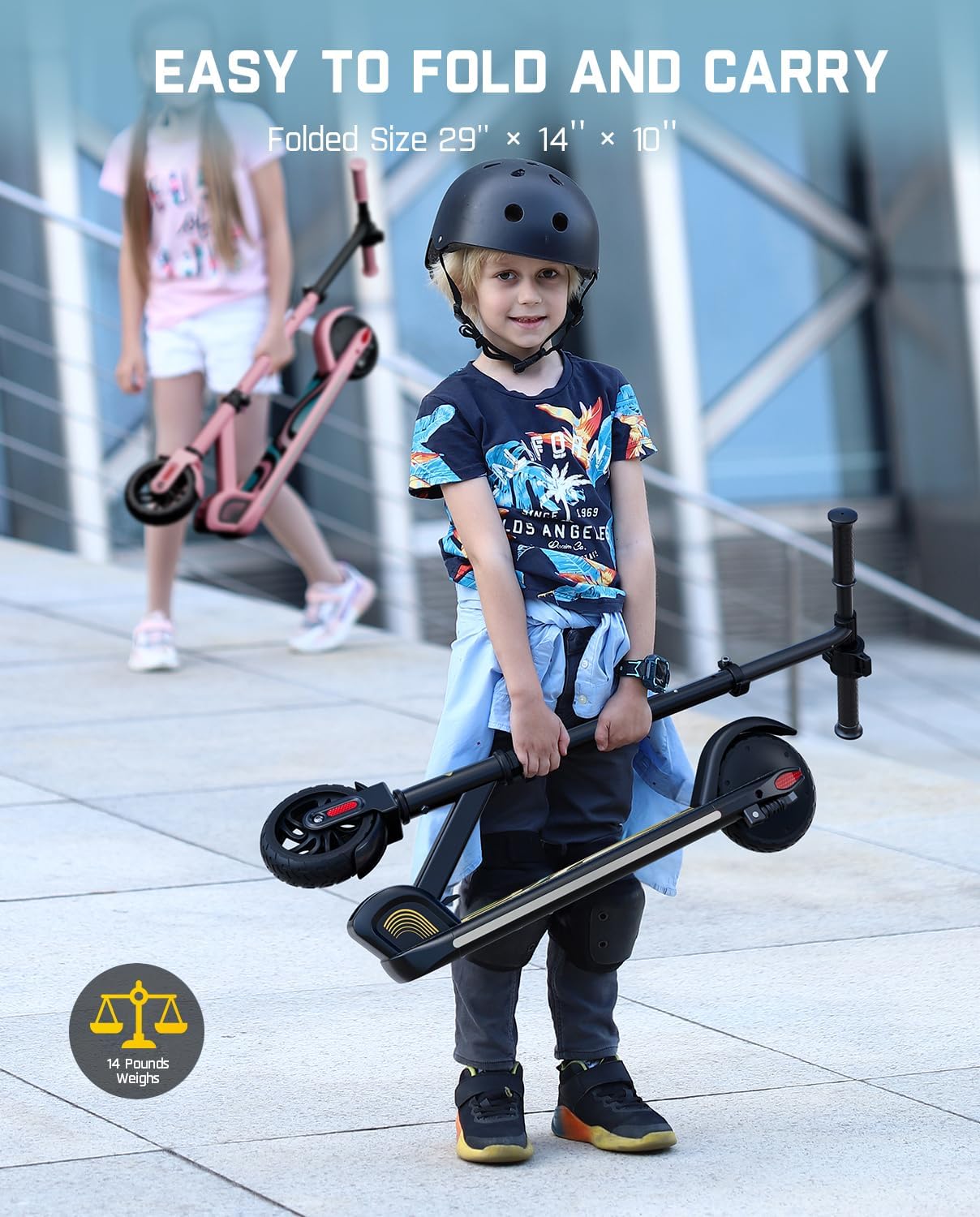
Image: The scooter is easy to fold and carry, with folded dimensions of 29" x 14" x 10", making it highly portable for storage or transport.
5. Operating Instructions
Learn how to operate your FanttikRide C9 Pro Electric Scooter.
- Power On/Off: Press and hold the power button on the LED display to turn the scooter on or off.
- Speed Modes: The scooter offers three speed selections: 5 mph (Economical), 8 mph (Normal), and 10 mph (Sport). Short press the power button to cycle through these speed modes. The current speed mode will be indicated on the LED display.
- LED Display: The integrated LED display shows important information including battery power, current speed mode (E, N, S), and riding speed.
- Activating the Motor: To engage the motor, kick off with one foot to gain a little speed (around 1.8 mph), then press the accelerator button. The motor will then assist your ride.
- Rainbow LED Lights: The scooter features dynamic rainbow LED lights next to the pedals. These lights activate automatically when the scooter is in use, enhancing visibility and fun.
- Braking: To slow down or stop, apply pressure to the rear fender brake with your foot. This provides safe and fast braking.

Image: The LED display clearly shows the battery level, current speed mode (Economical, Normal, Sport), and real-time riding speed.

Image: A visual battery level indicator is located on the deck, providing a clear percentage of remaining battery life.
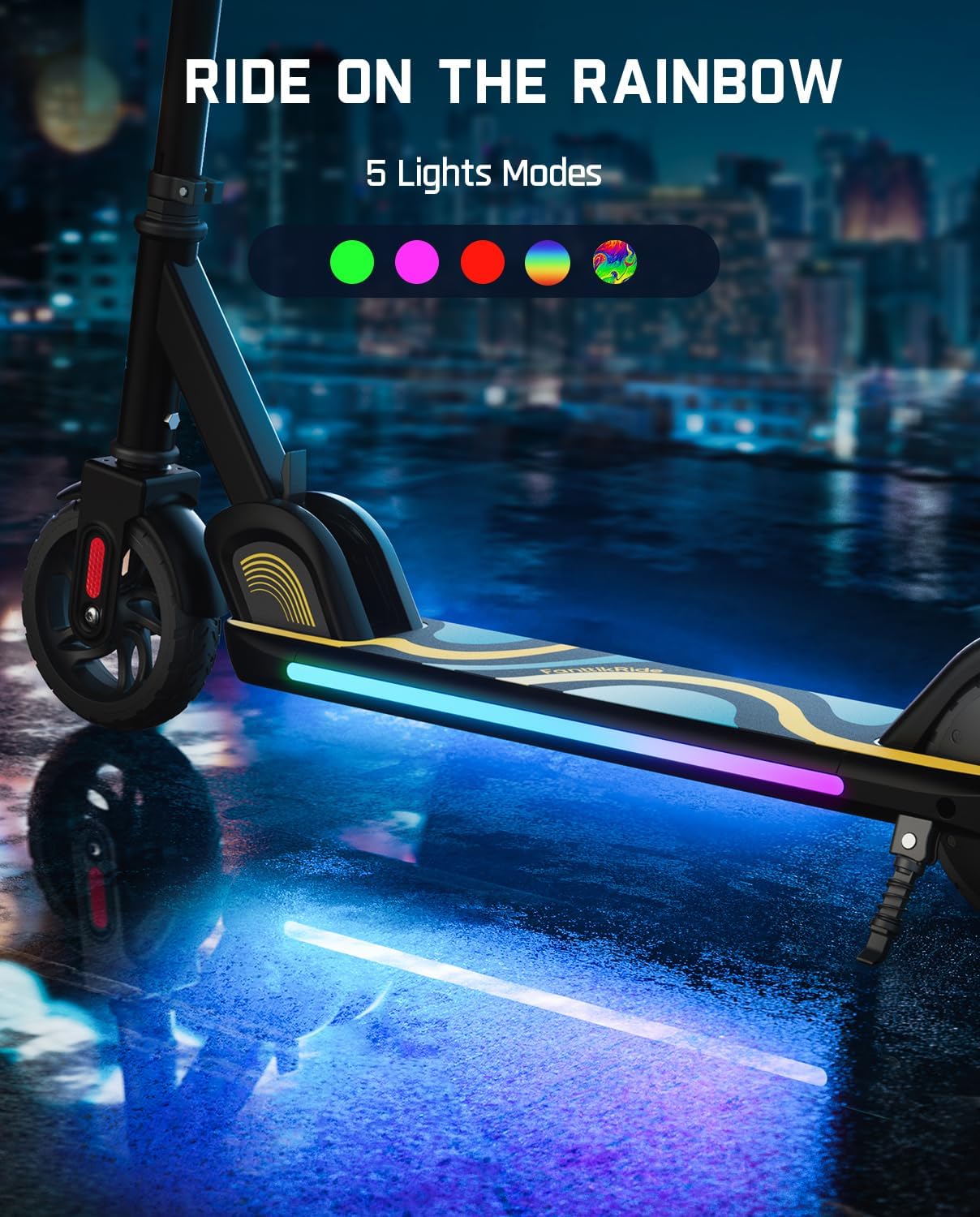
Image: The scooter features vibrant rainbow LED lights along the side of the deck, offering 5 different light modes for enhanced visibility and a fun riding experience.

Image: The scooter is equipped with a reliable rear foot brake design, allowing riders to safely and quickly stop by pressing down on the rear fender.
6. Maintenance
Regular maintenance ensures the longevity and safe operation of your scooter.
- Cleaning: Wipe the scooter with a damp cloth. Do not use harsh chemicals or spray water directly onto electrical components.
- Battery Care: Charge the battery regularly, even if not in use, to maintain its health. Do not allow the battery to fully discharge for extended periods. Store in a cool, dry place.
- Tires: The scooter uses solid rubber wheels, which are maintenance-free and provide smooth rides. Regularly check for any damage or debris.
- Brakes: Periodically check the effectiveness of the rear foot brake. Ensure it responds promptly.
- Fasteners: Check all screws and bolts periodically to ensure they are tight.

Image: The FanttikRide C9 Pro is equipped with durable rubber wheels, designed to provide a smooth and stable riding experience on various surfaces.
7. Troubleshooting
If you encounter issues with your scooter, refer to the following common problems and solutions.
| Problem | Possible Cause | Solution |
|---|---|---|
| Scooter does not turn on | Low battery; Power button not pressed correctly | Charge the battery fully; Press and hold the power button firmly. |
| Motor not engaging | Not enough initial speed; Accelerator not pressed | Kick off to gain speed (approx. 1.8 mph) before pressing the accelerator. |
| Reduced range/speed | Low battery; Overweight rider; Uphill riding; Rough terrain | Charge battery; Ensure rider is within weight limit; Ride on flat, smooth surfaces. |
| Brake not effective | Debris in brake mechanism; Worn brake | Clear any debris; Contact support if brake is worn. |
8. Specifications
| Feature | Detail |
|---|---|
| Model Name | C9 Pro |
| Brand | FanttikRide |
| Color | Black |
| Weight Limit | 132 Pounds (60 kg) |
| Number of Wheels | 2 |
| Wheel Material | Rubber |
| Frame Material | Aluminum |
| Handlebar Type | Adjustable (32.5"/35"/37.5") |
| Brake Style | Rear Braking (Foot Brake) |
| Maximum Distance Range | 5 Miles |
| Recommended Age | 8+ Years |
| Motor Power | 130W Brushless Motor |
| Folded Dimensions | 29" x 14" x 10" |
9. Warranty and Support
For warranty information and customer support, please refer to the warranty card included with your product or visit the official FanttikRide website. Keep your purchase receipt as proof of purchase.
FanttikRide Official Store: Visit the FanttikRide Store on Amazon

