
eufy RoboVac L60 Hybrid (T2268)
Contents
eufy RoboVac L60 Hybrid (Model T2268) User Manual
Your guide to intelligent cleaning.
Product Overview
The eufy RoboVac L60 Hybrid is an advanced robotic vacuum cleaner designed to provide efficient and thorough cleaning for your home. It combines powerful vacuuming with a mopping function, intelligent navigation, and customizable cleaning options to deliver a hands-free cleaning experience.
Key Features
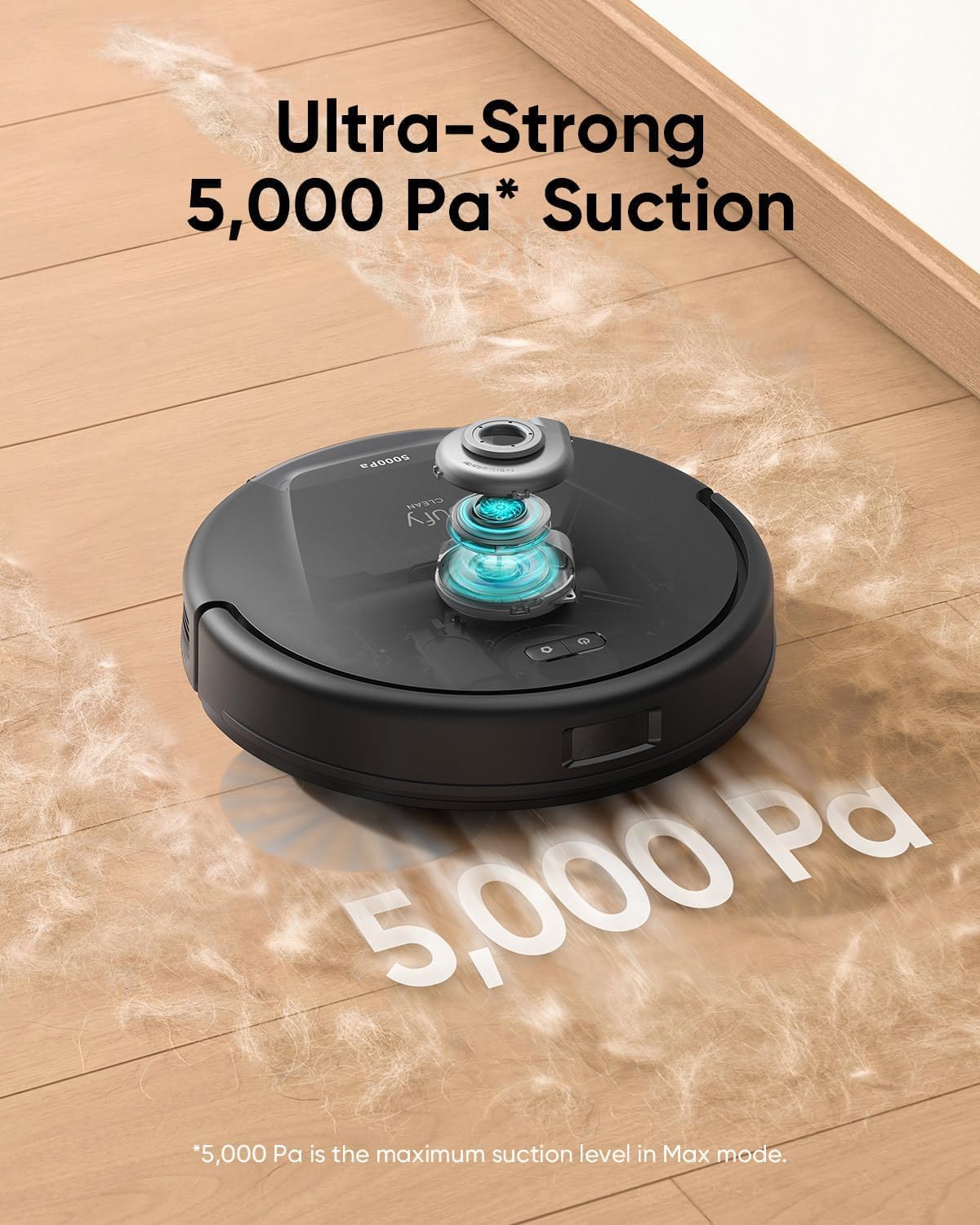
- Extremely Strong 5,000 Pa Suction Power: Effectively removes hair, crumbs, and dust for impeccably clean floors.
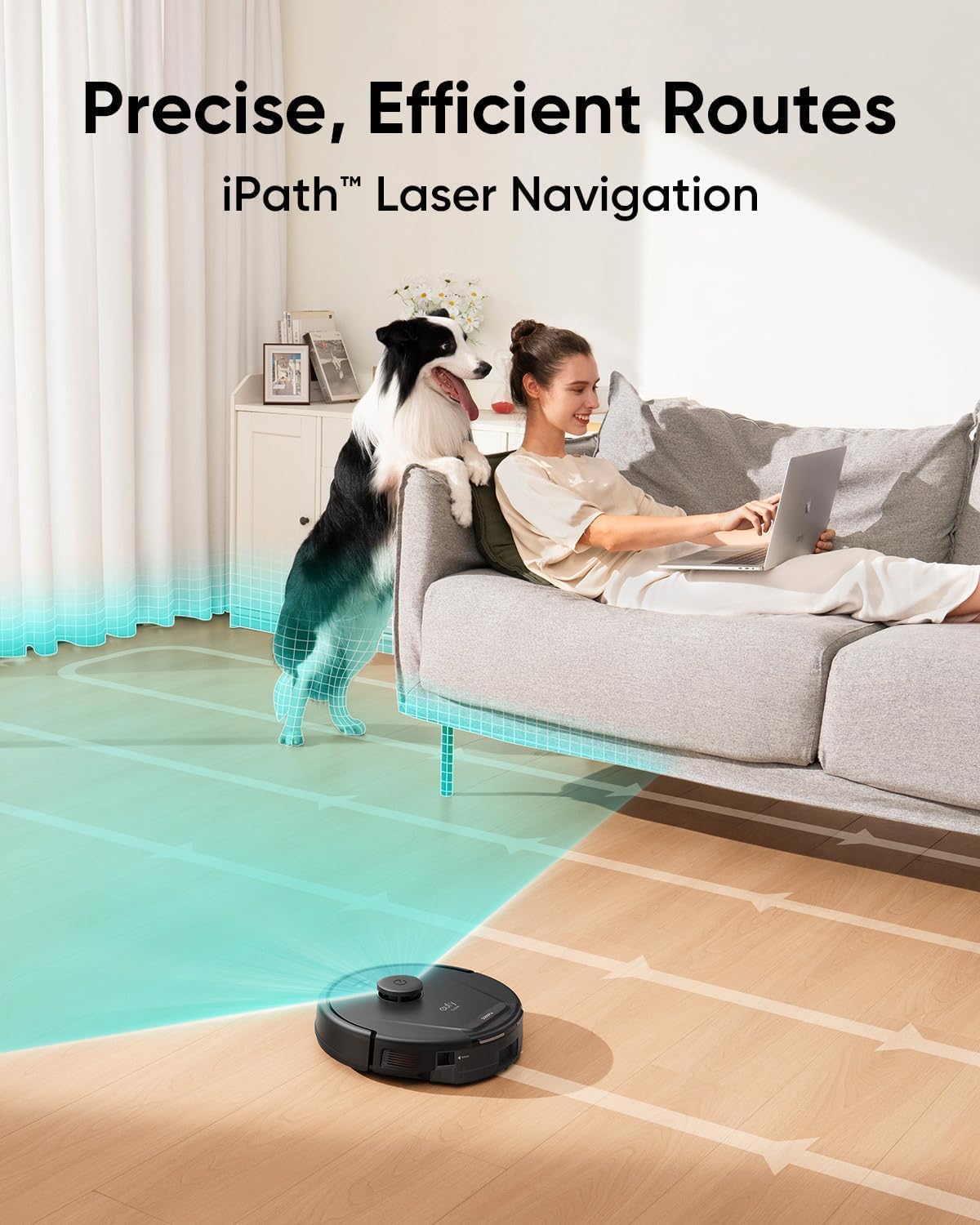
- Precision Mapping with iPath Laser Navigation: Utilizes advanced Lidar technology to scan rooms and create accurate maps for efficient cleaning paths.
- Tailored AI.Map 2.0: Allows selection of rooms, setting no-go zones, and multi-floor mapping via the app.
- BoostIQ Technology: Automatically increases suction power on carpets for maximum cleaning efficiency.
- 20 mm Climbing Height: Effortlessly navigates over thresholds and carpet edges.
- 2-in-1 Suction and Wiping Function: Provides thorough cleaning with an attachable mop pad and adjustable water flow.
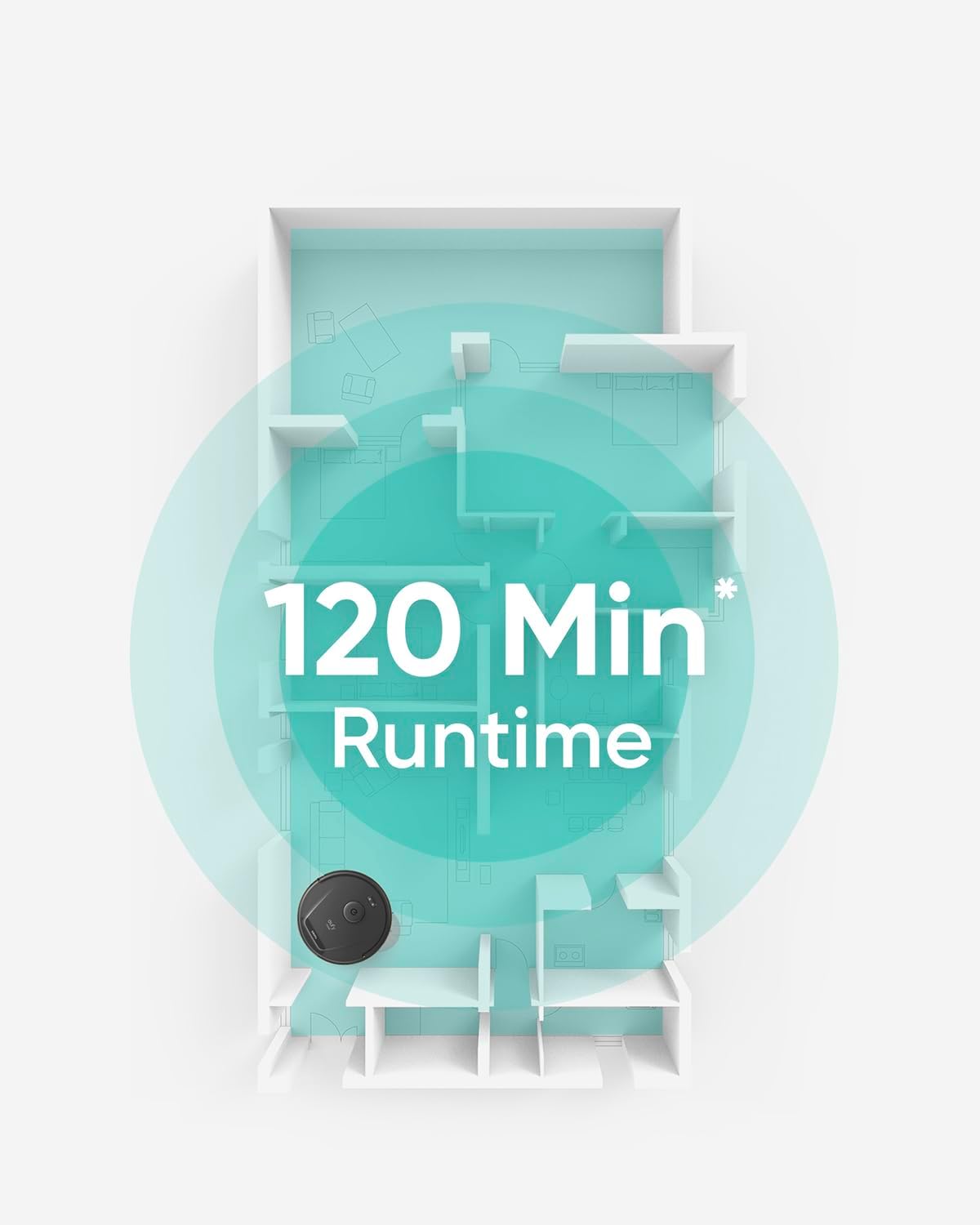
- Long Runtime: Up to 120 minutes of continuous cleaning.

Setup
Before first use, ensure the RoboVac is fully charged and all packaging materials are removed. Place the charging base against a wall in an open, uncluttered area, ensuring at least 0.5 meters of clear space on either side and 1.5 meters in front. Connect the power adapter to the charging base and a power outlet.
- Charge the RoboVac: Place the RoboVac on the charging base. The indicator lights will show charging status.
- Download the eufy Clean App: Search for "eufy Clean" in your mobile app store and install it.
- Connect to Wi-Fi: Follow the in-app instructions to connect your RoboVac to your home Wi-Fi network. This enables smart features and remote control.
- Initial Mapping: Allow the RoboVac to complete its first cleaning cycle to create a detailed map of your home. Clear any obstacles to ensure accurate mapping.
Operating Instructions
The eufy RoboVac L60 Hybrid offers various cleaning modes and smart features accessible through the eufy Clean app.
iPath Laser Navigation
The RoboVac uses advanced laser navigation to create precise maps of your home, allowing it to plan the most efficient cleaning routes. This ensures no spots are missed and cleaning is completed quickly.
AI.Map 2.0 Customization
Through the eufy Clean app, you can customize your cleaning experience:
- No-Go Zones: Define areas the RoboVac should avoid.
- Room Selection: Choose specific rooms for cleaning.
- Zone Cleaning: Designate custom areas for targeted cleaning.
- Suction Levels: Adjust suction power based on floor type and cleaning needs.

BoostIQ Technology
This technology allows the RoboVac to automatically detect when it moves from a hard floor to a carpeted surface and increases its suction power accordingly, ensuring deep cleaning on all floor types.

Suction and Mopping Function
To use the mopping function, attach the mop pad and fill the water tank. Select the desired water flow level in the app. The RoboVac will vacuum and mop simultaneously for a comprehensive clean.

Threshold Climbing
The RoboVac L60 Hybrid is designed to climb over obstacles up to 20 mm, allowing it to move seamlessly between different floor levels and over carpet edges.

Maintenance
Regular maintenance ensures optimal performance and extends the lifespan of your RoboVac.
- Empty the Dustbin: Empty the dustbin after each cleaning cycle.
- Clean the Filter: Tap out debris from the high-performance filter weekly. Replace every 3-6 months.
- Clean the Rolling Brush: Remove hair and debris from the rolling brush weekly using the cleaning tool.
- Clean Side Brushes: Check side brushes for tangles and wear. Clean or replace as needed.
- Clean Sensors and Charging Pins: Wipe all sensors and charging pins with a dry cloth monthly.
- Clean the Mop Pad: Wash the mop pad after each mopping session.
Troubleshooting
If you encounter issues with your RoboVac, refer to the following common solutions:
| Problem | Possible Cause | Solution |
|---|---|---|
| RoboVac does not turn on | Low battery or not charged | Place RoboVac on the charging base and ensure it is charging. |
| RoboVac cannot connect to Wi-Fi | Incorrect Wi-Fi password, router issues, or out of range | Verify Wi-Fi password, restart router, ensure RoboVac is within Wi-Fi range. |
| RoboVac gets stuck frequently | Obstacles, tangled brushes | Clear cables and small objects. Clean the rolling brush and side brushes. |
| Poor cleaning performance | Full dustbin, dirty filter, worn brushes | Empty dustbin, clean/replace filter, clean/replace brushes. |
| Mopping function not working | Empty water tank, clogged nozzle, incorrect mop pad attachment | Fill water tank, clean nozzle, ensure mop pad is correctly attached. |
Specifications
| Attribute | Detail |
|---|---|
| Brand | eufy |
| Model Name | L60 |
| Model Number | T2268 |
| Color | black |
| Product Dimensions | 32.6 x 33.2 x 10.2 cm |
| Item Weight | 4.05 Kilograms |
| Voltage | 3.7 Volts |
| Special Features | Cordless |
| Compatible Models | Smartphones, Tablets, Google Home, Amazon Echo |
| Surface Recommendation | Hard floors |
Warranty and Support
eufy provides comprehensive customer support for your RoboVac L60 Hybrid. For technical assistance, maintenance services, or troubleshooting, please refer to the contact information below.

For frequently asked questions and additional support resources, you can scan the QR code in the image or visit the official eufy support page:
For direct assistance, you may also contact eufy customer service:
- Phone: 000-8000-504-414 (Monday to Friday: 09:30 am - 19:30 pm)
- Email: support.india@anker.com
Documents and downloads
Ask a question about this manual
Ask about setup, troubleshooting, compatibility, parts, safety, or missing instructions. Manuals+ will review the question and use this page’s manual context to help answer it.