
1. Introduction
Thank you for choosing the SEDETA L Shaped Gaming Desk. This manual provides detailed instructions for assembly, operation, and maintenance to ensure you get the most out of your new desk. Designed for versatility and functionality, this desk offers ample workspace, smart features, and robust construction for both gaming and home office environments.
2. Key Features
- Convertible Design: Easily switch between a 67-inch corner desk and a 98.4-inch two-person desk to suit your space and needs. Accommodates multiple monitors and notebooks.
- Ample Storage Space: Features a file drawer (for letter/A4/legal size files), a printer cabinet, and two-tier storage shelves to keep your workspace organized. Includes a CPU stand to protect your host from moisture and dust.
- Multipurpose Desktop Organizer: Comes with a breathable, high-quality fabric desktop organizer for pens, pencils, scissors, and other accessories, helping to maintain a tidy desktop.
- Cool & Smart LED Light Strips: Enhance your gaming or working atmosphere with RGB LED light strips. Control via APP with over 60,000 colors, 29 flashing modes, music sync function (built-in sensitivity adjustable mic), and a timer function.
- Ergonomic Design for Health: The monitor shelf conforms to ergonomic structure, reducing neck and back pressure. A convenient headset hook keeps your headphones within reach.
- Integrated Power Outlet: Equipped with a recessed charging station featuring 4 AC outlets and 2 USB ports to power up to 6 devices simultaneously.
3. Setup and Assembly
Assembly of the SEDETA L Shaped Gaming Desk is designed to be as straightforward as possible. Please ensure you have all parts and tools before beginning. It is recommended that 2 people assemble this desk for ease and safety.
3.1 Unpacking and Part Identification
Carefully unpack all components from the box. Verify that all numbered parts and accessories are present according to the included instructions manual. If any parts are damaged, scratched, or missing, please contact customer service for assistance.
3.2 Assembly Options
This versatile desk offers multiple configuration options:
- L-Shaped Corner Desk: Configures into a 67-inch L-shaped desk, ideal for corner spaces.
- Two-Person Straight Desk: Configures into a 98.4-inch straight desk, perfect for two users or an extended workspace.
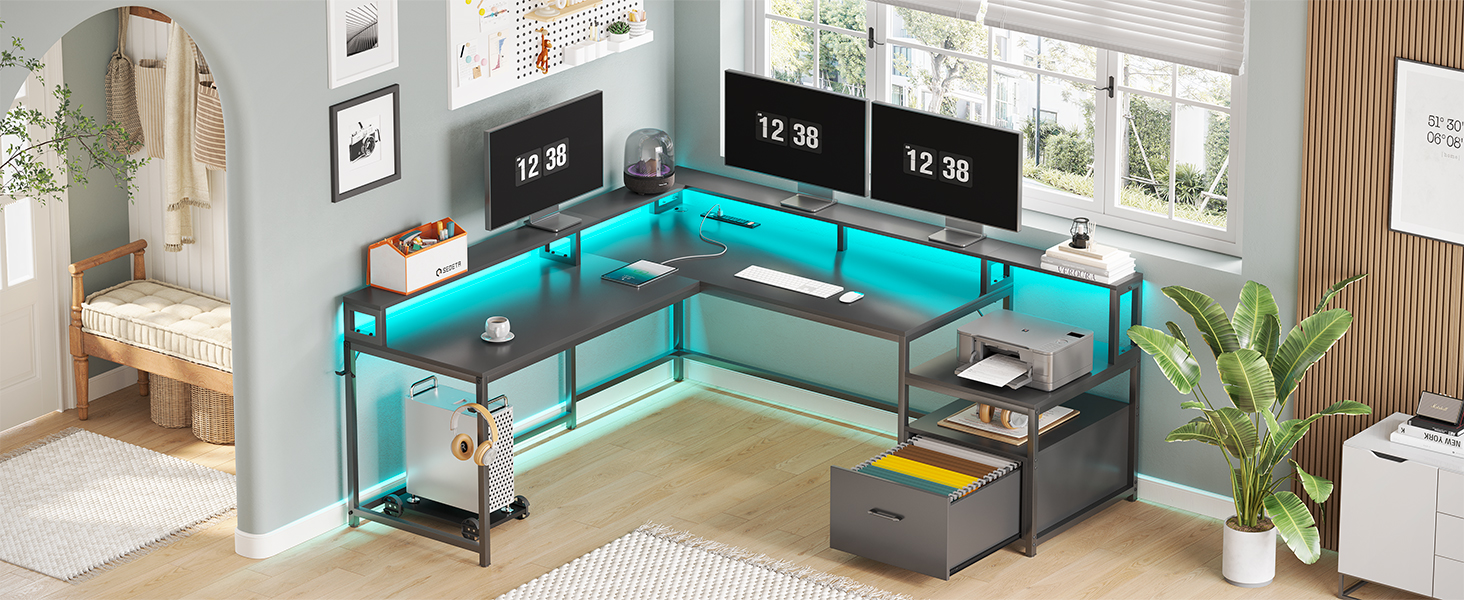
Figure 3.2.1: Diagram showing the two-person straight desk configuration.

Figure 3.2.2: Diagram showing the L-shaped corner desk configuration with dimensions.
3.3 Step-by-Step Assembly
Follow the clear and detailed instructions provided in your product's assembly manual. All parts are numbered for easy identification. Ensure all screws are tightened properly for stability.
Video 3.3.1: Assembly overview of the SEDETA L Shaped Desk with File Drawer. This video demonstrates key assembly steps and features of the desk.
3.4 Adjustable Feet
The desk is equipped with adjustable feet. Use these to level the desk on uneven floors and protect your flooring from scratches.
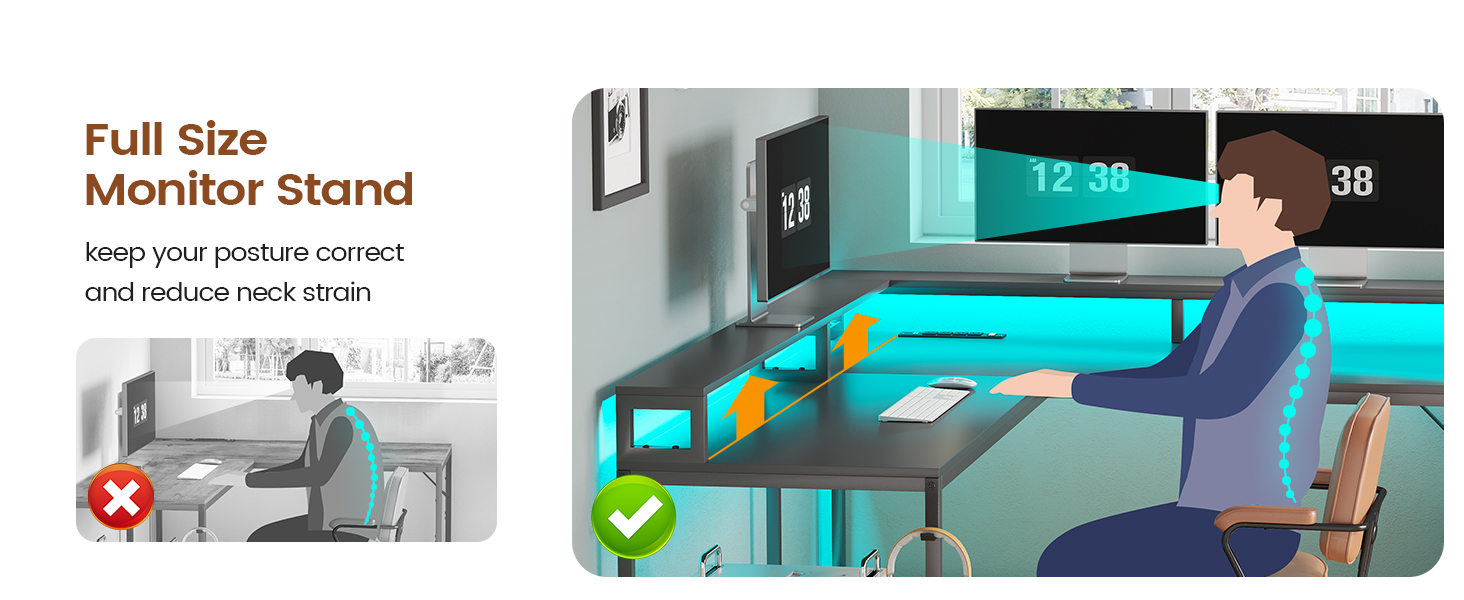
Figure 3.4.1: Close-up of the adjustable feet, showing their function for stability and floor protection.
4. Operating Instructions
4.1 LED Light Strips
The integrated RGB LED light strips can be controlled via a dedicated mobile application. Download the app (details in your assembly manual) to access over 60,000 colors, 29 flashing modes, music sync functionality (lights change with sound rhythm), and a convenient timer function.

Figure 4.1.1: The SEDETA gaming desk illuminated by RGB LED lights, showcasing the app control interface for color and mode selection.
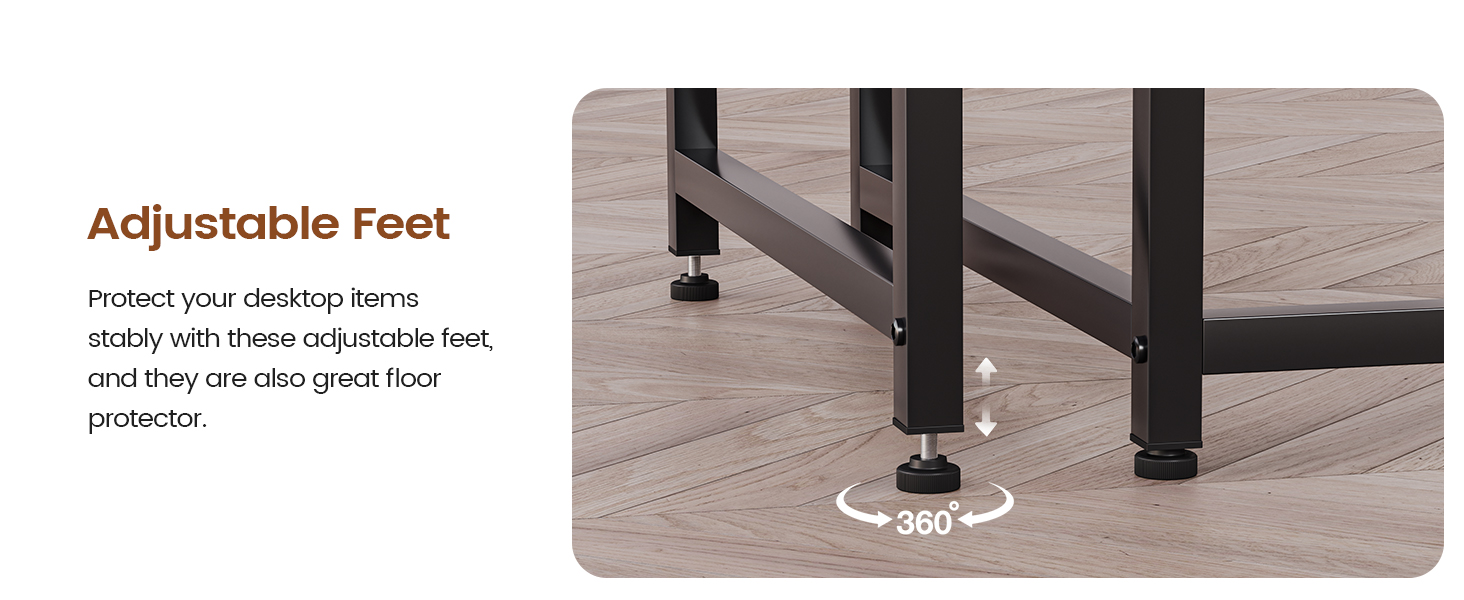
Figure 4.1.2: Illustration of a user changing LED light colors, highlighting the extensive color palette available.
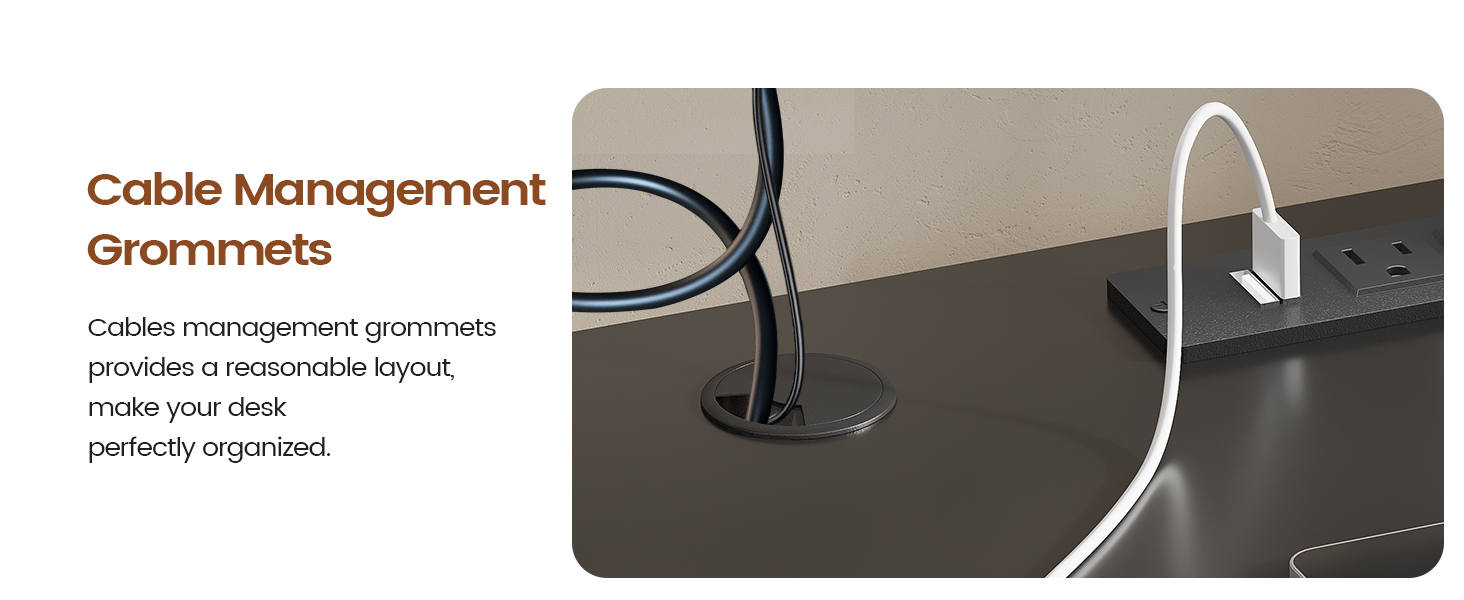
Figure 4.1.3: Depiction of the LED lights in music sync mode, reacting to sound and music for an immersive experience.

Figure 4.1.4: Visual representation of the three flashing modes (Strobe, Static, Gradate) for dynamic lighting effects.
4.2 Recessed Power Outlet
The desk features a built-in power strip with 4 standard AC outlets and 2 USB ports. This allows you to conveniently charge and power multiple devices directly from your desktop. Use the integrated power switch to turn the outlets on or off.

Figure 4.2.1: Close-up of the recessed power strip, showing its 2 USB ports and 4 AC outlets in use.

Figure 4.2.2: Detailed diagram illustrating the features of the recessed power strip, including port types and power cord length.
4.3 Monitor Shelf and CPU Stand
The full-size monitor shelf helps maintain correct posture and reduces neck strain by elevating your monitors to an ergonomic viewing height. The included CPU stand protects your computer tower from moisture and dust by keeping it off the floor.

Figure 4.3.1: Illustration demonstrating the ergonomic benefits of the monitor shelf for maintaining proper posture.

Figure 4.3.2: The CPU stand positioned under the desk, designed to protect the computer from floor-level dust and moisture.
4.4 Storage and Organization
Utilize the file drawer for organizing letter, A4, or legal-sized documents. The printer cabinet and two-tier shelves provide dedicated spaces for office machines and supplies. The fabric desktop organizer helps keep smaller items neatly arranged on the desk surface.

Figure 4.4.1: The desk's various storage compartments, including the file drawer and shelves, demonstrating their capacity for organization.
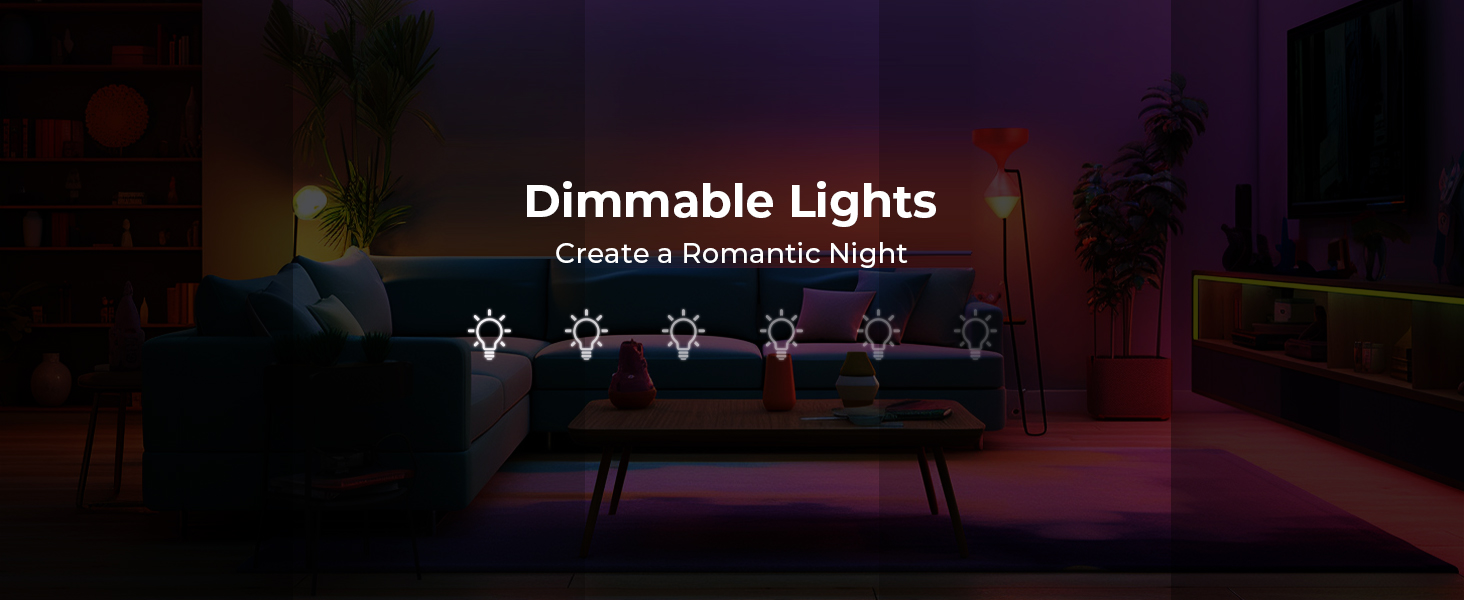
Figure 4.4.2: Detailed view of the multifunctional storage cabinet, showing its adaptability for different file sizes and general storage.

Figure 4.4.3: A visual comparison highlighting the benefits of the desk's storage features in maintaining a tidy and organized workspace.
4.5 Cable Management
The desk includes cable management grommets to help organize and route your cables, keeping your desktop neat and free from clutter.
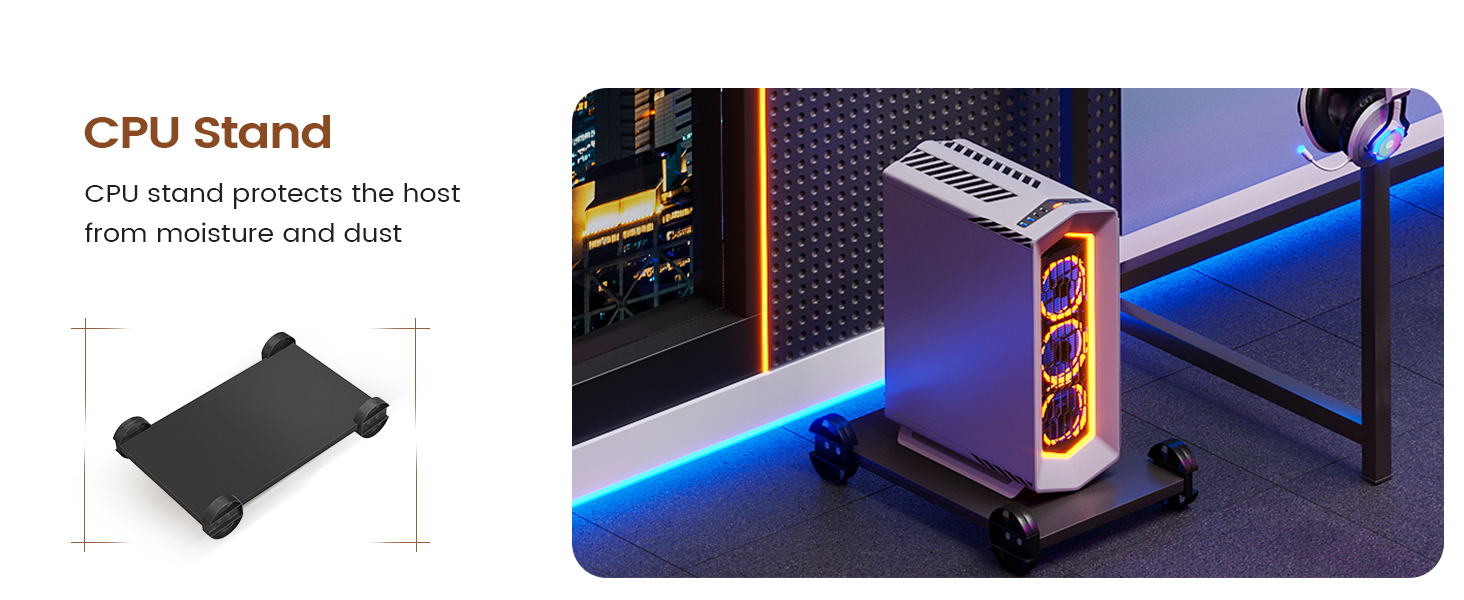
Figure 4.5.1: Close-up of the cable management grommets, illustrating how they help maintain an organized desktop by routing cables efficiently.
5. Maintenance
- Cleaning: Wipe the desk surfaces with a soft, damp cloth. Avoid harsh chemicals or abrasive cleaners that could damage the finish.
- Screw Tightness: Periodically check all screws and fasteners to ensure they remain tight. Re-tighten if necessary to maintain stability and prevent wobbling.
- LED Lights: Ensure LED light strips are free from dust. If issues arise, check connections to the power outlet.
6. Troubleshooting
- Desk Wobbles: Ensure all assembly screws are fully tightened. Check that the adjustable feet are properly leveled on the floor.
- LED Lights Not Working: Verify that the power outlet is switched on and the LED strip is securely plugged into the power source. Check the app connection if using smart control.
- Power Outlets Not Functioning: Ensure the main power switch on the recessed power strip is in the 'ON' position. Check the connection to the wall outlet.
7. Specifications
| Attribute | Detail |
|---|---|
| Brand | SEDETA |
| Product Dimensions | 48"D x 66.9"W x 34.6"H |
| Color | Black |
| Style | Modern |
| Base Material | Engineered Wood |
| Finish Type | Powder Coated |
| Special Feature | Monitor Stand, Led Lights, File Drawer & Power Outlet |
| Recommended Uses | Gaming, Home Office |
| Item Weight | 80.3 Pounds |
| Number of Drawers | 1 |
| Number of Shelves | 2 |
| Maximum Weight Recommendation | 300 Pounds |
| Required Assembly | Yes |
| Recommended Number of People for Assembly | 2 |
8. Important Safety Information
Always assemble the desk carefully, ensuring all screws are tightened properly. Do not exceed the weight limit of 300 lbs. Keep small parts away from children during assembly. Do not stand or sit on the desk. Place the desk on a flat, stable surface.
9. Warranty and Support
For any issues regarding your SEDETA L Shaped Gaming Desk, including damaged, scratched, or missing parts, please contact the seller or manufacturer directly. Refer to your purchase documentation for specific warranty details and contact information. We are committed to providing free replacements or partial refunds for eligible issues.
