
Pentel BLN75-L7
Pentel BLN75-L7 EnerGel Ballpoint Pen 0.5mm Limited Edition 7 Colors Set User Manual
Brand: Pentel | Model: BLN75-L7
Introduction
Thank you for choosing the Pentel BLN75-L7 EnerGel Ballpoint Pen 0.5mm Limited Edition 7 Colors Set. This set offers a superior writing experience with its quick-drying, smooth-flowing gel ink. Designed for comfort and precision, these retractable pens are perfect for various writing tasks, from detailed notes to creative projects. This manual provides essential information on setting up, operating, maintaining, and troubleshooting your new pen set.

Product Features
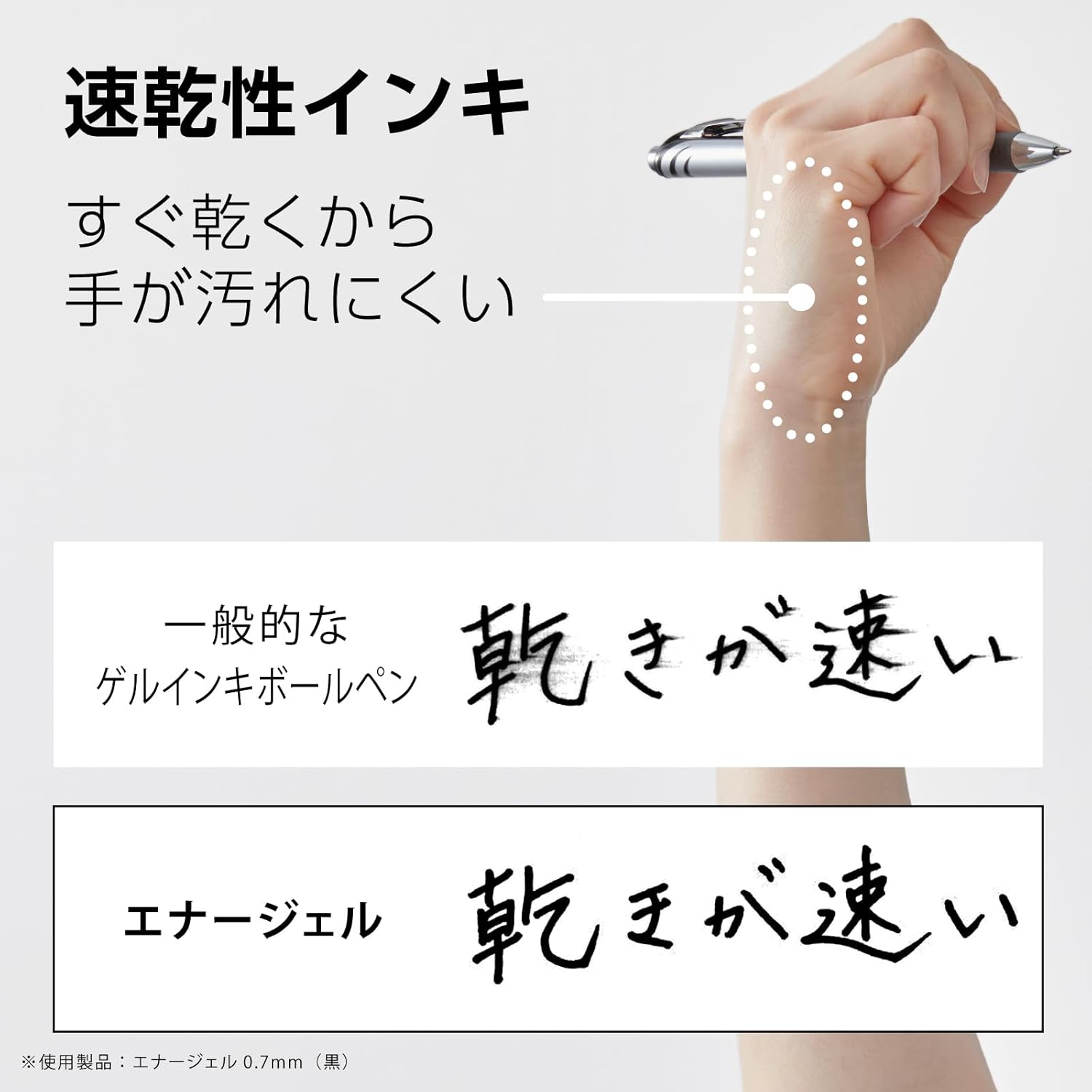
- Quick-Drying Gel Ink: The EnerGel ink formula dries rapidly, minimizing smudges and making it ideal for left-handed writers or quick note-taking.
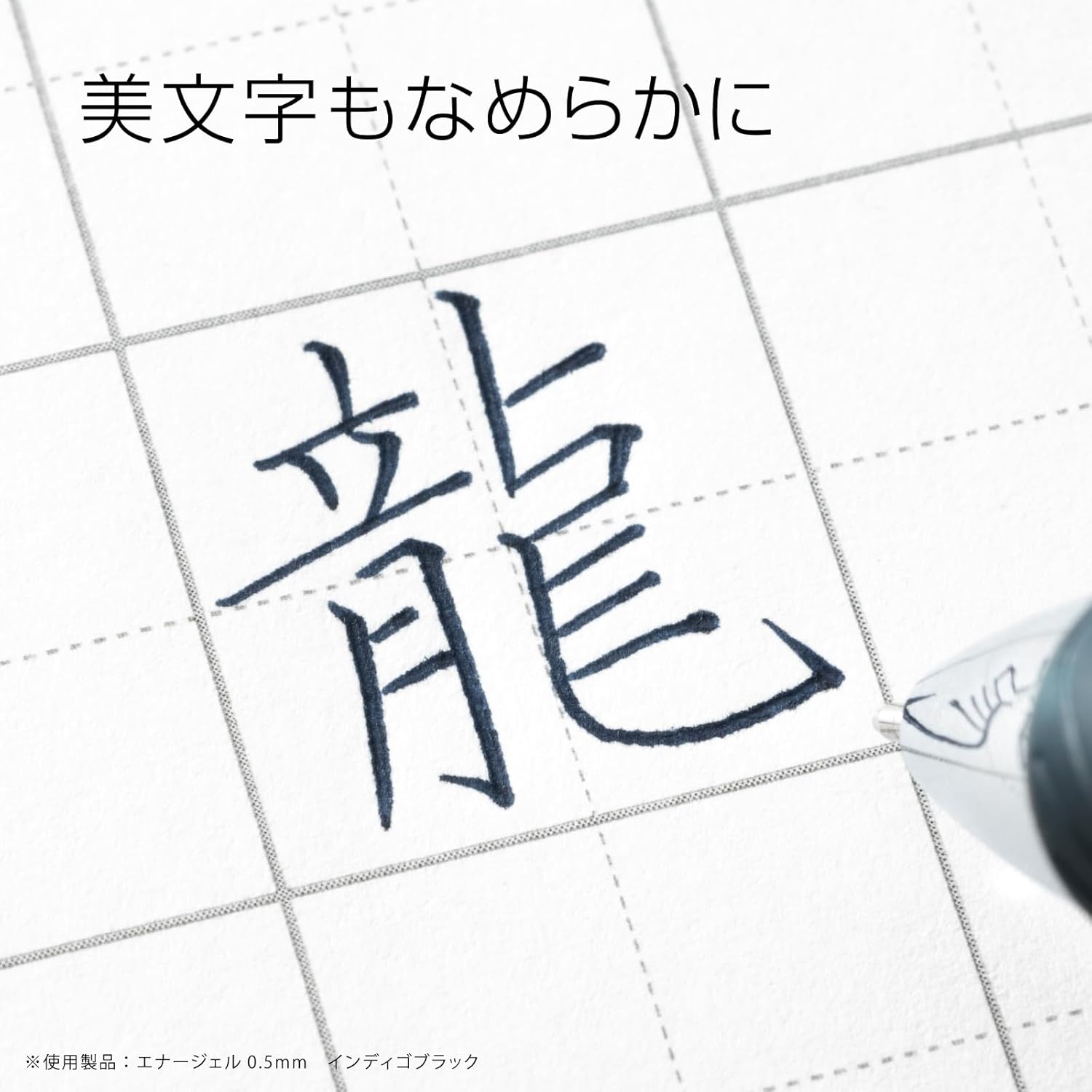
- Smooth Writing Experience: Enjoy effortless and consistent ink flow for clear, dark, and precise lines.
- Retractable Design: A convenient click mechanism retracts the pen tip, eliminating the need for a cap and preventing accidental marks.
- 0.5mm Fine Point: The 0.5mm tip provides a fine line, perfect for detailed work, journaling, and precise writing.
- Limited Edition 7-Color Set: A curated selection of seven distinct colors to add vibrancy and organization to your writing.
- Durable Construction: Made with recycled PC for the rear axis and crown, ABS for the knock and front shaft, elastomer grip, and iron clip for longevity.



Setup
Your Pentel EnerGel pens are ready for immediate use right out of the box. No assembly or special setup is required.
- Unpack: Carefully remove the pens from their packaging.
- Inspect: Check each pen for any visible damage.
- Prepare for Use: Simply click the top button to extend the pen tip.
Operating Instructions
Using your Pentel EnerGel pen is straightforward and intuitive.
- Extend the Tip: Press the push-button at the top of the pen firmly until the tip extends and locks into place.
- Write: Hold the pen comfortably and apply light pressure to write on your desired surface. The smooth gel ink requires minimal effort.
- Retract the Tip: When finished writing, press the side clip or the top button again (depending on the specific pen design) to retract the tip. This protects the tip and prevents ink from drying out or marking surfaces.
For optimal performance, store pens horizontally when not in use for extended periods.
Maintenance
The Pentel EnerGel pens are designed for durability and ease of use. The primary maintenance involves replacing the ink refill when it runs out.
Replacing the Ink Refill:
- Unscrew the Barrel: Gently twist the pen barrel counter-clockwise, usually at the grip section, to separate the front and back halves of the pen.
- Remove Old Refill: Carefully pull out the empty ink refill from the front section.
- Insert New Refill: Take a new Pentel EnerGel LR5 (0.5mm) refill. Ensure the small plastic cap on the tip of the new refill is removed before insertion. Insert the new refill firmly into the front section until it is seated correctly.
- Reassemble: Align the two halves of the pen and twist clockwise until securely fastened.
Always use genuine Pentel EnerGel LR5 refills for best performance and compatibility.

Troubleshooting
| Problem | Possible Cause | Solution |
|---|---|---|
| Ink not flowing smoothly or skipping. |
|
|
| Pen tip does not retract. |
|
|
| Ink smudges easily after writing. |
|
|
Specifications
| Brand | Pentel |
| Model Number | BLN75-L7 |
| Writing Instrument Form | Ballpoint Pen (Gel Ink) |
| Point Type | Ballpoint |
| Line Size | 0.5mm |
| Ink Color | Multicolor (7 Limited Edition Colors) |
| Closure Type | Retractable |
| Grip Type | Smooth Elastomer |
| Material Type | ABS, Recycled PC, Elastomer, Iron, Resin Plating |
| Item Weight | 4.2 ounces (for the set) |
| Product Dimensions | 0.6 x 0.4 x 5.8 inches (per pen, approximate) |
| Number of Items | 1 (Pack of 7 pens) |
| Date First Available | October 21, 2023 |
Warranty and Support
Pentel products are manufactured to high-quality standards. For specific warranty information or support inquiries regarding your Pentel EnerGel pens, please refer to the official Pentel website or contact their customer service directly.
Pentel of America, Ltd.
Official Website
For contact details and FAQs, please visit the support section of their website.
Related documentsBLN75-L7


Ask a question about this manual
Ask about setup, troubleshooting, compatibility, parts, safety, or missing instructions. Manuals+ will review the question and use this page’s manual context to help answer it.