
Introduction
The THE G-LAB Keyz Hydrogen is a compact 60% semi-mechanical gaming keyboard designed for performance and space optimization. This manual provides essential information for setting up, operating, maintaining, and troubleshooting your keyboard to ensure an optimal gaming experience.

Image: The THE G-LAB Keyz Hydrogen keyboard, showcasing its compact design and multi-color backlighting.
Setup
1. Connecting the Keyboard
- Locate an available USB port on your computer or gaming console.
- Plug the reinforced braided USB cable of the Keyz Hydrogen keyboard into the USB port.
- The keyboard is plug-and-play; no additional drivers are required for installation. Your system should automatically recognize the device.
2. Compatibility
The Keyz Hydrogen keyboard is compatible with a wide range of operating systems and gaming platforms:
- Operating Systems: Windows, macOS, Linux, iOS
- Hardware Platforms: PC, Gaming Consoles (PlayStation 4, PlayStation 5, Xbox One, Xbox Series X)
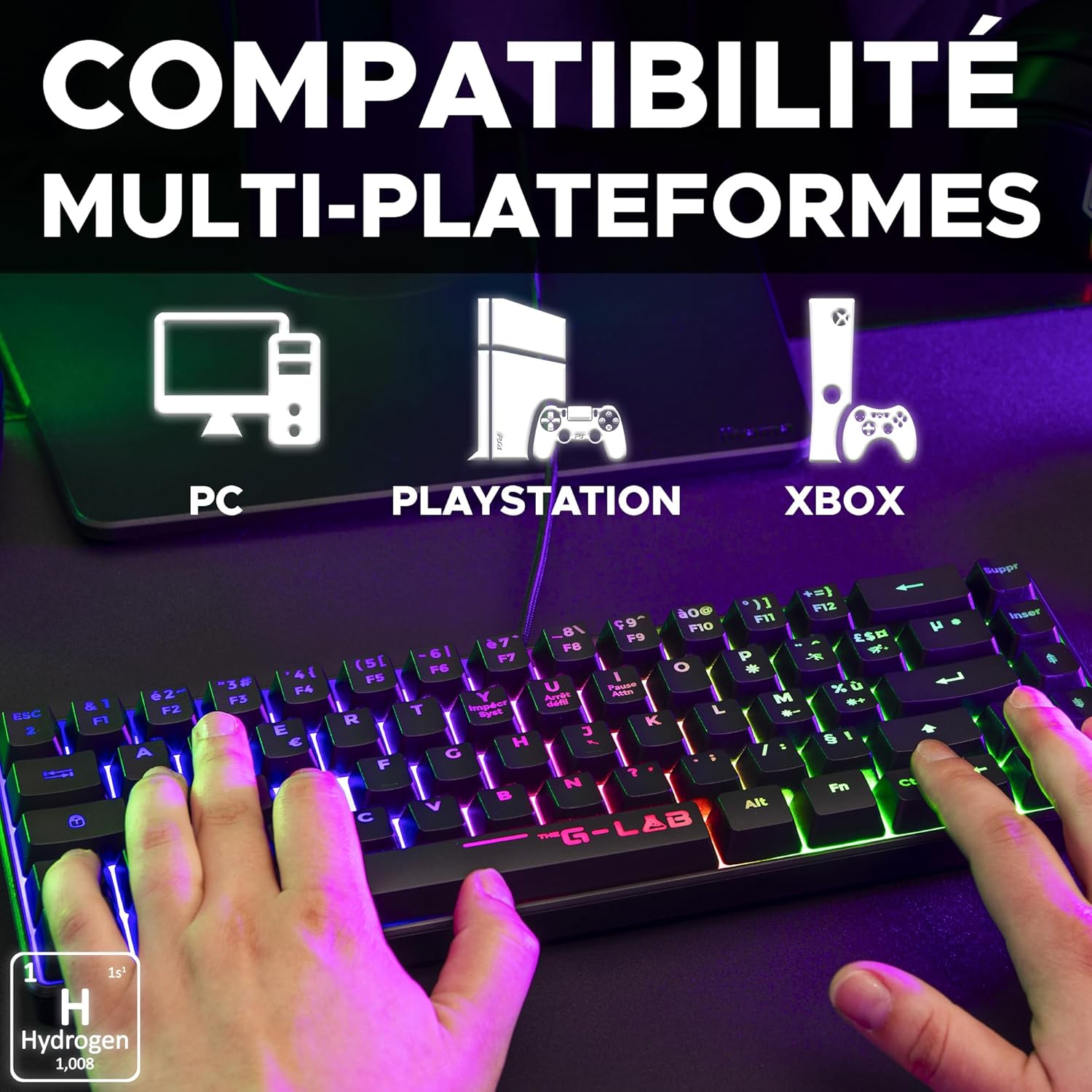
Image: Icons illustrating the multi-platform compatibility of the Keyz Hydrogen keyboard, including PC, PlayStation, and Xbox.
Operating Instructions
1. Basic Typing and Responsiveness
The Keyz Hydrogen keyboard features semi-mechanical keys designed for responsive and silent typing. This ensures a comfortable experience during extended gaming sessions or general use.
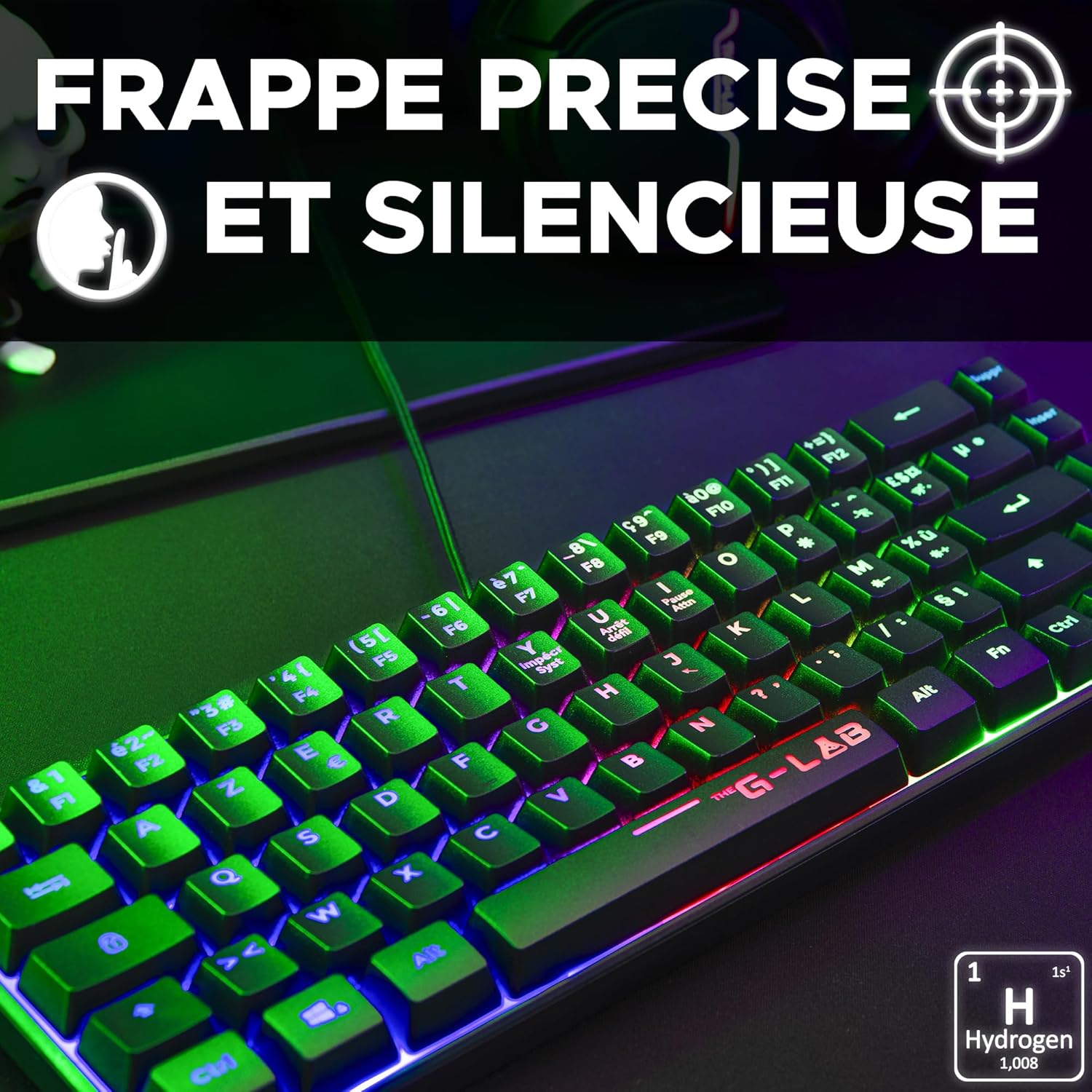
Image: A close-up of the Keyz Hydrogen keyboard, highlighting its precise and silent key action.
2. Multi-Color Backlight
The keyboard is equipped with a fixed multi-color backlight that illuminates each key, providing optimal visibility in various lighting conditions. The backlight is automatically active upon connection.
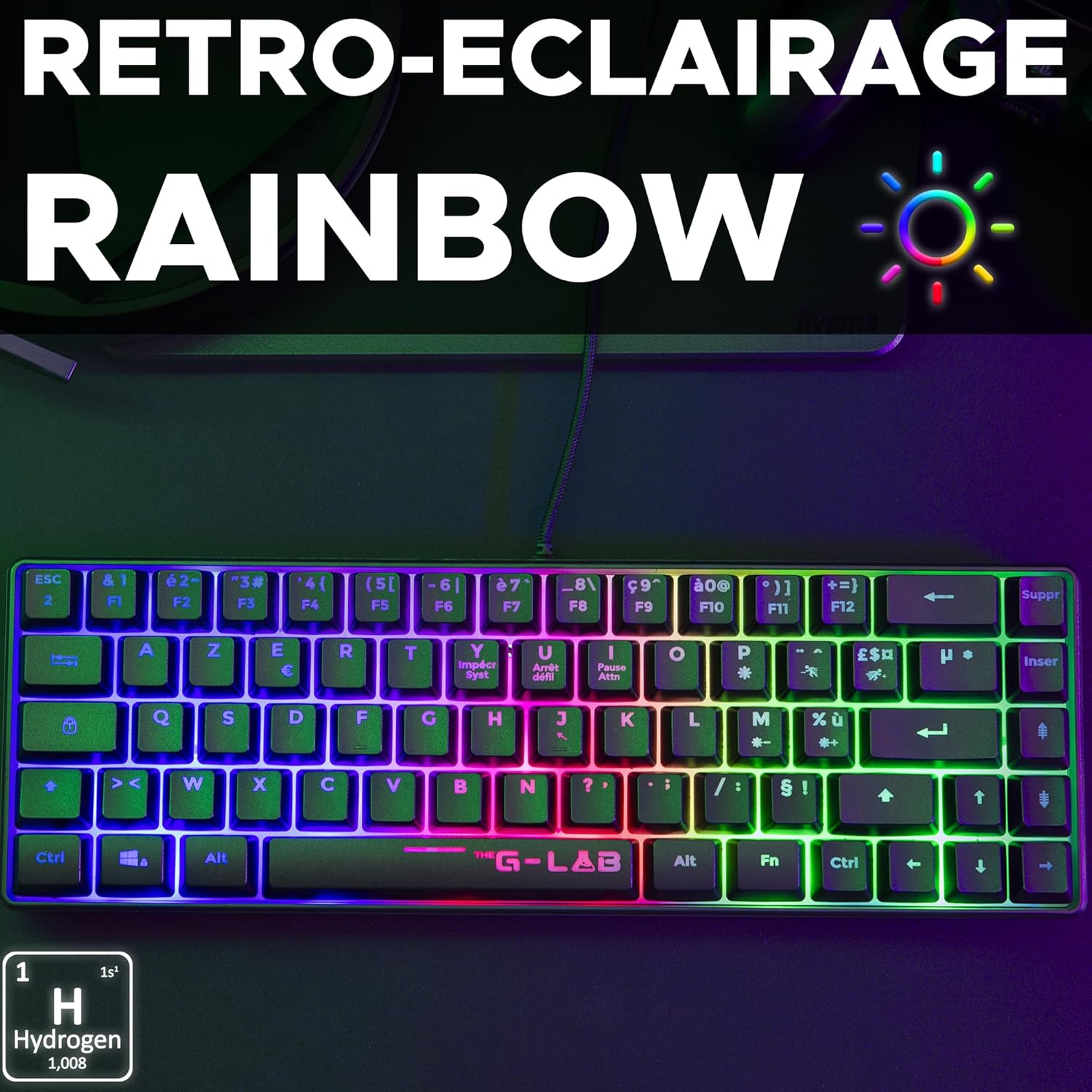
Image: The Keyz Hydrogen keyboard displaying its vibrant rainbow multi-color backlighting.
3. Anti-Ghosting Technology
The Keyz Hydrogen incorporates anti-ghosting technology, allowing you to press up to 19 keys simultaneously without conflict. This ensures accurate command input during intense gaming sessions.
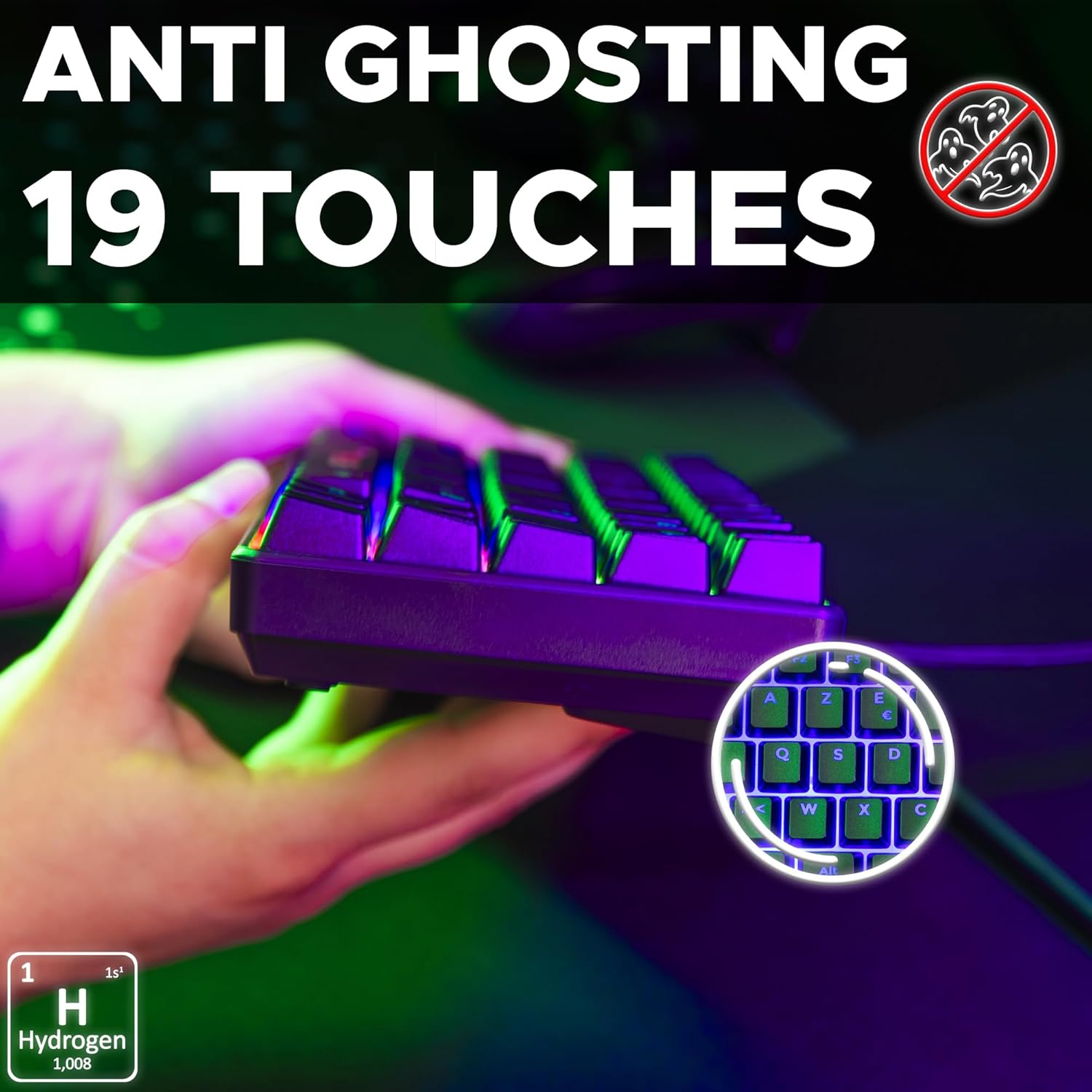
Image: A hand interacting with the Keyz Hydrogen keyboard, illustrating the anti-ghosting feature for 19 simultaneous key presses.
4. Shortcut Keys
The keyboard includes various shortcut keys for efficient use without the need for customization software. Refer to the keycaps for specific functions such as media control or volume adjustment.
Maintenance
1. Cleaning
- Disconnect the keyboard from your device before cleaning.
- Use a soft, dry cloth to wipe the surface of the keyboard.
- For dust and debris between keys, use compressed air.
- Avoid using harsh chemicals, abrasive cleaners, or excessive moisture, as these can damage the keyboard.
2. Storage
Store the keyboard in a cool, dry place away from direct sunlight and extreme temperatures when not in use for extended periods.
Troubleshooting
- Keyboard Not Responding:
- Ensure the USB cable is securely plugged into both the keyboard and the device.
- Try plugging the keyboard into a different USB port.
- Restart your computer or gaming console.
- Test the keyboard on another device to rule out a system-specific issue.
- Backlight Not Working:
- Verify the keyboard is properly connected and receiving power.
- Check if there are any dedicated backlight control keys (e.g., Fn + specific key) on the keyboard, though the Keyz Hydrogen features a fixed backlight.
- Keys Not Registering or Ghosting Issues:
- Ensure no debris is lodged under the keycaps.
- While the keyboard has anti-ghosting for 19 keys, ensure you are not attempting to press an excessive number of keys simultaneously beyond its capability.
Specifications
| Brand | THE G-LAB |
| Model Number | KEYZ-HYDROGEN/FR |
| Keyboard Type | 60% Semi-Mechanical Gaming Keyboard |
| Connectivity | Wired USB |
| Dimensions (L x W x H) | 31.6 x 10.4 x 4 cm (12.44 x 4.09 x 1.57 inches) |
| Weight | 433 g (0.95 lbs) |
| Keystroke Lifespan | 12 million keystrokes per key |
| Anti-Ghosting | 19 keys simultaneous press |
| Backlight | Fixed Multi-Color (Rainbow) |
| Cable Type | Reinforced Braided Cable |
| Compatibility | PC, PS4, PS5, Xbox One, Xbox Series X, Windows, macOS, Linux, iOS |
Warranty and Support
The THE G-LAB Keyz Hydrogen keyboard comes with a 2-year warranty from the date of purchase. This warranty covers manufacturing defects and ensures the quality of your product.
For any questions, technical assistance, or warranty claims, please contact THE G-LAB customer service. Our support team is committed to responding to your inquiries within 24 hours to provide prompt assistance.
Please retain your proof of purchase for warranty validation.
Official Product Videos
No official product videos from the seller were found for this product at this time.


