Product Overview
The JECOD (JEBAO) DCT series of water pumps, including the DCT-4000 model, are designed for marine and freshwater applications. These pumps feature a high-performance motor with innovative electronics, offering significant energy savings compared to previous models. The DCT series incorporates a new 10-speed controller for precise flow adjustment.
Key features include IC electronic detection for automatic power-off protection when no water is sensed, and motor protection in case the rotor is blocked. The pumps are engineered for super quiet operation and contain no copper components, ensuring safety for aquatic environments. A wear-resistant ceramic shaft contributes to a longer operational life.
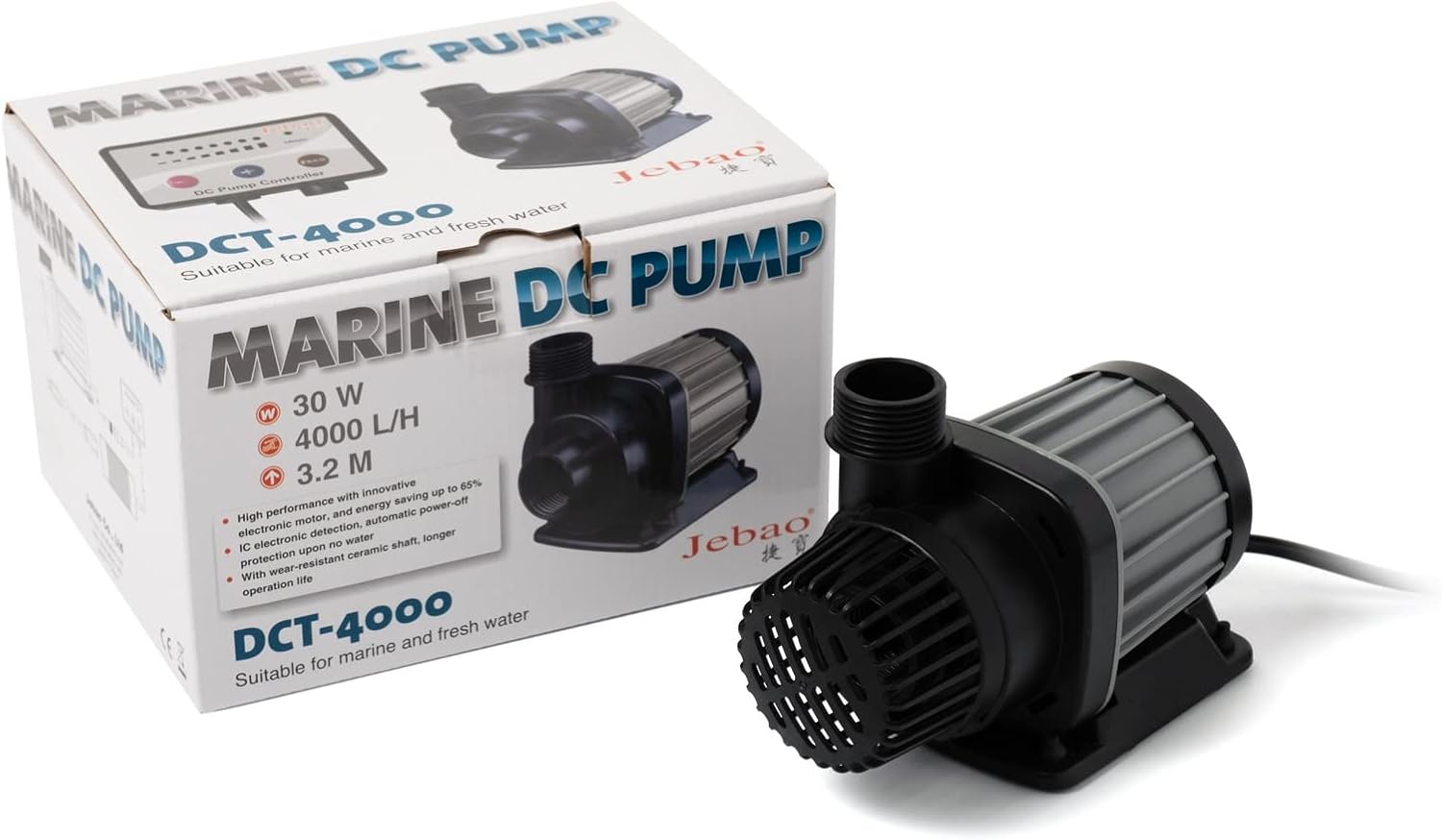
Figure 1: The Jebao DCT-4000 Marine DC Pump shown with its product packaging.
What's Included
The Jebao DCT-4000 water pump package typically includes the following components:
- Water Pump Unit
- DC Pump Controller
- Power Adapter
- Various fittings and O-rings for installation

Figure 2: All included components of the Jebao DCT-4000 water pump, including the pump, controller, power adapter, and various fittings.
Specifications
| Attribute | Value |
|---|---|
| Model | DCT-4000 |
| Power | 30-watt |
| Max Flow | 1056 GPH (Gallons Per Hour) |
| Max Head | 9.8 ft |
| Voltage | 120 Volts |
| Material | Stainless Steel (internal components) |
| Style | Submersible |
| Item Weight | 4.13 pounds |
| Dimensions (Package) | 9.17 x 7.8 x 6.22 inches |

Figure 3: Rear view of the pump unit, displaying the product label with model and electrical specifications.
Setup and Installation
The Jebao DCT-4000 is a submersible pump designed for use within water. Follow these general steps for installation:
- Placement: Position the pump securely at the desired location within your aquarium or pond. Ensure it is fully submerged during operation.
- Connections: Attach appropriate tubing or plumbing to the pump's outlet. Use the provided fittings and O-rings to ensure a watertight seal.
- Controller Connection: Connect the pump's cable to the DC Pump Controller. Ensure the connection is firm and secure.
- Power Connection: Connect the power adapter to the DC Pump Controller, and then plug the power adapter into a grounded electrical outlet. Ensure your hands are dry before handling electrical connections.
Important: Always ensure the pump is fully submerged before powering it on to prevent damage from dry running. The pump is designed with IC electronic detection for automatic power-off protection if no water is sensed, but proper initial submersion is crucial.
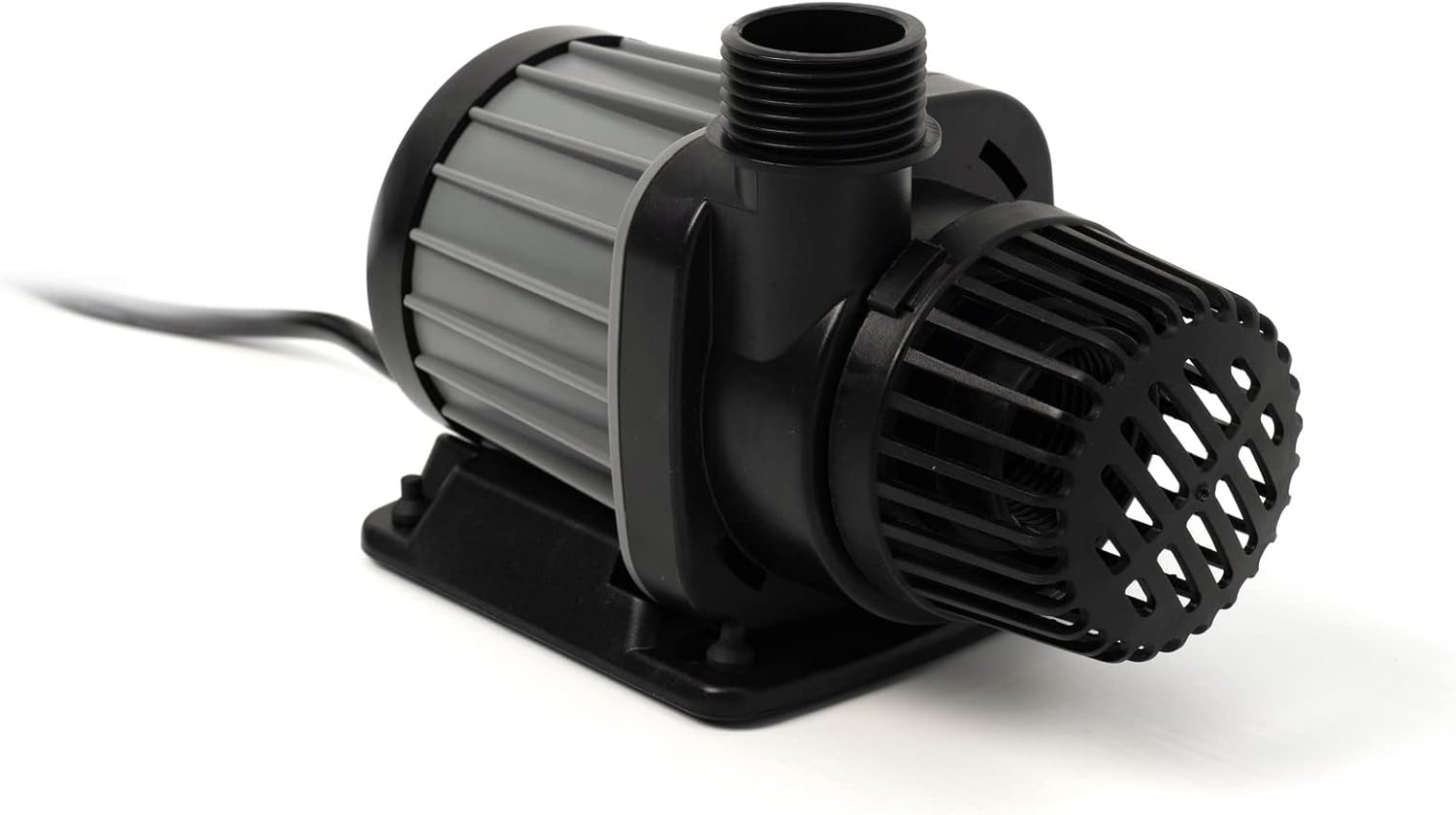
Figure 4: Side view of the pump unit, illustrating its compact design suitable for submersible installation.
Operating Instructions
The Jebao DCT-4000 pump is controlled via its external 10-speed controller, allowing for precise adjustment of water flow.
- Power On/Off: Use the power button on the controller to turn the pump on or off.
- Speed Adjustment: Utilize the speed control buttons on the controller to select one of the 10 available speed modes. This adjusts the flow rate of the pump.
- Memory Function: The controller features a memory function that recalls the last set speed mode after a power supply interruption, ensuring consistent operation.
- Safety Features: The pump is equipped with IC electronic detection for automatic power-off if no water is detected, protecting the pump from dry running. It also includes motor protection if the rotor becomes blocked.

Figure 5: Another perspective of the pump unit, highlighting its robust construction.
Maintenance
Regular maintenance ensures optimal performance and extends the lifespan of your Jebao DCT-4000 pump.
- Cleaning: Periodically remove the pump from the water and clean any debris or buildup from the intake screen and impeller chamber. This prevents blockages and maintains flow efficiency.
- Impeller Inspection: Inspect the impeller for any signs of wear or damage. The pump utilizes a wear-resistant ceramic shaft, which contributes to its durability.
- Cable and Connections: Check all cables and connections for signs of wear, fraying, or corrosion. Ensure they are securely connected.
Note: Always disconnect the pump from the power source before performing any maintenance or cleaning.
Troubleshooting
If you encounter issues with your Jebao DCT-4000 pump, refer to the following common troubleshooting steps:
- Pump Not Running:
- Check if the power adapter is securely plugged into a working outlet and the controller.
- Ensure the pump is fully submerged in water. The IC electronic detection will shut off the pump if no water is sensed.
- Verify that the controller is powered on and set to an active speed mode.
- Low Flow Rate:
- Check for blockages in the intake screen or impeller chamber. Clean as necessary.
- Ensure the tubing or plumbing connected to the pump is not kinked or obstructed.
- Increase the pump speed using the 10-speed controller.
- Unusual Noise:
- Inspect the impeller for any foreign objects or damage.
- Ensure the pump is securely placed and not vibrating against any surfaces.
- The pump features motor protection if the rotor is blocked, which may cause unusual sounds before shutting down.
If problems persist after following these steps, contact customer support for further assistance.
Safety Information
Adhere to the following safety guidelines when using the Jebao DCT-4000 water pump:
- Always disconnect power before handling, installing, or performing maintenance on the pump.
- Ensure the pump is fully submerged in water during operation. Dry running can cause damage.
- Do not operate the pump if the power cord or plug is damaged.
- This pump is designed for marine and freshwater applications and contains no copper components, making it safe for sensitive aquatic environments.
- Keep out of reach of children.
Warranty and Support
For information regarding product warranty, returns, or technical support, please refer to the documentation provided with your purchase or contact Jebao customer service directly. Keep your purchase receipt as proof of purchase.
Contact Information: Please refer to the official Jebao website or your retailer's support channels for the most current contact details.


